
文生图
Grok Imagine Video Generation with Two Characters — AI 图像提示词
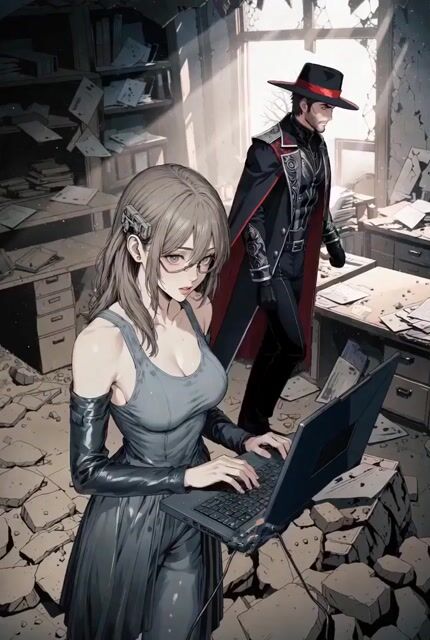
This tweet describes a process for generating a 30-second video using Grok Imagine, involving two characters. The process requires creating the characters first and then animating them using both characters as image references. - AIPinMaker
提示词
30 seconds of Grok Imagine with two characters:
1- Create your characters
2- Animate them, using both characters as image references
参考图片

如何使用这个 AI 图像提示词模板
 1
1复制提示词 —— 取走该模板的提示词与反向提示词。  2
2选择模型 —— 选一个推荐的 AI 模型以获得最佳匹配。  3
3生成 —— 一键打开工作台并生成你的作品。
相关模板

Image-to-Video facial preservation prompt
Image-to-Video: Use EXACTLY the same face from the reference image without modifying absolutely anything: same eyes, eyebrows, nose, lips, expression, hair, makeup, and facial proportions 100%. Under no circumstances change any part of the face, hair...

Woman Opening Eyes and Smiling Video Prompt
she opens her eyes, smiles, says softly mystical voice: good morning, "X". May your wonder, guide the day.

Multi-Cut 3D Title Animation
Create a creative video of Multi Cut 3d Title Animation. Style: photorealistic. Composition: balanced and well-framed. Lighting: natural with cinematic mood. Category: cinematic-video. Reference: multi-cut-3d-title-animation-3578.
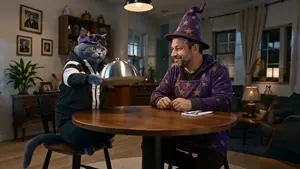
Step 2: Just put your storyboard as refference ima
Create a game video of Step 2 Just Put Your Storyboard As Refference Ima. Style: photorealistic. Composition: balanced and well-framed. Lighting: natural with cinematic mood. Category: illustration. Reference: step-2-just-put-your-storyboard-as-refference-ima-4849.
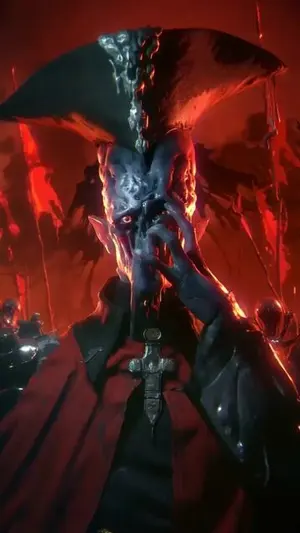
Reference Linking Syntax for Video Generation
Create a creative video of Reference Linking Syntax For Video Generation. Style: photorealistic. Composition: balanced and well-framed. Lighting: natural with cinematic mood. Category: cinematic-video. Reference: reference-linking-syntax-for-video-generation-574.

Storyboard Keyframe Video Reference
Create a game video of Storyboard Keyframe Video Reference. Style: photorealistic. Composition: balanced and well-framed. Lighting: natural with cinematic mood. Category: illustration. Reference: storyboard-keyframe-video-reference-4939.
探索更多提示词
按分类浏览更多 AI 图像和视频提示词。