AI Pin Maker
加入 Discord 社区
视频特效全部视频工具

升级到专业版

解锁更多高级功能和更快的生成速度。

立即升级

© 2026 AI Pin Maker
让创意触手可及

模板广场凭空作画照图重画凭空成片静图成片全能参考视频编辑凭空作乐生成历史图像特效格式转换全部图像工具视频特效全部视频工具新建 Pin模板广场我的徽章作品橱窗我的回忆馆宝贝相册宠物相册情侣相册成长相册AI 表情包积分订阅设置
AI 视频工具/视频增强

视频工具

AI 视频增强器

用 AI 提升视频质量,增强细节锐度、平衡色彩并去噪去模糊。完整版上线前可先预览自动增强工作流程。
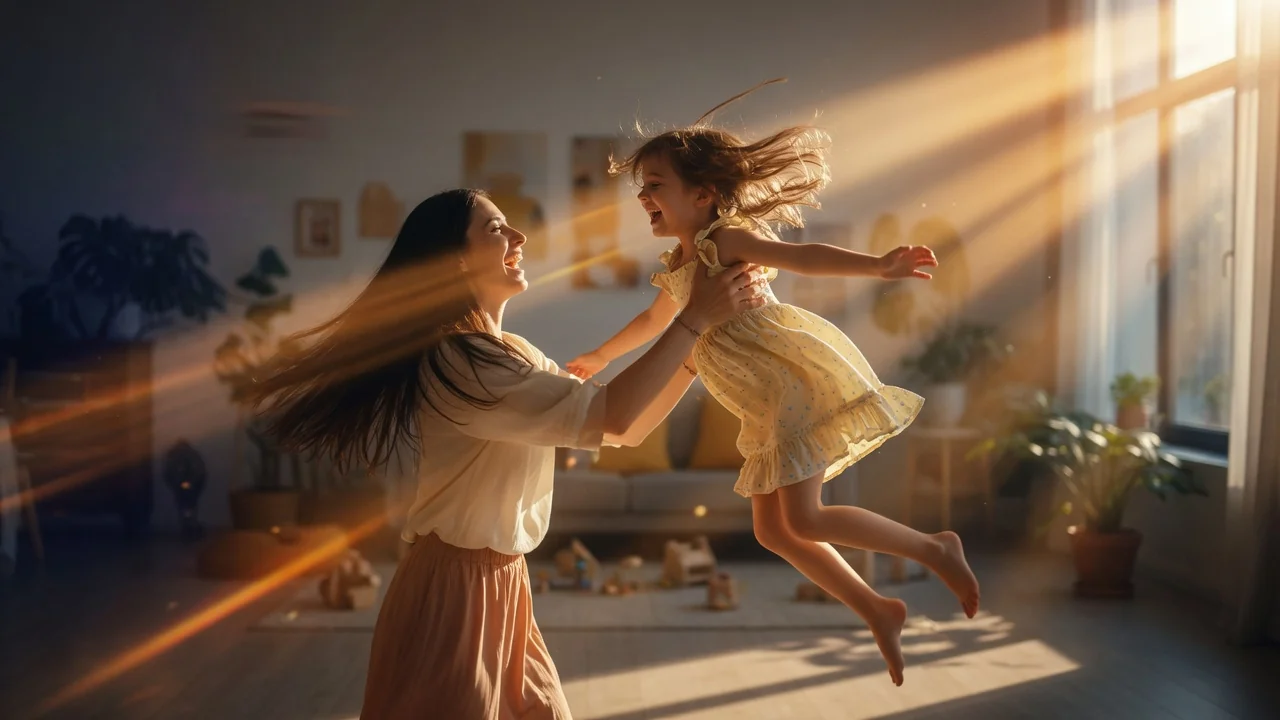
预览video

Video Enhancer

Preview automatic video enhancement for sharpness, color, denoise, and deblur.

即将推出

该工作流当前用于规划展示;模型或 API 支持可用后会开放运行。

使用方式

如何使用 视频增强

1

Upload the video to enhance

Upload a video clip up to 120 seconds. Preview the enhancement parameters — sharpness boost, denoise strength, and color correction level — in the settings panel.

2

Configure the enhancement pass

The workflow routes to Runway or Topaz Video AI for frame-level enhancement. Because this is a preview workflow, enhancement applies to a sample segment so you can verify the result before committing.

3

Submit your enhancement order

Submit the job. Full video processing completes once the dedicated restoration endpoint becomes generally available. You will be notified when the full tool launches.

为什么使用

为什么使用 AI Pin Maker 视频工具

按工作流组织

每个页面都把一个用户任务映射到所需视频输入和模型族。

模型匹配

当前没有线上端点支持该精确视频工作流,因此生成暂未启用。

预览路线图

预览工具会在正式上线前展示后续视频工作流。

路线衔接

相关视频工具帮助从特效继续到编辑、音乐和生产流程。

常见问题

视频工具常见问题

Is the AI video enhancer available now?
The enhancement workflow is in preview mode — the UI and settings are live, and you can queue your video now. Full automated processing launches when the dedicated video restoration endpoint (Runway / Topaz Video AI) is connected.
What types of video quality issues can the enhancer fix?
The planned enhancement covers four categories: sharpness and detail recovery, temporal denoise for grainy footage, color correction for under/overexposed clips, and deblur for motion-blurred frames.
What is the video length limit for enhancement?
The tool processes videos up to 120 seconds. Longer content can be split, enhanced per segment, and recombined in a standard video editor.
How is AI video enhancement different from traditional sharpening?
Traditional sharpening amplifies edge contrast but also amplifies noise. AI enhancement uses a video-trained model that reconstructs fine detail by inferring scene texture and motion continuity — producing sharper edges and more accurate color without introducing artifacts.

相关工具

继续探索视频工具

Original AI-generated cover art for the video upscaler tool, cinematic horizontal scene
Videovideo
创作工具即将推出

AI 视频放大器

用 AI 把视频提升到清晰的 1080P、2K 与 4K,提高分辨率并恢复老旧或低质量素材的细节。现可先预览工作流程。
upscaler4kpreview
视频打开工具
Original AI-generated cover art for the video watermark remover tool, cinematic horizontal scene
Videovideo
创作工具即将推出

视频水印去除器

用智能 AI 修复去除视频中的水印与 Logo,自然重建背景。运行能力上线前可先预览整个工作流程。
watermarkvideo-cleanuppreview
视频打开工具
Original AI-generated cover art for the ai video editor tool, cinematic horizontal scene
Video Editvideo
创作工具可用

AI 视频编辑器

用 AI 配合提示词与参考图编辑短视频,通过经过验证的视频编辑通道重塑、调整与优化片段,无需时间轴操作。

video-editorvideo-editreference-images
视频和参考图打开工具