
AI Pin Maker
加入 Discord 社区
视频特效全部视频工具

升级到专业版

解锁更多高级功能和更快的生成速度。

立即升级

© 2026 AI Pin Maker
让创意触手可及

模板广场凭空作画照图重画凭空成片静图成片全能参考视频编辑凭空作乐生成历史图像特效格式转换全部图像工具视频特效全部视频工具新建 Pin模板广场我的徽章作品橱窗我的回忆馆宝贝相册宠物相册情侣相册成长相册AI 表情包积分订阅设置
AI 视频工具/视频编辑

视频工具

AI 视频编辑器

用 AI 配合提示词与参考图编辑短视频,通过经过验证的视频编辑通道重塑、调整与优化片段,无需时间轴操作。

预览video

Video Editor

Edit short videos with prompts, reference images, and the verified video edit route.

上传参考

PNG、JPG、WebP,最大 10MB

上传视频

MP4、MOV、WebM,最大 100MB

使用方式

如何使用 视频编辑

1

Upload video and reference images

Upload your source video (up to 15 seconds). Attach reference images to anchor the edit — a target outfit, background scene, or subject face that the model should inject or preserve.

2

Write an edit instruction prompt

Describe the change you want — "add snow falling from the sky," "replace the background with a wooden studio set, keep the subject," or "remove the clock on the wall and fill naturally." Specify what stays and what changes.

3

Generate and review

Submit the edit job. HappyHorse 1.0 Video Edit or Runway applies changes frame by frame while maintaining temporal continuity. Review in history and iterate with a refined prompt if needed.

为什么使用

为什么使用 AI Pin Maker 视频工具

按工作流组织

每个页面都把一个用户任务映射到所需视频输入和模型族。

模型匹配

使用当前线上模型列表中已验证的视频编辑端点。

可运行工具

可用工具会连接到 AI Pin Maker 视频生成工作台。

路线衔接

相关视频工具帮助从特效继续到编辑、音乐和生产流程。

常见问题

视频工具常见问题

Why is the video length limited to 15 seconds for the editor?
Short clips are processed frame-by-frame with a global temporal consistency pass. Reference-guided editing is scoped to 15 seconds for quality and turnaround reasons. Longer clips (up to 120 seconds) are handled by the video-to-video style transfer generator.
What are reference images used for in the video editor?
Reference images tell the model what to inject or preserve — attach a target outfit, a background scene, or a subject face. The edit model blends the reference style or identity into the video while keeping the original motion and timing intact.
Can I use the video editor to remove objects from a clip?
Yes — include removal intent in the prompt, such as "remove the clock on the wall and fill naturally with the background." Results depend on the complexity of the object; cluttered or fine-detail removals benefit from a more specific prompt.
How does the video editor differ from the video-to-video generator?
The video editor uses reference images as anchors and supports surgical, prompt-guided operations on short clips (under 15 seconds). The video-to-video generator applies global style transfer to longer clips (up to 120 seconds) without reference pinning.

相关工具

继续探索视频工具

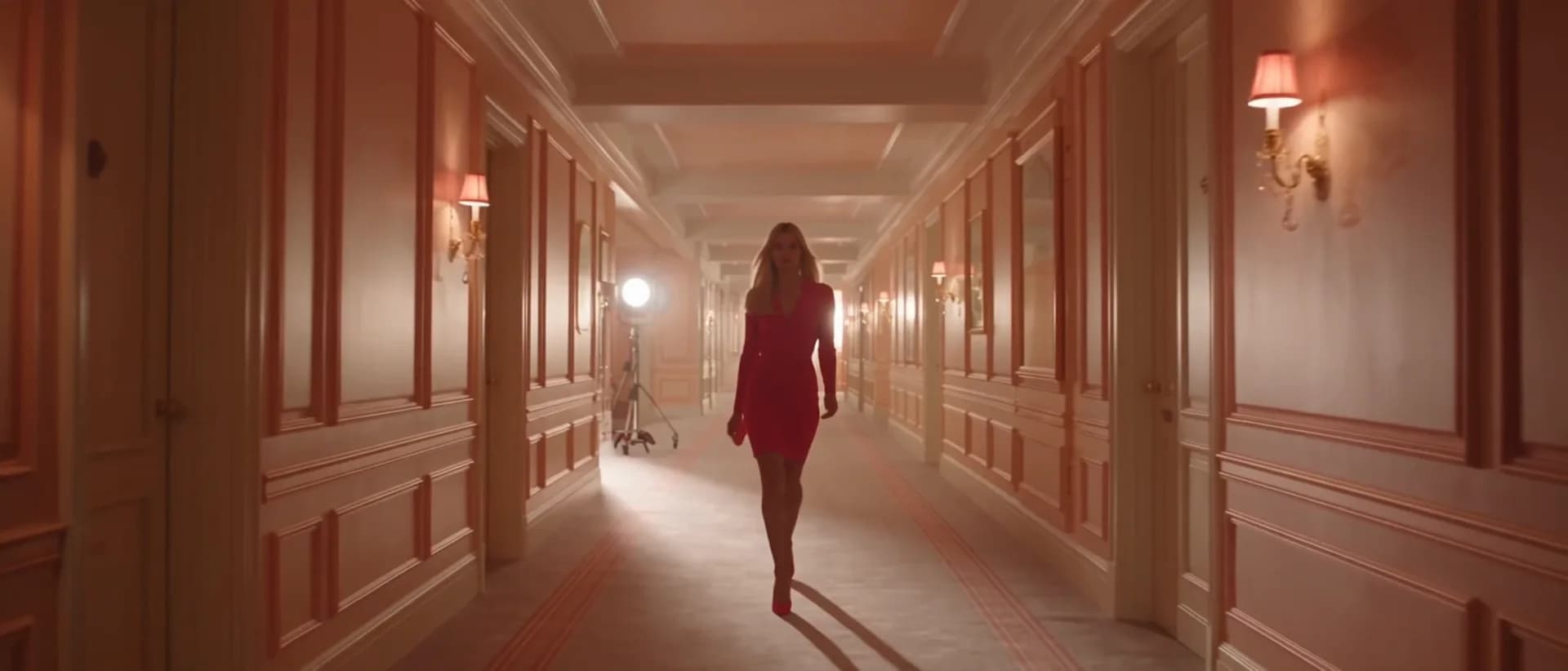
Original AI-generated cover art for the video to video generator tool, cinematic horizontal scene
Video Editvideo
创作工具可用

AI 视频转视频生成器

用 AI 转换并重塑上传的视频,通过经过验证的编辑接口套用全新视觉风格,同时保持核心动作与场景连贯。

video-editstyle-transfervideo-to-video
视频打开工具
Original AI-generated cover art for the video background changer tool, cinematic horizontal scene
Video Editvideo
创作工具可用

AI 视频背景替换器

用基于提示词的 AI 编辑替换视频背景,无需绿幕或手动抠像,即可把主体身后的场景换成干净专业的画面。

backgroundvideo-editprompt-edit
视频打开工具
Original AI-generated cover art for the ai video extender tool, cinematic horizontal scene
Video Editvideo
创作工具可用

AI 视频延长器

用 AI 配合提示词延长视频时长,通过经过验证的编辑接口无缝续接片段,无需重拍即可增加时长。

video-extendervideo-editcontinuation
视频打开工具