
Text to Image
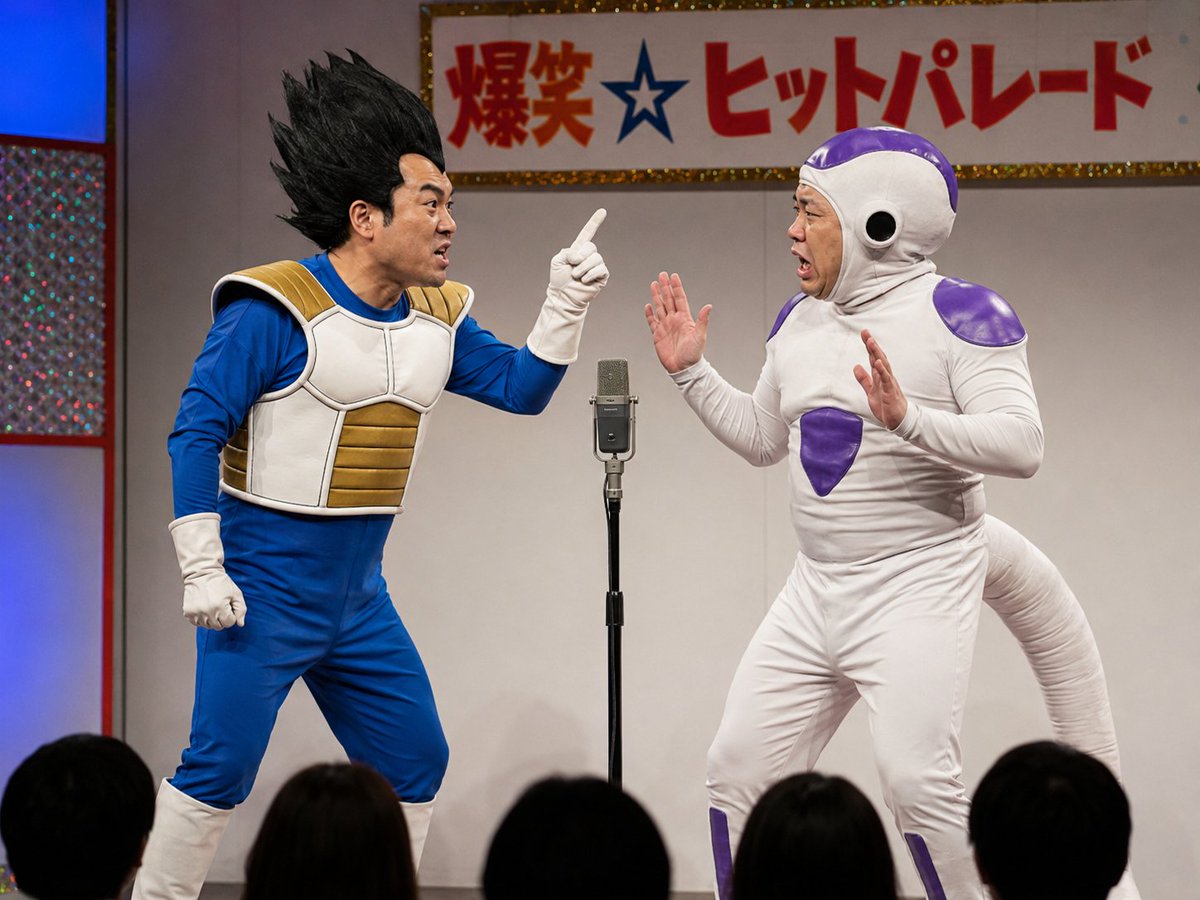
Vegeta and Frieza Cosplay Comedy — AI Image Prompt
A funny prompt generating a sequence of images featuring middle-aged men cosplaying as Vegeta and Frieza in a comedic skit setup. - AIPinMaker
Prompt
Create a creative image of Vegeta And Frieza Cosplay Comedy. Style: photorealistic. Composition: balanced and well-framed. Lighting: natural with cinematic mood. Category: photography. Reference: vegeta-and-frieza-cosplay-comedy-21708.
Prompt breakdown
- Subject
- Vegeta and Frieza cosplay comedy with recognizable armor, tails, and rival poses
- Style
- photorealistic
- Lighting
- natural with cinematic mood
- Composition
- balanced and well-framed
- Mood
- cinematic
Remix ideas
- Swap the comedy beat to Vegeta and Frieza awkwardly sharing a single convention badge
- Add a third cosplayer as Goku walking into the frame with popcorn
- Shift the setting to a parking lot so the natural light hits their shiny armor at golden hour
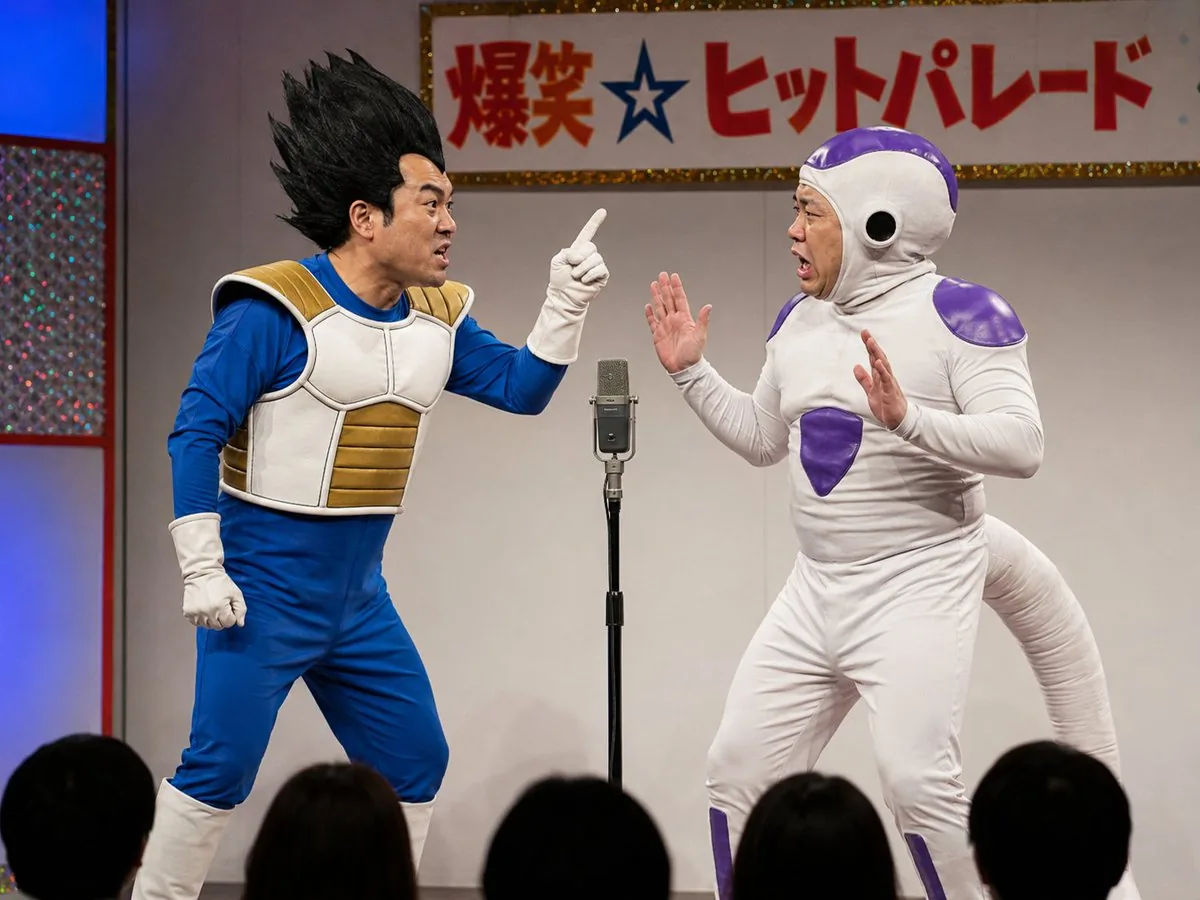
Reference images
How to use this AI Image prompt template
 1
1Copy the prompt — grab this template’s prompt and negative prompt.  2
2Pick a model — choose a recommended AI model for the best match.  3
3Generate — open the studio with one click and create your result.
Related templates

Tech CEO Writing on Whiteboard
Create a creative image of Tech Ceo Writing On Whiteboard. Style: photorealistic. Composition: balanced and well-framed. Lighting: natural with cinematic mood. Category: photography. Reference: tech-ceo-writing-on-whiteboard-13659.

Luxury Menswear Fashion Collage
Goal: Create a high-end luxury menswear fashion campaign collage featuring the same Aurelian Vanguard (character name) male model repeated across exactly 12 oversized, irregular geometric photo panels, like a contemporary art gallery wall or global fashion magazine spread. The model should look like a handsome Hollywood-inspired man with slicked-back brown hair, a perfectly groomed beard, confident posture, and consistent facial identity in every panel. Canvas: Square 1:1 composition, full-bleed collage, sharp editorial photography, cinematic studio lighting, premium magazine quality. Separate all panels with thick off-white borders forming angled trapezoids, pentagons, and tall vertical fragments. No empty space outside the collage. Layout and panel count: Use exactly 12 distinct fashion panels. 1) Far left large close-up portrait on deep emerald green background, model in a green shirt, hand near chin, cropped dramatically. 2) Center-left tall full-body panel on gray background, model standing front-facing in a charcoal tailored suit with hands in pockets. 3) Upper-center purple panel with model in a glossy deep purple velvet jacket, include elegant white serif brand text reading AURELIAN PARIS (brand text). 4) Upper-right purple panel, top-down or high-angle view of the model wearing the purple jacket and black trousers. 5) Mid-right dark charcoal panel, model turned away in a black formal jacket, looking over shoulder. 6) Center orange panel, full-body side walking pose in a long camel-orange overcoat, black trousers, and brown dress shoes. 7) Lower-right burgundy panel, seated model in a dark suit on a rectangular platform, one leg extended, fashion editorial pose. 8) Lower-left cream panel, full-body casual look in an off-white zip hoodie, matching joggers, and white sneakers. 9) Bottom-left beige/gold panel, seated model in a gray suit adjusting cuff or wristwatch. 10) Bottom-center emerald panel, model standing with arms crossed in a green jacket or shirt, black trousers. 11) Bottom-center-right teal panel, model in a black leather jacket facing forward, include small white serif text reading VANGUARD ICONIC COUTURE (secondary brand text). 12) Bottom-right blue panel, model in a black leather jacket shown in side/back three-quarter pose. Visual style: Ultra-realistic luxury editorial photography, sophisticated textures including velvet, wool suiting, leather, knitwear, and overcoat fabric. Use rich color-block studio backgrounds: emerald green, gray, purple, orange, black, burgundy, cream, beige, teal, and cobalt blue. Lighting should feel expensive and cinematic, with controlled shadows, crisp tailoring, and glossy magazine retouching. Subject details: The same male model appears in every panel with slicked-back medium brown hair (hair color), groomed beard, athletic build, Hollywood charisma, elegant masculine styling, and confident poses. Outfits should include exactly these 8 visible fashion categories across the 12 panels: green shirt close-up, charcoal suit, purple velvet jacket, black formal jacket, camel overcoat, off-white athleisure set, gray suit, and black leather jacket. Constraints: Keep the collage clean and premium, with no extra logos beyond the two specified brand text areas, no captions, no watermark, no duplicated random faces, no cartoon style, and no low-fashion streetwear aesthetic.

High-Fashion Sportswear Catalog Prompt
Create a fashion image of High Fashion Sportswear Catalog Prompt. Style: photorealistic. Composition: balanced and well-framed. Lighting: natural with cinematic mood. Category: photography. Reference: high-fashion-sportswear-catalog-prompt-11194.

High-End Fashion Lookbook Collage
Create a fashion image of High End Fashion Lookbook Collage. Style: photorealistic. Composition: balanced and well-framed. Lighting: natural with cinematic mood. Category: photography. Reference: high-end-fashion-lookbook-collage-23597.

Warrior Fashion Fusion Designer
2x2 grid, 16:9, do this for 4 famous warriors (subject): <instruction> Input A is the subject photo. You are a god-tier fashion designer, costume director, textile artist, and editorial photographer. Phase 1: Wardrobe Fusion Randomly select TWO Fashion Archetypes and TWO Textile Systems. Blend them into a coherent wearable identity. Fashion Archetypes: [Avant-Garde Runway Couture, Nomadic Desert Robe, Cybernetic Streetwear, Victorian Mourning Dress, Samurai Armor Silhouette, 1970s Disco Glamour, Arctic Expedition Gear, Renaissance Court Attire, Punk Deconstruction, Monastic Minimalism, Space-Age Mod Fashion, Baroque Opera Costume, Techwear Utility Suit, Ballet Rehearsal Layers, Royal Ceremonial Regalia] Textile Systems: [Quilted Panel Construction, Laser-Cut Mesh, Hand-Embroidered Appliqué, Reflective Foil Laminate, Heavy Wool Draping, Transparent Organza Layers, Ribbed Knit Compression, Modular Buckle Harness, Beaded Fringe Motion, Pleated Architectural Folds, Weatherproof Sealed Seams, Chainmail Textile, Printed Silk Illustration, Inflated Puffer Volumes, Raw Frayed Edges] Phase 2: Visual Rendering Generate a 2:1 horizontal asset sheet. LEFT HALF: Transform the subject’s clothing, accessories, and styling using the generated fashion identity. Preserve exact body pose, face angle, silhouette boundaries, background layout, and camera framing. RIGHT HALF: Create a dark fashion-spec panel with clean white text. Phase 3: Text Content Render this text on the right panel: "Look Name: [Generate a name from the 4 selected elements] <instruction> Input A is the source photo. Goal: Restyle the subject into '[Look Name]'. Rules: Pose Fidelity: Preserve exact body pose, silhouette, camera angle, and facial direction. Fashion Fusion: Combine [Fashion Archetype 1] with [Fashion Archetype 2]. Textile System: Construct garments using [Textile System 1] and [Textile System 2]. Details: Include seams, closures, textile weight, movement, accessories, and styling logic. Lighting: Editorial fashion lighting suited to the materials. Rendering: Photorealistic high-fashion campaign image. Output: ONE image, high-fidelity wardrobe transformation. </instruction>" </instruction>38:

Wall Street Journal newsroom scene
Create a cinematic image of Wall Street Journal Newsroom Scene. Style: photorealistic. Composition: balanced and well-framed. Lighting: natural with cinematic mood. Category: cinematic-video. Reference: wall-street-journal-newsroom-scene-3493.
Explore more prompts
Browse more AI image and video prompts by category.
FAQ
- How do you make Vegeta and Frieza cosplay read as comedy in a still photo?
- The humor comes from their ultra-serious anime stances clashing with everyday details like lanyards or sneakers visible under the armor.
- Does the natural lighting change how the costumes look compared to studio shots?
- Yes, real sunlight catches the reflective surfaces of Frieza's armor and Vegeta's spiky hair in ways that make the cosplay feel more tangible and less staged.