
Text to Image
Split-Style Portrait: Photo vs. Digital Illustration — AI Image Prompt
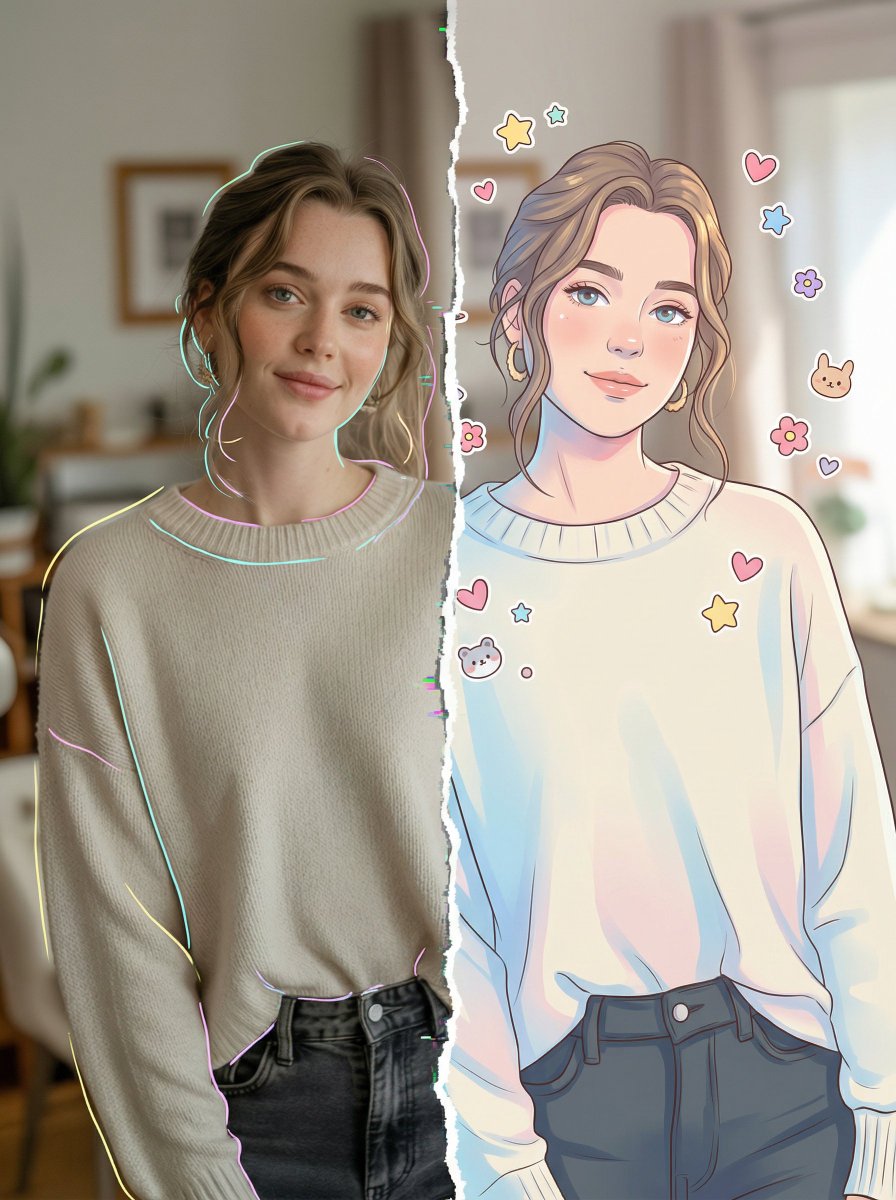
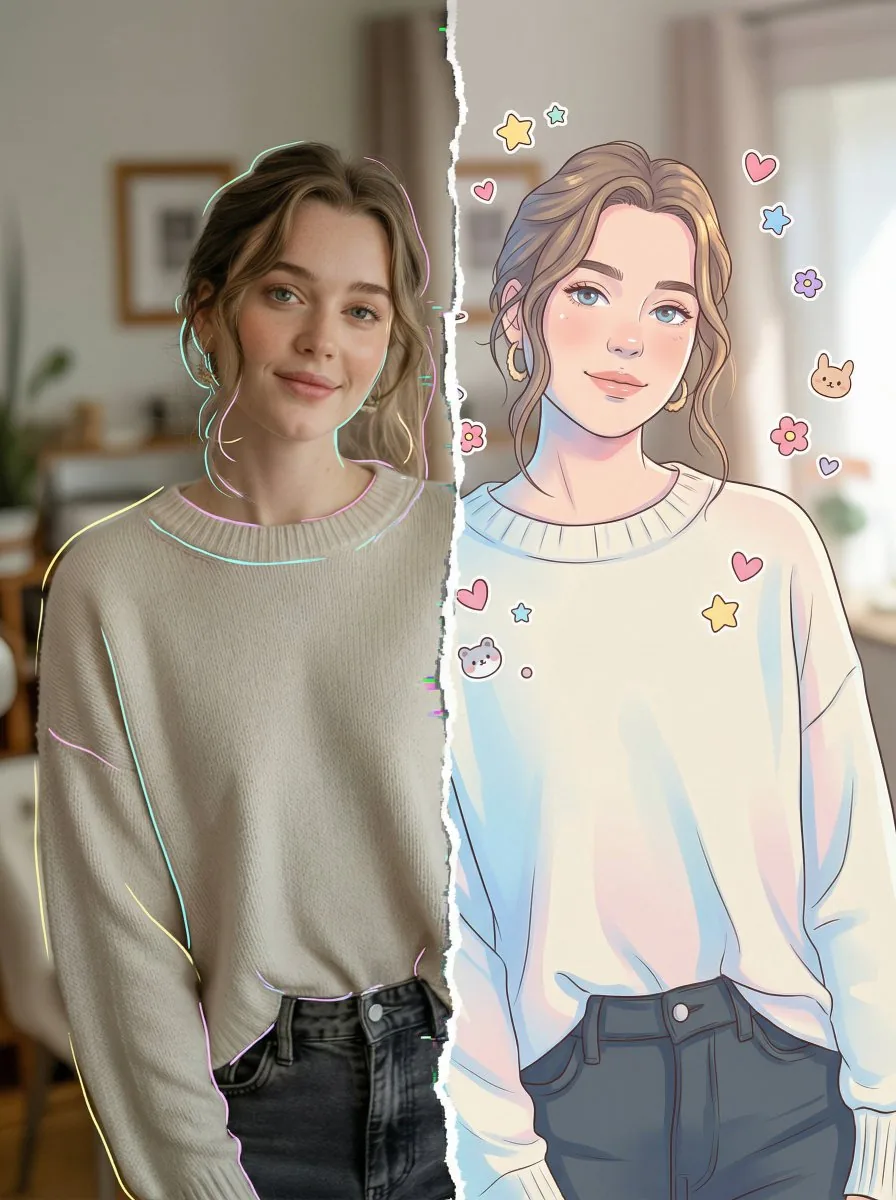
A prompt to create an ultra-detailed, 8K split-style portrait where the subject is vertically divided into two contrasting halves: one side a realistic photo with neon outlines, and the other a clean digital illustration (chibi or semi-realistic style) with decorative stickers, while maintaining an identical background across both halves. - AIPinMaker
Prompt
Create a portrait image of Split Style Portrait Photo Vs Digital Illustration. Style: photorealistic. Composition: balanced and well-framed. Lighting: natural with cinematic mood. Category: portrait. Reference: split-style-portrait-photo-vs-digital-illustration-13204.
Prompt breakdown
- Subject
- Split portrait contrasting photorealistic photo half against digital illustration half of the same person
- Style
- Photorealistic on one side with digital illustration on the other
- Lighting
- Natural lighting carrying a cinematic mood across the split
- Composition
- Balanced and well-framed with centered vertical division
- Mood
- Cinematic mood unifying both halves
Remix ideas
- Rotate the split from vertical to horizontal to change how facial features transition between styles
- Increase line weight and hatching on the illustration side only to sharpen the contrast against the photo half
- Apply a subtle cool color grade to the photo side while keeping the illustration warmer for added separation
Reference images
How to use this AI Image prompt template
 1
1Copy the prompt — grab this template’s prompt and negative prompt.  2
2Pick a model — choose a recommended AI model for the best match.  3
3Generate — open the studio with one click and create your result.
Related templates

Red Neon Geometric Portrait
Create a portrait image of Red Neon Geometric Portrait. Style: photorealistic. Composition: balanced and well-framed. Lighting: natural with cinematic mood. Category: portrait. Reference: red-neon-geometric-portrait-23790.

Rainbow Hair Censored Portrait
Create a realistic close-up portrait photo of a young person with vivid rainbow neon hair (hair color), shaggy medium-length layered hair with a dark crown and saturated bands of magenta, violet, electric blue, cyan, green, yellow, and orange glowing around the sides. The subject is framed from chest to head, facing the camera, wearing a loose black (shirt color) graphic T-shirt with distressed white punk-style artwork and the visible words “CHAOS SYSTEM CONTROL,” plus a thin silver chain necklace. Place a large opaque square privacy block directly over the entire face, centered from forehead to chin, filled with a soft muted gradient of tan, mauve, green, and blue, hiding all facial features. Use a warm indoor background with shallow depth of field, dark wood or wall panels on the left, beige curtains on the right, and a softly glowing wall lamp near the upper right. Lighting should feel cinematic and cozy, with realistic skin on the visible neck, crisp colorful hair texture, natural camera bokeh, and a modern street-fashion editorial look.38:T

Futuristic Neon Portrait Prompt
Create a portrait image of Futuristic Neon Portrait Prompt. Style: photorealistic. Composition: balanced and well-framed. Lighting: natural with cinematic mood. Category: portrait. Reference: futuristic-neon-portrait-prompt-11910.

Hyper-Stylized Dual-Tone Neon Portrait Prompt
Create a portrait image of Hyper Stylized Dual Tone Neon Portrait Prompt. Style: photorealistic. Composition: balanced and well-framed. Lighting: natural with cinematic mood. Category: portrait. Reference: hyper-stylized-dual-tone-neon-portrait-prompt-11154.
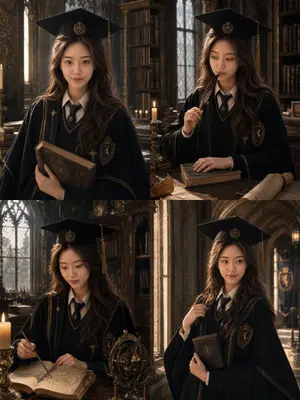
British Magic Academy Graduation Portraits
Create a portrait image of British Magic Academy Graduation Portraits. Style: photorealistic. Composition: balanced and well-framed. Lighting: natural with cinematic mood. Category: portrait. Reference: british-magic-academy-graduation-portraits-20227.
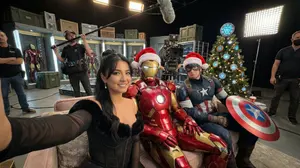
Ultra-Photoreal BTS Superhero Selfie - Nano Banana Pro AI Prompt for Social Media Post
{ "request_metadata": { "tool": "NanoBananaPro", "task_type": "ultra_photoreal_bts_selfie", "quality_preset": "ultra", "aspect_ratio": "16:9" }, "references": { "character_reference_image": { "slot": 1, "purpose": "MAIN_SUBJECT_IDENTITY_LOCK", "strict_identity_lock": true }, "support_character_A_reference": { "slot": 2, "purpose": "IRONMAN_LOOK_LOCK", "required": false }, "support_character_B_reference": { "slot": 3, "purpose": "CAP_LOOK_LOCK", "required": false }, "pose_reference_image": { "required": false, "purpose": "SAME_POSE_SAME_FRAMING" } }, "hard_constraints": [ "EXACTLY 3 subjects: main reference person + Iron Man + Captain America.", "Iron Man: red-gold armored suit silhouette, helmet on. Captain: patriotic suit silhouette, shield present (no readable emblems).", "Same couch selfie pose; NO device; flawless anatomy.", "Holiday: Santa hats (hat perched on Iron Man helmet) + a themed tree matching Avengers high-tech base aesthetic (arc-reactor-like ornaments as shapes; no text).", "BTS gear visible (boom mic, camera rig, lights, cables, crew edges)." ], "camera": { "camera_body": "ARRI_ALEXA_Mini_LF_style", "lens": "Zeiss_Supreme_Prime_24mm", "aperture": "f/2.8", "white_balance": "4300K", "notes": ["high-tech stage lighting", "HDR realism", "prepared by Ozge Doner", "for Bagel Labs"] }, "prompt": { "scene_summary": "Ultra-photoreal BTS couch selfie on a superhero ensemble film soundstage. Main reference person seated on couch taking a natural selfie; arm outstretched; NO device visible. Iron Man and Captain America close near couch between takes. Set: high-tech base corner with prop consoles (no readable text), gear crates, practical lights. Holiday: themed tree with high-tech ornaments and heroic color accents, no readable text. BTS: boom mic, camera rig, lights, cables, crew edges." }, "negative_prompt": ["missing character", "extra people", "phone", "deformed hands", "extra fingers", "text", "logo", "watermark"] }
Explore more prompts
Browse more AI image and video prompts by category.
FAQ
- Why does this prompt specify photorealistic style when the concept is a split comparison?
- The photorealistic directive anchors the left or right half in camera-like detail so the digital illustration half stands out more clearly as an artistic reinterpretation.
- How can I make the transition line less obvious in the final image?
- Add a narrow blurred strip along the split edge and match skin tones and lighting values on both sides so the eye moves smoothly between the photo and illustration.