
Text to Image
Realistic Mac Webcam Photo Edit — AI Image Prompt
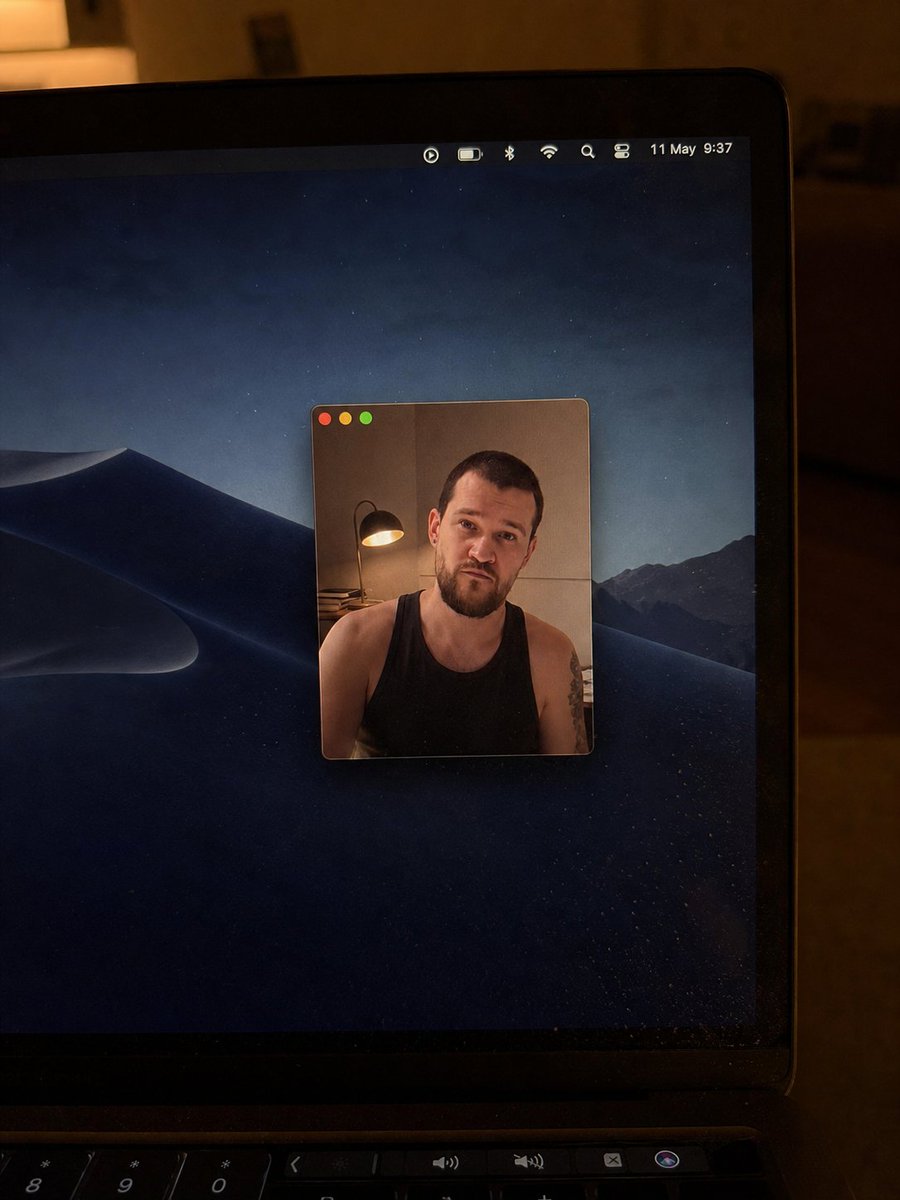
Transforms a reference laptop webcam photo into a cleaner low-light Mac desktop shot with a smaller centered webcam window and updated visual details. - AIPinMaker
Prompt
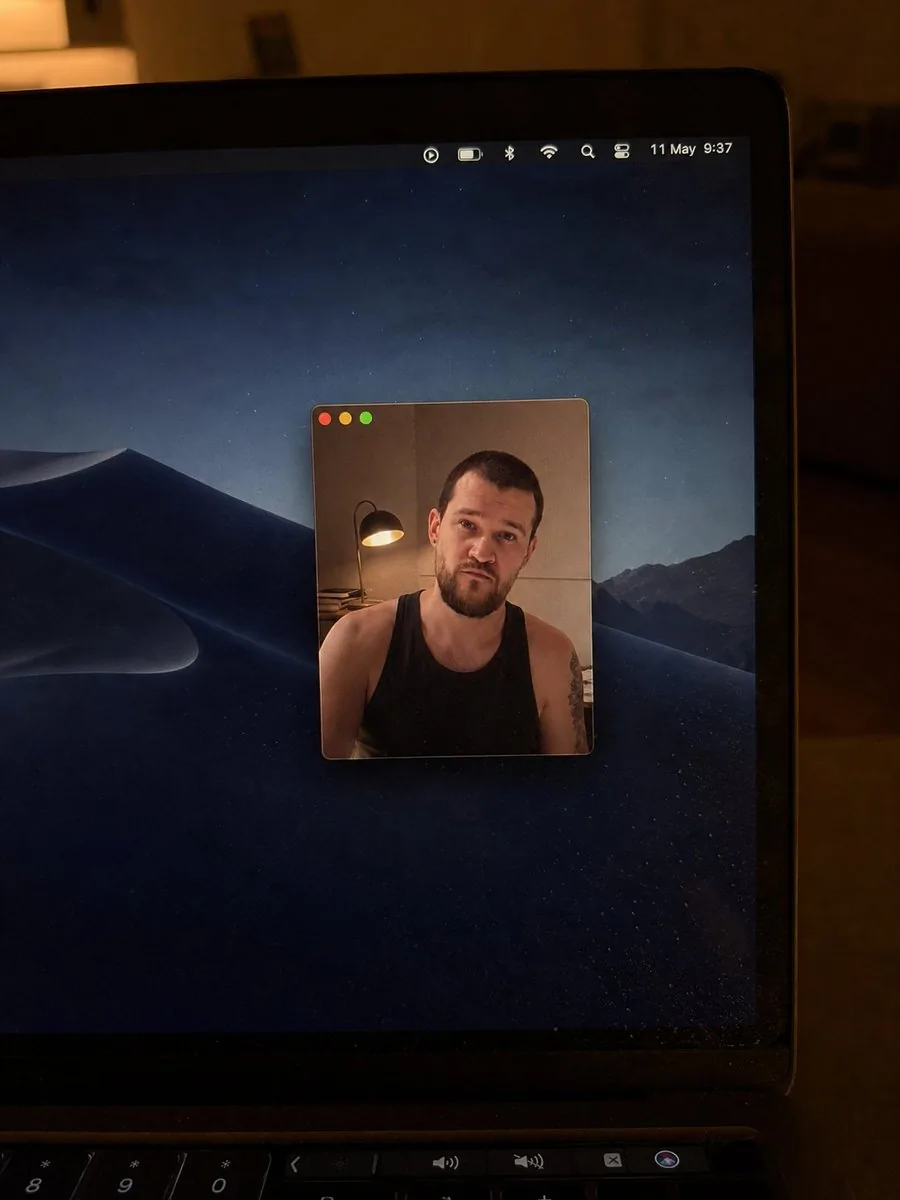
Using the provided reference image as the base, regenerate it as a cleaner, more realistic low-light phone photo of the same laptop screen. Keep the overall concept of a Mac desktop with a floating webcam window and the same anonymized square blur over the face, but change the scene as follows: crop in closer on the laptop so the right side of the screen and bezel dominate the frame, remove the bottom dock from view, and use a dark macOS desert-at-night wallpaper instead of the lake wallpaper. Make the webcam window much smaller and centered on the desktop, with only the three traffic-light buttons visible at the top left and no title text. Inside the webcam window, keep the same person as the subject but change the shirt to a {argument name="shirt style" default="black sleeveless tank top"}, show more shoulders/upper arms, and add a visible tattoo on the subject’s right upper arm. Reposition the desk lamp so it appears on the left side inside the webcam frame with warm light. Update the menu bar so it looks minimal and shows {argument name="date and time" default="11 May 9:37"}. Preserve the candid handheld camera look, warm room lighting, laptop bezel, keyboard edge at the bottom, mild screen dust/reflections, and natural photo imperfections; avoid adding extra UI windows, dock icons, or sharp studio-clean rendering.37Prompt breakdown
- Subject
- Mac laptop screen with dark desert-at-night wallpaper, small centered webcam window showing person in black sleeveless tank top with right upper arm tattoo, and desk lamp on left inside the frame
- Style
- Cleaner realistic low-light phone photo of the laptop screen with natural imperfections and mild screen dust/reflections
- Lighting
- Warm room lighting plus warm desk lamp glow from the left side inside the webcam view
- Composition
- Close crop emphasizing right side of screen and bezel, keyboard edge visible at bottom, no dock, minimal centered webcam with only traffic-light buttons
- Mood
- Candid handheld phone shot preserving laptop bezel and photo-real artifacts
Remix ideas
- swap the desert wallpaper for a different dark macOS option while keeping the same crop
- move the tattoo to the left arm or change its design
- adjust the menu bar time to 23:14 and add slight motion blur to the phone shot
Reference images
How to use this AI Image prompt template
 1
1Copy the prompt — grab this template’s prompt and negative prompt.  2
2Pick a model — choose a recommended AI model for the best match.  3
3Generate — open the studio with one click and create your result.
Related templates

Hyper-realistic smartphone flash photo prompt for AI image generation
GENERAL DESCRIPTION: Amateur photo taken with a smartphone, captured in a handheld camera flash style. A young woman poses facing the camera with a smile. The harsh flash creates bright, specular highlights on her skin and clothing, with very sharp shadows and slight grain in the dark areas of the background. SUBJECT DETAILS: Attractive young woman with platinum blonde (hair color) hair, styled loose with a wet, glossy effect under the flash. Realistic skin with visible pores, small natural imperfections, and a slight sheen from sweat or makeup. OUTFIT: Sleeveless jumpsuit with thin straps of vibrant red (outfit color) velvet, very form-fitting. The fabric shows natural wrinkles from movement and an intense satin sheen in the areas directly hit by the flash. ACCESSORIES: An iced-out Cuban link necklace that sparkles brightly in the flash, along with several thin bracelets. SETTING & COMPOSITION: Background with dark palm trees and distant hills under a deep night sky. FRAMING: Aspect ratio 4:5. Medium shot from head to calves. She looks directly at the lens, revealing the characteristic circular white reflection of the flash in her eyes. TECHNICAL QUALITY: High-end phone camera aesthetic, with slightly warm white balance, high contrast, sharp focus on the subject, and very subtle motion blur in the background to give the impression of a quick snapshot.

Full-body shot of an individual on an outdoor restaurant patio at night
Create a creative image of Full Body Shot Of An Individual On An Outdoor Restaurant Patio At Night. Style: photorealistic. Composition: balanced and well-framed. Lighting: natural with cinematic mood. Category: photography. Reference: full-body-shot-of-an-individual-on-an-outdoor-restaurant-patio-at-night-4126.

Swimsuit to bikini pose-edit prompt (reply)
Create a creative image of Swimsuit To Bikini Pose Edit Prompt Reply. Style: photorealistic. Composition: balanced and well-framed. Lighting: natural with cinematic mood. Category: photography. Reference: swimsuit-to-bikini-pose-edit-prompt-reply-454.

Vintage Dracula Book
Create a creative image of Vintage Dracula Book. Style: photorealistic. Composition: balanced and well-framed. Lighting: natural with cinematic mood. Category: photography. Reference: vintage-dracula-book-5566.

Professional Text Overlay Edit
Add the text "Sorry" in an elegant, professional white sans-serif font with a subtle dark shadow for readability, positioned at the bottom center of the image. Keep the woman's portrait, expression, lighting, and composition exactly the same
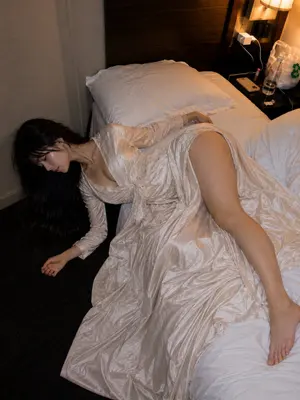
Authentic Hotel Sleep Snapshot
Create a creative image of Authentic Hotel Sleep Snapshot. Style: photorealistic. Composition: balanced and well-framed. Lighting: natural with cinematic mood. Category: photography. Reference: authentic-hotel-sleep-snapshot-23969.
Explore more prompts
Browse more AI image and video prompts by category.
FAQ
- Why is the webcam window so small with no title bar?
- The prompt specifies shrinking it and centering it with only the three traffic-light buttons to create a cleaner, more realistic floating window look.
- How does the desk lamp placement change the scene?
- Repositioning it inside the webcam frame on the left adds warm localized light on the subject and shoulders while staying consistent with the overall room lighting.