
Text to Image
Raw Object to Factory Blueprint Prompt — AI Image Prompt
A prompt designed for Gemini Nano Banana Pro to visualize precision, transforming a raw object concept into a factory-grade blueprint visualization. - AIPinMaker
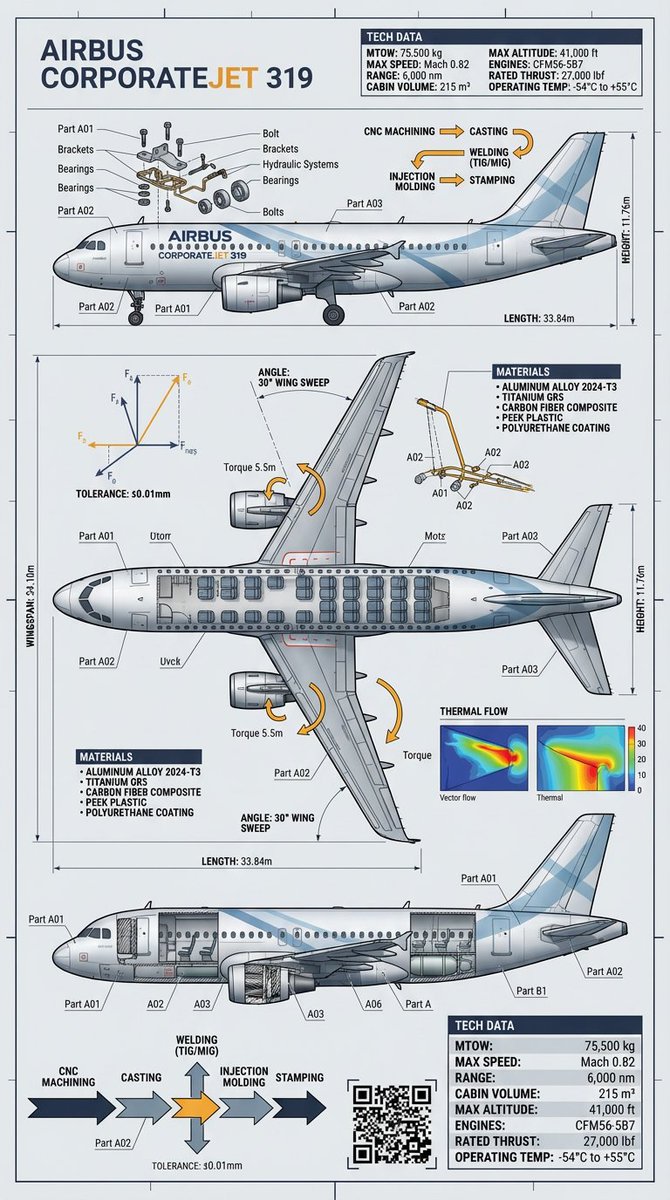
Prompt
Create a creative image of Raw Object To Factory Blueprint Prompt. Style: photorealistic. Composition: balanced and well-framed. Lighting: natural with cinematic mood. Category: photography. Reference: raw-object-to-factory-blueprint-prompt-9696.
Prompt breakdown
- Subject
- raw object transforming into factory blueprint
- Style
- photorealistic
- Lighting
- natural with cinematic mood
- Composition
- balanced and well-framed
- Mood
- cinematic
Remix ideas
- swap the raw object for a chunk of ore to stress the mining-to-blueprint pipeline
- overlay faint assembly-line schematics onto the blueprint itself
- tilt the frame slightly so the raw object casts a long shadow across the paper
Reference images
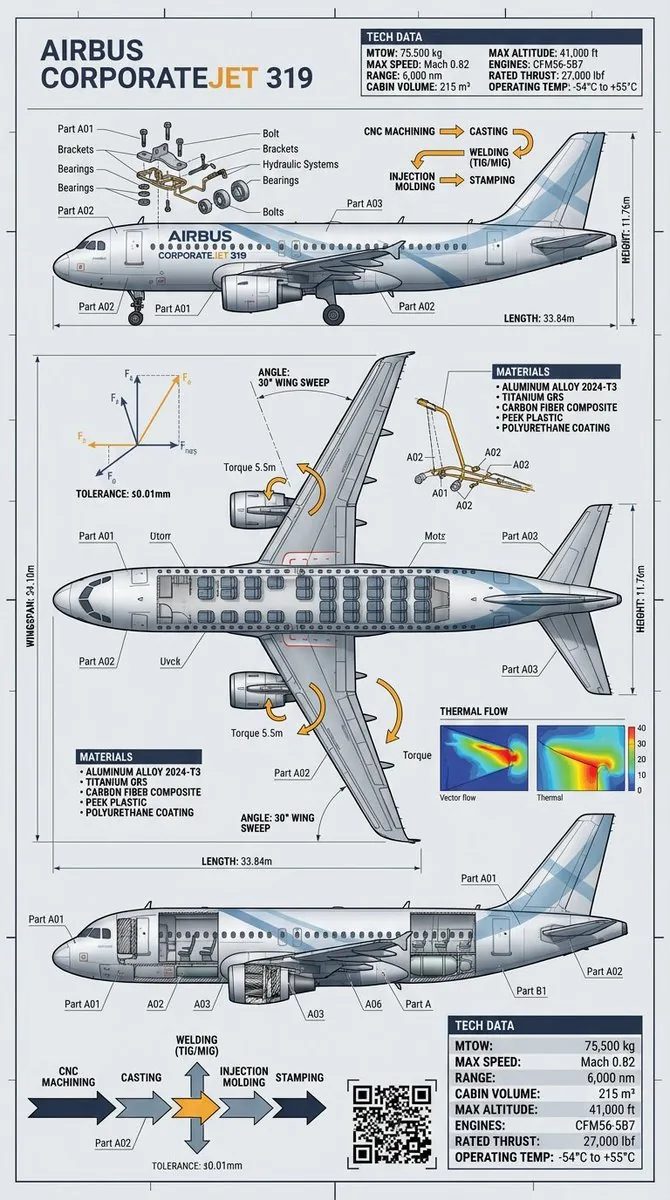
How to use this AI Image prompt template
 1
1Copy the prompt — grab this template’s prompt and negative prompt.  2
2Pick a model — choose a recommended AI model for the best match.  3
3Generate — open the studio with one click and create your result.
Related templates
Map of Morocco in 1799–1800 with plague spread
Create a creative image of Map Of Morocco In 17991800 With Plague Spread. Style: photorealistic. Composition: balanced and well-framed. Lighting: natural with cinematic mood. Category: photography. Reference: map-of-morocco-in-17991800-with-plague-spread-395.
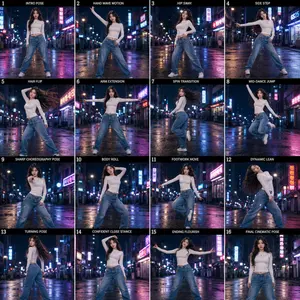
K-Pop Dance Motion Sheet
Create a high-detail 16-frame sequence sheet featuring a beautiful young Korean girl (subject) performing stylish K-pop-inspired dance choreography across all sixteen panels. The layout should look like a professional motion-study contact sheet or animation reference board, with each frame capturing a different dance pose and movement progression smoothly flowing into the next. The girl wears fashionable modern Korean streetwear (clothing): fitted blue jeans, trendy crop top, subtle layered accessories, sneakers, soft natural makeup, and long flowing dark hair with movement visible during the dance. Her expressions are confident, elegant, charismatic, and slightly cinematic. The setting is an aesthetic empty night street in Seoul (setting), glowing with neon signs, warm street lamps, reflections on wet pavement, convenience store lighting, cinematic haze, and soft bokeh. She dances alone in a quiet corner street or alleyway with the entire focus and lighting directed toward her like a music video performance stage. Background should feel atmospheric yet not distracting. Each of the 16 panels should show unique K-pop dance movements: Intro pose Hand wave motion Hip sway Side step Hair flip Arm extension Spin transition Mid-dance jump Sharp choreography pose Body roll Footwork move Dynamic lean Turning pose Confident close stance Ending flourish Final cinematic pose facing camera Style: ultra-cinematic, Korean music video aesthetic, realistic photography mixed with editorial fashion energy, dramatic rim lighting, motion blur details, glossy reflections, cool blue and magenta neon tones, highly detailed clothing folds and hair movement, smooth pose continuity between frames. Composition: clean evenly spaced 4x4 grid sequence sheet, all frames connected naturally like a dance progression study, full body visible in every frame, consistent character design throughout, professional choreography reference layout. Ultra realistic, cinematic lighting, shallow depth of field, premium K-drama + K-pop MV atmosphere, high detail, photorealistic, dynamic motion capture feeling, stylish urban night aesthetic.
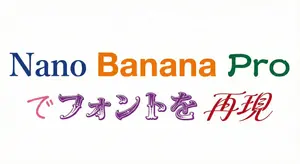
Multi-Font Text Generation and Control
Create a creative image of Multi Font Text Generation And Control. Style: photorealistic. Composition: balanced and well-framed. Lighting: natural with cinematic mood. Category: photography. Reference: multi-font-text-generation-and-control-1166.
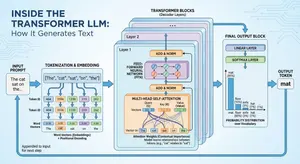
Space shuttle diagram in space
Create a creative image of Space Shuttle Diagram In Space. Style: photorealistic. Composition: balanced and well-framed. Lighting: natural with cinematic mood. Category: photography. Reference: space-shuttle-diagram-in-space-21.
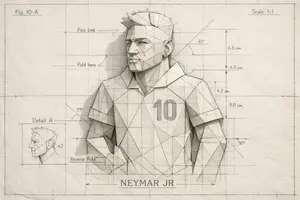
Blueprint Illustration of Neymar JR
{ "image_description": { "overall_theme": "High-technology augmented reality analysis of a scenic outdoor portrait", "resolution": "4K UHD, hyper-realistic with sharp data overlay", "subject": { "name": "Woman_Model_A", "pose": "Seated_profile, looking_left, side", "attire": { "garment": "Draped_One_Shoulder Pleated_Silk_Green_Dress", "color_hex": "#1E6641", "footwear": "Boots_Maroon", "accessory": { "type": "Bag_Two-Tone Leather/Metal", "details": "Gold_Buckle_feature" } } }, "environment": { "location": "Nusa_Penida_Cliffside", "terrain": "Rocky_Path", "details": { "main_trees": { "type": "Fern_Tree", "count": 3 }, "vegetation": "Lush mossy trees, vibrant red flowers, exotic plants", "boundary": "Wooden fence posts with thick rope rail", "background": "Distant tree-covered cliffs partially obscured by mist, with birds in flight", "specific_sign": "Small sign on a fence post with the text 'Kelingking'" } }, "data_overlay": { "style": "Translucent cyan digital interface with glowing gridlines and panel outlines", "panels": [ { "position": "Top-Left (Stacked Vertical)", "content": [ "ANALYSIS: SUBJECT_DETECT", "POSE: SEATED_PROFILE", "OUTFIT: DRAPED_ONE_SHOULDER", "COLOR: #1E6641_SILK_GREEN", "ACCESSORY_1: BAG_TWO-TONE", "MATERIAL: LEATHER/METAL", "HEEL: BOOTS_MAROON" ] }, { "position": "Top-Center (Floating Block)", "content": "COORDINATES: -8.7495° S, 115.0934° E" }, { "position": "Center-Left (Embedded Annotation)", "linked_to": "Leftmost Fern Tree", "content": "FERN_TREE (count: 3)" }, { "position": "Center-Right (Embedded Annotation)", "linked_to": "Rightmost Fern Tree", "content": "FERN_TREE (count: 3)" }, { "position": "Top-Right (Annotation)", "linked_to": "Cliffs", "content": "CLIFF_DISTANCE (approx: 450m)" }, { "position": "Bottom-Right (Formatted JSON Block)", "content": "{\n \"model\": {\n \"name\": \"Woman_Model_A\",\n \"pose\": \"Seated_left_looking_side\"\n },\n \"apparel\": {\n \"garment\": \"Pleated_Silk_Green_Dress\",\n \"style\": \"One-Shoulder_Draped\"\n },\n \"bag\": {\n \"type\": \"Two-Tone_Leather_Gold-Buckle\",\n \"brand\": \"Luxury_Accessory\"\n },\n \"location\": \"Nusa_Penida_Cliffside\",\n \"terrain\": \"Rocky_Path\"\n}" } ] } } }56
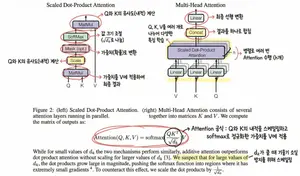
Annotating the 'Attention Is All You Need' Paper
Create a creative image of Annotating The Attention Is All You Need Paper. Style: photorealistic. Composition: balanced and well-framed. Lighting: natural with cinematic mood. Category: photography. Reference: annotating-the-attention-is-all-you-need-paper-1474.
Explore more prompts
Browse more AI image and video prompts by category.
FAQ
- Why does the prompt specify photography as the category?
- It signals that the final output should read as a captured photograph rather than a digital illustration or CAD render, reinforcing the photorealistic treatment of both the raw object and the blueprint.
- How can the reference code be useful when iterating?
- The identifier raw-object-to-factory-blueprint-prompt-9696 anchors future variations to the same transformation concept, helping maintain consistency across a series of related images.