
Text to Image
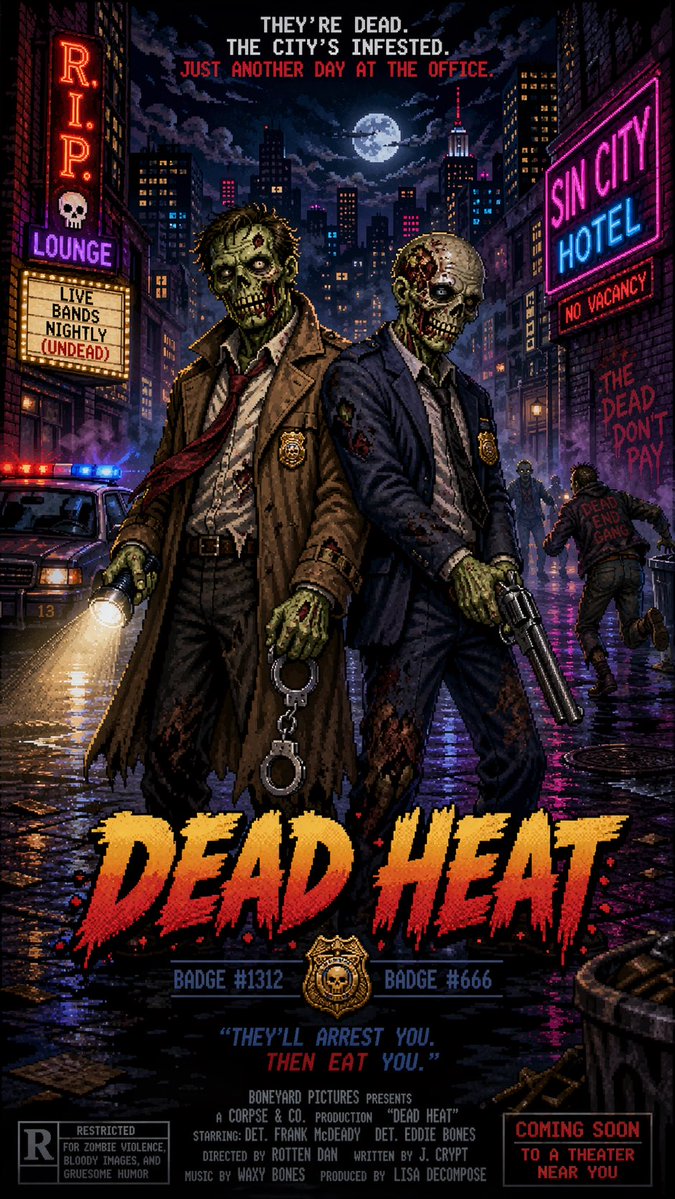
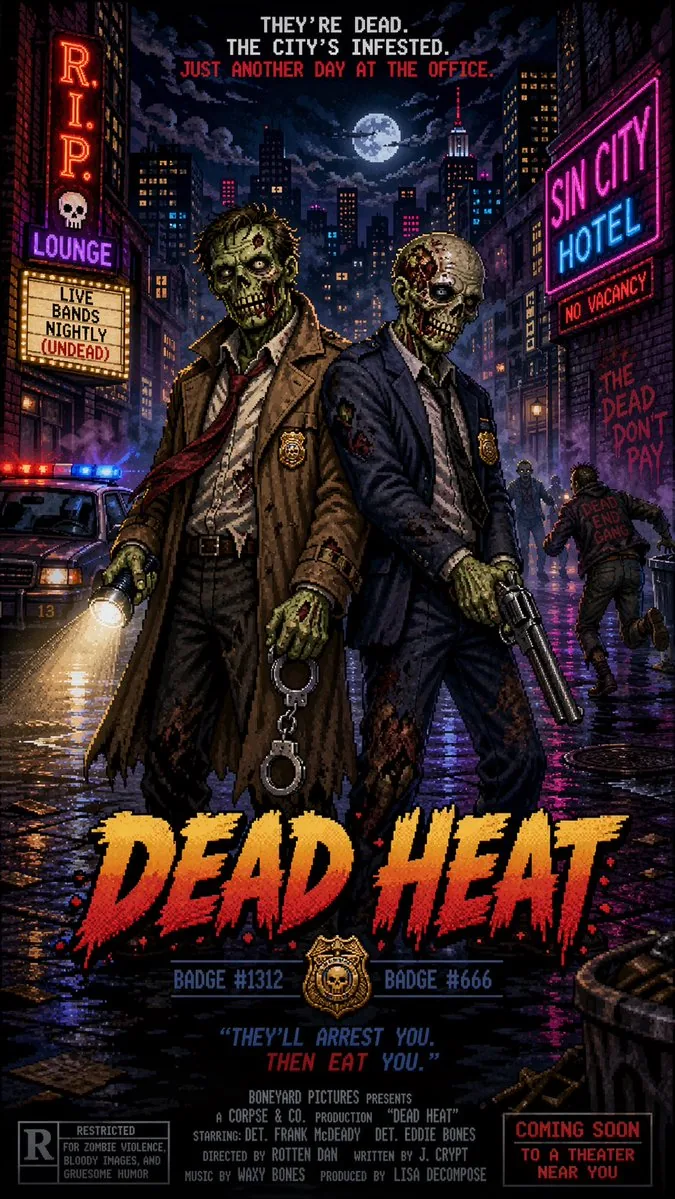
Pixel Art Movie Poster Prompt — AI Image Prompt
A prompt for a retro 16-bit pixel art style movie poster featuring zombie detectives in a buddy cop theme. - AIPinMaker
Prompt
Create a social-media image of Pixel Art Movie Poster Prompt. Style: photorealistic. Composition: balanced and well-framed. Lighting: natural with cinematic mood. Category: poster. Reference: pixel-art-movie-poster-prompt-14313.
Prompt breakdown
- Subject
- Pixel Art Movie Poster Prompt
- Style
- photorealistic
- Lighting
- natural with cinematic mood
- Composition
- balanced and well-framed
- Mood
- cinematic
Remix ideas
- Replace photorealistic with 8-bit dithering while keeping the movie poster layout
- Add vertical crop and platform-specific text overlays for Instagram or Twitter
- Swap the color palette to match a specific film's iconic tones like neon or sepia
Reference images
How to use this AI Image prompt template
 1
1Copy the prompt — grab this template’s prompt and negative prompt.  2
2Pick a model — choose a recommended AI model for the best match.  3
3Generate — open the studio with one click and create your result.
Related templates

Haaland Futuristic Football Poster
Goal: Create a vertical modern football superstar collectible poster for 埃尔林·哈兰德 (player name), showing an ultra-realistic striker charging toward the camera in a dramatic stadium action scene, with a futuristic sports-data archive interface around him. Canvas: Tall portrait poster, about 9:16 ratio. Dark blue, icy steel, and gold color palette. High contrast cinematic lighting, rain mist, flying turf, dust, sparks, motion blur, and a packed stadium roof in the background. Main subject: A powerful blond male footballer in a sky-blue jersey, white shorts, and pale blue socks, sprinting and kicking forward from the center of the poster. Use an extreme low-angle perspective: his boot and the football are closest to the viewer, large and motion-blurred in the foreground, while his torso fills the center. The face should be covered by a centered square blurred censor block, while hair, body, uniform, and pose remain visible. Emphasize muscular arms, explosive forward momentum, and a “finishing machine” striker vibe. Top typography: Huge distressed white Chinese headline text reading 埃尔林·哈兰德 (headline text). Beneath it, a smaller gold subtitle with separators reading 北欧巨炮 · 终结机器 · 禁区统治者 (subtitle text). Add thin gold horizontal accent lines on both sides. Data interface layout: Place exactly 8 transparent HUD-style stat cards around the player, with thin gold and pale-blue technical borders, tiny charts, icons, microtext, and graphs. Left column has exactly 4 cards from top to bottom: 1) 「青训起点」 with a small player path diagram, 2) 「萨尔茨堡爆发」 with a kicking silhouette and growth chart, 3) 「多特锋芒」 with a running player icon and graph, 4) 「曼城时期」 with a stadium icon and bar chart. Right column has exactly 4 cards from top to bottom: 1) 「进球效率」 with a target icon and bar chart, 2) 「禁区统治力」 with a goal icon and rising line graph, 3) 「冲刺与力量」 with a sprinting icon and bar chart, 4) 「纪录刷新者」 with a trophy icon and data chart. Bottom timeline: Add a thin career timeline stretching across the lower poster with exactly 6 small footballer silhouette milestones and tiny year labels, connected by gold dots and a fine line. Include faint blue equalizer-style bars behind the timeline. Bottom title plate: At the very bottom, add a dark futuristic nameplate with gold trim, chevron arrows on both sides, and large gold Chinese text reading 新生代巨星破框档案 (bottom slogan). Visual style: Hyper-realistic sports photography mixed with sci-fi infographic design, collectible World Cup poster energy, volumetric stadium light beams, sharp typography, gritty texture, layered depth, premium editorial composition. Constraints: Keep all text legible and in Chinese where specified. Use exactly 8 side stat cards and exactly 6 bottom timeline milestones. Do not add logos, club badges, brand marks, watermarks, or extra people. The central player must dominate the composition, with the ball breaking toward the viewer in the lower right foreground.37:Tca7,Goal: Create a vertical modern football superstar collectible poster for 埃尔林·哈兰德 (player name), showing an ultra-realistic striker charging toward t
Minecraft Survival Video Thumbnail
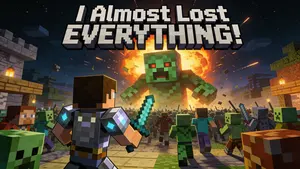
A thumbnail for a “Minecraft Survival” video. The image shows the player’s character, in diamond armor, bravely fighting off a massive horde of zombies and creepers at night. A huge, terrifying Creeper looms in the background, about to explode. The text “I Almost Lost EVERYTHING!” is in a blocky, Minecraft-style font. This requires knowledge of specific game aesthetics and the ability to create dramatic, action-packed scenes. –ar 16:9

True Crime Investigation Thumbnail
A YouTube thumbnail-style collage for a dark, dramatic, true crime investigation (overall mood). In the center is a highly detailed, close-up portrait of an older man with grey hair and deep wrinkles resembling Jeffrey Epstein (central figure), wearing a black polo shirt, with a faint red glowing outline separating him from the background. On the left side, a tropical island with luxury villas and a flying airplane in a dark sky (left background scene). Below the island, a conspiracy board motif features exactly 2 red push pins connected by 3 thick red strings. On the top right side, a hazy, sepia-toned depiction of the US Capitol building with the silhouettes of 3 men in suits facing it (right background scene). On the bottom right, an open manila folder containing a heavily redacted dossier with thick black marker lines and a smaller photograph of the central man (document type). The overall composition is cinematic, intense, and heavily stylized for a documentary video.
Retro Game Style Japanese Event Banner
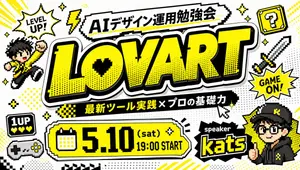
Create a bold Japanese event thumbnail in a retro 8-bit video game style on a clean white background with a black, white, and vivid yellow color palette. The composition is a single highly graphic poster packed with pixel-art decorations, thick black outlines, comic halftone dots, drop shadows, and arcade-inspired stickers. In the center, place an enormous headline reading “LOVART (main title)” in oversized block letters, bright yellow with a thick black outline, white border, and heavy shadow, slightly tilted and dominating most of the image. Above it, add a jagged white banner with black outline containing the Japanese title “AIデザイン運用勉強会 (top banner text)”. Below the main title, place a black ribbon with yellow and white Japanese text reading “最新ツール実践 × プロの基礎力 (subheading text)”. At the lower left-center, add a large rounded rectangular date panel in yellow with black outline and white trim, including a pixel calendar icon on the left and the text “5.10 (sat) 19:00 START (event date)” in huge black retro type. At the lower right, place a black spiky label reading “speaker” above the large yellow-outlined name “kats (speaker name)”. Surround the layout with exactly 11 decorative gaming elements: 1 pixel speech burst at upper left saying “LEVEL UP!”, 1 yellow lightning bolt near the top, 1 yellow question block with a black question mark at upper right, 1 pixel sword on the right side, 1 starburst on the right saying “GAME ON!”, 1 chibi pixel character jumping on the left in a yellow jacket with raised fist, 1 small black “1UP” life icon with three yellow hearts at lower left, 1 retro game controller beneath it, 3 groups of sparkle stars scattered around the composition. Add comic accents such as dotted halftone patches, angled yellow speed lines, small checkerboard strips, and a pixel cursor pointer near the subtitle. Include a stylized anime-like speaker avatar in the lower right corner wearing a black cap and black hoodie with yellow accents, face partially obscured or simplified, integrated like a streamer or event host badge. Make all Japanese and English text crisp, readable, and accurately typeset, with the overall feeling of a high-energy YouTube thumbnail or social media event banner for a design/AI workshop.39:T9a4,Create a bold Japanese event thumbnail in a retro 8-bit video game style

Tech YouTuber Demoing Bluetooth Speaker Video Prompt
Create a youtube-thumbnail image of Tech Youtuber Demoing Bluetooth Speaker Video Prompt. Style: photorealistic. Composition: balanced and well-framed. Lighting: natural with cinematic mood. Category: poster. Reference: tech-youtuber-demoing-bluetooth-speaker-video-prompt-9784.

YouTube Live Presentation UI Mockup
{"type": "YouTube desktop dark mode UI mockup", "header": {"logo": "YouTube", "search_bar": "Search", "icons_count": 5, "icons": ["search", "mic", "create", "notifications", "profile"]}, "video_player": {"top_left_badge": "LIVE", "left_side": {"subject": "{argument name=\"presenter description\" default=\"man in green sweater at wooden podium\"}", "podium_logo": "OpenAI"}, "right_side_presentation": {"text_elements": ["OpenAI", "INTRODUCING", "{argument name=\"product name\" default=\"GPT-Image-2\"}", "{argument name=\"tagline\" default=\"More Realistic. More Useful. More Creative.\"}"], "sample_images_count": 4, "sample_images": ["mountain lake with boat", "woman portrait with dappled light", "cute robot with lantern in forest", "starry night cafe painting"]}, "bottom_controls_count": 10, "bottom_controls": ["pause", "next", "volume", "LIVE", "red progress bar", "CC", "settings", "miniplayer", "theater mode", "fullscreen"]}, "video_details": {"title": "{argument name=\"video title\" default=\"OpenAI Live: Introducing GPT-Image-2\"}", "channel": {"name": "{argument name=\"channel name\" default=\"OpenAI\"}", "verified": true, "subscribers": "1.36M", "button": "Subscribe"}, "action_buttons_count": 5, "action_buttons": ["Like 12K", "Dislike 497", "Share", "Save", "More"], "description_box": {"stats": "95,237 watching now Started streaming 7 minutes ago", "tags": "#OpenAI #GPTImage2 #AI", "text": "Join us for a special live event as we introduce GPT-Image-2, our latest and most advanced image generation model. See new capabilities, live demos, and hear from the team ...more"}}}
Explore more prompts
Browse more AI image and video prompts by category.
FAQ
- Why does the prompt mix pixel art with photorealistic rendering?
- It creates a unique hybrid that feels both nostalgic and polished, making the poster pop in social feeds without looking purely retro.
- How do I adapt this for actual film titles?
- Insert the movie name and tagline in chunky pixel font directly into the prompt before generation.