
Text to Image
Past vs Present Portrait — AI Image Prompt
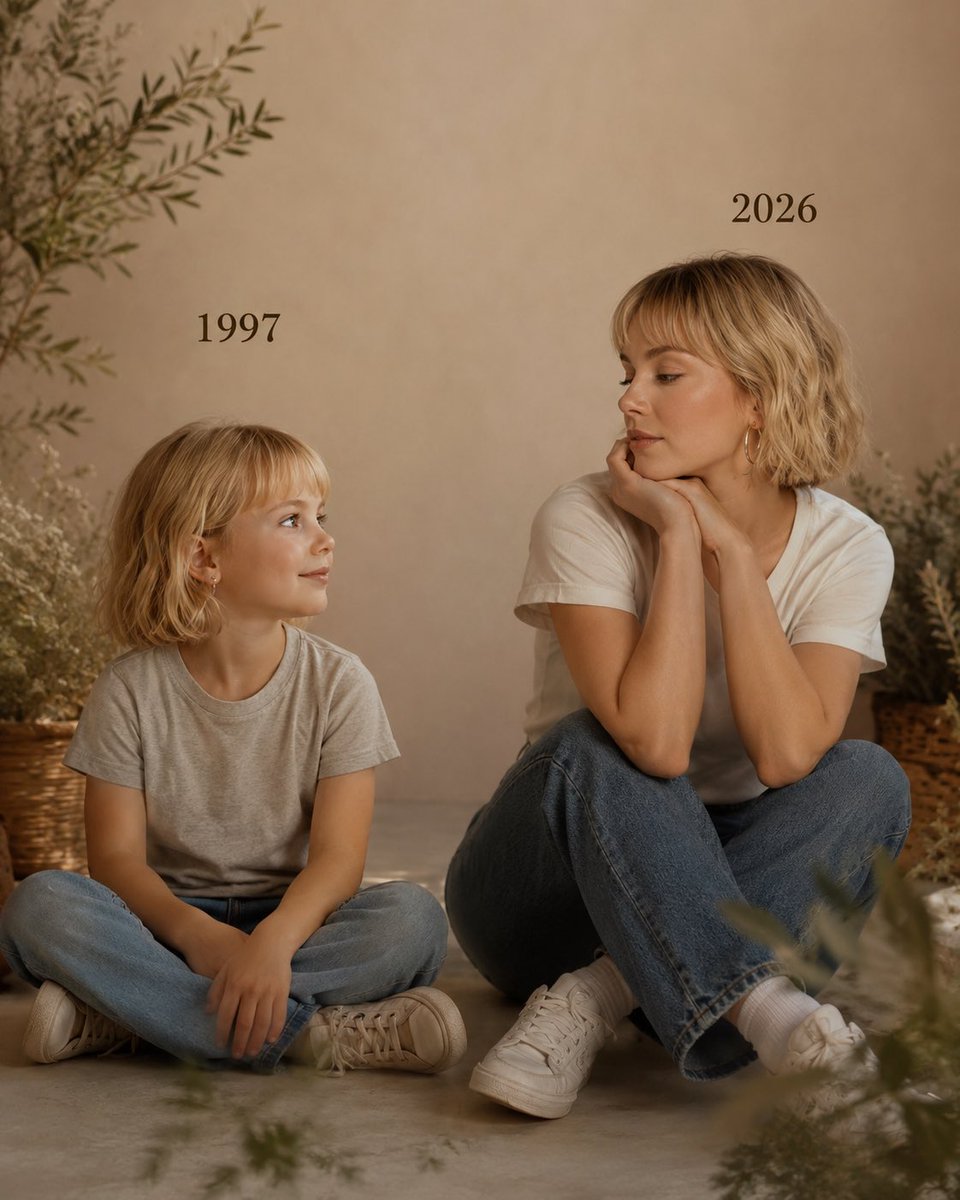
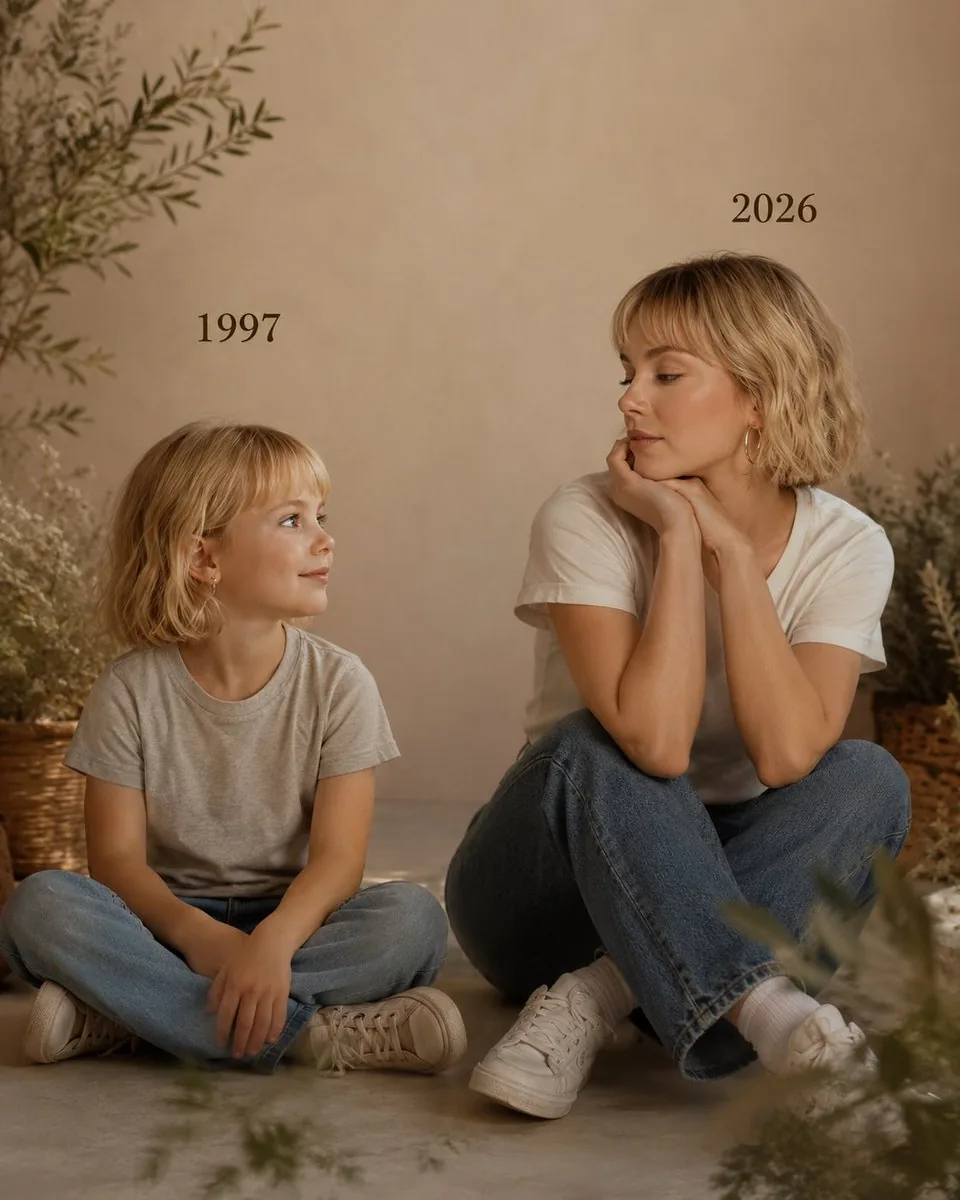
A nostalgic prompt that creates a cinematic side-by-side portrait of a person as a child in 1997 and as their present self in 2026. - AIPinMaker
Prompt
Create a portrait image of Past Vs Present Portrait. Style: photorealistic. Composition: balanced and well-framed. Lighting: natural with cinematic mood. Category: portrait. Reference: past-vs-present-portrait-22695.
Prompt breakdown
- Subject
- portrait contrasting past and present selves
- Style
- photorealistic
- Lighting
- natural with cinematic mood
- Composition
- balanced and well-framed
- Mood
- cinematic
Remix ideas
- Shift the vertical split slightly off-center so the present side occupies more visual weight
- Add subtle period clothing textures only on the past half while keeping modern attire on the right
- Change skin tone and hair details between halves to reflect realistic aging progression
Reference images
How to use this AI Image prompt template
 1
1Copy the prompt — grab this template’s prompt and negative prompt.  2
2Pick a model — choose a recommended AI model for the best match.  3
3Generate — open the studio with one click and create your result.
Related templates

Ultra-Realistic 90s Old-Money Father and Baby Portrait
Create a portrait image of Ultra Realistic 90s Old Money Father And Baby Portrait. Style: photorealistic. Composition: balanced and well-framed. Lighting: natural with cinematic mood. Category: portrait. Reference: ultra-realistic-90s-old-money-father-and-baby-portrait-13268.

Life Stages Composite Portrait
Create a vertical cinematic composite portrait showing the same male person across exactly 6 life stages in one seamless family-lineage style image, arranged diagonally from lower left to upper right as if time is progressing upward. Use a South Asian male with dark hair, medium skin tone, and similar facial features at every age (person description). Canvas: 3:4 portrait orientation, photorealistic, studio-quality, soft painterly background gradient from deep blue on the left to warm amber beige on the right, subtle mist/vignette around the lower edges. Composition: six full or half-body age versions overlap in depth, with the youngest in front at the bottom left and the oldest behind at the top right; each older version is larger and positioned slightly higher/right. The six visible stages must be: 1) Newborn Baby (0 months), swaddled in a thick white blanket at the bottom left, tiny head visible; 2) Toddler (1–2 years), sitting just above the baby, wearing a blue-and-white striped long-sleeve shirt; 3) Cheerful School Kid (6–8 years), standing behind the toddler, wearing a navy polo shirt and a dark backpack with visible shoulder straps; 4) Teenager (14–17 years), standing behind him, wearing a dark navy hoodie with light drawstrings; 5) College-Age Young Adult (20–30 years), standing behind and higher, wearing a crisp white button-up shirt with open collar; 6) Confident 57-Year-Old Adult (Adult), tallest in the back upper right, salt-and-pepper hair, wearing a dark suit jacket, white dress shirt, and dark tie. Add elegant white serif labels on the left side with thin horizontal leader lines pointing to each corresponding figure, except the oldest label placed near the upper center-left with a short line toward the suited adult. Text must read exactly: "Newborn Baby\n(0 months)", "Toddler\n(1–2 years)", "Cheerful\nSchool Kid\n(6–8 years)", "Teenager\n(14–17 years)", "College-Age\nYoung Adult\n(20–30 years)", and "Confident\n57-Year-Old\nAdult (Adult)". Use emotional, nostalgic, inspiring (overall mood), natural studio lighting, realistic skin and hair texture, cohesive facial resemblance across all ages, shallow depth-of-field, no logos, no watermark, no extra people, no extra text.37:T8f4,Create a
Editorial Fashion Portrait on Stone Stairs
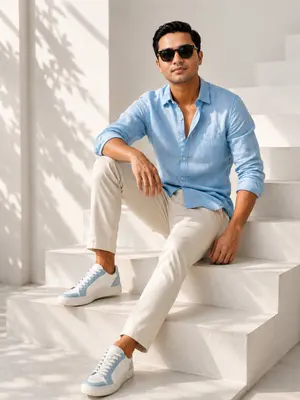
Create a portrait image of Editorial Fashion Portrait On Stone Stairs. Style: photorealistic. Composition: balanced and well-framed. Lighting: natural with cinematic mood. Category: portrait. Reference: editorial-fashion-portrait-on-stone-stairs-21853.
Urban Isolation Portrait
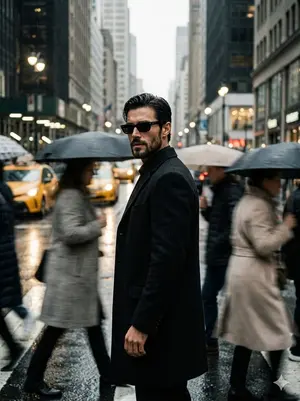
Create a portrait image of Urban Isolation Portrait. Style: photorealistic. Composition: balanced and well-framed. Lighting: natural with cinematic mood. Category: portrait. Reference: urban-isolation-portrait-15491.
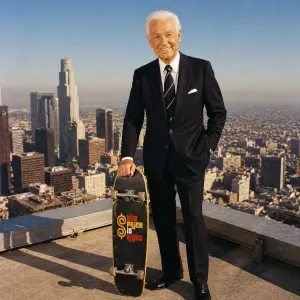
Bob Barker Skyscraper Portrait
Create a portrait image of Bob Barker Skyscraper Portrait. Style: photorealistic. Composition: balanced and well-framed. Lighting: natural with cinematic mood. Category: portrait. Reference: bob-barker-skyscraper-portrait-16246.
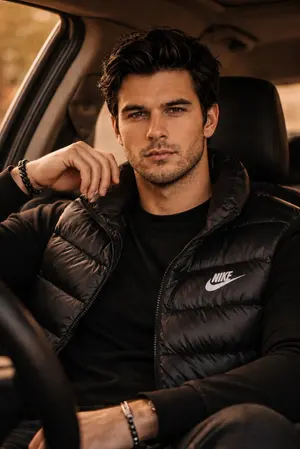
Luxury SUV Fashion Portrait
Create a portrait image of Luxury Suv Fashion Portrait. Style: photorealistic. Composition: balanced and well-framed. Lighting: natural with cinematic mood. Category: portrait. Reference: luxury-suv-fashion-portrait-22551.
Explore more prompts
Browse more AI image and video prompts by category.
FAQ
- How is the past-versus-present contrast achieved in this portrait?
- The prompt uses a single balanced frame split between two photorealistic depictions of the same person at different ages, connected by consistent natural lighting.
- Can the cinematic mood be adjusted without losing photorealism?
- Yes, by altering the natural light direction or intensity while keeping the overall rendering style strictly photorealistic and the composition symmetrical.