
Text to Image
Orthographic Reference Sheet Generation — AI Image Prompt
A straightforward prompt for generating character design reference materials that include multi-view orthographic drawings. - AIPinMaker
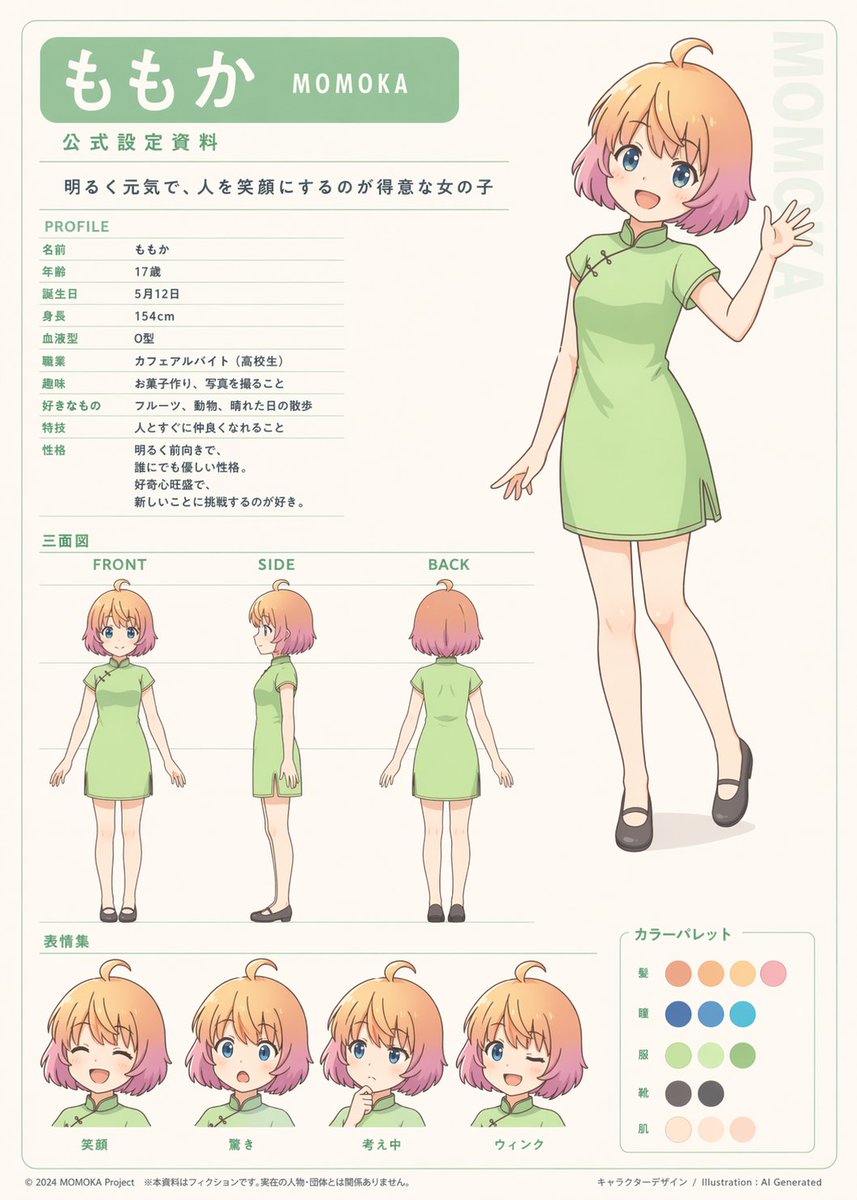
Prompt
Create a creative image of Orthographic Reference Sheet Generation. Style: photorealistic. Composition: balanced and well-framed. Lighting: natural with cinematic mood. Category: photography. Reference: orthographic-reference-sheet-generation-13865.
Prompt breakdown
- Subject
- creative image of orthographic reference sheet generation
- Style
- photorealistic
- Lighting
- natural with cinematic mood
- Composition
- balanced and well-framed
- Mood
- cinematic
Remix ideas
- replace the sheet content with precise blueprints of a vintage camera while retaining photorealistic style
- add faint grid overlays and dimension callouts printed directly on the paper
- shift the scene to show the sheet pinned on a drafting board under a single desk lamp for stronger contrast
Reference images
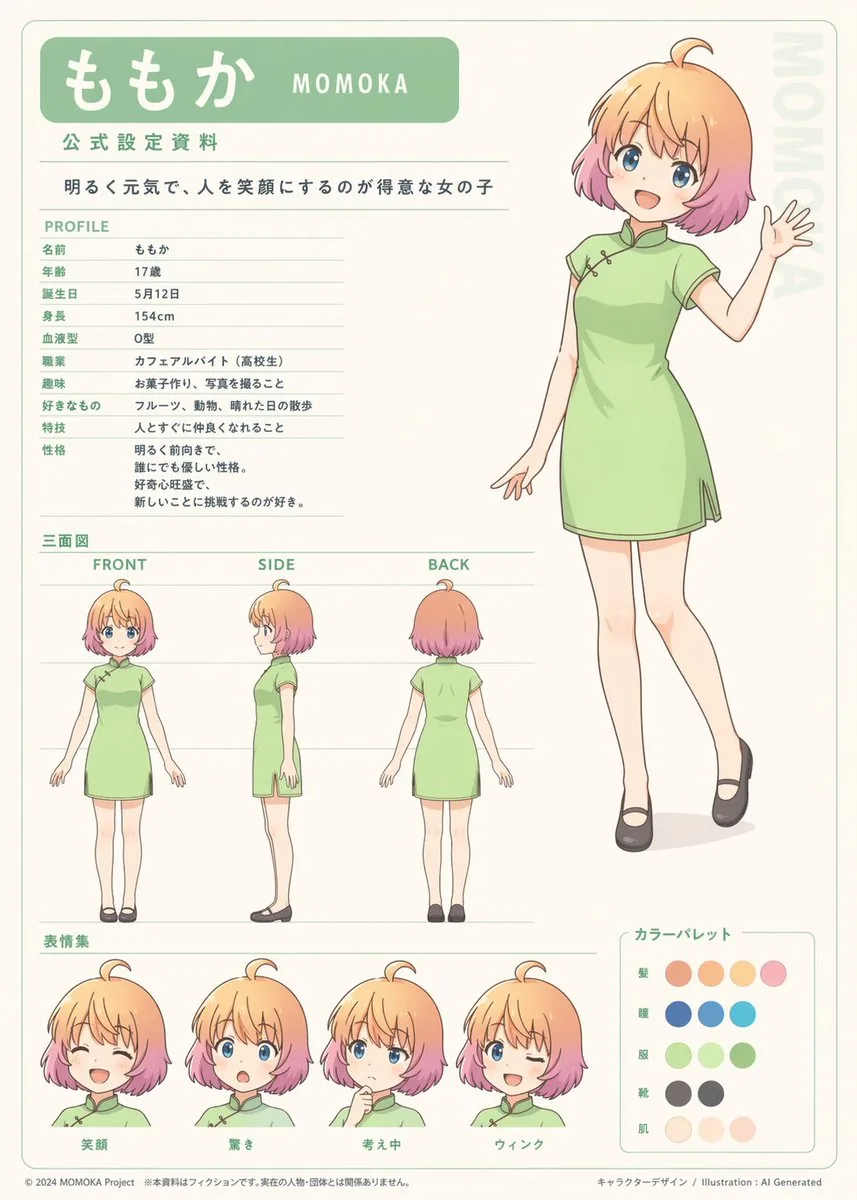
How to use this AI Image prompt template
 1
1Copy the prompt — grab this template’s prompt and negative prompt.  2
2Pick a model — choose a recommended AI model for the best match.  3
3Generate — open the studio with one click and create your result.
Related templates
Street Dancer Concept Sheet
Create a creative image of Street Dancer Concept Sheet. Style: photorealistic. Composition: balanced and well-framed. Lighting: natural with cinematic mood. Category: photography. Reference: street-dancer-concept-sheet-18571.
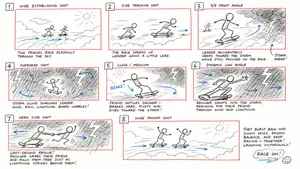
Hand-Drawn Storyboard Previs Sketch
Create a rough hand-drawn PREVIS + rescue chase storyboard page in 16:9 horizontal format. Use an extremely simple 2D previs sketch style: - stick figures / mannequin silhouettes only - no facial detail, no costume detail, no anatomy detail - no texture, no shading, no polished rendering - black loose sketch lines - red boxes for camera framing only - blue arrows for motion / force / breath / direction only - rough director thumbnails, not concept art - if unsure, draw less detail, not more Show 8 numbered panels on one page with slightly irregular but readable placement. Subject: two close friends racing on skateboards through the sky above the clouds (subject) Environment: bright open sky, fluffy cloud pathways, floating cloud banks, distant sunlight, then a darker storm-cloud zone with wind, rain and lightning (environment) Mood: playful, adventurous, fast, funny, suspenseful for a moment, then uplifting and triumphant Sequence: during a fun cloud-skate race, one friend accidentally drifts into dangerous storm clouds and loses control, then the other friend makes a last-second rescue Beats: 1. Wide establishing shot. Two friends on skateboards surf above the clouds, side by side, racing playfully through the sky. 2. Side tracking shot. The race speeds up. One friend leans forward and gains a little lead while the other follows close behind. 3. 3/4 front angle. The leading friend accidentally veers toward a dark storm-cloud area ahead while still focused on the race. 4. Overhead shot. The storm cloud swallows the lead friend. Strong wind arrows, rain and lightning. The skateboard wobbles violently. 5. Close-up / medium action shot. The second friend notices the danger, brakes hard for a split second, then pivots and dives toward the storm. 6. Dynamic low angle. The rescuer shoots into the storm clouds on the skateboard, reaching forward through wind and lightning toward the trapped friend. 7. Hero side shot. Last-second rescue. The rescuer grabs the other friend by the arm or hoodie and pulls them free from the storm cloud just as lightning strikes behind them. 8. Wide payoff shot. Both friends burst back into the sunny clouds, regain balance, keep riding together and continue the race laughing, now side by side. Use varied camera angles: close-up, wide, low angle, overhead, side profile, rear, 3/4. Add short handwritten notes near panels. Maintain clear continuity of subject, props, environment and movement direction. Focus on staging, camera, motion, timing and continuity. Prioritize readability over drawing quality. Avoid detailed illustration, clean UI and infographic design. Tone target: fun family-animation energy, clear visual storytelling, simple readable action be
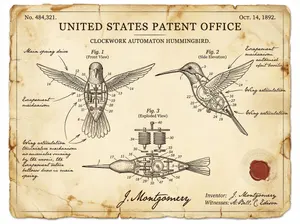
Vintage Patent Document for an Invention
Create a creative image of Vintage Patent Document For An Invention. Style: photorealistic. Composition: balanced and well-framed. Lighting: natural with cinematic mood. Category: photography. Reference: vintage-patent-document-for-an-invention-3438.
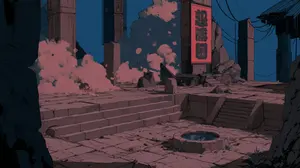
@mitte_ai Seedance 2.0 Storyboard-to-Video Prompt:
Create a game image of Mitte Ai Seedance 20 Storyboard To Video Prompt. Style: photorealistic. Composition: balanced and well-framed. Lighting: natural with cinematic mood. Category: illustration. Reference: mitte-ai-seedance-20-storyboard-to-video-prompt-22821.
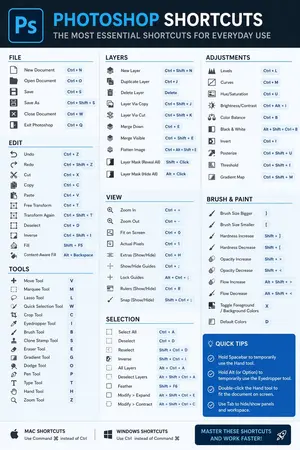
Software Shortcut Infographic
Create a infographic image of Software Shortcut Infographic. Style: photorealistic. Composition: balanced and well-framed. Lighting: natural with cinematic mood. Category: illustration. Reference: software-shortcut-infographic-14722.
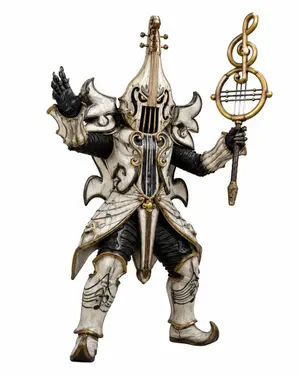
Music-Themed Tokusatsu Kaijin
Create a full-body tokusatsu-style enemy monster suit character on a clean white studio background, centered and isolated like a production design render. The creature is a music-themed villain named Violin Phantom (character name), combining an armored humanoid kaijin with an ornate violin and classical music motifs. It wears ivory-white, aged bone-like armor with antique gold trim, black ribbed undersuit fabric, and dark weathered creases, with a dramatic silhouette of sharp curled shoulder plates and flared skirt armor. The head and torso are shaped like a vertical violin: the face is hidden behind a violin-body helmet with two narrow glowing yellow eyes, black f-hole-like openings, vertical strings running down the front, and a tall violin neck rising from the crown with tuning pegs. Use exactly 2 visible eyes, 4 tuning pegs on the head instrument, 2 large curled shoulder plates, 2 black gloved hands, 2 armored legs, and 1 large ornate musical staff weapon. The left hand is raised open in a theatrical villain gesture, palm facing outward; the right hand holds a tall staff topped with a golden treble clef inside a circular lyre-like frame with horizontal strings. The armor includes engraved musical staff lines and note patterns on the thighs and shin guards, curling gold scrollwork on the chest, hanging gold bead ornaments at the waist, pointed curled boots, and layered asymmetrical plates with a worn ceramic texture. Style should feel like a practical Japanese special-effects monster costume from a superhero TV series, highly detailed, realistic materials, dramatic but evenly lit product photography, crisp edges, no environment, no text, no watermark. Use aged ivory white (armor color) armor, antique gold (metal trim color) trim, glowing yellow (eye color) eyes, and a treble clef lyre staff (weapon motif).
Explore more prompts
Browse more AI image and video prompts by category.
FAQ
- How does the prompt ensure the orthographic views stay usable as actual references?
- The balanced composition and photorealistic rendering preserve sharp edges and legible proportions across front, side, and top projections without stylization that could distort measurements.
- Can the same prompt structure work for non-human subjects like vehicles or architecture?
- Yes, swap the core subject phrase to 'orthographic reference sheet of a 1960s muscle car' or similar while keeping the photorealistic, balanced, natural-cinematic lighting modifiers intact.