
Text to Image
Japanese Accounting SaaS Hero Banner — AI Image Prompt
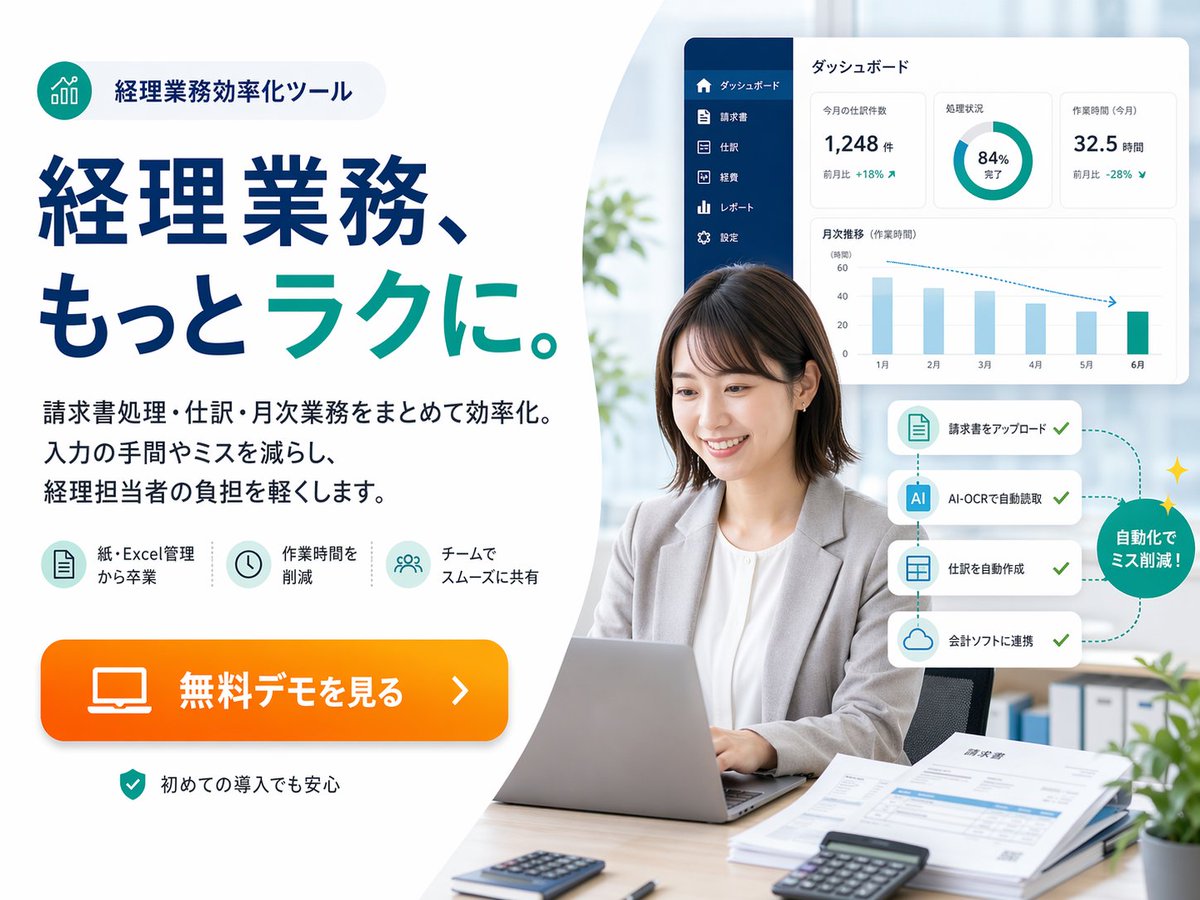
A polished Japanese fintech-style promotional banner for an accounting automation tool, suitable for landing pages, web ads, and SaaS marketing visuals. - AIPinMaker
Prompt
{"type":"Japanese SaaS promotional landing-page hero banner","style":"clean corporate web advertisement, modern fintech branding, bright office photography blended with vector UI overlays, high trust, polished and conversion-focused","canvas":{"aspect_ratio":"4:3","background":"soft light gray to white with a large curved white shape dividing left text area and right photo area"},"branding":{"badge":{"position":"top-left","icon":"teal circular icon with ascending bar chart line graphic","text":"経理業務効率化ツール","shape":"rounded pill with pale gray fill"},"palette":{"primary":"deep navy blue","secondary":"teal green","accent":"bright orange","background":"white and very light gray"}},"layout":{"sections":[{"title":"left marketing copy area","position":"left half","count":5,"labels":["badge at top","large headline","3-line body copy","3 feature icons","orange CTA button"]},{"title":"right office photo area","position":"right half","count":6,"labels":["businesswoman using laptop","dashboard panel","4-step automation cards","green circular callout","desk documents and calculators","blurred office background"]},{"title":"bottom reassurance note","position":"bottom-left","count":1,"labels":["security/reassurance line"]}],"composition":"text-heavy ad on the left, realistic workplace portrait on the right, floating software interface cards above and beside the person"},"text":{"headline":"経理業務、もっと{argument name=\"headline emphasis\" default=\"ラク\"}に。","body":"請求書処理・仕訳・月次業務をまとめて効率化。入力の手間やミスを減らし、経理担当者の負担を軽くします。","cta":"{argument name=\"button text\" default=\"無料デモを見る\"}","reassurance":"初めての導入でも安心"},"features":{"count":3,"items":[{"icon":"document sheet icon in pale teal circle","label":"紙・Excel管理から卒業"},{"icon":"clock icon in pale teal circle","label":"作業時間を削減"},{"icon":"team/users icon in pale teal circle","label":"チームでスムーズに共有"}]},"subject":{"count":1,"person":"Japanese businesswoman in her late 20s to 30s, seated at a desk, medium short dark brown bob haircut, light gray blazer over white blouse, neutral professional expression, hands on laptop keyboard","face_treatment":"soft anonymized blur over the face","pose":"front-facing but slightly angled left, sitting upright in an office chair","desk_items":{"count":5,"items":["silver laptop open in front","small calculator near front left","black calculator near front right","stack of papers and invoices on right side","pen near papers"]}},"ui_panel":{"position":"upper-right floating above the subject","title":"ダッシュボード","style":"white rounded rectangle card with subtle shadow","sidebar":{"count":6,"labels":["ダッシュボード","請求書","仕訳","経費","レポート","設定"],"color":"dark navy vertical sidebar"},"widgets":{"count":4,"items":[{"type":"metric card","label":"今月の仕訳数","value":"1,248 件","delta":"前月比 +18%"},{"type":"donut chart","label":"処理状況","value":"84% 完了"},{"type":"metric card","label":"作業時間 (今月)","value":"32.5 時間","delta":"前月比 -28%"},{"type":"bar chart","label":"月次推移(作業時間)","months":["1月","2月","3月","4月","5月","6月"]}]}},"automation_flow":{"position":"mid-right beside the subject","count":4,"cards":["請求書をアップロード","AI-OCRで自動読取","仕訳を自動作成","会計ソフトに連携"],"callout":"自動化でミス削減!","style":"four stacked white rounded cards connected by a dotted teal path with checkmarks, ending in a green circular badge with small sparkles"},"environment":{"setting":"bright contemporary office","background_elements":{"count":4,"items":["soft daylight through large window","blurred green plant near center-left background","binders on shelf lower right background","small potted plant in the extreme lower-right corner"]}},"rendering":"high-resolution commercial ad composite, realistic photo for the person and desk, crisp vector typography, subtle drop shadows, spacious margins, Japanese web banner aesthetics"}3b:T1071,{"type":"Japanese SaaS promotional landing-page hero banner","style":"clean corporate web advertisement, modern fintech branding, bright office photography blended with vector UI overlays, high trust, polished and conversion-focused","canvas":{"aspect_ratio":"4:3","background":"soft light gray to white with a large curved white shape dividing left text area and right photo area"},"branding":{"badge":{"position":"top-left","icon":"tealPrompt breakdown
- Subject
- Japanese businesswoman late 20s-30s with medium-short dark brown bob, light gray blazer over white blouse, hands on silver laptop beside calculators, paper invoices, and pen, plus floating dashboard and four automation cards
- Style
- clean corporate web advertisement blending realistic office photography with vector UI overlays, modern fintech branding, and Japanese web banner aesthetics
- Lighting
- soft daylight through large window over bright contemporary office with blurred green plant and shelf binders
- Composition
- left-half text block with badge, headline, body, three feature icons and orange CTA opposite right-half portrait with upper-right dashboard card and mid-right stacked automation flow
- Mood
- high-trust polished professional environment emphasizing reduced workload and mistake-free automation
Remix ideas
- swap the donut-chart widget value to show expense-approval completion rate
- change the woman's blazer to deep navy to match primary brand color
- replace the four automation cards with a horizontal mobile-app mockup flow
Reference images
How to use this AI Image prompt template
 1
1Copy the prompt — grab this template’s prompt and negative prompt.  2
2Pick a model — choose a recommended AI model for the best match.  3
3Generate — open the studio with one click and create your result.
Related templates
Warm Editorial Sneaker Poster
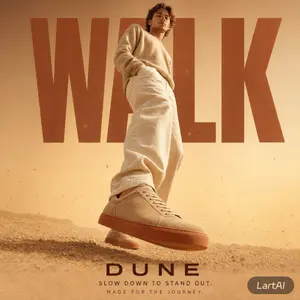
Create a social-media image of Warm Editorial Sneaker Poster. Style: photorealistic. Composition: balanced and well-framed. Lighting: natural with cinematic mood. Category: poster. Reference: warm-editorial-sneaker-poster-22851.
High-Fashion Sports Editorial Campaign
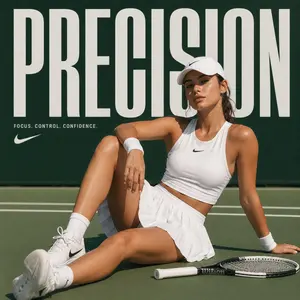
Create a fashion image of High Fashion Sports Editorial Campaign. Style: photorealistic. Composition: balanced and well-framed. Lighting: natural with cinematic mood. Category: photography. Reference: high-fashion-sports-editorial-campaign-16215.
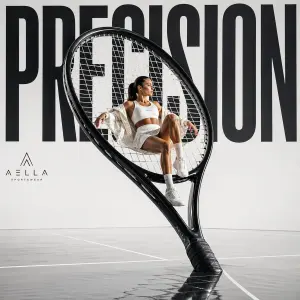
Avant-garde Sports Fashion Advertisement
Create a fashion image of Avant Garde Sports Fashion Advertisement. Style: photorealistic. Composition: balanced and well-framed. Lighting: natural with cinematic mood. Category: photography. Reference: avant-garde-sports-fashion-advertisement-16205.
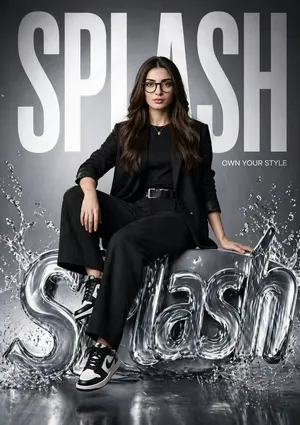
Hyper-realistic Fashion Poster
Create a social-media image of Hyper Realistic Fashion Poster. Style: photorealistic. Composition: balanced and well-framed. Lighting: natural with cinematic mood. Category: poster. Reference: hyper-realistic-fashion-poster-15523.
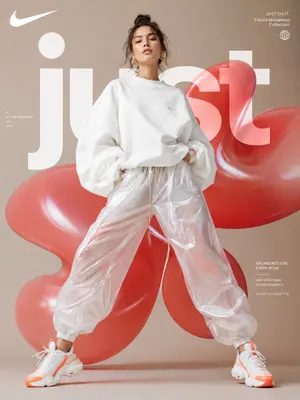
Futuristic Sportswear Fashion Poster
Create a social-media image of Futuristic Sportswear Fashion Poster. Style: photorealistic. Composition: balanced and well-framed. Lighting: natural with cinematic mood. Category: poster. Reference: futuristic-sportswear-fashion-poster-23603.
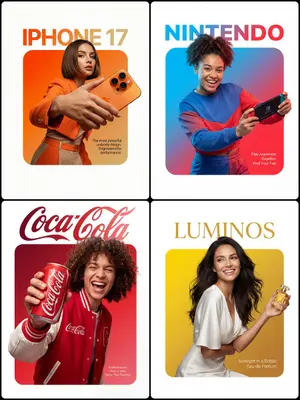
3D Breakout Effect Editorial Ad
A premium editorial-style ad layout set on a clean pure-white background. At the center sits a perfectly symmetrical solid rounded square (filled, not an outline) with a smooth vibrant gradient inside fading from Top-Left Color through to Bottom-Right Color (gradient colors). A Description of Character (subject) is placed so that the lower edge of their torso lines up flush with the bottom edge of the square, no leftover colored strip beneath them. The figure and outfit stay in true-to-life colors and textures, lit by professional studio lighting that is fully separate from the background gradient, so no color tint bleeds onto skin or clothing. They grip Product Description (product) in a confident, realistic hold. Importantly, the crown of the head and hair push past the top edge of the square and overlap into the white space, while the hands and the product cross the side edges as well, creating a strong 3D breakout effect spilling onto the canvas. Typography: Above the square, set on the white space with a deliberate gap, place the [Font Style] brand wordmark '[Brand Name]' in [Top Text Color]. Inside the square, layered over the gradient in the bottom-right corner, drop a small block of thin clean [Bottom Text Color] body text reading '[Slogan/Tagline]'. Lighting is [Lighting Type: e.g., Sharp/Soft], crisp, and commercial, bringing out the texture of both the person and the product.
Explore more prompts
Browse more AI image and video prompts by category.
FAQ
- What specific UI widgets appear in the floating dashboard?
- A metric card for 今月の仕訳数 at 1,248件, an 84%完了 donut, a 32.5時間作業時間 card with -28% delta, and a six-month bar chart for 月次推移.
- How is the automation process shown beside the subject?
- Four white rounded cards stacked vertically read 請求書をアップロード, AI-OCRで自動読取, 仕訳を自動作成, 会計ソフトに連携, linked by dotted teal path ending in a green sparkled callout badge.