
Text to Image
Isometric Office Worker Asset Sheet — AI Image Prompt
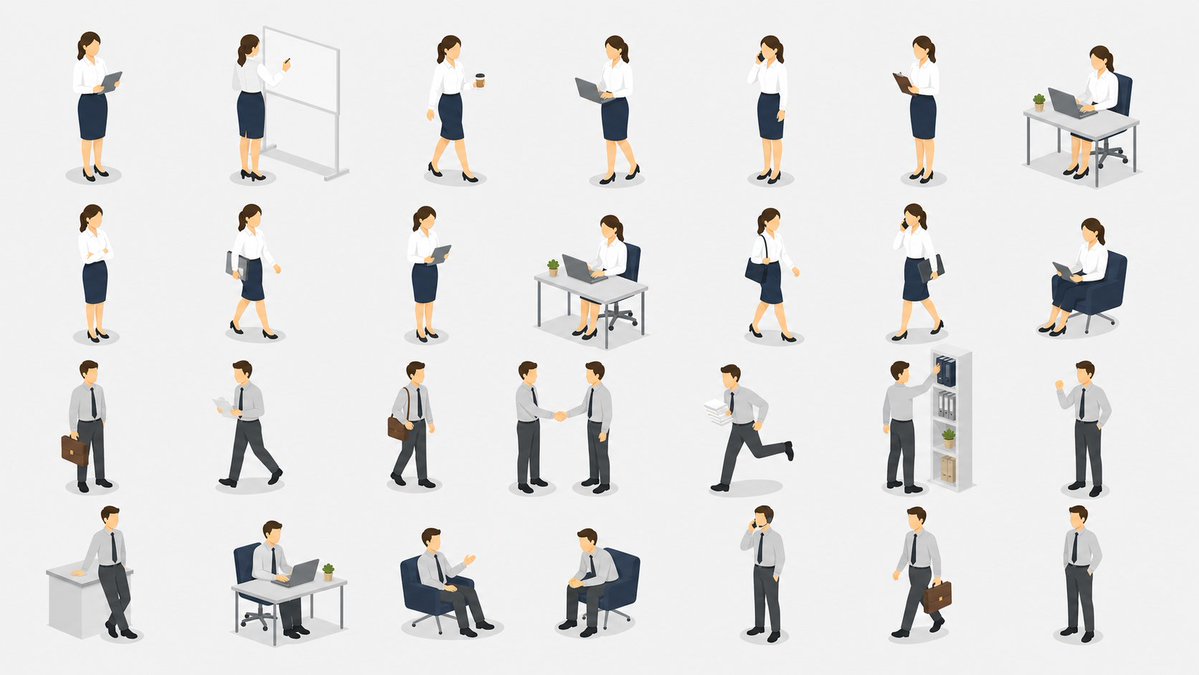
Generates a clean 28-pose isometric office worker illustration sheet suitable for academic papers, presentations, and business diagrams. - AIPinMaker
Prompt
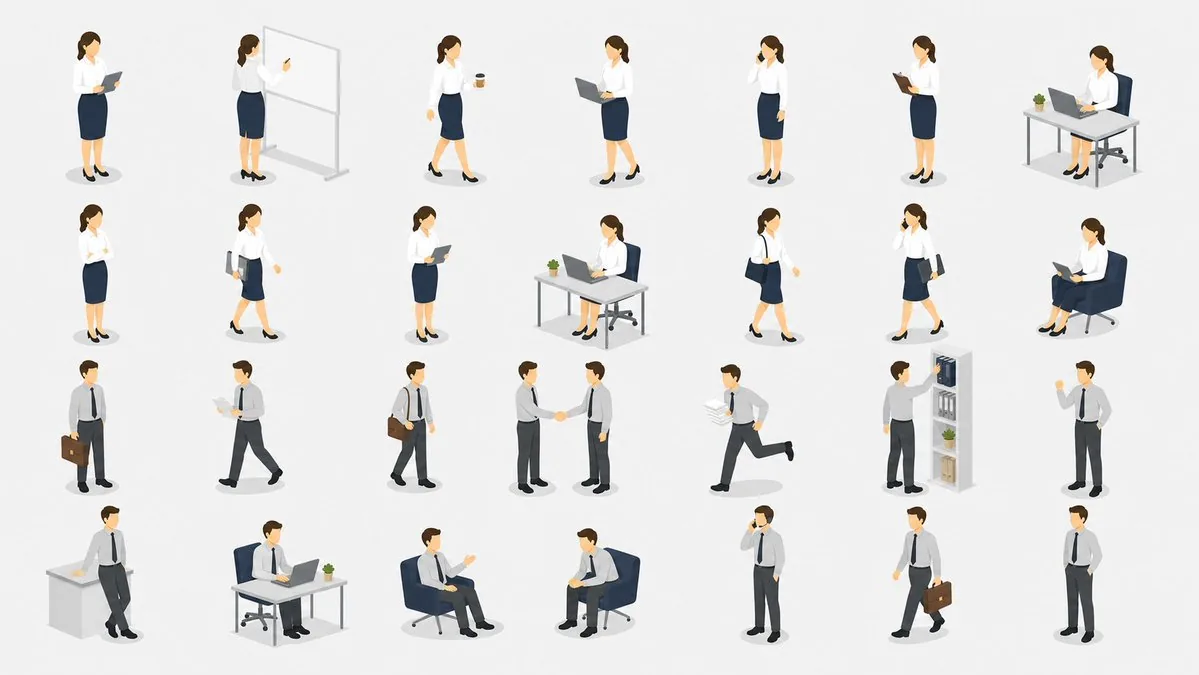
{"type":"isometric vector illustration asset sheet","subject":"a clean collection of office worker character cutouts for academic papers, presentations, and business diagrams","style":"minimal flat 3D isometric vector style, soft shadows, simple facial features, white background, muted corporate colors, consistent scale, no text labels, no borders, no watermark","characters":{"count":28,"gender mix":"14 female office worker poses and 14 male office worker poses","female outfit":"{argument name=\"female outfit\" default=\"white blouse, navy pencil skirt, black heels\"}","male outfit":"{argument name=\"male outfit\" default=\"light gray dress shirt, navy tie, dark trousers, black shoes\"}","hair color":"{argument name=\"hair color\" default=\"brown\"}","skin tone":"{argument name=\"skin tone\" default=\"light skin tone\"}"},"layout":{"canvas":"wide 16:9 horizontal sheet on a plain white background","arrangement":"four neat rows and seven columns with generous spacing, each character or small office vignette isolated with a subtle gray oval shadow","total discrete elements":28,"row 1":{"count":7,"items":["female standing and reading from a clipboard or tablet","female presenting at a freestanding whiteboard with a pointer","female walking while holding a takeaway coffee cup","female standing with an open laptop","female standing and talking on a phone","female standing and reading a clipboard","female seated at a desk using a laptop with a small potted plant"]},"row 2":{"count":7,"items":["female standing with one hand near her face in a thinking pose","female walking while holding documents or a folder","female standing and holding a tablet against her chest","female seated at an office desk using a laptop with a plant","female walking with a shoulder bag","female walking while talking on a phone and carrying documents","female seated in a lounge chair reading from an open laptop"]},"row 3":{"count":7,"items":["male standing with a briefcase","male walking while reading papers","male walking with a shoulder bag","two male workers shaking hands as one combined vignette","male running while carrying a stack of documents","male reaching toward a tall office shelf with binders, boxes, and a plant","male standing and pointing or giving a presentation gesture"]},"row 4":{"count":7,"items":["male leaning against a desk with papers on top","male seated at a desk using a laptop with a small potted plant","male seated in a lounge chair gesturing during conversation","male seated in a lounge chair holding a clipboard or tablet","male standing and talking on a phone","male walking with a briefcase","male standing casually with one hand in pocket"]}},"props":{"count":13,"items":["clipboard or tablet","whiteboard","coffee cup","laptop","phone","desk","office chair","potted plant","shoulder bag","briefcase","stack of papers","lounge chair","office shelf with binders and boxes"]},"rendering instructions":"Create a polished stock-illustration asset set, with all figures separated and usable as individual paper or presentation illustrations. Keep proportions consistent, use soft ambient lighting and tiny gray ground shadows, and avoid any text, logos, captions, or background scenery. Use {argument name=\"accent color palette\" default=\"navy blue, white, gray, black, and small green plant accents\"}."}Prompt breakdown
- Subject
- 28 office worker character cutouts including 14 female poses with clipboard, laptop, coffee cup and 14 male poses with briefcase, documents, handshake vignette
- Style
- minimal flat 3D isometric vector style with simple facial features and consistent scale
- Lighting
- soft ambient lighting with tiny gray ground shadows
- Composition
- wide 16:9 sheet arranged in four neat rows of seven elements each on plain white background
- Mood
- professional muted corporate atmosphere
Remix ideas
- change hair color to black across all characters for darker corporate look
- replace the whiteboard vignette with an additional phone-call pose
- adjust accent palette to include teal instead of navy blue
Reference images
How to use this AI Image prompt template
 1
1Copy the prompt — grab this template’s prompt and negative prompt.  2
2Pick a model — choose a recommended AI model for the best match.  3
3Generate — open the studio with one click and create your result.
Related templates
Minimalist Exploded View Industrial Design Diagram - Nano Banana Pro AI Prompt for Infographic / Edu Visual
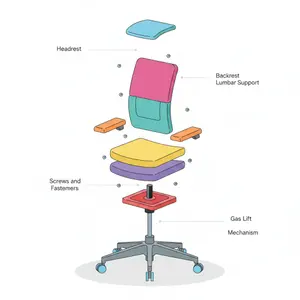
{ "prompt": { "objective": "Create a colorful minimalist exploded view of a chair with clearly labeled parts", "style": "minimalist, modern industrial design, flat yet slightly 3D, clean lines, soft shadows", "composition": "chair centered in frame, all components separated vertically in an exploded view, evenly spaced, balanced layout", "subject": { "type": "chair", "chair_style": "modern ergonomic chair", "parts": [ "Headrest", "Backrest", "Lumbar Support", "Seat Cushion", "Seat Base", "Armrests", "Armrest Pads", "Gas Lift Cylinder", "Tilt Mechanism", "Five-Star Base", "Caster Wheels", "Screws and Fasteners" ], "labels": "clear part names placed beside each component, thin connector lines, clean sans-serif font" }, "colors": "bright yet soft colors for each part, pastel and vibrant mix, each component in a different color, white or very light background", "lighting": "soft studio lighting, gentle shadows under each floating part", "camera": { "angle": "slight isometric view for depth", "focus": "all parts sharp and readable" }, "extra": "educational product diagram look, no clutter, modern design presentation, Instagram-friendly composition" }, "size": "1024x1024", "format": "png", "style_transfer": false }

Isometric Business Presenter Pose Set
Goal: Create an isometric vector illustration set of the same professional businesswoman presenter (character type) in many presentation and office situations, arranged like a clean pose library on a white background. Canvas: Wide horizontal 16:9 canvas, bright white or very light gray background, no borders, no title, no captions, no watermark. Use soft oval gray floor shadows under each figure. Visual style: Polished modern isometric people illustration, semi-flat vector style with subtle gradients and soft shading. The character has a simplified faceless face, light skin, brown hair tied in a low bun, navy business suit, white blouse, cropped trousers, and black high heels. Keep proportions consistent across all poses and use the same outfit throughout. Layout: Arrange exactly 13 separate full-body figures in two rows with generous spacing, like a presentation asset sheet. Top row contains 7 figures; bottom row contains 6 figures. All figures face slightly different isometric angles and remain isolated with no overlapping. Pose count and details: Include exactly 13 discrete poses: 1) standing presenter facing forward with one hand open in a welcoming gesture, 2) rear-view presenter pointing with a stick at a wall presentation board showing a pie chart and lines, 3) standing presenter holding a small object or remote and gesturing to the side, 4) standing presenter holding a remote in one hand and gesturing with the other, 5) walking businesswoman carrying a gray folder under one arm, 6) walking businesswoman holding a spiral notebook or report, 7) standing businesswoman gesturing as if speaking to someone, 8) standing figure raising one index finger to make a point, 9) standing figure holding up a spiral report sheet with chart lines, 10) standing figure with arms crossed confidently, 11) seated figure on a gray chair using an open laptop while gesturing, 12) leaning forward and pointing to papers or charts on the floor, 13) standing figure leaning slightly with one hand on hip and the other index finger raised. Subject customization: Keep the character recognizable as the same person in every pose, but allow the overall character to be changed to light-skinned woman with brown hair in a low bun (character appearance). Use dark navy suit, white blouse, black heels (outfit). Optional props should match a corporate business presentation (presentation theme). Keep the illustration clean, minimal, and presentation-ready.

Microsoft 365 Model Comparison Infographic
Using the provided reference image as a rough inspiration for an official explanatory slide/infographic, create a clean comparison image showing the same Microsoft 365 ecosystem concept generated in four different model styles. Canvas and layout: 16:9 white slide, divided into exactly 4 quadrants in a 2×2 grid with generous whitespace and no hard divider lines. Subject: Each quadrant should show a Microsoft 365 hub-and-spoke or app ecosystem diagram centered on Microsoft 365 (main product name), with surrounding Microsoft app icons and short English labels. Quadrants and visible orange model tags: Include exactly 4 orange labels, one per quadrant: 1. Top-left: GPT-Image-2 (first model label) — polished circular Microsoft 365 hub diagram with multiple app cards around it. 2. Top-right: GPT-Image-1.5 (second model label) — simpler radial hub diagram with icons around a central Microsoft 365 box. 3. Bottom-left: MAI Image 2 Efficient (third model label) — structured dashboard-like diagram with grouped sections such as Productivity, Collaboration, and Storage. 4. Bottom-right: Flux.2 Flex (fourth model label) — soft circular diagram with icons orbiting a central Microsoft cloud-style mark. Apps to include across the diagrams: Word, Excel, PowerPoint, Outlook, Teams, OneDrive, SharePoint, OneNote, Planner, Forms, Loop, and Copilot where appropriate. Use recognizable Microsoft-style colored app icons, but keep everything as a generated infographic rather than a screenshot. Style: Modern corporate PowerPoint infographic style, crisp readable English text, flat vector icons, subtle shadows, light gray connector lines, mostly white background, Microsoft blue/green/orange/purple palette. Keep the overall image clean and presentation-ready.39:T76f,U
Software Architecture Visualization Diagram
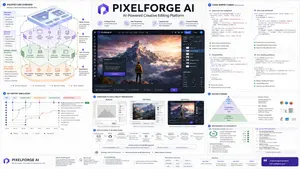
Do this for an AI powered Photoshop like app: Render_Target = ( Isometric_Architecture_Diagram_Of_[PROJECT_NAME] (project name) * 1.7 ) + ( Code_Snippet_Cards_Annotated_With_Async_Fetch_State_And_Error_Handling_For_[PROJECT_NAME] (project name) * 1.6 ) + ( Wireframe_To_High_Fidelity_UI_Progression_In_3_Panels_For_[PROJECT_NAME] (project name) * 1.5 ) + ( Git_Commit_History_Simulation_With_Branch_Names_And_Feature_Merge_For_[PROJECT_NAME] (project name) * 1.3 ) + ( Deployment_Flowchart_Environment_Variables_Hosting_CI/CD_For_[PROJECT_NAME] (project name) * 1.4 ) + ( Testing_Pyramid_Visual_Unit_Integration_E2E_With_Example_Snippets_For_[PROJECT_NAME] (project name) * 1.2 ) + ( Performance_Audit_Card_And_Accessibility_Checklist_For_[PROJECT_NAME] (project name) * 1.0 ) - ( Clichéd_Hacker_Terminal_Green_On_Black_Or_Hoodie_Programmer_Stock_Photos / 3.4 ) - ( Uncommented_Code_Dumps_Without_Layman_Explanation / 3.0 )3
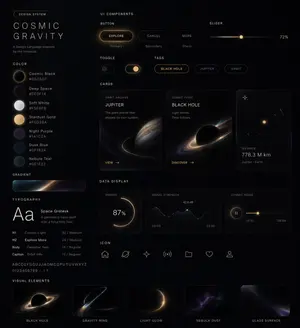
UI Design System Prompt
Create a creative image of Ui Design System Prompt. Style: photorealistic. Composition: balanced and well-framed. Lighting: natural with cinematic mood. Category: photography. Reference: ui-design-system-prompt-13489.

Isometric Business People Set
{"type":"isometric business people illustration set","style":"clean vector-like 3D isometric office illustration, minimal corporate presentation style, soft shadows, white background, consistent scale, rounded simplified faces without detailed features, muted colors, crisp edges, no text","layout":{"canvas":"wide 16:9 sheet with evenly spaced individual figures arranged in a grid","count":"28 separate isometric character vignettes","grid":"4 rows by 7 columns, each vignette isolated with a small soft oval shadow"},"characters":{"female_employee":{"appearance":"{argument name=\"female employee appearance\" default=\"young adult businesswoman with brown hair tied back, white blouse, navy pencil skirt, black heels\"}","poses_count":14},"male_employee":{"appearance":"{argument name=\"male employee appearance\" default=\"young adult businessman with short brown hair, light gray dress shirt, dark tie, charcoal slacks, black shoes\"}","poses_count":14}},"vignettes":[{"row":1,"count":7,"items":["businesswoman standing and reading a tablet","businesswoman presenting at a freestanding whiteboard and pointing with one hand","businesswoman walking while holding a takeaway coffee cup","businesswoman standing with an open laptop","businesswoman standing and talking on a smartphone","businesswoman standing and writing on a clipboard","businesswoman seated at a desk with laptop, office chair, and small potted plant"]},{"row":2,"count":7,"items":["businesswoman standing confidently with arms crossed","businesswoman walking with a shoulder bag and documents","businesswoman standing and reading a tablet","businesswoman seated at a desk working on a laptop with a small plant","businesswoman walking with a shoulder bag","businesswoman walking while talking on a smartphone and carrying a folder","businesswoman seated in a lounge chair reading an open book"]},{"row":3,"count":7,"items":["businessman standing with a briefcase","businessman walking while reading papers","businessman walking with a shoulder bag","two businessmen shaking hands","businessman running while carrying stacked documents","businessman placing or retrieving files from a bookshelf with binders, books, boxes, and a plant","businessman standing and gesturing while holding papers"]},{"row":4,"count":7,"items":["businessman leaning against a reception counter or office cabinet","businessman seated at a desk using a laptop with a small plant","businessman seated in a lounge chair gesturing in conversation","businessman seated in a lounge chair holding papers in a meeting pose","businessman standing and talking on a smartphone","businessman walking with a briefcase","businessman standing neutrally with hands in pockets"]}],"props":{"office_items":"{argument name=\"office props\" default=\"laptops, tablets, clipboard, whiteboard, desks, chairs, bookshelf, briefcase, shoulder bag, documents, coffee cup, smartphone, small potted plants\"}","background":"{argument name=\"background color\" default=\"plain white\"}"},"color_palette":"{argument name=\"color palette\" default=\"navy, white, light gray, charcoal, brown hair tones, small green plant accents\"}","rendering_instructions":"Generate a cohesive set of reusable office-service presentation illustrations. Keep every figure in the same isometric camera angle and scale, with generous whitespace between the 28 items, no labels, no borders, no logos, no decorative background."}
Explore more prompts
Browse more AI image and video prompts by category.
FAQ
- How are the characters spaced for easy extraction?
- Generous spacing and isolated gray ovals allow each of the 28 elements to be cropped individually without touching neighbors.
- What props appear most frequently in the sheet?
- Laptops, potted plants, phones, and documents show up across multiple rows while unique items like the whiteboard and office shelf appear once.