
Text to Image
Instructional Martial Arts Movement Sheet — AI Image Prompt
A technical prompt designed to create a 16-panel grid showing martial arts movements with 3D characters, labels, and directional arrows. - AIPinMaker
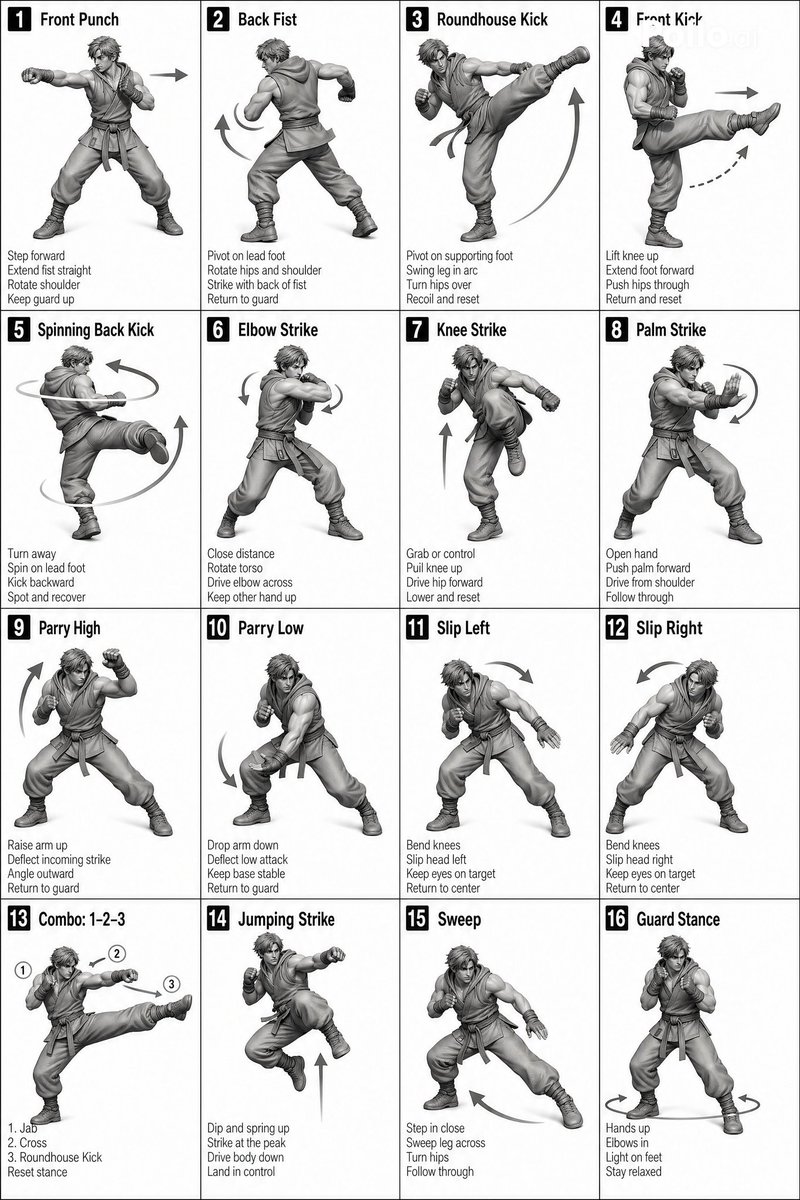
Prompt
[STYLE]
Monochrome grayscale illustration, 3D-rendered character, clean instructional reference sheet, white background, comic-style cell grid layout, technical diagram aesthetic.

[LAYOUT]
4×4 grid layout with a total of 16 panels. Each panel is separated by thin black border lines. Cells are numbered from 1 to 16, with consistent panel sizes.

[CHARACTER]
 image1 (the same character appears consistently in all panels)

[PANEL STRUCTURE – per cell]

Top-left: bold number badge + English title text

Center: full-body character pose illustration

Bottom-left: English description text (3–4 lines)

Overlay: directional arrows indicating movement

[ARROWS / MOTION INDICATORS]
Curved arrows, straight arrows, and circular rotation indicators placed around the character to show motion flow and direction.

[RENDERING STYLE]
Highly detailed 3D sculpted style, soft studio lighting, subtle shadows, no color, grayscale shading, clean linework, game concept art quality.

[NEGATIVE]
No background scenery, no color tones, no additional characters, no complex background.3c:T4
Prompt breakdown
- Subject
- Consistent 3D-rendered martial artist executing sequential techniques across 16 panels
- Style
- Monochrome grayscale 3D-sculpted illustration with comic cell grid and technical diagram aesthetic
- Lighting
- Soft studio lighting with subtle shadows and clean linework
- Composition
- Strict 4x4 grid, numbered 1–16, each cell containing title badge, pose, description block, and directional arrows
- Mood
- Precise and instructional, optimized for technique reference
Remix ideas
- Change arrow styles to dashed lines and add rotation degree markers to emphasize hip torque in specific panels
- Replace the character model with a female practitioner while keeping identical panel layout and motion indicators
- Convert the entire grid to a single vertical scroll format with connecting flow arrows between stacked panels
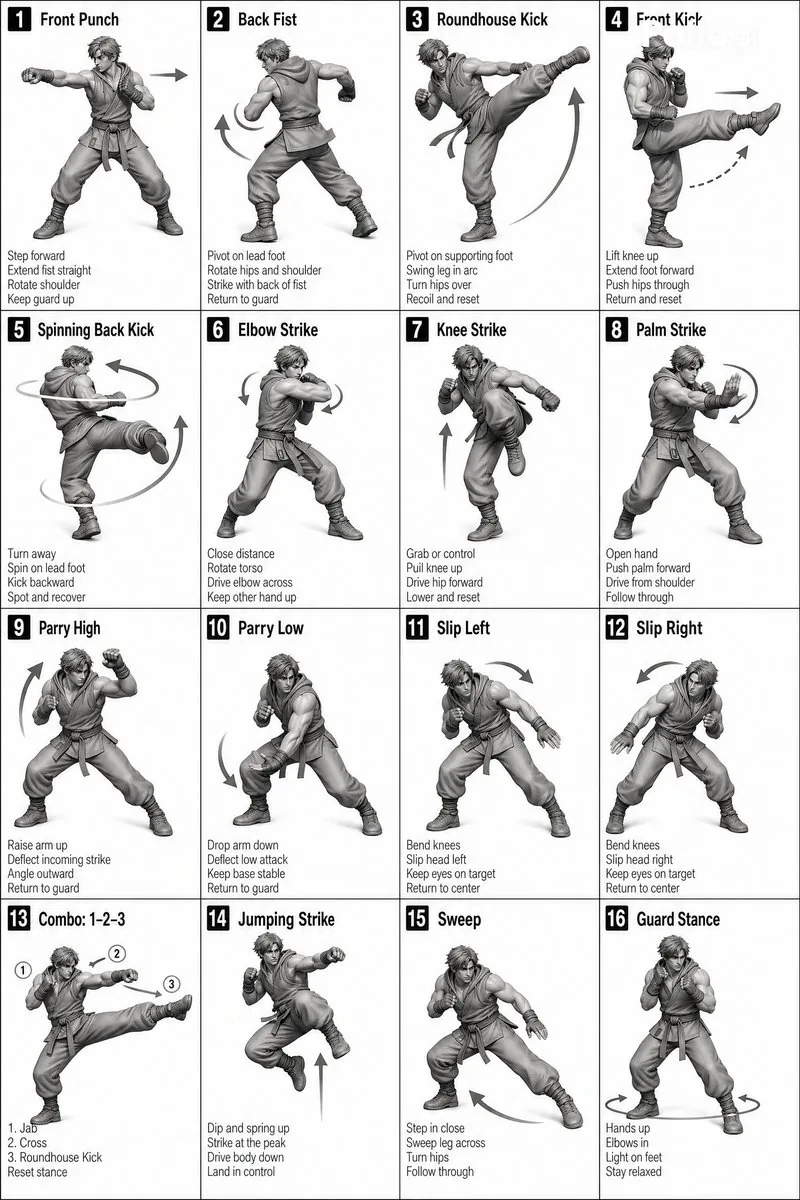
Reference images
How to use this AI Image prompt template
 1
1Copy the prompt — grab this template’s prompt and negative prompt.  2
2Pick a model — choose a recommended AI model for the best match.  3
3Generate — open the studio with one click and create your result.
Related templates
C4D-Style Finance App UI (Variant)
金融理财APP手机UI设计,C4D风格高级UI,3D立体数据图表,蓝色渐变界面,悬浮卡片设计,玻璃拟态按钮,动态余额数字显示,市场趋势曲线图,纯白色背景,杰作,高细节
Isometric Statistic Visualization Render
Create a infographic image of Isometric Statistic Visualization Render. Style: photorealistic. Composition: balanced and well-framed. Lighting: natural with cinematic mood. Category: illustration. Reference: isometric-statistic-visualization-render-25899.

Business Character Sheet Gallery
Goal: Create a wide screenshot-style gallery view showing multiple generated variations of the same modern business illustration sheet. Canvas: Wide 16:9 image, 1792x1024 (canvas size), with a black application-like background and thin gutters between image tiles. At the very top, include a rounded black prompt bar containing small white monospaced text beginning with a visible JSON-style snippet: {argument name="visible prompt text" default="{\"size\": \"1792x1024\", \"prompt\": \"A modern illustration sheet displayed on a soft light grey background.\\nThe illustrations are arranged in a structured grid layout of 2 rows with 6 figures per row (12 figures total), ...\"}"}. Layout: Show exactly 16 rectangular thumbnail tiles arranged in a 4 by 4 grid beneath the prompt bar. Each tile has a soft light gray background and depicts a miniature illustration sheet. The thumbnails are similar but not identical, like generated variations. Use narrow black spacing between tiles and slightly rounded tile corners. Add a subtle small translucent circular play/arrow icon at the lower-right corner of many tiles, as if they are preview cards in a generation interface. Thumbnail content: Inside each of the 16 tiles, show exactly 12 stylized 3D business figures arranged as 2 rows with 6 figures per row. The people should be diverse in gender, skin tone, age, and clothing, wearing modern office attire such as navy suits, gray blazers, teal trousers, skirts, shirts, sweaters, and business shoes. Include business props throughout the figures: laptops, desks, office chairs, briefcases, clipboards, cardboard boxes, easel flip charts, whiteboards, markers, presentation boards, handshake poses, walking poses, seated computer-work poses, and standing discussion poses. Keep every figure isolated like a clean character-sheet element rather than a continuous scene. Visual style: Polished semi-realistic 3D illustration, soft studio lighting, subtle shadows under each character, clean corporate presentation aesthetic, muted colors with navy, gray, white, teal, tan, and small accent colors. The overall composition should look like a screen capture of an AI image generation results page, not a single poster. Constraints: Keep the top prompt bar legible enough to read the beginning, but it may truncate toward the right. Use exactly 16 gallery thumbnails, and within each thumbnail use exactly 12 business figure vignettes in a 2-row by 6-column arrangement. Do not add logos, watermarks, extra interface panels, or unrelated text beyond the top prompt bar.

3D Notebook Illusion Sketch
A creative 3D illusion artwork of a handsome young man (subject) stepping out of a spiral notebook page placed on a wooden desk. The notebook features lined paper with handwritten notes at the top. The character is designed in a semi-realistic 3D cartoon style with neatly styled dark brown hair, expressive eyes, a confident friendly smile, and subtle realistic facial details. He wears a casual pastel-colored t-shirt, a light denim jacket, slim-fit light grey jeans, and clean white sneakers. The lower half of his body appears as a detailed pencil sketch drawn directly on the notebook page, while his upper body transforms into a realistic 3D figure emerging from the paper, creating a striking pop-out illusion effect. Intricate graphite shading and sketch lines seamlessly blend into the realistic textures of the 3D character. Warm natural sunlight illuminates the wooden desk, casting soft shadows and enhancing depth. Ultra-detailed, photorealistic mixed-media artwork, realistic notebook textures, cinematic lighting, shallow depth of field, highly creative optical illusion, 8K quality, masterpiece composition.
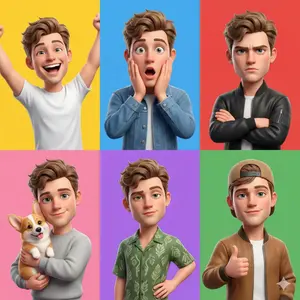
3D Pixar-Style Character Grid
Create a anime image of 3d Pixar Style Character Grid. Style: photorealistic. Composition: balanced and well-framed. Lighting: natural with cinematic mood. Category: anime. Reference: 3d-pixar-style-character-grid-10079.
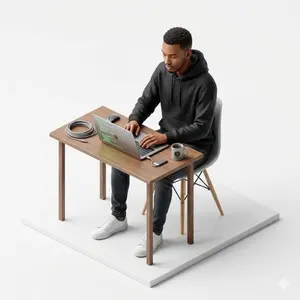
Isometric figurine generation prompt for Nano Banana Pro
Create a creative image of Isometric Figurine Generation Prompt For Nano Banana Pro. Style: photorealistic. Composition: balanced and well-framed. Lighting: natural with cinematic mood. Category: photography. Reference: isometric-figurine-generation-prompt-for-nano-banana-pro-5874.
Explore more prompts
Browse more AI image and video prompts by category.
FAQ
- What martial art form does this sheet depict?
- The prompt leaves the specific style open; the 16 poses and arrows can represent any linear or circular sequence such as a karate kata or wing chun form depending on the pose descriptions used.
- How are the motion indicators integrated with the character?
- Curved arrows, straight arrows, and circular rotation symbols are overlaid around the full-body figure in each panel to show exact paths for limbs, torso turns, and footwork.