
Text to Image
Ink-Wash Style Presentation Slides — AI Image Prompt
A template for generating East-Asian ink-wash style presentation slides, featuring textured rice paper backgrounds and traditional motifs. - AIPinMaker
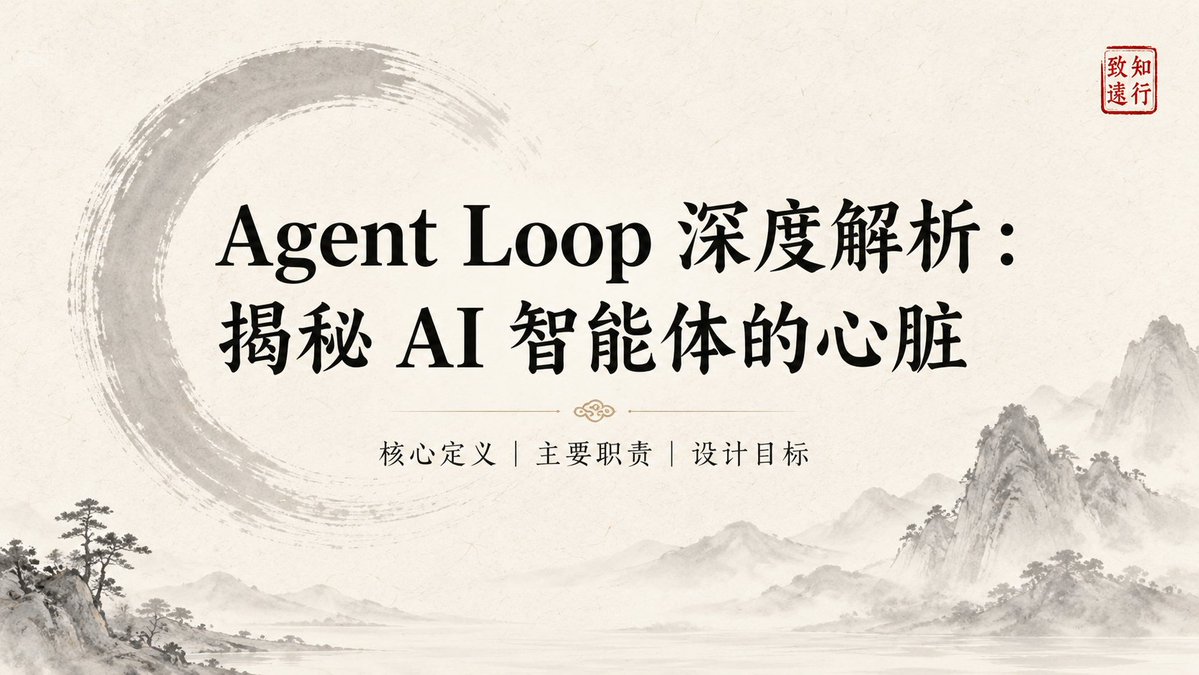
Prompt
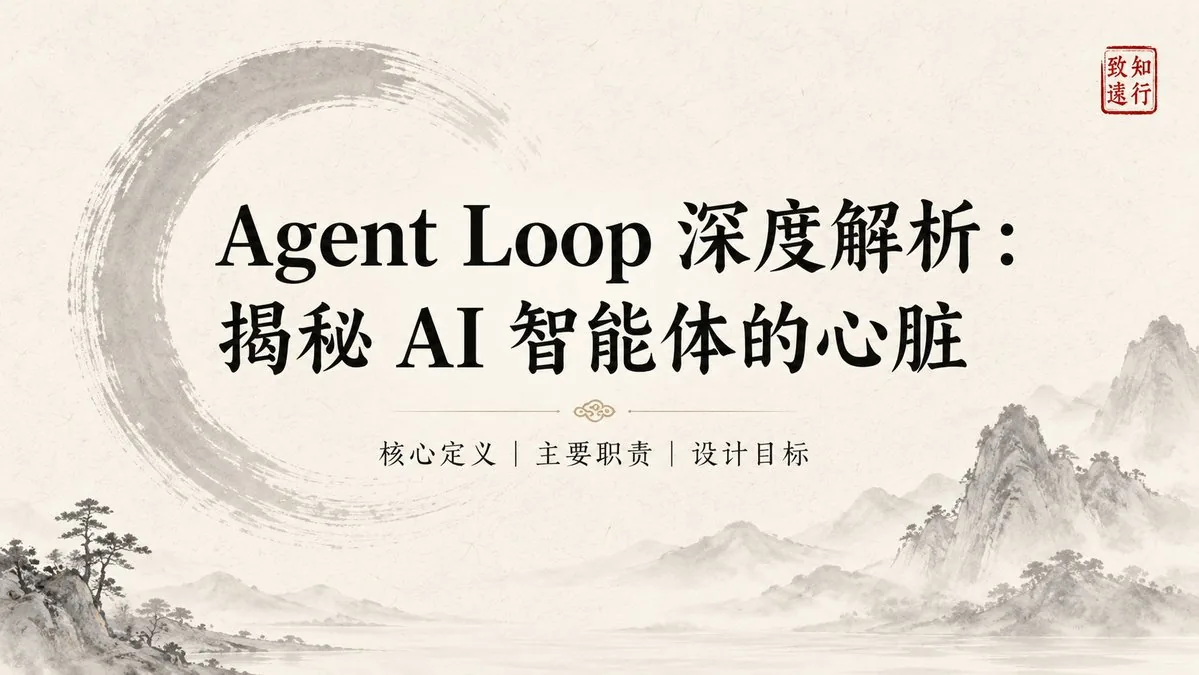
Create a creative image of Ink Wash Style Presentation Slides. Style: photorealistic. Composition: balanced and well-framed. Lighting: natural with cinematic mood. Category: photography. Reference: ink-wash-style-presentation-slides-19268.
Prompt breakdown
- Subject
- Ink Wash Style Presentation Slides
- Style
- photorealistic
- Lighting
- natural with cinematic mood
- Composition
- balanced and well-framed
- Mood
- cinematic
Remix ideas
- Add faint mountain silhouettes in diluted ink behind the text to reference classical sumi-e landscapes
- Increase paper texture visibility with visible creases and slight translucency where ink has soaked through
- Introduce a single vermilion accent stamp in the lower corner while keeping all other elements monochrome
Reference images
How to use this AI Image prompt template
 1
1Copy the prompt — grab this template’s prompt and negative prompt.  2
2Pick a model — choose a recommended AI model for the best match.  3
3Generate — open the studio with one click and create your result.
Related templates
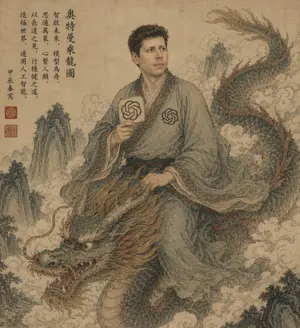
Ancient Scroll Scholar Riding Dragon
An ancient Chinese ink-and-wash style portrait on aged tan parchment, composed like a classical hanging scroll. A scholarly East Asian man in flowing gray-blue robes sits side-saddle atop a long serpentine Chinese dragon emerging through swirling clouds. His face is intentionally obscured by a flat rectangular blur block in parchment-brown tones. He has short dark curly hair and wears layered traditional robes with ornate patterned trim, a dark sash belt, and two modern OpenAI knot emblems worked into the costume: one printed on the chest and one on a round hand fan he holds upright in his right hand. His left hand rests near the dragon's mane as if holding the creature steady. The dragon is large and detailed, with blue-green scales, a pale underbelly, reddish-brown mane and fin accents, antler-like horns, whiskers, bared teeth, and a fierce expressive face in the lower left foreground, while its body coils upward to the upper right. Surround the figures with mist, stylized clouds, and steep craggy mountain peaks fading into the background. Add a vertical column of black Chinese calligraphy at the upper left and 3 red seal stamps near the lower part of the inscription area. The palette is muted, dusty, and antique: parchment beige, faded teal, moss green, smoky gray, sepia, and rust. Overall feeling: mythical, scholarly, dignified, slightly surreal, blending classical Chinese scroll painting with subtle modern AI iconography. Highly detailed brushwork, weathered paper texture, elegant composition, no border, full-frame vertical artwork.

Shan Hai Jing Vintage Comic Page
Using the provided reference image as a layout and style guide, recreate it as a vintage Chinese mythological illustrated story page instead of the Monkey King page. Keep the aged textbook/comic print look, yellowed paper texture, retro ink-and-watercolor rendering, and boxed multi-panel composition. Replace the original content with a 山海经-themed page. Preserve the vertical title block on the left, but change the main title to 山海经 (title text). Build a total of 8 content panels: 1 large title/hero panel at the top left featuring a mythic figure and a red sun, 5 medium boxed narrative panels in the middle rows with different ancient myth scenes, and 2 wide horizontal panels across the bottom row. Add dense Chinese explanatory captions under each panel in the same old-print style, with small numbered labels for panels 2 through 8 and a small red seal-like tag near the title. The overall result should feel like an antique Chinese serialized picture-book page from a retro children’s mythology encyclopedia.3b:T421,Using
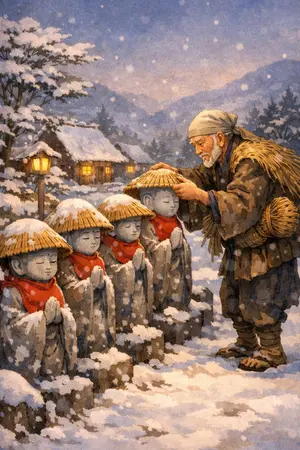
Kasa Jizo Folktale Illustration Prompt
Create a creative image of Kasa Jizo Folktale Illustration Prompt. Style: photorealistic. Composition: balanced and well-framed. Lighting: natural with cinematic mood. Category: photography. Reference: kasa-jizo-folktale-illustration-prompt-1835.

Whimsical Programmer Almanac Infographic
{ "type": "watercolor infographic almanac", "style": "hand-drawn, Little Prince theme, cream background, scattered stars", "header": { "date": "{argument name=\"date\" default=\"2026年4月18日\"}", "title": "{argument name=\"main title\" default=\"vibe coding 老黄历\"}", "subtitle": "丙午年 三月初二 星期六" }, "layout": { "sections": [ { "title": "宜", "position": "top-left", "count": 5, "labels": [ "{argument name=\"first do item\" default=\"跟着感觉写代码\"}", "和AI聊一聊再开工", "删掉不对的,保留有趣的", "给项目起一个浪漫的名字", "喝杯咖啡,让思路长出来" ] }, { "title": "今日天象 & 编程运势", "position": "top-right", "count": 4, "labels": [ "月亮进入双子座", "灵感流动,适合对话与创造。", "5 stars", "灵感 90% 调试 65% 成就感 88%" ] }, { "title": "忌", "position": "mid-left", "count": 5, "labels": [ "{argument name=\"first dont item\" default=\"一上来就写完美架构\"}", "纠结技术选型到天黑", "害怕报错,不敢运行", "复制粘贴不思考", "忘记保存与提交" ] }, { "title": "今日吉时", "position": "bottom-left", "count": 2, "labels": [ "09:30 - 11:30 灵感正旺", "14:00 - 16:00 敲出惊喜" ] }, { "title": "幸运指令", "position": "bottom-left", "count": 4, "labels": [ "git add .", "git commit -m \"follow the vibe\"", "git push", "# 宇宙会帮你编译的" ] }, { "title": "今日心法", "position": "bottom-right", "count": 1, "labels": [ "不必成为最厉害的程序员,只需成为最有感受力的创造者。让感觉引路,让代码开花。" ] } ], "illustration": { "position": "center-right", "subject": "Little Prince on asteroid with laptop, fox, rose in glass dome, mug", "quote": "{argument name=\"quote\" default=\"重要的东西,用眼睛是看不见的,要用代码和心去感受。\"} —— 小王子与程序员", "sticky_notes": { "count": 3, "labels": [ "先跑起来再说。", "让AI陪你探索。", "bug也是礼物。" ] } } } }3d:Ta73,{ "type": "watercolor infographic almanac", "style": "hand-drawn, Little Prince theme, cream background, scattered stars", "header": { "date": "{argument name=\"date\" default=\"2026年4月18日\"}", "title": "{argument name=\"main title\" default=\"vibe coding 老黄历\"}", "subtitle": "丙午年 三月初二 星期六" }, "layout": { "sections": [ { "title": "宜", "position": "top-left", "count": 5, "labels": [ "{argument name=\"first do item\" default=\"跟着感觉写代码

Chinese traditional colors daily web app
生成一个web应用,每天介绍一种中国传统颜色 (颜色体系)(如:天青 (示例颜色1)、胭脂 (示例颜色2)、黛螺 (示例颜色3)),配以相关的古诗词、文物插画或自然景观。
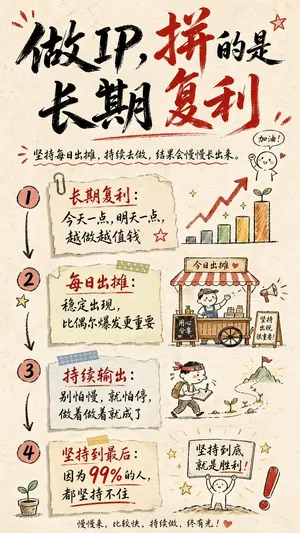
Hand-drawn Infographic Card Prompt
Create a infographic image of Hand Drawn Infographic Card Prompt. Style: photorealistic. Composition: balanced and well-framed. Lighting: natural with cinematic mood. Category: illustration. Reference: hand-drawn-infographic-card-prompt-14744.
Explore more prompts
Browse more AI image and video prompts by category.
FAQ
- How does the photorealistic treatment affect the ink-wash presentation slides?
- It renders the ink bleeding and rice-paper texture as tangible surfaces, making the slides appear as physical objects rather than flat digital graphics.
- What content works best on ink-wash style slides?
- Minimal text with short poetic phrases or abstract data points allows the fluid brushwork and negative space to remain the visual focus.