
Text to Image
Fashion Editorial Illustration Sketch — AI Image Prompt
A specialized prompt to transform portrait photos into minimalist high-fashion ink sketches while maintaining subject identity. - AIPinMaker
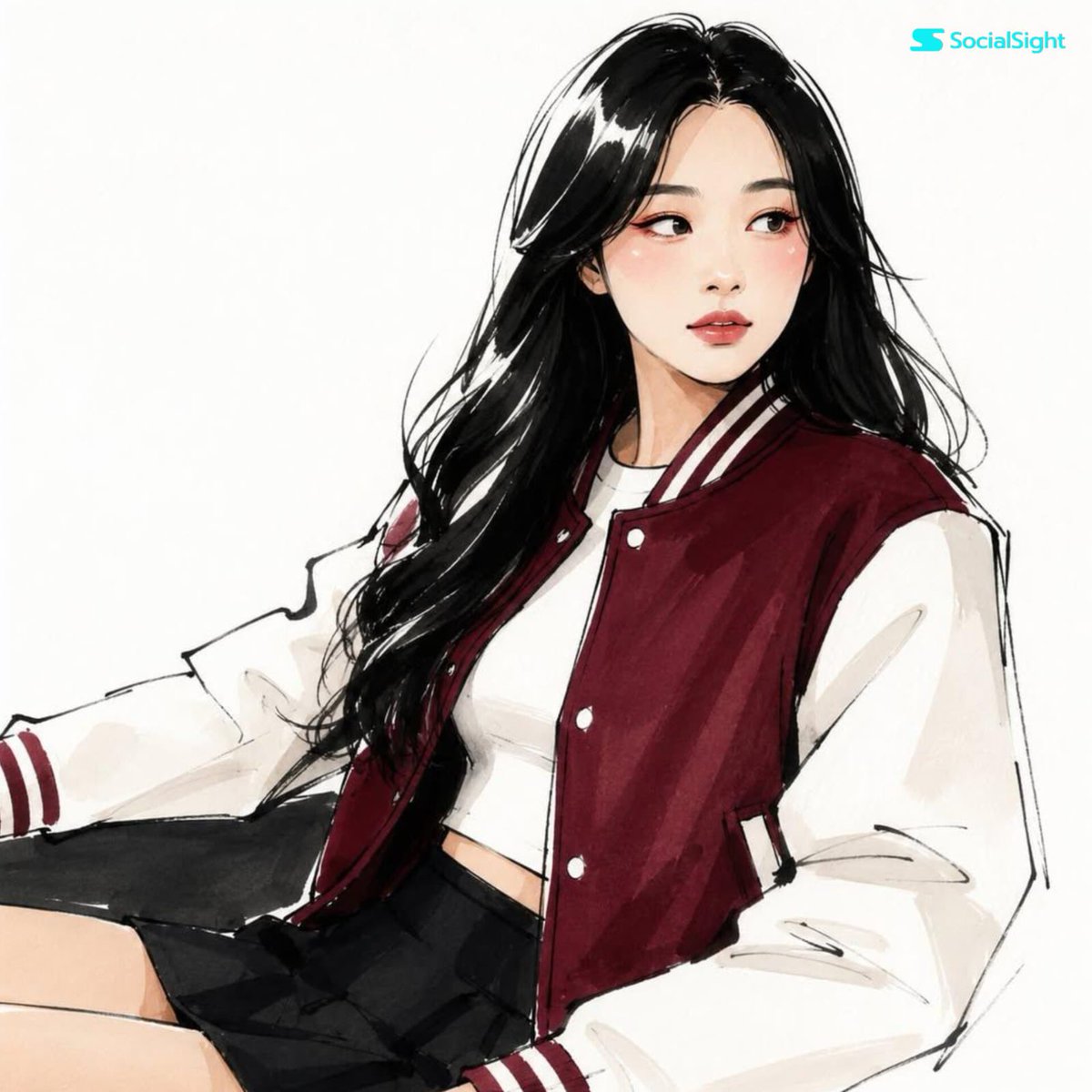
Prompt
Transform this photo into an {argument name="illustration style" default="expressive high-fashion editorial illustration"} while preserving the person’s identity, facial structure, hairstyle, and recognizable features. Convert the portrait into a {argument name="drawing style" default="minimalist hand-drawn fashion sketch"} with elegant elongated proportions. Use bold black ink contour lines, loose confident brush strokes, slightly imperfect asymmetrical hand-drawn linework, simplified facial anatomy, stylized almond-shaped eyes, minimal nose details, and expressive graphic lips. Apply flat marker color rendering with a limited sophisticated palette, artistic abstract blush patches under the eyes, subtle colorful eye makeup accents, and semi-abstract graphic shading. Render hair as bold expressive ink masses with visible white highlight gaps. Simplify clothing into large geometric color blocks with editorial fashion illustration styling. Clean white background, scanned marker-on-paper texture, {argument name="publication aesthetic" default="modern Vogue"}3aPrompt breakdown
- Subject
- Portrait preserving the person's identity, facial structure, hairstyle, and recognizable features with elegant elongated proportions
- Style
- Minimalist hand-drawn fashion sketch using bold black ink contour lines, loose confident brush strokes, slightly imperfect asymmetrical linework, simplified facial anatomy, stylized almond-shaped eyes, minimal nose details, expressive graphic lips, flat marker color rendering, artistic abstract blush patches, subtle colorful eye makeup accents, and semi-abstract graphic shading
- Composition
- Clean white background with hair rendered as bold expressive ink masses featuring visible white highlight gaps and clothing simplified into large geometric color blocks
- Mood
- Sophisticated modern Vogue editorial fashion illustration with handcrafted marker-on-paper texture
Remix ideas
- Change the default drawing style to looser charcoal lines while keeping the bold ink contours and elongated proportions
- Shift the limited sophisticated palette toward deeper jewel tones for a more dramatic Vogue spread feel
- Increase asymmetry in the hand-drawn linework and add extra white gaps in the hair ink masses for a rawer sketch effect
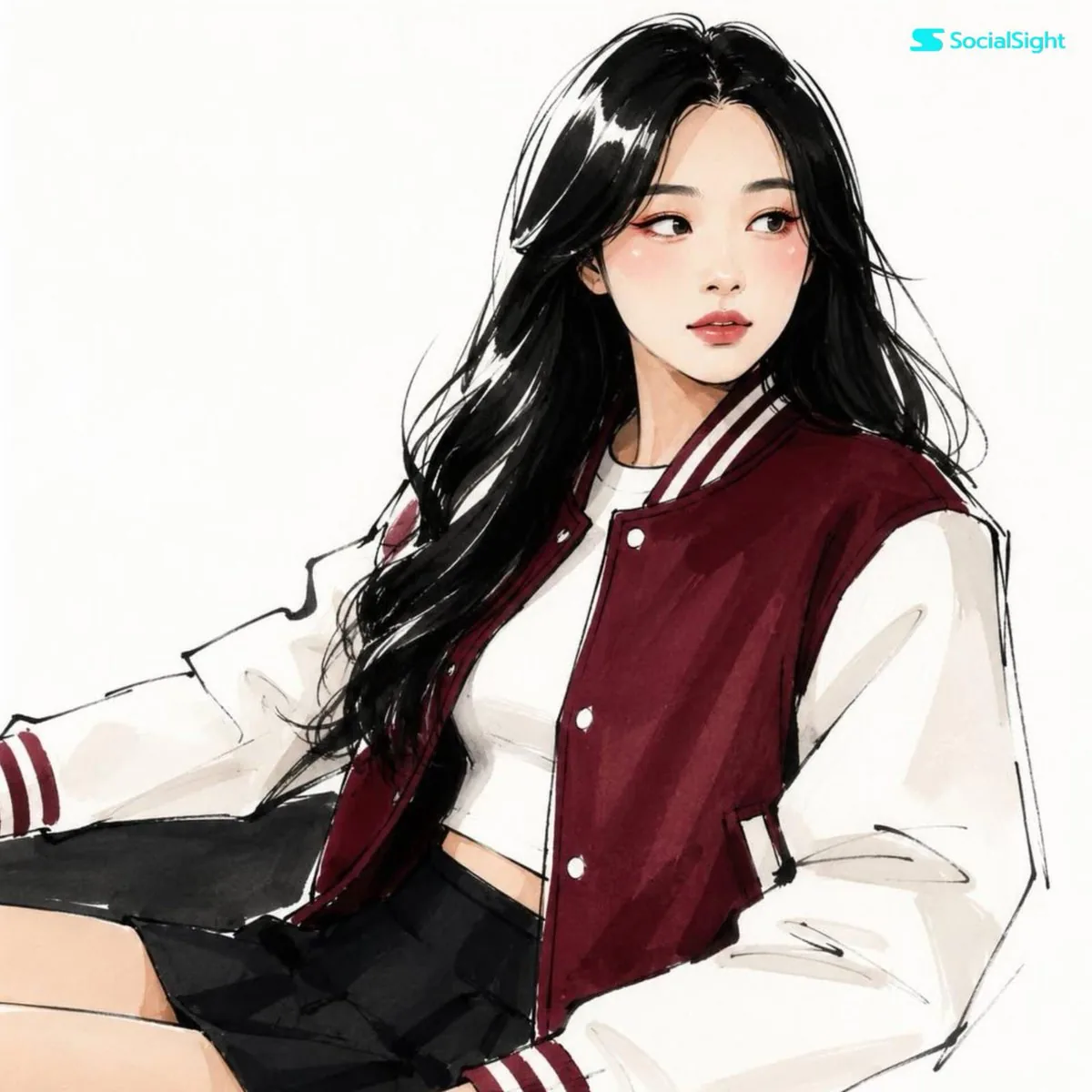
Reference images
How to use this AI Image prompt template
 1
1Copy the prompt — grab this template’s prompt and negative prompt.  2
2Pick a model — choose a recommended AI model for the best match.  3
3Generate — open the studio with one click and create your result.
Related templates

Gestural Ink Fashion Illustration
ASPECT_RATIO: [3:4 (aspect ratio)] SOURCE_IMAGE: [uploaded photo (reference)] ACCENT_COLOR: [single vivid highlight color (accent color)] Use the uploaded photo as the base image and the only identity source. Keep the person exactly the same and clearly recognizable. Ignore the original framing and always recompose into a tight close-up or upper-body editorial crop, with the face dominating the frame. Transform the image into a gestural editorial ink fashion illustration. The style must be built from bold black brushwork, not delicate sketch lines. Use: very thick black brush strokes broad dry-brush sweeps large asymmetrical black ink masses long loose calligraphic lines broken contours scratchy secondary linework strong black-on-ivory contrast smooth monochrome skin The thick strokes must be clearly dominant. Do not render the portrait mainly with thin contour lines. Do not make it neat, polished, or softly illustrated. The image should feel painted with a loaded brush and finished with sharp expressive pen marks. Keep the portrait stylish and high-fashion. Use one hero accessory, preferably oversized translucent tinted sunglasses. The accent color [ACCENT_COLOR] must live mainly inside that accessory, especially in the lenses, as a bold luminous tint. Only tiny supporting traces of the same color may appear elsewhere.
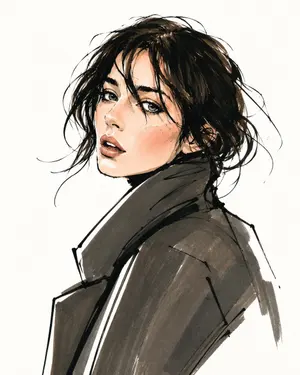
Vogue Style Fashion Illustration
Create a fashion image of Vogue Style Fashion Illustration. Style: photorealistic. Composition: balanced and well-framed. Lighting: natural with cinematic mood. Category: photography. Reference: vogue-style-fashion-illustration-23278.

Vogue Style Fashion Illustration
Create a fashion image of Vogue Style Fashion Illustration. Style: photorealistic. Composition: balanced and well-framed. Lighting: natural with cinematic mood. Category: photography. Reference: vogue-style-fashion-illustration-22581.
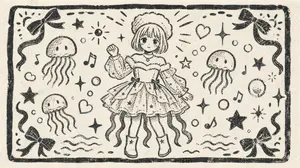
Monochrome Woodblock Character Postcard
Using the provided reference image as the character base, transform it into a nostalgic monochrome Japanese woodblock-print illustration on textured cream paper. Change the composition from vertical portrait to a wide horizontal postcard layout, keeping the same cute sea-themed girl and outfit concept but redrawing her smaller in the center, facing forward, with one hand raised in a friendly wave. Convert the blue-and-cream print into black ink linework only, with rough carved edges, uneven stamped texture, visible paper grain, and hand-printed imperfections. Layout: Add a thick hand-carved rectangular border around the entire image. Fill the surrounding space with playful decorative motifs while keeping the center character readable. Added motifs: Include exactly 3 jellyfish around the character, 4 ribbon bows placed near the four corners, 5 musical notes, 2 hearts, multiple bubbles, wavy water lines near the bottom, and scattered stars/sparkles in a cute handmade style. Style: Make it look like an old children’s picture-book woodcut or linocut print, simple black ink on off-white paper, charming, slightly rough, nostalgic, with no color fills other than black ink. Avoid realistic shading, gradients, or modern digital polish. Optional customization: Use black (ink color) ink on cream (paper color) paper, with the character in a one-hand waving pose (pose) and a nostalgic Japanese woodblock print (print style) finish.38

Grotesque Fashion Caricature Sketch
Create a fashion image of Grotesque Fashion Caricature Sketch. Style: photorealistic. Composition: balanced and well-framed. Lighting: natural with cinematic mood. Category: photography. Reference: grotesque-fashion-caricature-sketch-21485.

Vogue Style Fashion Illustration Sketch
Create a fashion image of Vogue Style Fashion Illustration Sketch. Style: photorealistic. Composition: balanced and well-framed. Lighting: natural with cinematic mood. Category: photography. Reference: vogue-style-fashion-illustration-sketch-22513.
Explore more prompts
Browse more AI image and video prompts by category.
FAQ
- How does the prompt keep the original person's likeness recognizable after stylization?
- It explicitly requires preserving facial structure, hairstyle, and recognizable features even as proportions elongate and details simplify into almond eyes and graphic lips.
- What finishing texture makes the output feel like a physical fashion sketch?
- The prompt adds a scanned marker-on-paper texture over the clean white background to mimic real media rather than pure digital rendering.