
Text to Image
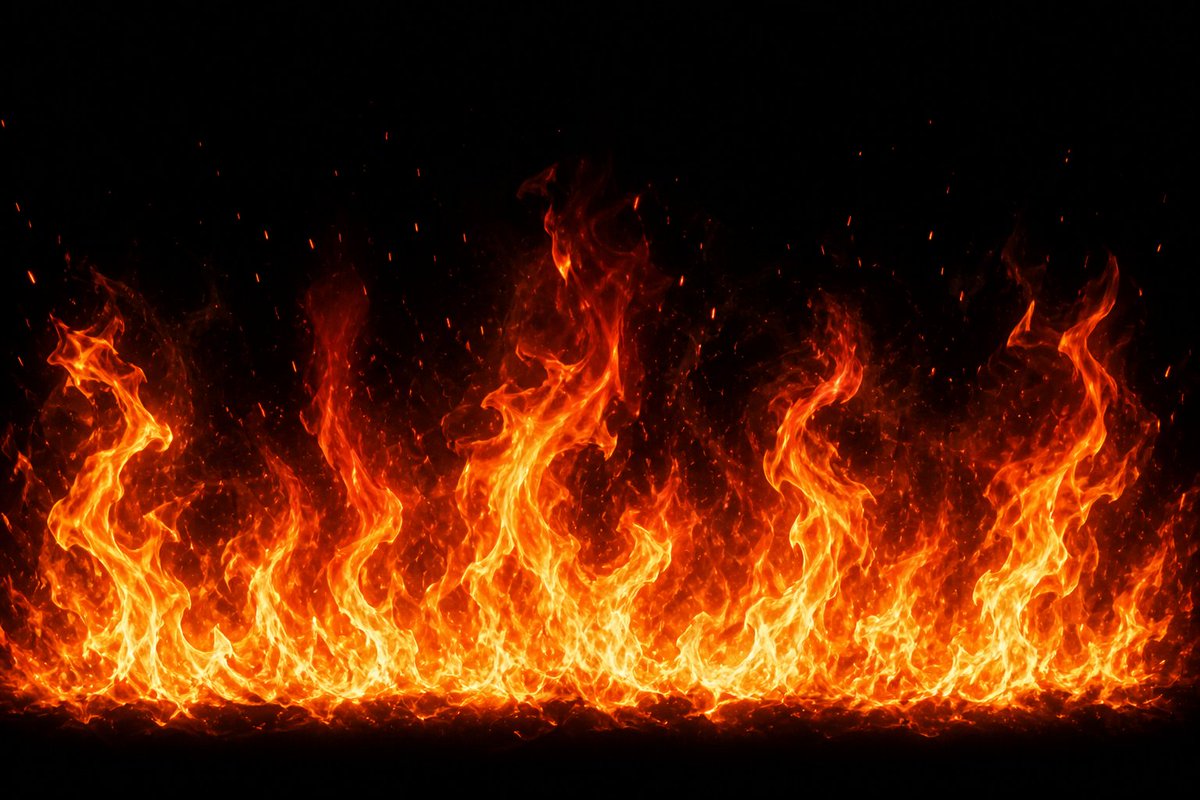
Cinematic Fire Effect Asset — AI Image Prompt
Generates a realistic horizontal wall of flames with embers on a black background for VFX, game, or compositing use. - AIPinMaker
Prompt
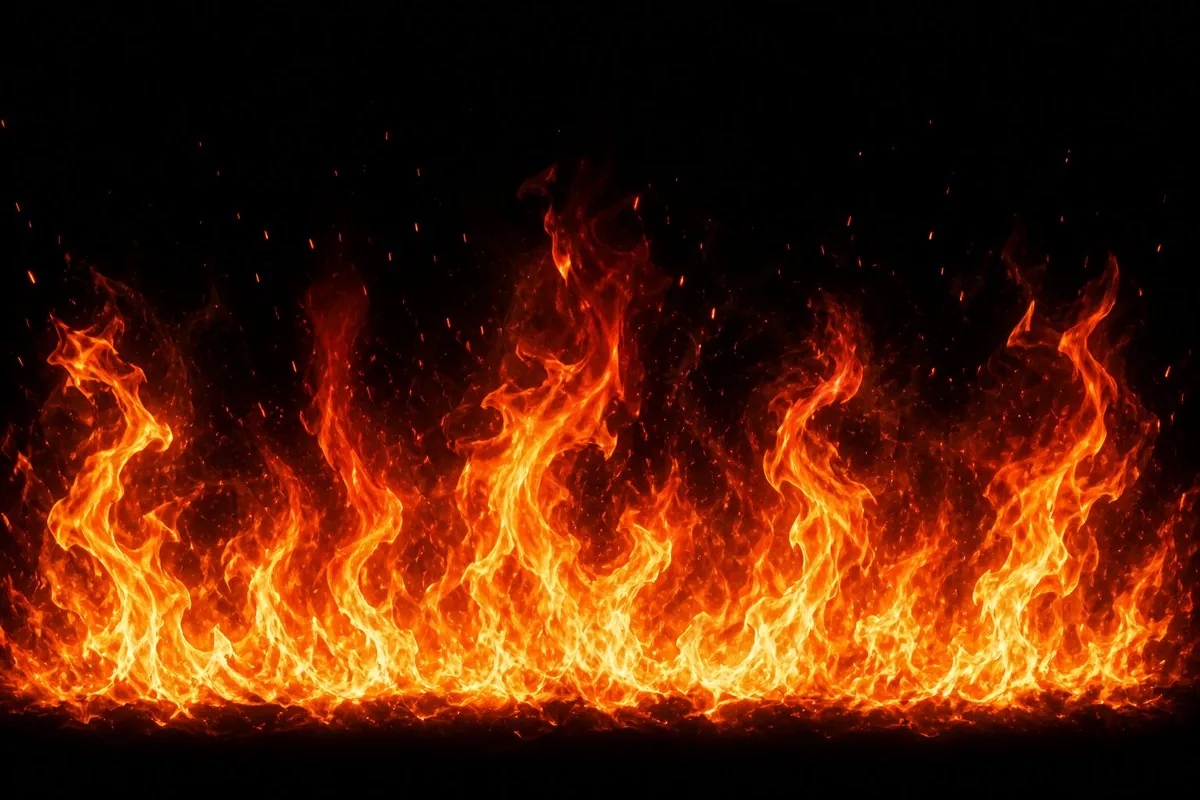
Create a high-resolution VFX fire effect asset: a wide horizontal wall of intense flames rising from the bottom edge across the full width of the frame, on a pure black background. The fire should have bright yellow-white cores, saturated orange and red outer tongues, and semi-transparent smoky heat wisps fading upward into darkness. Use {argument name="flame height" default="tall varied flame peaks"} with uneven curling shapes, including several large twisting flame columns at the left, center, and right, plus a dense low band of smaller flames along the base. Add many glowing ember particles and sparks drifting upward, with tiny red-orange specks scattered above the flames. Make it look like a realistic cinematic game effect or compositing element, high contrast, sharp detail, natural turbulent motion implied, no objects, no text, no people, no border, centered composition, {argument name="background color" default="pure black"}, {argument name="fire color palette" default="yellow white orange red"}, {argument name="aspect ratio" default="16:9 wide landscape"}.Prompt breakdown
- Subject
- wide horizontal wall of intense flames with yellow-white cores, orange-red outer tongues, semi-transparent smoky wisps, glowing ember particles and sparks on pure black background
- Style
- realistic cinematic game effect or compositing element, high contrast, sharp detail, natural turbulent motion implied
- Lighting
- bright yellow-white cores transitioning to saturated orange and red outer flames
- Composition
- centered 16:9 wide landscape with flames rising full width from bottom edge, several large twisting columns at left/center/right plus dense low band of smaller flames
- Mood
- intense dynamic heat with upward motion and embers drifting into darkness
Remix ideas
- Set flame height to short uniform peaks to turn the wall into a low ground-level inferno suitable for vehicle or environment effects
- Swap the fire color palette argument to include violet and cyan edges for a high-tech plasma variant
- Change background color to a very dark navy gradient so the upper smoke wisps retain faint visibility against the void
Reference images
How to use this AI Image prompt template
 1
1Copy the prompt — grab this template’s prompt and negative prompt.  2
2Pick a model — choose a recommended AI model for the best match.  3
3Generate — open the studio with one click and create your result.
Related templates
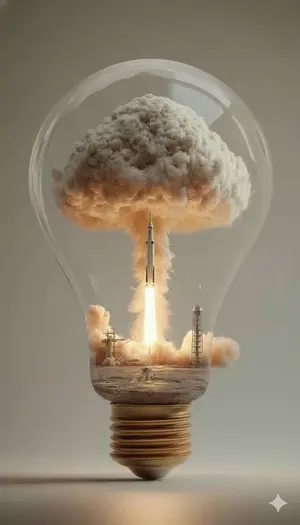
Surreal Rocket Launch in a Lightbulb
Create a creative image of Surreal Rocket Launch In A Lightbulb. Style: photorealistic. Composition: balanced and well-framed. Lighting: natural with cinematic mood. Category: photography. Reference: surreal-rocket-launch-in-a-lightbulb-6710.

Premium CGI Crystal Typography
[BRAND NAME] (brand name) Create a premium CGI crystal typography hero visual for a luxury brand campaign. Act like an optical physics art director, a 3D type sculptor, and a high-end product render artist. The final image should feel like a polished smart prompt showcase: multiple clean logo examples on a white layout, each brand mark rendered as transparent crystal glass on a pure black background, with sharp rainbow refraction, bright star flares, and elegant minimal spacing. Use the real canonical logo for [BRAND NAME] (brand name). Preserve the exact official wordmark or symbol geometry, including stroke weight, curve tension, terminals, custom glyph details, emblem placement, and lockup proportions. Do not replace it with a similar font. The result must read as the correct brand identity at a glance. Turn the logo into a physical 3D sculpture made from optical crystal glass (material). The letters or emblem should have real volume, consistent stroke thickness, polished flat faces, precise bevels, and razor-sharp edges. Material should feel like borosilicate glass or synthetic crystal with very high refraction and strong chromatic dispersion. The glass core is perfectly clear, with no bubbles or internal dirt. Add restrained realism to the surface: a few tiny hairline scratches, 2 to 4 micro chips on the sharpest edges, subtle scuffed haze in one or two small areas, and an optional faint fingerprint ghost visible only at a glancing angle. These imperfections should be discovered on close inspection, not dominate the image. They should catch light and create tiny sparkle breaks while the crystal stays luxurious and clean. Lighting: one focused, high-intensity studio beam from the upper left at about 35 degrees. The light passes through the crystal and splits into accurate rainbow dispersion, ordered red, orange, yellow, green, blue, and violet. Each polished face reflects and refracts at the same time. Edges glow with thin white-blue highlights. Chips create tiny irregular flare points. Micro scratches scatter fine light filaments. Internal reflections create layered rainbow bands inside the logo volume. Background for every logo render: absolute black, from #000000 to #050505, with no texture, no gradient, no visible surface, and no ambient light. Let the crystal logo float in darkness. Only the logo and its immediate spectral glow should emit light. Add a very subtle colored haze around each mark, fading quickly into black. Composition: build a clean white presentation poster with rounded black image panels. Include one wide hero panel at the top and two smaller panels beneath it, showing different brand examples or different lockup crops. Keep the design minimal, premium, and modern. Add small understated typography such as "smart prompt" and "change a single variable, get consistent results" in a quiet editoria
Radial Layered Dyson Swarm
Create a creative image of Radial Layered Dyson Swarm. Style: photorealistic. Composition: balanced and well-framed. Lighting: natural with cinematic mood. Category: photography. Reference: radial-layered-dyson-swarm-5562.

Space Mission Technical Artifacts
Create a creative image of Space Mission Technical Artifacts. Style: photorealistic. Composition: balanced and well-framed. Lighting: natural with cinematic mood. Category: photography. Reference: space-mission-technical-artifacts-21090.

Astronomical Orion Nebula Generation
Create a creative image of Astronomical Orion Nebula Generation. Style: photorealistic. Composition: balanced and well-framed. Lighting: natural with cinematic mood. Category: photography. Reference: astronomical-orion-nebula-generation-14795.

Gothic Miniature Dollhouse Bedroom
Create an ultra-detailed gothic Victorian miniature dollhouse room diorama inside a dark hexagonal shadow-box display, viewed from the front at a slightly elevated angle like a high-end handcrafted resin model. The scene is a luxurious black-and-gold fantasy bedroom for Veil (character name), with a moody occult antique atmosphere, warm candlelight, and photorealistic macro depth of field. Canvas and composition: square image, centered symmetrical room box with a peaked arched roof frame, visible black exterior edges, dark background outside the miniature. The room has dark wood herringbone flooring and ornate black lacquer furniture with aged gold trim. Lighting is low key, with amber highlights and deep shadows. Main subjects: on the central canopy bed, place exactly 2 seated doll-like figures: 1 small black-haired child doll in a dark dress and 1 older caretaker doll in a white shirt with dark vest, sitting close together. Their faces should be softly obscured or out of focus, not clearly readable, while their bodies and clothing remain detailed. Central furniture and architecture: include exactly 1 large black canopy bed with carved posts, black bedding, gold embroidery, heavy sheer lace curtains, tassels, and ornate drapery. The two front bedposts should be wrapped by exactly 2 dark serpentine dragon/snake sculptures, one on each side, rising upward. Above the bed hang exactly 1 large central lantern chandelier with a warm flame glow and exactly 1 smaller hanging lamp deeper in the room. Left side objects: include exactly 1 tall bookcase-cabinet with antique books and a lower cabinet door decorated with a gold snake emblem; exactly 1 narrow stained-glass gothic window; exactly 1 ornate gold wall mirror; exactly 1 small fireplace or glowing hearth below the mirror; exactly 1 tall white candle on a side table. Foreground objects: include exactly 1 low black chest or tea table in the front left with gold trim and many tiny drawers. On top of it place exactly 1 glass teapot, exactly 2 teacups with saucers, and exactly 1 small dish or tray. In the center foreground place exactly 1 round dark green-and-black rug with intricate gold filigree and fringe. Right side objects: include exactly 1 black vanity/sink cabinet with a brass basin and curved faucet, exactly 3 visible drawers, gold floral inlay, and small toiletry bottles. Above or beside it include exactly 1 wall sconce/candlelight, exactly 1 small round mirror or framed object, and exactly 1 vase with dark blue flowers. Visual style: photorealistic miniature craftsmanship, ornate gothic fantasy, black lacquer, antique brass, dark emerald accents, lace, velvet, filigree, carved wood, tiny books, smoky warm candle glow, high contrast, shallow depth of field, extremely detailed textures, cinematic macro photography, no text, no watermark, no modern objects.
Explore more prompts
Browse more AI image and video prompts by category.
FAQ
- How do I remove the pure black background when compositing this fire asset?
- Use the image in additive or screen blending modes inside After Effects, Nuke, or Unity so the black drops out automatically while preserving the semi-transparent smoke and ember layers.
- Can I animate this still asset for video use?
- Yes, apply a subtle vertical offset and turbulence warp in post or feed it into a particle system that instances multiple copies with staggered timing to simulate continuous flame movement.