
Text to Image
Cinematic Contact Sheet Generation from Reference Image - Nano Banana Pro AI Prompt for Comic / Storyboard — AI Image Prompt
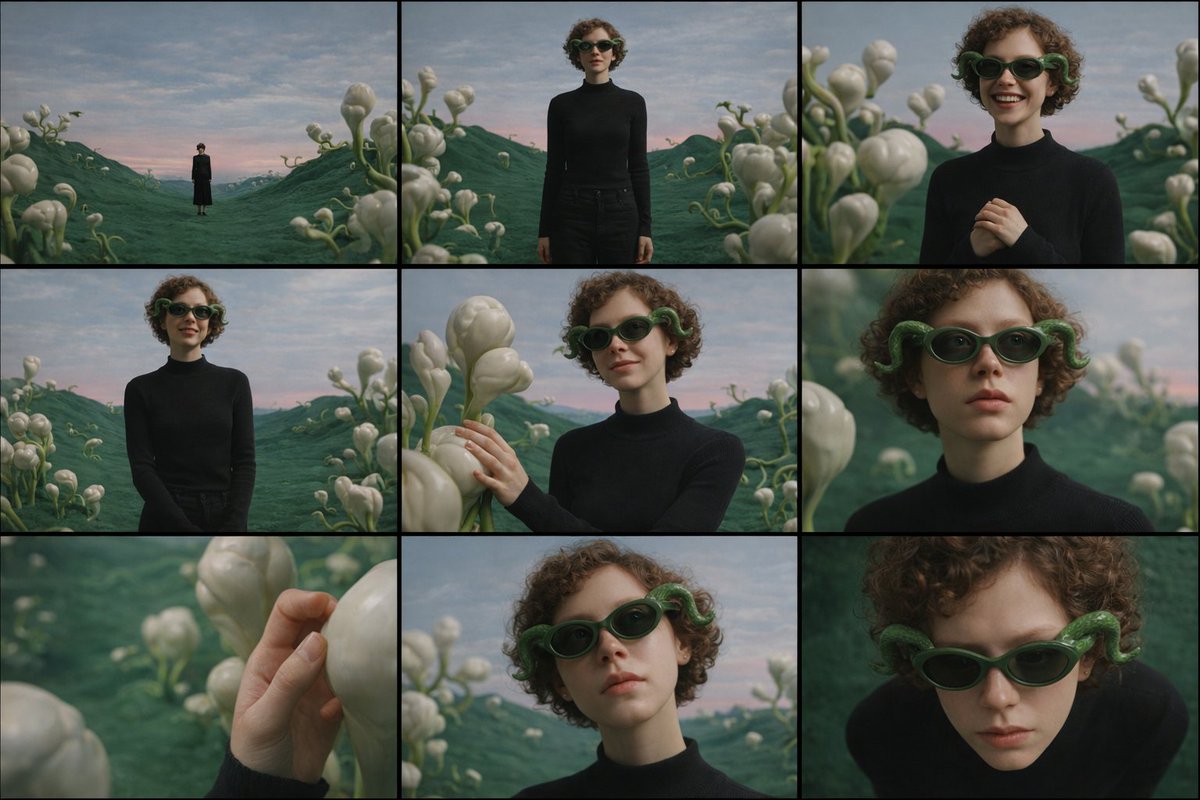
A complex, multi-step prompt designed to generate a cohesive 3x3 cinematic contact sheet based on an uploaded reference image. It instructs the model to internalize the scene and subject, then create a sequence of images captured from multiple distances and angles while maintaining absolute consistency in subject, location, lighting, and emotional tone. - AIPinMaker
Prompt
Study the uploaded image carefully and fully internalize the scene: the subject’s appearance, clothing, posture, emotional state, and the surrounding environment. Treat this moment as a single frozen point in time.
Create a cinematic image set that feels like a photographer methodically explored this exact moment from multiple distances and angles, without changing anything about the subject or location.
All images must clearly belong to the same scene, captured under the same lighting conditions, weather, and atmosphere. Nothing in the world changes — only the camera position and framing evolve.
The emotional tone should remain consistent throughout the set, subtly expressed through posture, gaze, and micro-expressions rather than exaggerated acting.
Begin by observing the subject within the environment from afar, letting the surroundings dominate the frame and establish scale and mood.
Gradually move closer, allowing the subject’s full presence to emerge, then narrowing attention toward body language and facial expression.
End with intimate perspectives that reveal small but meaningful details — texture, touch, or eye focus — before shifting perspective above and below the subject to suggest reflection, vulnerability, or quiet resolve.
Across the sequence:
Wider views should emphasize space and atmosphere
Mid-range views should emphasize posture and emotional context
Close views should isolate feeling and detail
Perspective shifts (low and high angles) should feel purposeful and cinematic, not decorative
Depth of field must behave naturally: distant views remain mostly sharp, while closer frames introduce shallow focus and gentle background separation.
The final result should read as a cohesive 3×3 cinematic contact sheet, as if selected from a single roll of film documenting one emotional moment from multiple viewpoints.
No text, symbols, signage, watermarks, numbers, or graphic elements may appear anywhere in the images.
Photorealistic rendering, cinematic color grading, and consistent visual realism are mandatory.40:T811,Stu
Prompt breakdown
- Subject
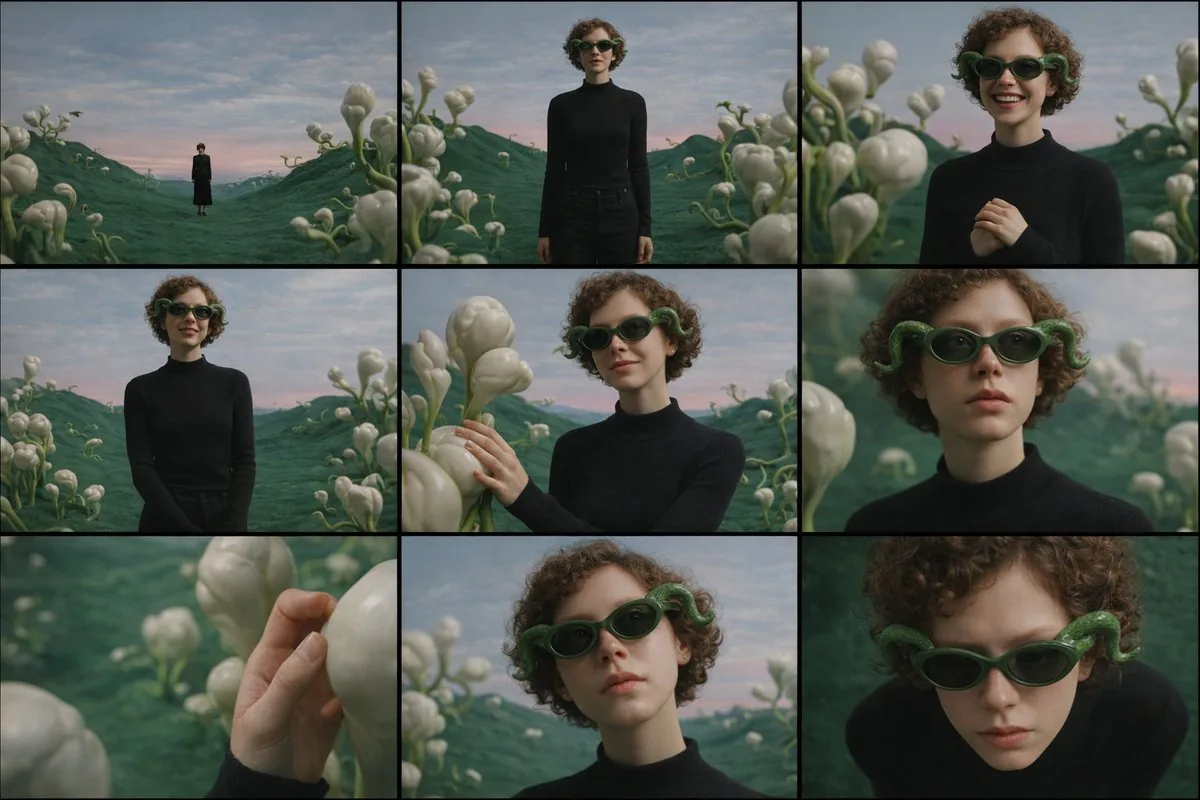
- the uploaded reference image's subject with exact clothing, posture, emotional state, and surrounding environment preserved across every panel
- Style
- photorealistic rendering with cinematic color grading and consistent visual realism, no text or graphic overlays
- Lighting
- identical lighting conditions, weather, and atmosphere maintained in all nine frames
- Composition
- 3x3 cinematic contact sheet progressing from wide establishing views through mid-range body language to intimate close-ups and purposeful low/high angle shifts
- Mood
- subtle emotional tone held steady via micro-expressions, gaze, and posture rather than exaggerated acting
Remix ideas
- Force the bottom-right panel into a high-angle overhead view while keeping every other detail identical to emphasize quiet resolve
- Tighten the shallow depth of field only on the three closest frames so background separation feels gradual and filmic
- Replace the first wide panel with an even more distant establishing shot that further dwarfs the subject within the environment
Reference images
How to use this AI Image prompt template
 1
1Copy the prompt — grab this template’s prompt and negative prompt.  2
2Pick a model — choose a recommended AI model for the best match.  3
3Generate — open the studio with one click and create your result.
Related templates
Multi-Angle, Face-Obscured Shot Generation Prompt for Nano Banana Pro
Create a creative image of Multi Angle Face Obscured Shot Generation Prompt For Nano Banana Pro. Style: photorealistic. Composition: balanced and well-framed. Lighting: natural with cinematic mood. Category: photography. Reference: multi-angle-face-obscured-shot-generation-prompt-for-nano-banana-pro-11386.
Identity Locked Image to Video
Create a creative image of Identity Locked Image To Video. Style: photorealistic. Composition: balanced and well-framed. Lighting: natural with cinematic mood. Category: photography. Reference: identity-locked-image-to-video-5240.

Precise Pose and Composition Replication Prompt
Create a creative image of Precise Pose And Composition Replication Prompt. Style: photorealistic. Composition: balanced and well-framed. Lighting: natural with cinematic mood. Category: photography. Reference: precise-pose-and-composition-replication-prompt-3620.
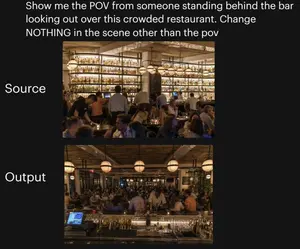
Restaurant POV Change Comparison
A side-by-side comparison graphic on a black background demonstrating a camera-angle change in the same restaurant scene. At the top, large white sans-serif text reads: "Show me the POV from someone standing behind the bar looking out over this crowded restaurant. Change NOTHING in the scene other than the pov". Below, place 2 stacked rectangular photos centered vertically: the top image labeled "Source" in large white text on the left, and the bottom image labeled "Output" in large white text on the left. The top photo shows a warmly lit, upscale, crowded restaurant interior seen from the dining room side, facing a tall back bar filled with many illuminated liquor bottles on wall-to-wall shelves, with bartenders and guests in front, amber lighting, globe pendant lights, wood ceiling, beige columns, and tightly packed seated diners in the foreground. The bottom photo shows the exact same restaurant, same crowd density, same warm lighting, same decor, same bar shelving, same globe pendant lights, and same overall composition elements, but now from the point of view of someone standing behind the bar and looking outward across the crowded restaurant; the foreground includes the bar counter with glassware, metal bar tools, bottles, and a point-of-sale screen visible at the lower left, while guests and staff fill the middle ground and the dining room extends into the background. Preserve the sense that only the camera position changed between the 2 images, with no other scene alterations.

Generate Multiple Angles Grid from Single Image
Create a creative image of Generate Multiple Angles Grid From Single Image. Style: photorealistic. Composition: balanced and well-framed. Lighting: natural with cinematic mood. Category: photography. Reference: generate-multiple-angles-grid-from-single-image-896.

Video Generation Workflow Prompt (Text/LLM)
Create a creative image of Video Generation Workflow Prompt Textllm. Style: photorealistic. Composition: balanced and well-framed. Lighting: natural with cinematic mood. Category: photography. Reference: video-generation-workflow-prompt-textllm-6914.
Explore more prompts
Browse more AI image and video prompts by category.
FAQ
- How do I feed this prompt a reference image for a storyboard sequence?
- Upload your base photo first, then paste the full prompt text so the model internalizes every detail before generating the nine consistent panels.
- Why does the prompt insist on natural depth of field changes across the sheet?
- Distant frames stay mostly sharp to show space and atmosphere while closer frames introduce gentle background blur, exactly as a real camera would behave when moving in on the same moment.