
Text to Image
Censored Teal Fashion Portrait — AI Image Prompt
A cinematic editorial portrait prompt featuring a model obscured by a square censor block, useful for moody fashion or conceptual imagery. - AIPinMaker
Prompt
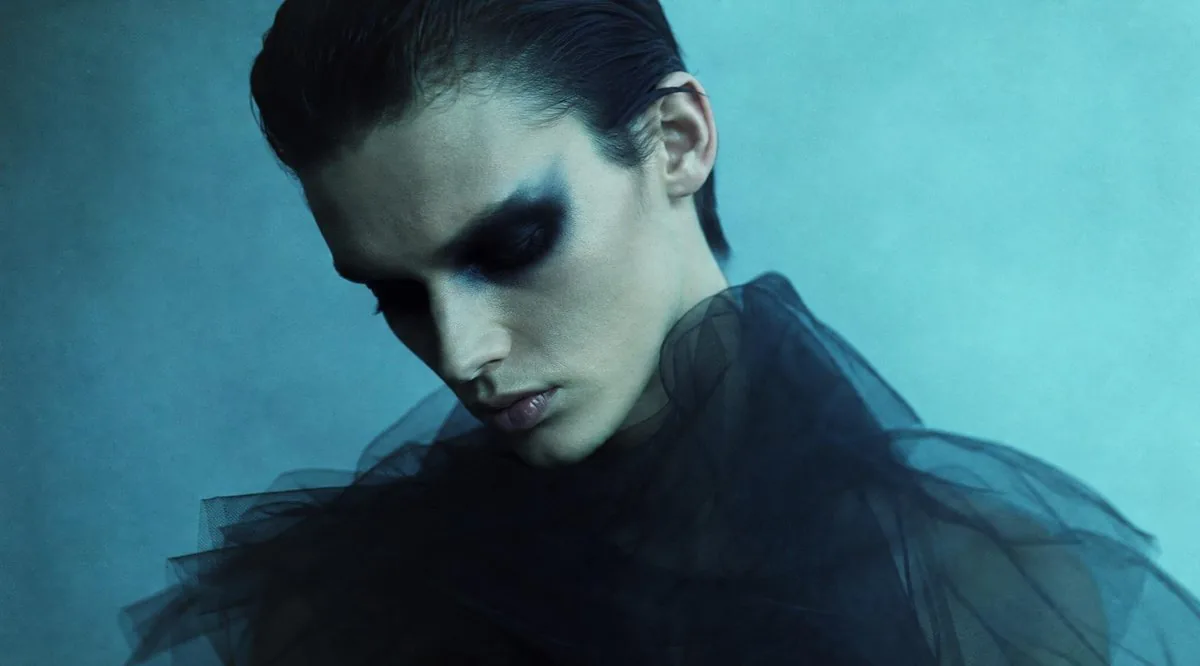
Create a moody cinematic fashion portrait in landscape 16:9. A young androgynous model with {argument name="hair color" default="dark slicked-back hair"} is shown from the shoulders up against a soft teal-blue textured studio background. The model is slightly off-center, with only the top hairline, one ear, neck, and shoulders partially visible because a large opaque square censor block covers the entire face and central head area. The square is centered over the face, about one-third of the image width, with a subtle vertical gradient from dark charcoal teal at the top-left to muted gray-green at the right, perfectly sharp edges and no text. The subject wears a dramatic {argument name="garment" default="black sheer tulle ruffled collar or voluminous translucent fabric"} spreading across the lower half of the frame, semi-transparent and smoky, with layered folds. Lighting is low-key and atmospheric, cool cyan and deep blue color grading, soft film grain, shallow depth of field, high-fashion editorial mood, minimal composition, no visible eyes, no facial features, no logos, no watermark.Prompt breakdown
- Subject
- Young androgynous model with dark slicked-back hair, shoulders, neck and one ear visible around a large centered opaque square censor block with charcoal-teal to gray-green gradient covering the entire face
- Style
- Moody cinematic fashion portrait featuring minimal composition, soft film grain and high-fashion editorial treatment
- Lighting
- Low-key atmospheric lighting with cool cyan and deep blue color grading
- Composition
- Landscape 16:9 format, subject positioned slightly off-center with the censor square dominating the central head area and sheer garment occupying the lower frame
- Mood
- Mysterious high-fashion editorial atmosphere emphasizing anonymity, shallow depth of field and smoky fabric textures
Remix ideas
- Replace the teal gradient censor block with a solid matte black square and shift background to warm terracotta for stronger graphic contrast
- Change the sheer tulle garment to deep emerald green translucent layers that pick up more cyan highlights
- Move the model further off-center so the censor square sits left of frame while extending the ruffled collar asymmetrically to the right edge
Reference images
How to use this AI Image prompt template
 1
1Copy the prompt — grab this template’s prompt and negative prompt.  2
2Pick a model — choose a recommended AI model for the best match.  3
3Generate — open the studio with one click and create your result.
Related templates
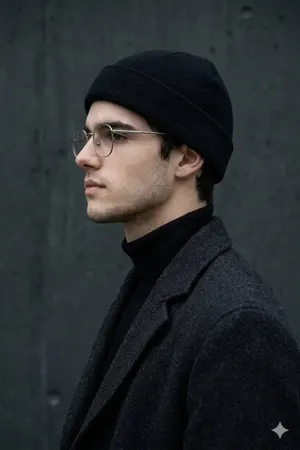
Minimalist Side-Profile Portrait for Character Consistency - Nano Banana Pro AI Prompt for Profile / Avatar
MAIN SUBJECT (IDENTITY) Use the person from the reference photo as the main subject. Keep their exact facial features, hairstyle, skin tone, and expression perfectly unchanged preserve all realism, emotional depth, and subtle facial lighting. Allow changes only in camera position, background motion, and atmosphere. A minimalist side-profile portrait of a new person, framed from the chest up and positioned in strict profile against a textured dark concrete wall (approx. #282F32). The pose remains relaxed and composed, with the subject facing left, eyes gently closed or lowered, maintaining a calm, introspective expression. Style the subject in monochromatic, winter-inspired streetwear: a black beanie, thin metal-frame glasses, and a high-collar or turtleneck layered under a heavy textured coat. Use soft, diffused natural lighting from above and slightly in front, with a cool temperature around 4800K, creating gentle shadows that sculpt the jawline and highlight the contours of the face without harsh contrast. Emphasize the velvety matte textures of the clothing and the subtle grain of the wall. Background remains static and uniform, allowing the subject's silhouette to stand out cleanly. Use a shallow depth of field with a medium portrait lens (50-85mm) to maintain crisp facial detail while softly separating the subject from the background. Color palette rooted in deep blacks, muted grays, and natural skin tones. Mood calm, intimate, and urban-modern, with a clean editorial aesthetic. Editorial, modern, high-detail, cinematic composition, ultra-realistic textures, professional fashion photography style
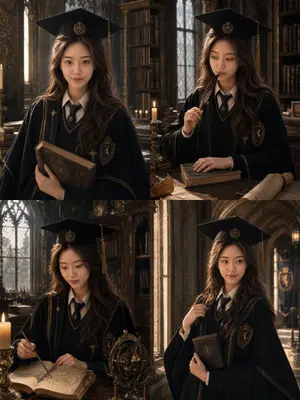
British Magic Academy Graduation Portraits
Create a portrait image of British Magic Academy Graduation Portraits. Style: photorealistic. Composition: balanced and well-framed. Lighting: natural with cinematic mood. Category: portrait. Reference: british-magic-academy-graduation-portraits-20227.
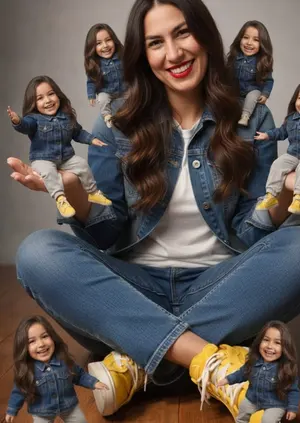
Ultra-Realistic Miniature Clone Studio Portrait
Create a portrait image of Ultra Realistic Miniature Clone Studio Portrait. Style: photorealistic. Composition: balanced and well-framed. Lighting: natural with cinematic mood. Category: portrait. Reference: ultra-realistic-miniature-clone-studio-portrait-10554.

Professional Business Portrait Generation Prompt
Create a portrait image of Professional Business Portrait Generation Prompt. Style: photorealistic. Composition: balanced and well-framed. Lighting: natural with cinematic mood. Category: portrait. Reference: professional-business-portrait-generation-prompt-6137.

Dual Gel Studio Portrait
Create a portrait image of Dual Gel Studio Portrait. Style: photorealistic. Composition: balanced and well-framed. Lighting: natural with cinematic mood. Category: portrait. Reference: dual-gel-studio-portrait-25641.

Cinematic Studio Suit Portrait
Create a portrait image of Cinematic Studio Suit Portrait. Style: photorealistic. Composition: balanced and well-framed. Lighting: natural with cinematic mood. Category: portrait. Reference: cinematic-studio-suit-portrait-21284.
Explore more prompts
Browse more AI image and video prompts by category.
FAQ
- What makes the censor square's gradient and edges important here?
- The subtle vertical gradient from dark charcoal teal to muted gray-green combined with perfectly sharp edges turns the block into a deliberate graphic design element that integrates with the teal-blue palette rather than appearing as a simple overlay.
- How does the sheer tulle collar contribute to the overall effect?
- Its semi-transparent smoky layers and ruffled folds catch the low-key cyan lighting while partially dissolving into the soft teal-blue background, reinforcing the shallow depth of field and minimalist mood without adding any facial features.