
Text to Image
AI Clothing Swap Transformation — AI Image Prompt
A functional prompt for identifying clothing from one image and applying it accurately to a person in a second image. - AIPinMaker
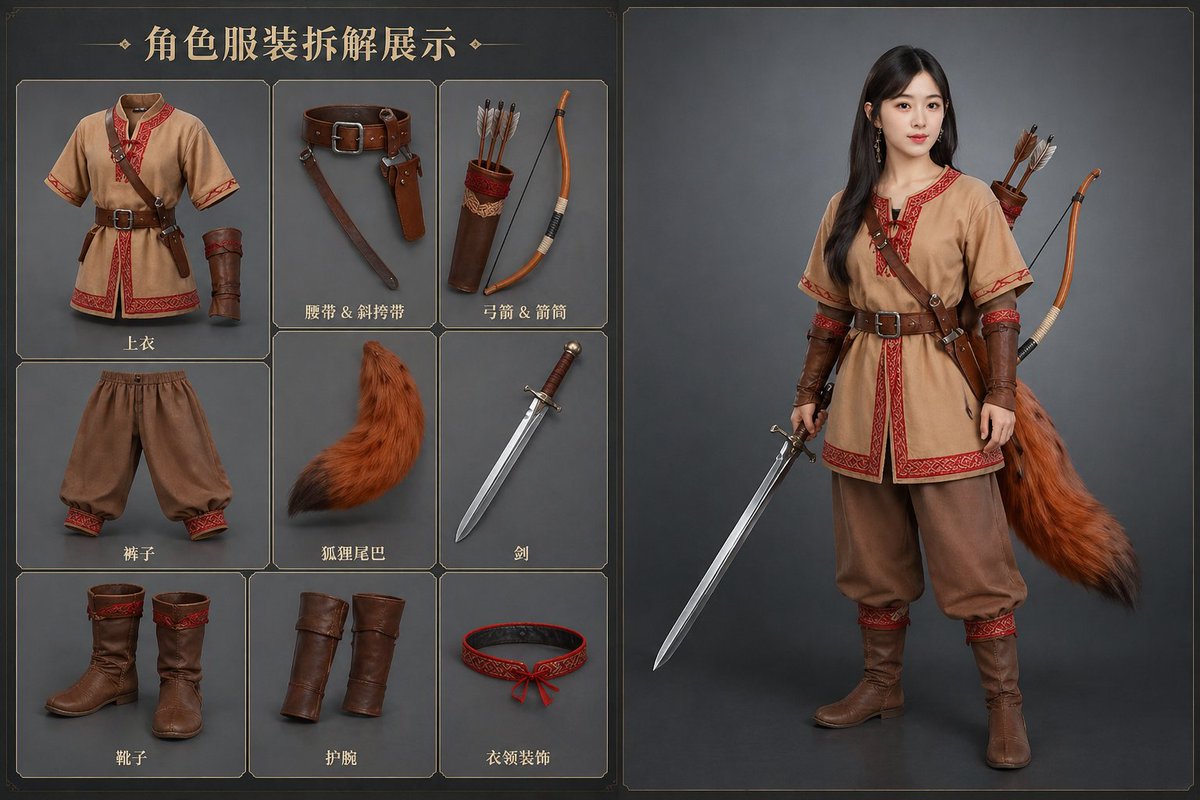
Prompt
Create a cinematic image of Ai Clothing Swap Transformation. Style: photorealistic. Composition: balanced and well-framed. Lighting: natural with cinematic mood. Category: cinematic-video. Reference: ai-clothing-swap-transformation-17319.
Prompt breakdown
- Subject
- Ai Clothing Swap Transformation
- Style
- photorealistic
- Lighting
- natural with cinematic mood
- Composition
- balanced and well-framed
- Mood
- cinematic
Remix ideas
- Add a faint before-state overlay on one side of the frame to show the original outfit during the swap
- Shift the subject's stance slightly to imply motion as the new clothing settles
- Introduce soft color bleed from the incoming garment to accentuate the AI transition effect
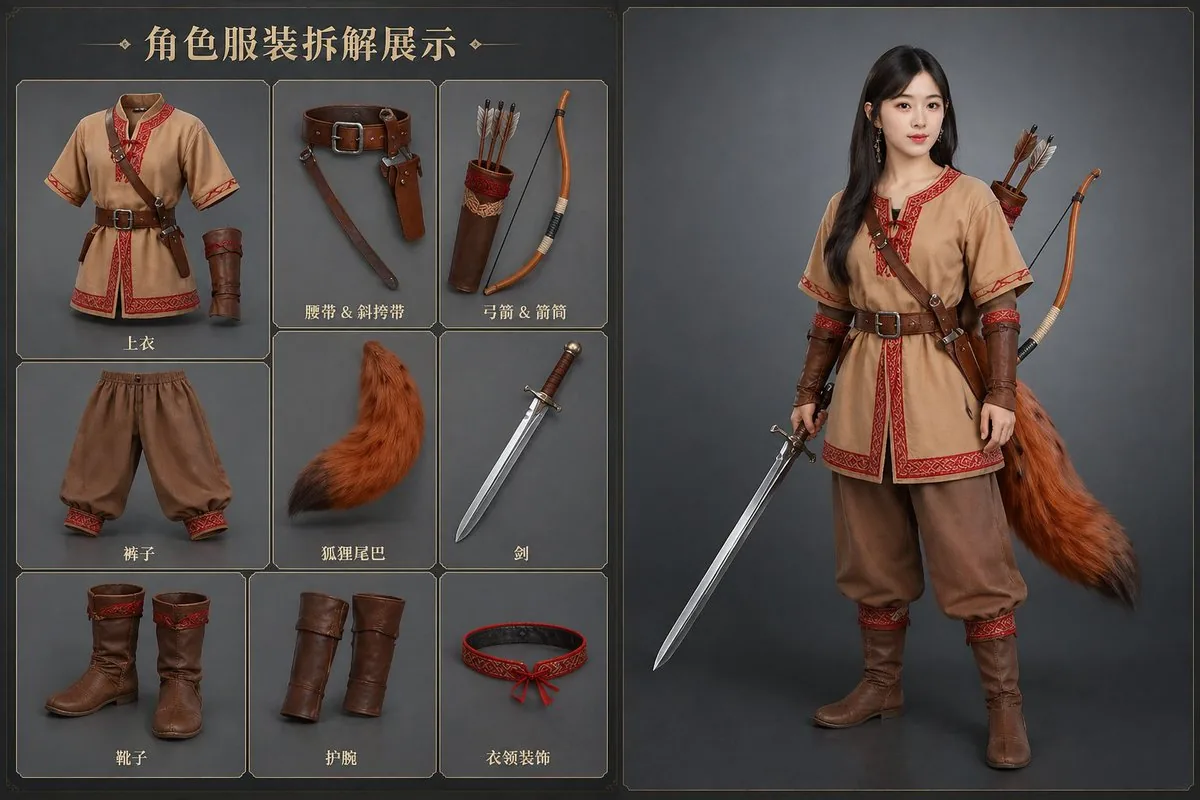
Reference images
How to use this AI Image prompt template
 1
1Copy the prompt — grab this template’s prompt and negative prompt.  2
2Pick a model — choose a recommended AI model for the best match.  3
3Generate — open the studio with one click and create your result.
Related templates

Concept to Stop-Motion Puppet
transform this 2D character concept into a real photographed stop-motion puppet, as if shot on a physical miniature film set. The yakuza (character type) character must become an actual hand-carved wooden puppet: raw unsanded wood with visible chisel facet cuts catching the light, real wood grain, exposed mechanical ball-and-socket joints at shoulders, elbows and knees, brass screws, metal washers and eyelets, yellow string ligatures threaded through the torso like tendons. His irezumi chest tattoos (body art) are woodburned pyrography engravings etched directly into the wooden surface, slightly charred dark brown. Long ponytail made of frayed black fiber rope. Black suit trousers in real ragged matte fabric, torn and frayed, draped naturally over the wooden legs. He lights a cigarette, tiny practical ember glow, thin real smoke. Photography: macro lens, shallow depth of field, the puppet stands on worn wooden stage planks against an absolute black void background. Lighting: single hard warm tungsten key light from the side, extreme theatrical chiaroscuro, deep shadows, amber rim light carving the silhouette and revealing every chisel mark and wood grain detail. The image must look like a frame from a handcrafted stop-motion samurai film: tangible, tactile, imperfect, physical. No 3D render look, no smooth CGI surfaces, no digital painting feel — real materials, real light, real miniature set photography39

Origami Paper Craft Movie Poster Transformation
Create a social-media image of Origami Paper Craft Movie Poster Transformation. Style: photorealistic. Composition: balanced and well-framed. Lighting: natural with cinematic mood. Category: poster. Reference: origami-paper-craft-movie-poster-transformation-12721.

Transform Image into LEGO Version
Create a creative image of Transform Image Into Lego Version. Style: photorealistic. Composition: balanced and well-framed. Lighting: natural with cinematic mood. Category: photography. Reference: transform-image-into-lego-version-1227.
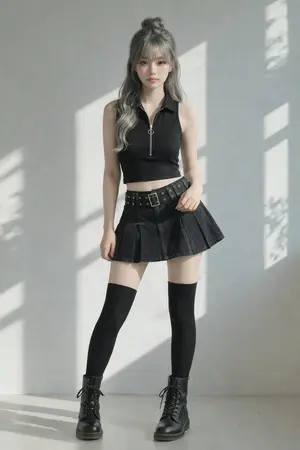
Image-to-Image Clothing Swap Prompt
Create a creative image of Image To Image Clothing Swap Prompt. Style: photorealistic. Composition: balanced and well-framed. Lighting: natural with cinematic mood. Category: photography. Reference: image-to-image-clothing-swap-prompt-2563.

Realistic LEGO Food Miniature
Transform only the food items (target object) in the image into tiny LEGO-style miniature sculptures (style) while keeping everything else completely unchanged and realistic. Preserve the original composition, lighting, camera angle, perspective, background, hands, table, people, utensils, and environment exactly as they are. The food should appear rebuilt from authentic LEGO bricks and pieces: visible studs, blocky geometry, plastic texture, tiny LEGO tiles, rounded brick edges, and miniature construction details. Keep the food instantly recognizable while translating it into a highly detailed LEGO miniature aesthetic. The LEGO food should match the original food’s colors, proportions, toppings, and arrangement. Maintain realistic shadows, reflections, depth of field, and interaction with the environment so the LEGO food feels naturally placed inside the real photograph. The contrast between the realistic world and the giant LEGO food sculptures should feel playful, surreal, and highly believable. Add 3-4 big emojis (extras) to the picture.39

Mixed-Reality Comic Transformation
Convert the subject in this image into a 4:5 mixed-reality transformation with a fully realistic background and a realistically rendered face, combined with bold cartoon apparel (style), hand-drawn comic fire effects, and playful cartoon companions. Use a live-action hybrid composition with the subject preserved as the clear identity anchor while the stylized elements read as designed overlays inside one coherent scene. CHARACTER: Preserve the subject’s recognizable facial identity, hair state, and facial hair pattern if presented exactly, then re-render the face with realistic live-action AAA structure, natural skin response, and clean hybrid integration. Ensure high brightness, low contrast, medium saturation, low sharpness details. Dress the figure in exaggerated cartoon clothing with simplified seams, and graphic trims that feel intentionally designed rather than photographed. Add funny cartoon characters as supporting visual accents with expressive silhouettes, rounded forms, and lively attitude, while keeping the subject as the primary focal figure. The body should remain human and believable, but the clothing and accessories should carry comic exaggeration and strong graphic personality. FACE & ANATOMY: Keep the subject’s core facial proportions, expression logic, and likeness intact, rendered with realistic but controlled hybrid facial detail. Use natural eye depth, believable skin, while avoiding any plastic toy look or full caricature distortion. The body should read as live-action proportioned, with the stylization concentrated in the outfit, props, and surrounding comic elements. ENVIRONMENT: Restyle the exact same environment as a realistic setting with clear depth and natural perspective. Build the scene as a mixed-reality stage where comic fire drawings, playful animated accents, and graphic energy bursts sit visibly inside the real space without breaking spatial coherence. Keep the background believable, structured, and physically present, with the stylized elements integrated as deliberate designed interventions. RENDER PIPELINE: Use a mixed-reality rendering pipeline that combines realistic plate-like environment treatment with stylized 2D graphic overlays and hybrid character compositing. Preserve live-action shading on the face and background, then layer cartoon clothing, comic effect shapes, and illustrated fire forms with crisp contour control and clean edge separation. The final finish must feel like a polished real-world composite with intentional animated design language, not a pure cartoon render and not a standard photograph. COLOR & LIGHT: Use clean low contrast, and bright comic-highlight behavior against a realistic ambient base. Shadows remain natural in the background and face, while the stylized garments and effects carry punchy neon-like energy and high chroma separation.3a:T
Explore more prompts
Browse more AI image and video prompts by category.
FAQ
- What does the clothing swap look like in this cinematic image?
- The transformation renders as a fluid photorealistic change where the subject's current attire digitally replaces itself with new clothing while preserving natural folds, lighting, and body fit.
- How does the reference code tie into the final output?
- The reference ai-clothing-swap-transformation-17319 anchors the generation to consistent transformation visuals across runs, ensuring repeatable photorealistic results in balanced compositions.