
텍스트 투 이미지
Zen Tea Ceremony Robot — AI 이미지 프롬프트
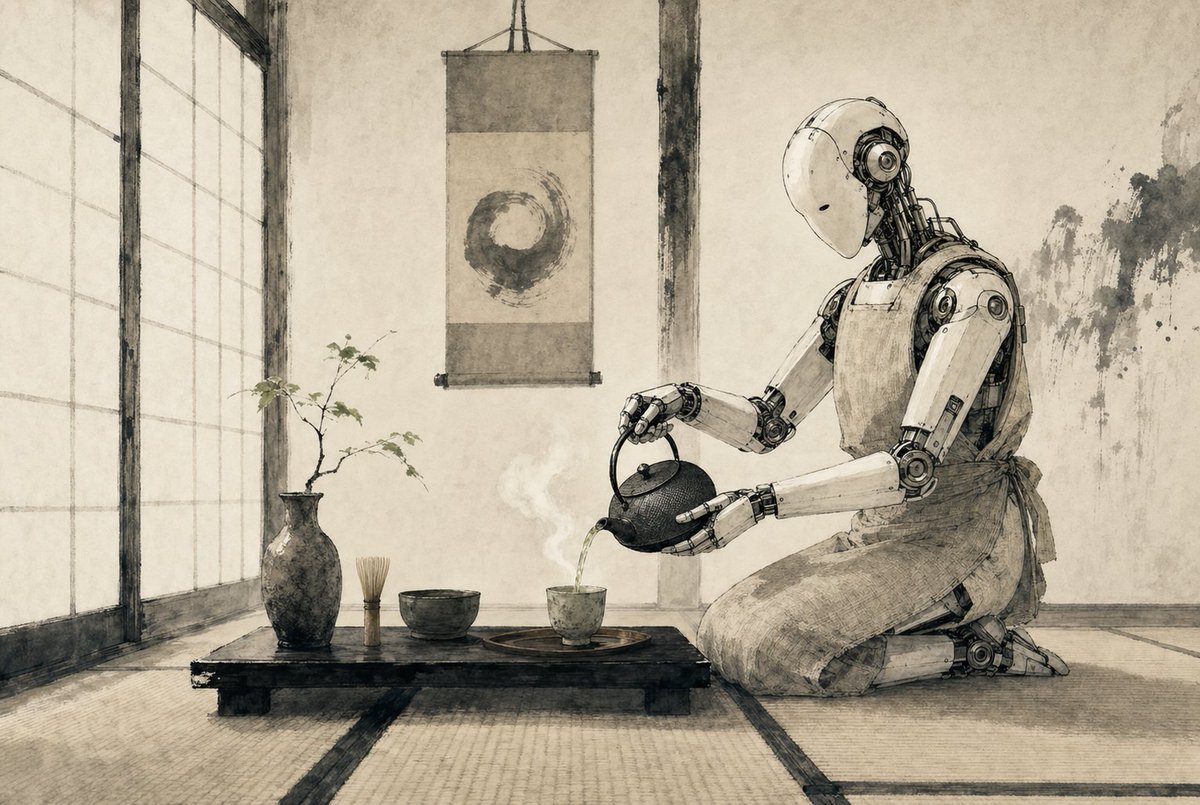
A minimalist sepia ink-style scene of a humanoid robot performing a Japanese tea ceremony, ideal for generating poetic sci-fi editorial art or atmospheric concept imagery. - AIPinMaker
프롬프트
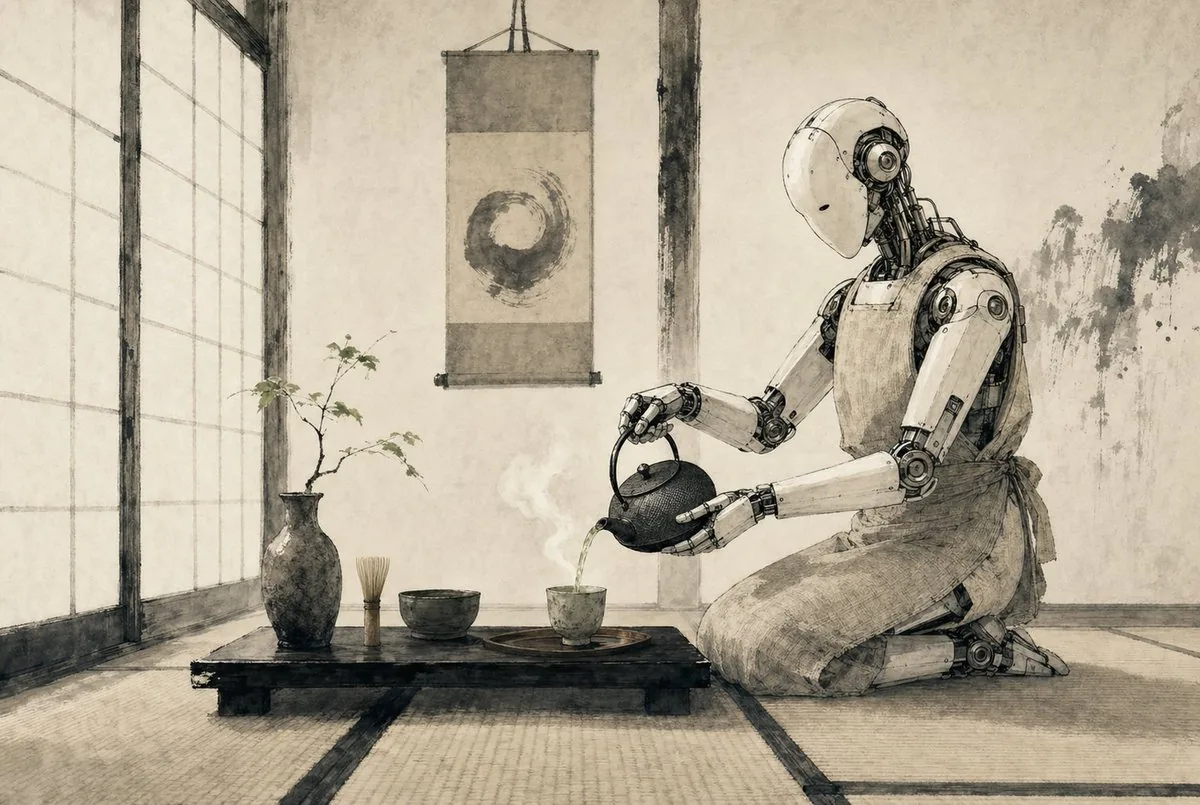
A serene Japanese tea room rendered as a refined monochrome ink-and-wash illustration on aged parchment, with soft sepia-gray tones, delicate brush textures, and precise hand-drawn linework. On the right side, a humanoid {argument name="robot type" default="service robot"} kneels in seiza on tatami mats, its smooth white shell and exposed mechanical joints depicted with elegant technical detail, gently bowing its head as it pours hot tea from a cast-iron teapot into a small ceramic cup. The robot wears a simple cloth apron tied at the waist, blending traditional tea ceremony etiquette with futuristic machinery. In the center foreground, a low black wooden tea table holds exactly 5 visible tea objects: 1 dark ceramic vase with a thin branch of sparse leaves, 1 bamboo whisk standing upright, 1 tea bowl, 1 small teacup on a round tray, and 1 cast-iron teapot in the robot’s hands. A faint curl of steam rises from the freshly poured tea. Behind the table, a hanging scroll displays a single enso circle painted in expressive brushwork. On the left, tall shoji screens diffuse soft daylight across the room. The walls are plain plaster with subtle wear and ink-like stains, and the overall composition is calm, balanced, minimalist, and contemplative, combining wabi-sabi Japanese aesthetics with quiet science-fiction. Use a wide cinematic composition, eye-level perspective, lots of negative space, and a meditative mood.37참고 이미지
이 AI 이미지 프롬프트 템플릿 사용 방법
 1
1프롬프트 복사 — 템플릿의 프롬프트와 네거티브 프롬프트를 가져오세요.  2
2모델 선택 — 가장 잘 맞는 추천 AI 모델을 고르세요.  3
3생성 — 클릭 한 번으로 스튜디오를 열어 결과를 만드세요.
관련 템플릿

Shan Hai Jing Vintage Comic Page
Using the provided reference image as a layout and style guide, recreate it as a vintage Chinese mythological illustrated story page instead of the Monkey King page. Keep the aged textbook/comic print look, yellowed paper texture, retro ink-and-watercolor rendering, and boxed multi-panel composition. Replace the original content with a 山海经-themed page. Preserve the vertical title block on the left, but change the main title to 山海经 (title text). Build a total of 8 content panels: 1 large title/hero panel at the top left featuring a mythic figure and a red sun, 5 medium boxed narrative panels in the middle rows with different ancient myth scenes, and 2 wide horizontal panels across the bottom row. Add dense Chinese explanatory captions under each panel in the same old-print style, with small numbered labels for panels 2 through 8 and a small red seal-like tag near the title. The overall result should feel like an antique Chinese serialized picture-book page from a retro children’s mythology encyclopedia.3b:T421,Using

Industrial Humanoid Robot Blueprint
Create a creative image of Industrial Humanoid Robot Blueprint. Style: photorealistic. Composition: balanced and well-framed. Lighting: natural with cinematic mood. Category: photography. Reference: industrial-humanoid-robot-blueprint-22727.

Ukiyo-e Teacup Head Infographic Prompt
Create a infographic image of Ukiyo E Teacup Head Infographic Prompt. Style: photorealistic. Composition: balanced and well-framed. Lighting: natural with cinematic mood. Category: illustration. Reference: ukiyo-e-teacup-head-infographic-prompt-936.

20-Panel Cartoon Robot Drawing Guide Prompt - Nano Banana Pro AI Prompt for Infographic / Edu Visual
Create a 20-panel layout guide for drawing a cute cartoon robot. Each panel keeps everything from before and adds one clear change. 1. Light guide lines: vertical center, horizontal center, and a ground line. 2. Add torso: rounded rectangle above the ground. 3. Add torso centerline. 4. Add head: smaller rounded square above torso. 5. Add neck connector: short rounded block. 6. Add left eye circle. 7. Add right eye circle. 8. Add pupils inside both eyes. 9. Add thin rim rings around both eyes. 10. Add mouth rectangle below eyes. 11. Add evenly spaced vertical slats in the mouth. 12. Add left shoulder joint circle on torso side. 13. Add right shoulder joint circle. 14. Add left upper arm cylinder from left shoulder. 15. Add left elbow circle and left forearm cylinder. 16. Add left claw hand (base curve + two prongs). 17. Add right upper arm cylinder from right shoulder. 18. Add right elbow circle and right forearm cylinder. 19. Add right claw hand to match left. 20. Add legs and feet as simple blocks: two short legs from torso bottom and two rounded trapezoid feet, plus a small ground shadow.

Japanese Ink Illustration Style
Create a creative image of Japanese Ink Illustration Style. Style: photorealistic. Composition: balanced and well-framed. Lighting: natural with cinematic mood. Category: photography. Reference: japanese-ink-illustration-style-19810.

Japanese Folk Art Prompt
Create a creative image of Japanese Folk Art Prompt. Style: photorealistic. Composition: balanced and well-framed. Lighting: natural with cinematic mood. Category: photography. Reference: japanese-folk-art-prompt-3674.
더 많은 프롬프트 탐색
카테고리별 AI 이미지·영상 프롬프트를 더 찾아보세요.