
텍스트 투 이미지
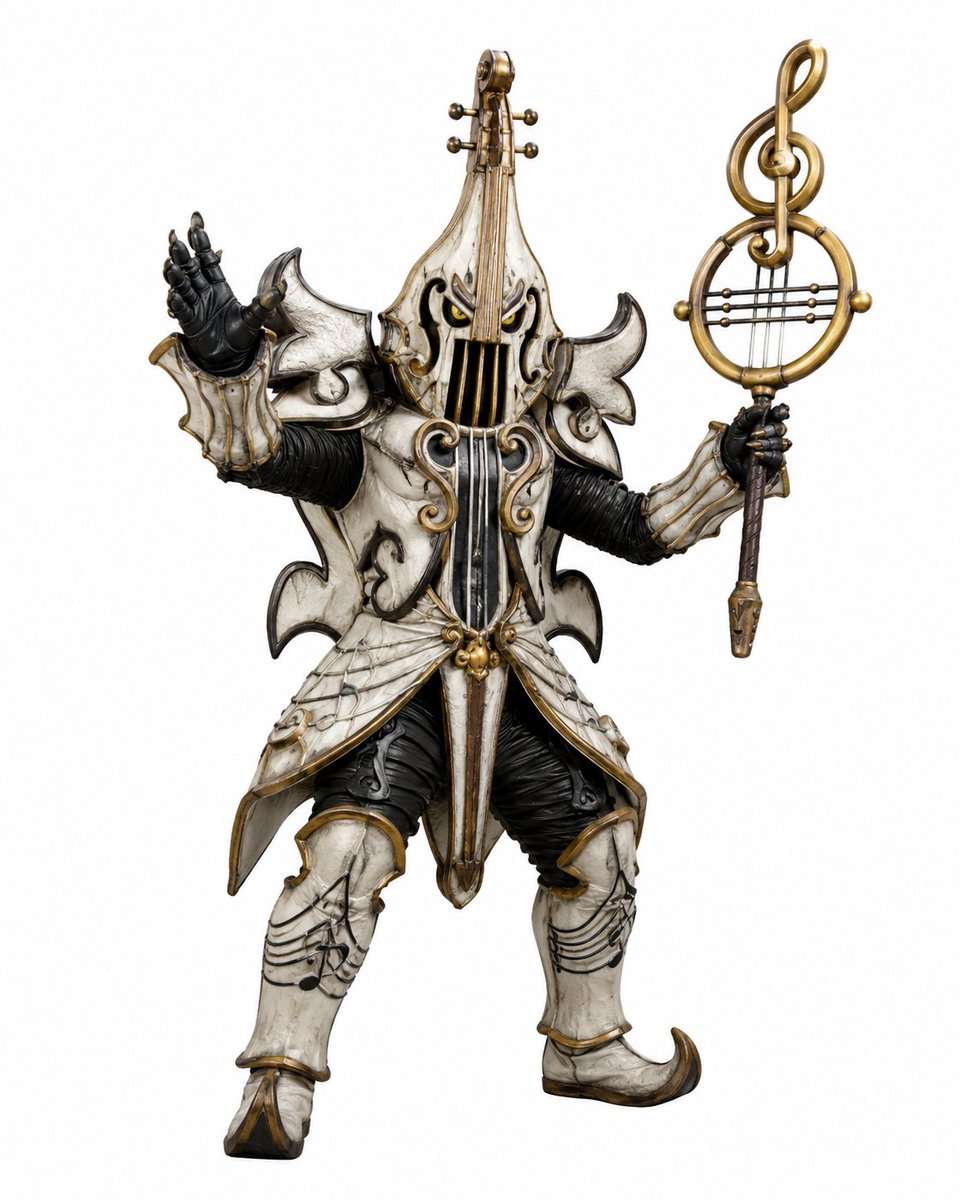
Music-Themed Tokusatsu Kaijin — AI 이미지 프롬프트
Generates a detailed full-body tokusatsu enemy monster suit design with violin armor and a musical staff weapon for character concept art. - AIPinMaker
프롬프트
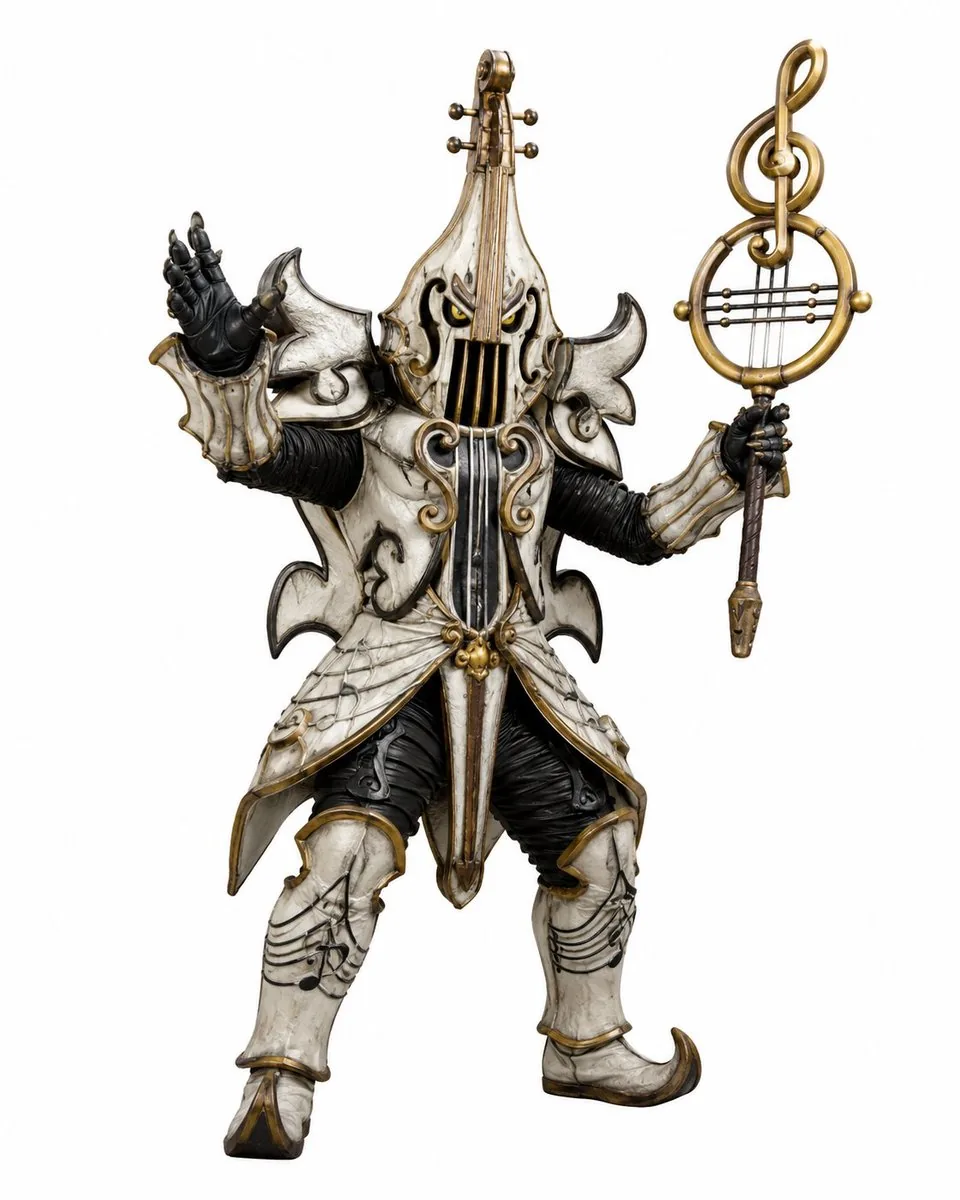
Create a full-body tokusatsu-style enemy monster suit character on a clean white studio background, centered and isolated like a production design render. The creature is a music-themed villain named {argument name="character name" default="Violin Phantom"}, combining an armored humanoid kaijin with an ornate violin and classical music motifs. It wears ivory-white, aged bone-like armor with antique gold trim, black ribbed undersuit fabric, and dark weathered creases, with a dramatic silhouette of sharp curled shoulder plates and flared skirt armor. The head and torso are shaped like a vertical violin: the face is hidden behind a violin-body helmet with two narrow glowing yellow eyes, black f-hole-like openings, vertical strings running down the front, and a tall violin neck rising from the crown with tuning pegs. Use exactly 2 visible eyes, 4 tuning pegs on the head instrument, 2 large curled shoulder plates, 2 black gloved hands, 2 armored legs, and 1 large ornate musical staff weapon. The left hand is raised open in a theatrical villain gesture, palm facing outward; the right hand holds a tall staff topped with a golden treble clef inside a circular lyre-like frame with horizontal strings. The armor includes engraved musical staff lines and note patterns on the thighs and shin guards, curling gold scrollwork on the chest, hanging gold bead ornaments at the waist, pointed curled boots, and layered asymmetrical plates with a worn ceramic texture. Style should feel like a practical Japanese special-effects monster costume from a superhero TV series, highly detailed, realistic materials, dramatic but evenly lit product photography, crisp edges, no environment, no text, no watermark. Use {argument name="armor color" default="aged ivory white"} armor, {argument name="metal trim color" default="antique gold"} trim, {argument name="eye color" default="glowing yellow"} eyes, and a {argument name="weapon motif" default="treble clef lyre staff"}.참고 이미지
이 AI 이미지 프롬프트 템플릿 사용 방법
 1
1프롬프트 복사 — 템플릿의 프롬프트와 네거티브 프롬프트를 가져오세요.  2
2모델 선택 — 가장 잘 맞는 추천 AI 모델을 고르세요.  3
3생성 — 클릭 한 번으로 스튜디오를 열어 결과를 만드세요.
관련 템플릿
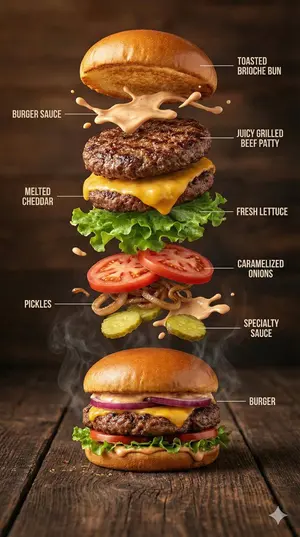
Hyper-Realistic Gourmet Burger Infographic - Nano Banana Pro AI Prompt for Infographic / Edu Visual
{ "image_prompt": { "type": "Hyper-realistic food infographic", "subject": { "dish": "Gourmet burger", "base_element": "A freshly assembled burger resting on a rustic surface, gently steaming", "levitating_ingredients": [ "Toasted brioche bun", "Juicy grilled beef patty", "Melted cheddar cheese", "Fresh lettuce leaves", "Ripe tomato slices", "Caramelized onions", "Crispy pickles", "Glossy burger sauce splashes" ] }, "composition": { "layout": "Clean vertical infographic composition", "arrangement": "Ingredients floating upward in a realistic, gravity-defying stack", "background": "Dark rustic wooden tabletop", "visual_hierarchy": "Burger base anchored at the bottom with ingredients rising layer by layer" }, "graphic_design_elements": { "labels": "Minimal, clear text labels", "lines": "Thin white guide lines pointing to each ingredient", "style": "Editorial food infographic inspired by premium food magazines" }, "lighting_and_mood": { "lighting": "Cinematic studio lighting with soft highlights", "color_palette": "Warm, rich, appetizing tones", "effects": "Subtle steam, frozen motion details, sauce suspended mid-air" }, "technical_specs": { "camera_settings": "Shallow depth of field, sharp focus, DSLR-style realism", "details": "Ultra-detailed textures on bun, meat, and vegetables", "resolution": "8K ultra-realistic quality" } } }
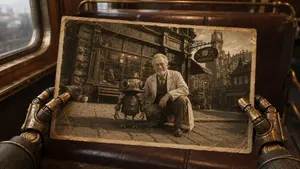
Steampunk Hands Holding Old Photo
Using REFERENCE_0 as a rough composition and camera-position guide, turn the sketch into a cinematic steampunk scene: two brass mechanical hands in the foreground hold a worn, sepia-toned old photograph at the same angle and position indicated by the reference. Set the outer scene inside a vintage train carriage with dark leather seats, warm wood trim, a window on the left, and moody amber lighting. Inside the photograph, show an antique street scene in front of a clockwork repair shop: exactly 2 main subjects, a kneeling adult inventor with a blurred/obscured face and a small round-bodied robot standing beside them. Add aged photo details including creases, scuffed corners, yellowed borders, and faded monochrome-brown coloration. Keep the overall look photorealistic, cinematic, detailed, and nostalgic, with shallow depth of field outside the photograph. Customizable details: vintage train carriage (outer setting), clockwork repair shop street (photo subject setting), adult inventor (main human role), small round-bodied robot (companion character), warm sepia steampunk (color mood). Constraints: preserve the reference composition of hands framing a tilted rectangular photo; include exactly 2 visible mechanical hands holding exactly 1 photograph; include exactly 2 main figures inside the photo; avoid modern objects, clean digital UI, or extra text beyond shop signage.
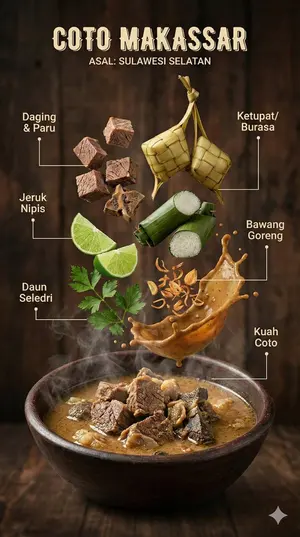
Hyper-realistic Indonesian Food Infographic Prompt - Nano Banana Pro AI Prompt for Infographic / Edu Visual
{ "image_prompt": { "type": "Hyper-realistic food infographic", "subject": { "cuisine": "Indonesian", "base_element": "Traditional bowl with steaming hot dish at the bottom", "levitating_ingredients": [ "Juicy meat", "Crispy tofu", "Glossy sauce splashes", "Fresh herbs", "Chilies", "Lime", "Garlic", "Fried shallots" ] }, "composition": { "layout": "Clean vertical composition", "arrangement": "Realistic gravity-defying/floating elements", "background": "Rustic wooden surface", "visual_hierarchy": "Bowl anchored at bottom, ingredients rising vertically" }, "graphic_design_elements": { "labels": "Clear Indonesian text", "lines": "Thin white pointing lines", "style": "Editorial infographic layout, professional food magazine style" }, "lighting_and_mood": { "lighting": "Cinematic studio lighting", "color_palette": "Warm tones", "effects": "Dramatic steam, motion-frozen ingredients" }, "technical_specs": { "camera_settings": "Shallow depth of field, sharp focus, DSLR look", "details": "Ultra-detailed textures", "resolution": "8K ultra-realistic" } } }
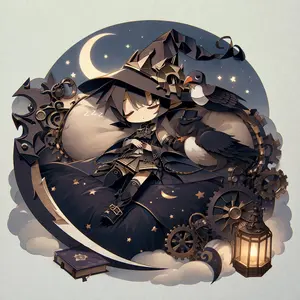
Steampunk Chibi Witch Sticker Illustration
Create a creative image of Steampunk Chibi Witch Sticker Illustration. Style: photorealistic. Composition: balanced and well-framed. Lighting: natural with cinematic mood. Category: photography. Reference: steampunk-chibi-witch-sticker-illustration-14069.
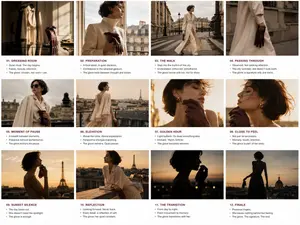
Luxury Fashion Editorial Storyboard
Create a game image of Luxury Fashion Editorial Storyboard. Style: photorealistic. Composition: balanced and well-framed. Lighting: natural with cinematic mood. Category: illustration. Reference: luxury-fashion-editorial-storyboard-23819.
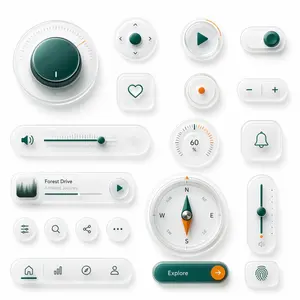
Neumorphic Glass UI Kit Board
A clean neumorphic UI component showcase on a soft light gray background, arranged as a balanced design board of 18 separate interface elements with subtle shadows, frosted translucent white plastic surfaces, rounded corners, and glossy glass-like depth. Use a premium minimal product-design aesthetic with white-on-white layering, soft ambient occlusion, delicate inner shadows, and a restrained accent palette of deep teal green and vivid orange. Include 18 distinct components: 1 large circular rotary knob in the upper left with a dark teal glossy center, fine radial tick marks, and a small orange position indicator; 1 small circular directional control pad with a teal center button and four tiny arrow icons around it; 1 circular play button with a teal triangle icon and a short orange progress arc on the rim; 1 horizontal pill toggle switch at the top right with a teal knob positioned to the right; 1 rounded square heart button with a simple teal outline heart; 1 small circular indicator button with a single orange dot in the center; 1 pill-shaped plus-minus control with a teal minus on the left and teal plus on the right separated by a vertical divider; 1 long horizontal volume slider with a teal speaker icon on the left, fine slider ticks, a teal track, a teal knob near the right side, and a faint waveform icon on the far right; 1 circular percentage dial showing 60% with radial ticks and a few orange highlight marks near the upper right; 1 rounded square bell notification button with a teal outline bell icon; 1 compact music player card with a small square album image of misty evergreen trees on the left, the title Forest Drive (track title), the subtitle Ambient Journey (track subtitle), a thin progress bar, and a circular play button on the right; 4 small circular utility icon buttons in one row showing sliders/settings, search, share, and ellipsis; 1 large circular compass with cardinal letters N, E, S, W plus diagonal labels, a teal-and-orange needle, and metallic center; 1 tall vertical slider on the right with a teal track, teal knob around the middle, small side dots, an orange accent near the bottom, and a tiny speaker icon below; 1 bottom navigation bar in a long rounded pill containing 4 icons separated by subtle dividers: home, bar chart, compass, and user profile, with the home tab active in teal; 1 large rounded pill call-to-action button in glossy dark teal labeled Explore (button text) with a circular orange arrow button attached on the right; and 1 rounded square fingerprint button with a teal fingerprint icon. Keep spacing generous, alignment grid-based, and the overall render highly polished, tactile, and futuristic, like a luxury smart-device UI kit mockup.
더 많은 프롬프트 탐색
카테고리별 AI 이미지·영상 프롬프트를 더 찾아보세요.