
텍스트 투 이미지
Handcrafted Paper-Cut Style Illustration — AI 이미지 프롬프트
A prompt that converts images into a soft, handcrafted paper-cut layered illustration style with a cute diorama aesthetic. - AIPinMaker
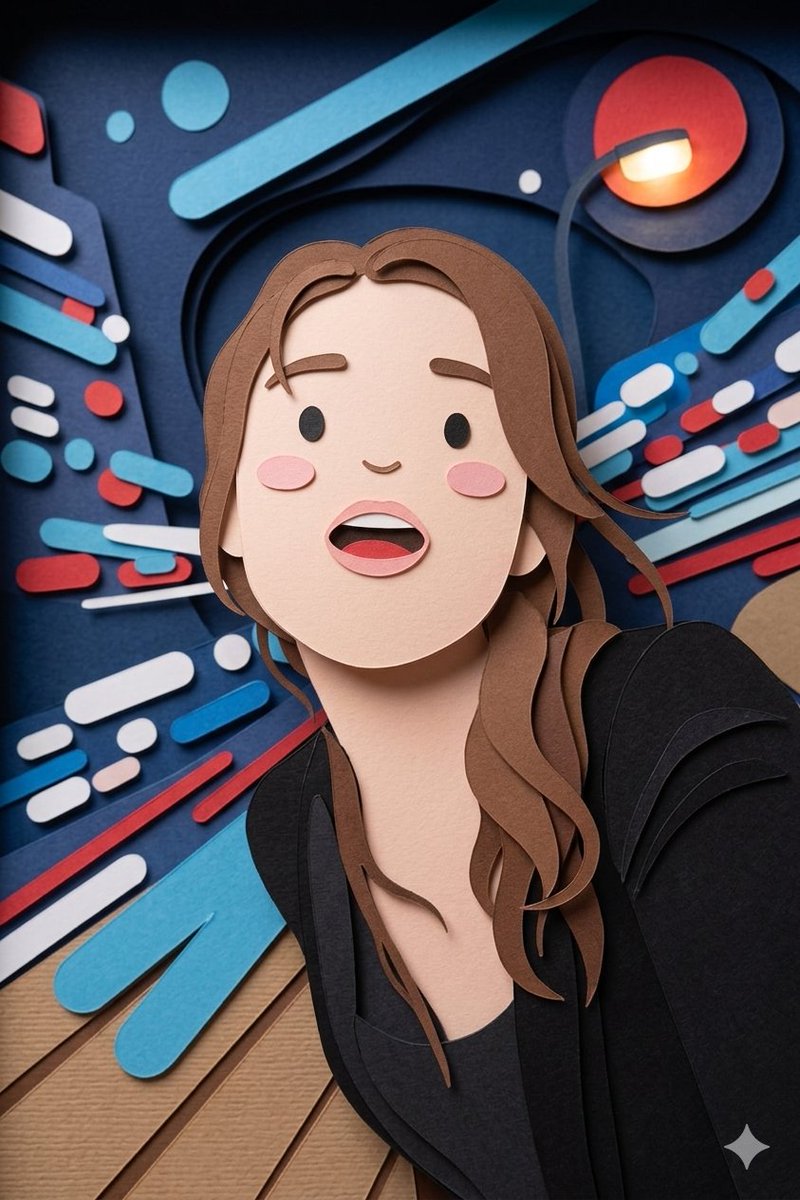
프롬프트
Create a creative image of Handcrafted Paper Cut Style Illustration. Style: photorealistic. Composition: balanced and well-framed. Lighting: natural with cinematic mood. Category: photography. Reference: handcrafted-paper-cut-style-illustration-20993.
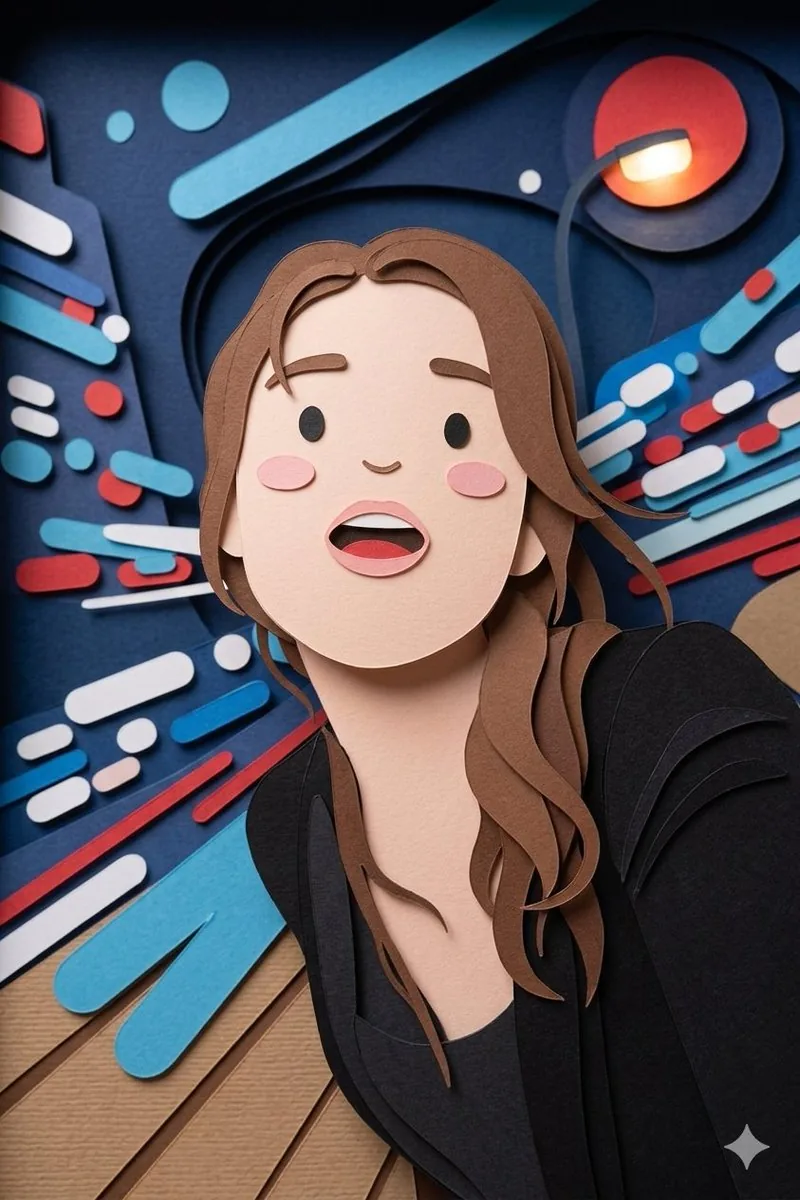
참고 이미지
이 AI 이미지 프롬프트 템플릿 사용 방법
 1
1프롬프트 복사 — 템플릿의 프롬프트와 네거티브 프롬프트를 가져오세요.  2
2모델 선택 — 가장 잘 맞는 추천 AI 모델을 고르세요.  3
3생성 — 클릭 한 번으로 스튜디오를 열어 결과를 만드세요.
관련 템플릿

Nano Banana Pro torn paper style-switching edit prompt - Nano Banana Pro AI Prompt for Social Media Post
task: "edit-image: add widened torn-paper layered effect" base_image: use_reference_image: true preserve_everything: - character identity - facial features and expression - hairstyle and anatomy - outfit design and colors - background, lighting, composition - overall art style rules: - Only modify the torn-paper interior areas. - Do not change pose, anatomy, proportions, clothing details, shading, or scene elements. effects: - effect: "torn-paper-reveal" placement: "across chest height" description: - Add a wide, natural horizontal tear across the chest area. - The torn interior uses the style defined in `interior_style`. - effect: "torn-paper-reveal" placement: "lower abdomen height" description: - Add a wide horizontal tear across the lower abdomen. - The torn interior uses the style defined in `interior_style`. interior_style: mode: line-art (画風モード) style_settings: line-art: palette: "monochrome" line_quality: "clean, crisp" paper: "notebook paper with subtle ruled lines" sumi-e: palette: "black ink tones" brush_texture: "soft bleeding edges" paper: "plain textured paper" figure-render: material: "PVC-like" shading: "semi-realistic highlights" paper: "plain smooth surface" colored-pencil: stroke_texture: "visible pencil grain" palette: "soft layered hues" paper: "rough sketchbook paper" watercolor: palette: "soft transparent pigments" blending: "smooth bleeding" edges: "soft contours" paper: "watercolor paper texture" pencil-drawing: graphite_texture: "visible pencil grain" shading: "smooth gradients" line_quality: "mixed sharp and soft" tone: "gray-scale" paper: "notebook paper with faint ruled lines"3f:T770,ta

Pencil Sketch to MS Paint Abomination
Create a creative image of Pencil Sketch To Ms Paint Abomination. Style: photorealistic. Composition: balanced and well-framed. Lighting: natural with cinematic mood. Category: photography. Reference: pencil-sketch-to-ms-paint-abomination-17554.
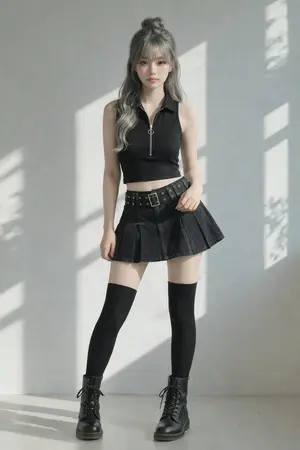
Image-to-Image Clothing Swap Prompt
Create a creative image of Image To Image Clothing Swap Prompt. Style: photorealistic. Composition: balanced and well-framed. Lighting: natural with cinematic mood. Category: photography. Reference: image-to-image-clothing-swap-prompt-2563.

Funny Ugly Doodle Sketch
Create a creative image of Funny Ugly Doodle Sketch. Style: photorealistic. Composition: balanced and well-framed. Lighting: natural with cinematic mood. Category: photography. Reference: funny-ugly-doodle-sketch-20481.
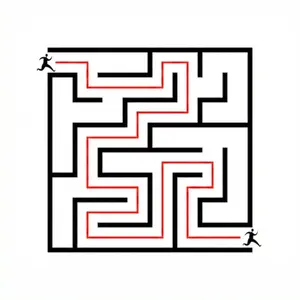
Maze Solver Transformation
Create a cinematic image of Maze Solver Transformation. Style: photorealistic. Composition: balanced and well-framed. Lighting: natural with cinematic mood. Category: cinematic-video. Reference: maze-solver-transformation-13651.

Realistic LEGO Food Miniature
Transform only the food items (target object) in the image into tiny LEGO-style miniature sculptures (style) while keeping everything else completely unchanged and realistic. Preserve the original composition, lighting, camera angle, perspective, background, hands, table, people, utensils, and environment exactly as they are. The food should appear rebuilt from authentic LEGO bricks and pieces: visible studs, blocky geometry, plastic texture, tiny LEGO tiles, rounded brick edges, and miniature construction details. Keep the food instantly recognizable while translating it into a highly detailed LEGO miniature aesthetic. The LEGO food should match the original food’s colors, proportions, toppings, and arrangement. Maintain realistic shadows, reflections, depth of field, and interaction with the environment so the LEGO food feels naturally placed inside the real photograph. The contrast between the realistic world and the giant LEGO food sculptures should feel playful, surreal, and highly believable. Add 3-4 big emojis (extras) to the picture.39
더 많은 프롬프트 탐색
카테고리별 AI 이미지·영상 프롬프트를 더 찾아보세요.