
텍스트 투 이미지
Group image from multiple character references — AI 이미지 프롬프트
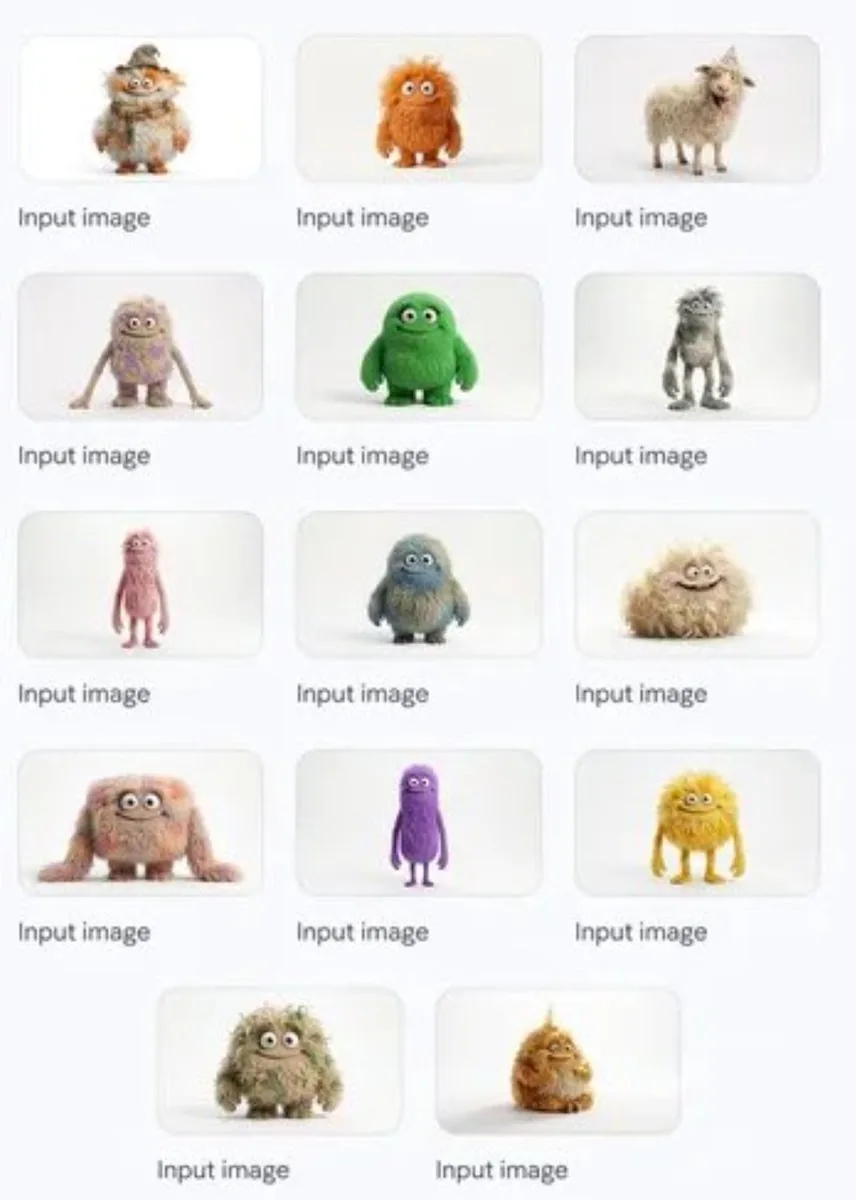
A simple prompt that asks Nano Banana Pro to combine multiple individual character reference images into one group shot. - AIPinMaker
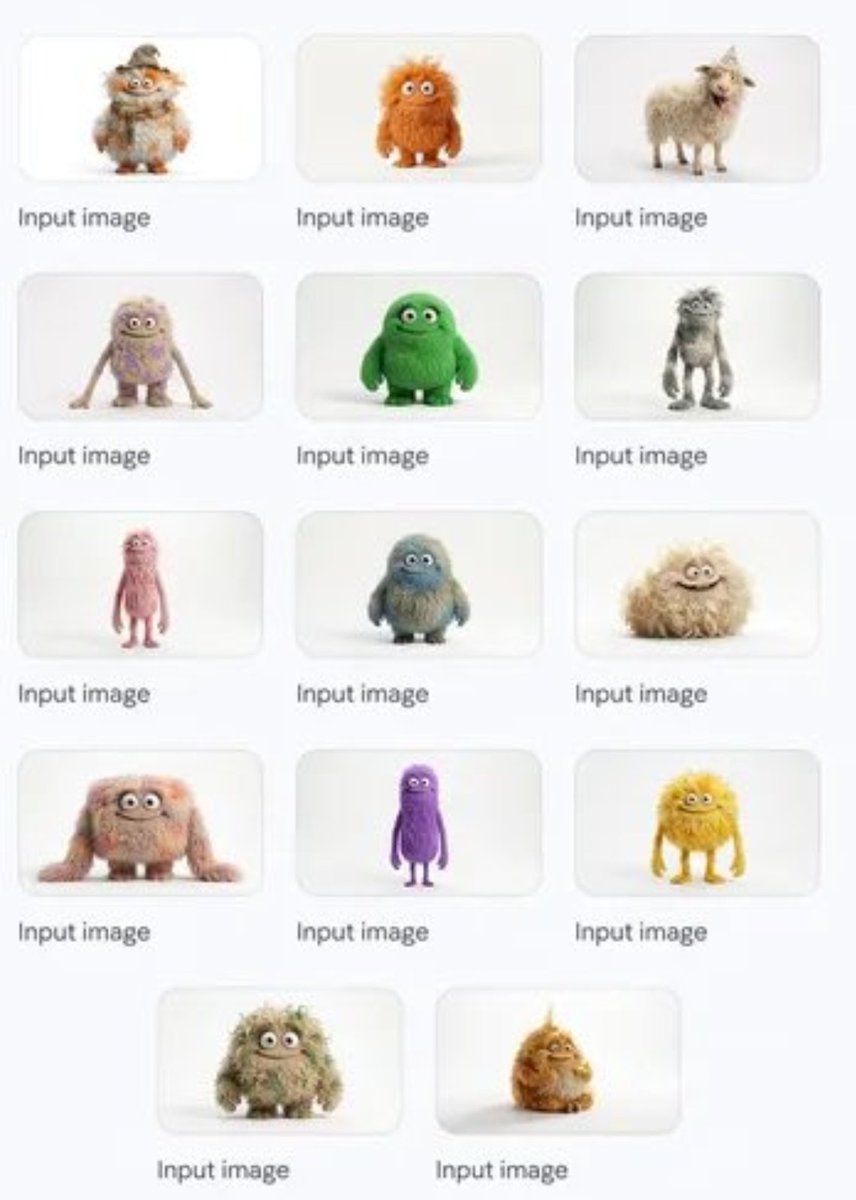
프롬프트
Create a anime image of Group Image From Multiple Character References. Style: photorealistic. Composition: balanced and well-framed. Lighting: natural with cinematic mood. Category: anime. Reference: group-image-from-multiple-character-references-49.
참고 이미지
이 AI 이미지 프롬프트 템플릿 사용 방법
 1
1프롬프트 복사 — 템플릿의 프롬프트와 네거티브 프롬프트를 가져오세요.  2
2모델 선택 — 가장 잘 맞는 추천 AI 모델을 고르세요.  3
3생성 — 클릭 한 번으로 스튜디오를 열어 결과를 만드세요.
관련 템플릿

Image-to-Image Prompt for Character and UI Generation
Create a anime image of Image To Image Prompt For Character And Ui Generation. Style: photorealistic. Composition: balanced and well-framed. Lighting: natural with cinematic mood. Category: anime. Reference: image-to-image-prompt-for-character-and-ui-generation-1265.
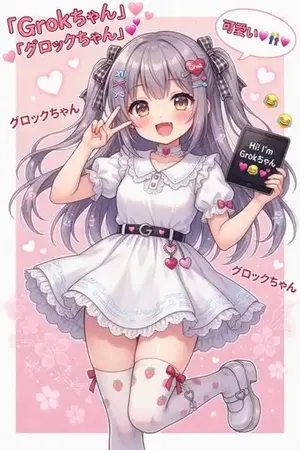
Grok Girl Anime Character
Create a anime image of Grok Girl Anime Character. Style: photorealistic. Composition: balanced and well-framed. Lighting: natural with cinematic mood. Category: anime. Reference: grok-girl-anime-character-4963.

Anime Character in Real Rooftop Scene
Using the provided reference image as the character base, place the same anime character into a photorealistic outdoor rooftop/parking-deck environment. Keep the character’s pose, outfit, hairstyle, accessories, colors, and cel-shaded anime rendering intact, but integrate them naturally into a real-world scene with realistic daylight, perspective, and atmospheric lighting. Add a real human hand in the foreground, reaching toward the character from the lower left, slightly motion-blurred and out of focus, as if someone is about to touch or stop her. The hand should visibly overlap the scene in front of the character without changing her design. Background: replace the plain background with a realistic rooftop concrete surface, railings, distant city skyline, and blue sky with scattered clouds. Use shallow depth of field so the hand is foreground-blurred and the distant buildings are softly blurred, while the anime character remains the main sharp subject. Style constraints: preserve the 2D anime character look against a live-action photographic background, creating a convincing anime-plus-real-photo image-to-image composite. Do not redesign the character, do not add extra characters, and do not add text or watermarks.39
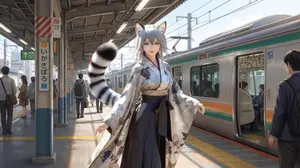
Character on Japanese train platform with matched lighting
Create a anime image of Character On Japanese Train Platform With Matched Lighting. Style: photorealistic. Composition: balanced and well-framed. Lighting: natural with cinematic mood. Category: anime. Reference: character-on-japanese-train-platform-with-matched-lighting-306.

Character Identity Board
Create a anime image of Character Identity Board. Style: photorealistic. Composition: balanced and well-framed. Lighting: natural with cinematic mood. Category: anime. Reference: character-identity-board-23497.

Multi-Angle Scene Generation Prompt (Oshi no Ko Style)
Create a cinematic image of Multi Angle Scene Generation Prompt Oshi No Ko Style. Style: photorealistic. Composition: balanced and well-framed. Lighting: natural with cinematic mood. Category: cinematic-video. Reference: multi-angle-scene-generation-prompt-oshi-no-ko-style-2890.
더 많은 프롬프트 탐색
카테고리별 AI 이미지·영상 프롬프트를 더 찾아보세요.