
AI Pin Maker
문의하기
동영상 효과전체 동영상 도구

Pro로 업그레이드

고급 기능과 더 빠른 생성 속도를 잠금 해제하세요.

지금 업그레이드

© 2026 AI Pin Maker
창작을 더 가까이

템플릿이미지 생성이미지 리믹스동영상 생성이미지 애니메이션만능 참조동영상 편집음악 생성생성 기록이미지 효과형식 변환전체 이미지 도구동영상 효과전체 동영상 도구새 Pin템플릿내 핀쇼케이스나의 추억관베이비 앨범펫 앨범커플 앨범성장 앨범AI 이모티콘크레딧가격설정
AI 비디오 도구/AI 영상 생성

비디오 도구

AI 영상 생성기

이미지나 텍스트로 고품질 AI 영상을 생성. 영화 같은 움직임과 일관된 결과를 제공하는 이미지 투 비디오 워크플로의 다재다능한 시작점.

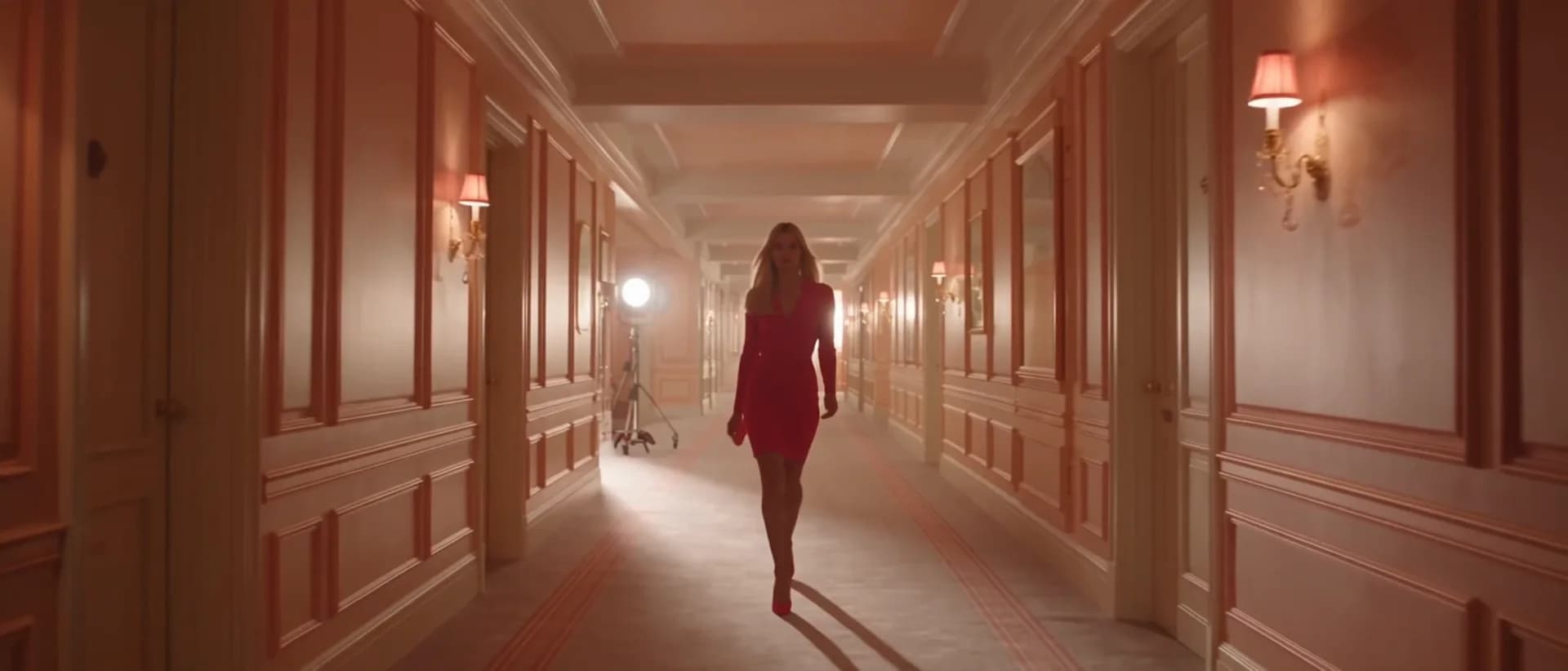
미리보기video

AI Video Generator

A general-purpose AI video generator entry point for image-to-video workflows.

이미지 업로드

PNG, JPG, WebP 최대 10MB

사용 방법

AI 영상 생성 사용 방법

1

Upload your source image

Upload a portrait, landscape, or product photo. Clear subjects with defined edges animate most naturally. JPEG, PNG, and WebP are all accepted.

2

Let the system route to the best model

The generator automatically selects the best available model (Seedance 2.0, Kling v3, Veo 3.1 Fast, or Sora 2) based on image content and current queue load. Override manually from the model picker if needed.

3

Download from history

Submit the job. Your HD clip typically renders in under two minutes and appears in the history page ready for download or social media upload.

선택 이유

AI Pin Maker 비디오 도구를 사용하는 이유

워크플로 우선 구성

각 페이지는 하나의 사용자 작업을 필요한 비디오 입력과 모델군에 연결합니다.

모델 적합도

실시간 엔드포인트 태그로 검증된 기본 이미지-비디오 경로이며 짧은 바이럴 효과에 맞게 조정되었습니다.

실행 가능한 도구

사용 가능 도구는 AI Pin Maker 비디오 생성 워크스페이스에 연결됩니다.

연결된 경로

관련 비디오 도구로 효과에서 편집, 음악, 제작 워크플로까지 이어갈 수 있습니다.

사용 사례

이 비디오를 사용할 곳

마케팅 클립

제품, 시즌, 이벤트 출시를 위한 짧은 캠페인 영상을 만듭니다.

소셜 게시물

세로형 훅, 리액션 클립, 밈에 적합한 효과를 제작합니다.

교육

예시와 단계 설명을 짧은 시각 교육 클립으로 바꿉니다.

FAQ

비디오 도구 FAQ

What makes this an "AI video generator" rather than just a filter?
The pipeline uses large-scale video diffusion models trained on millions of real-world clips — enabling it to synthesize physically plausible motion, depth parallax, and lighting transitions rather than applying a pre-baked animation overlay to your image.
Do I need existing video footage to use this tool?
No. A single still image is all you need. The model infers scene depth, subject anatomy, and implied motion vectors from the image alone, then generates new video frames around that input.
How does automatic model routing work?
The system reads image resolution, content type (portrait vs. landscape vs. object), and queue load, then routes to the model with the best quality-to-speed tradeoff for that input. You can always override the selection manually from the model picker.
What output format does the generated video arrive in?
Videos are delivered as MP4 files with H.264 encoding, typically at a standard HD resolution (1280×720 or 1920×1080) suitable for web upload, social media post, or local download.

관련 도구

다른 비디오 도구 보기

Original AI-generated cover art for the image to video generator tool, cinematic horizontal scene
Image to Videovideo
제작 도구사용 가능

이미지 영상 변환기

정지 이미지를 자연스러운 카메라 움직임의 AI 숏폼으로. 검증된 이미지 투 비디오 모델로 사진에 생명을 불어넣어 SNS 영상을 만드세요.

image-to-videoanimationsocial-video
이미지도구 열기
Original AI-generated cover art for the text to video generator tool, cinematic horizontal scene
Text to Videovideo
제작 도구사용 가능

텍스트 영상 변환기

텍스트 프롬프트로 AI 영상을 생성. 모델·화면 비율·길이·카메라 방향까지 제어해 글만으로 영화 같은 영상을 만들어 보세요.

text-to-videopromptcamera-motion
프롬프트도구 열기
ai-image-animator poster
Image to Videovideo
제작 도구사용 가능

AI 이미지 애니메이터

짧은 AI 애니메이션으로 정지 이미지에 생동감을. 사진과 작품에 은은하고 자연스러운 움직임을 더해 눈길을 끄는 SNS 영상을 만드세요.

image-animatorphoto-animationimage-to-video
이미지도구 열기