
크리스마스 장면을 설명합니다
배경, 조명 무드, 특정 피사체를 담은 텍스트 프롬프트를 작성합니다. "벽난로가 타오르는 빅토리안 거실, 오너먼트 트리, 창밖에는 눈, 천천히 카메라 푸시인"처럼 쓰면 흔한 홀리데이 장면이 아니라 고유한 결과가 나옵니다.
AI 비디오 효과
축제 분위기의 크리스마스 AI 영상을 만드세요. 인사·짧은 광고·시즌 SNS용으로 따뜻한 홀리데이 장면과 눈 내리는 마법을 한 번에.
Christmas Video
Generate Christmas-themed AI videos for greetings, short ads, and seasonal social posts.
사용 방법
배경, 조명 무드, 특정 피사체를 담은 텍스트 프롬프트를 작성합니다. "벽난로가 타오르는 빅토리안 거실, 오너먼트 트리, 창밖에는 눈, 천천히 카메라 푸시인"처럼 쓰면 흔한 홀리데이 장면이 아니라 고유한 결과가 나옵니다.
Instagram Reels/TikTok/Stories용 9:16, 피드 게시물용 1:1, YouTube나 이메일 삽입용 16:9 중에서 선택합니다. 제출 전에 모델 설정 패널에서 화면 비율을 고르면 됩니다.
작업을 제출하면 Wan 2.6, Seedance 2.0 또는 Kling v3가 축제 분위기의 크리스마스 클립을 렌더링합니다. 다운로드해서 크리스마스 카드, 소셜 인사, 짧은 시즌 광고, 홀리데이 이벤트 초대장에 사용할 수 있습니다.
선택 이유
각 페이지는 하나의 사용자 작업을 필요한 비디오 입력과 모델군에 연결합니다.
실시간 엔드포인트 태그로 검증된 기본 텍스트-비디오 경로이며 다양한 비율과 길이를 지원합니다.
사용 가능 도구는 AI Pin Maker 비디오 생성 워크스페이스에 연결됩니다.
관련 비디오 도구로 효과에서 편집, 음악, 제작 워크플로까지 이어갈 수 있습니다.
FAQ
관련 도구
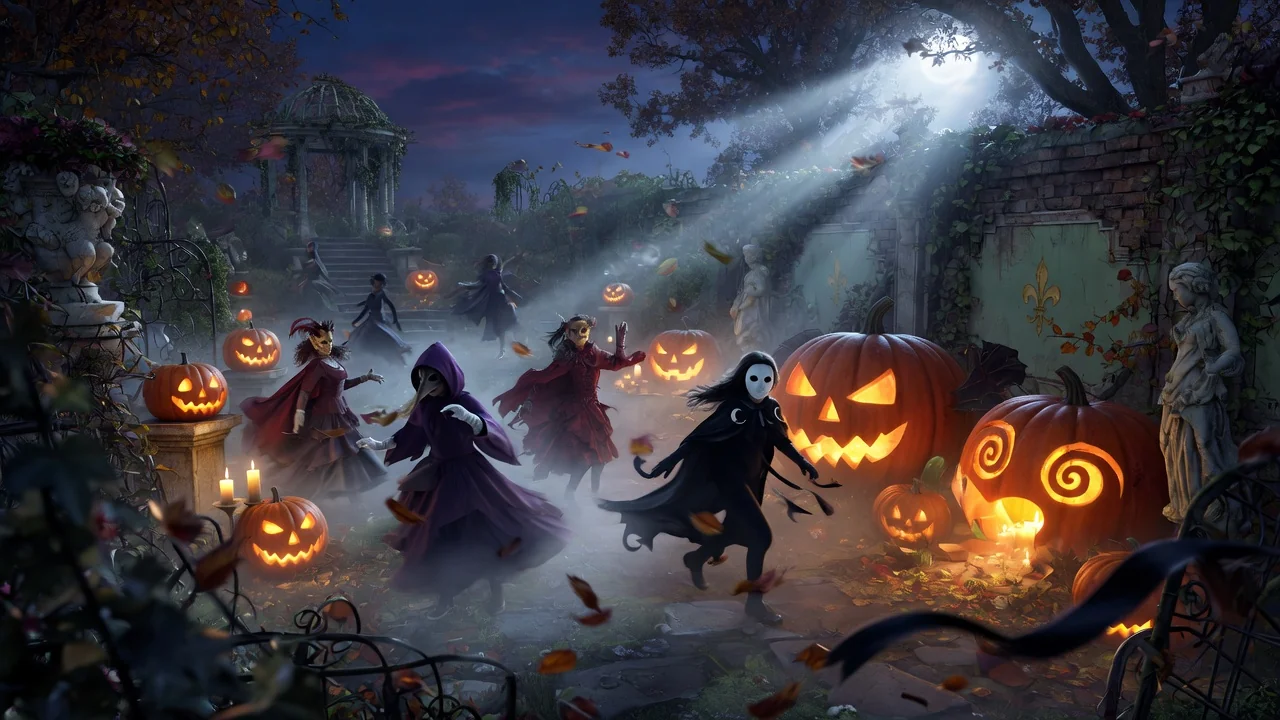
텍스트 프롬프트로 으스스한 할로윈 AI 영상을 만드세요. 시즌 게시물·파티 초대용으로 기괴한 분위기와 무드를 몇 번의 클릭으로.
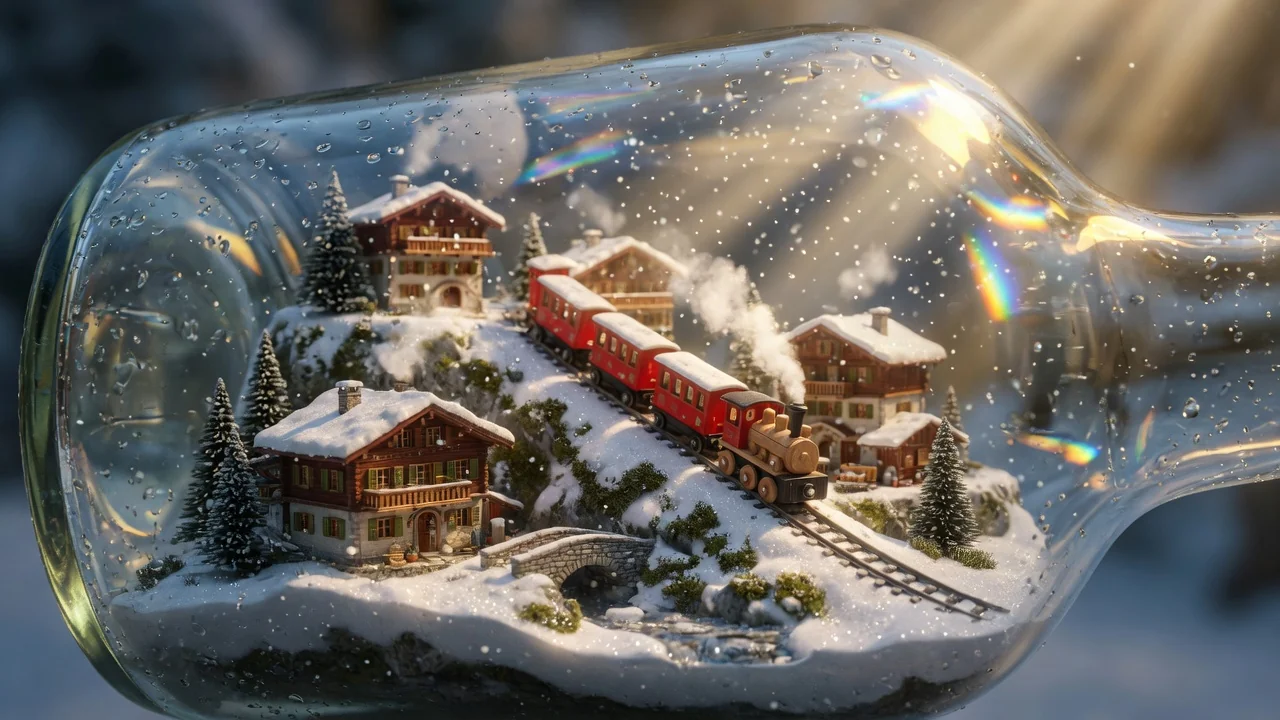
텍스트 프롬프트로 AI 영상을 생성. 모델·화면 비율·길이·카메라 방향까지 제어해 글만으로 영화 같은 영상을 만들어 보세요.
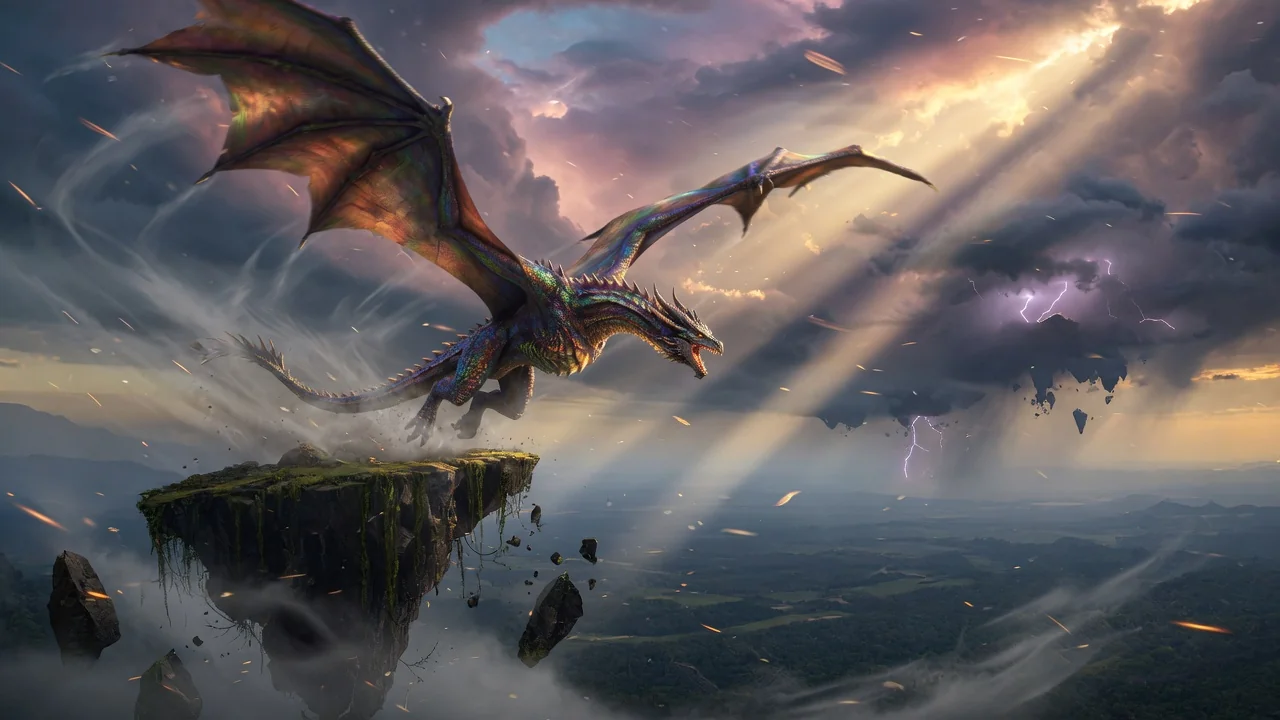
이미지나 텍스트로 고품질 AI 영상을 생성. 영화 같은 움직임과 일관된 결과를 제공하는 이미지 투 비디오 워크플로의 다재다능한 시작점.