
テキストから画像
Luxury Editorial Fashion Poster Template — AI 画像プロンプト
A comprehensive template for creating professional luxury fashion advertisement posters with customizable subjects, colors, and editorial typography. - AIPinMaker
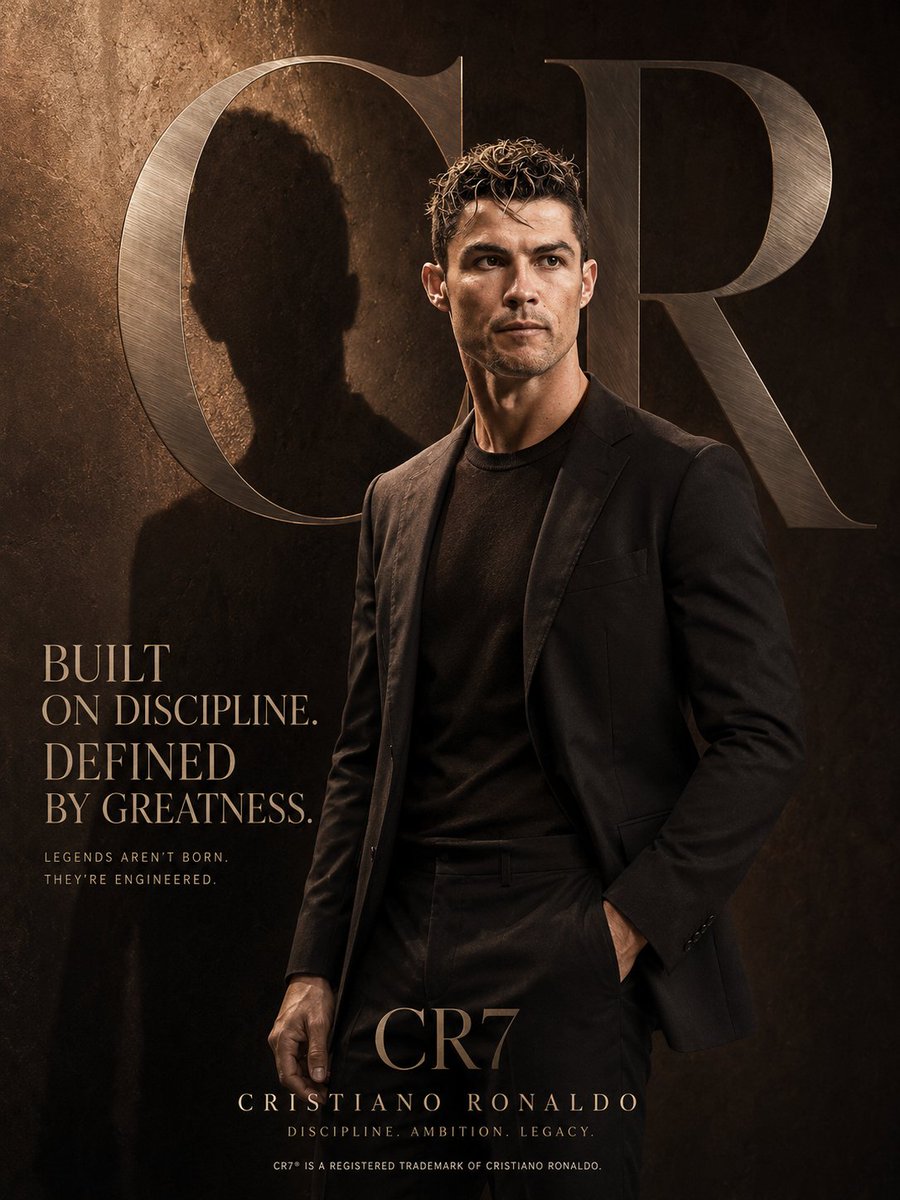
プロンプト
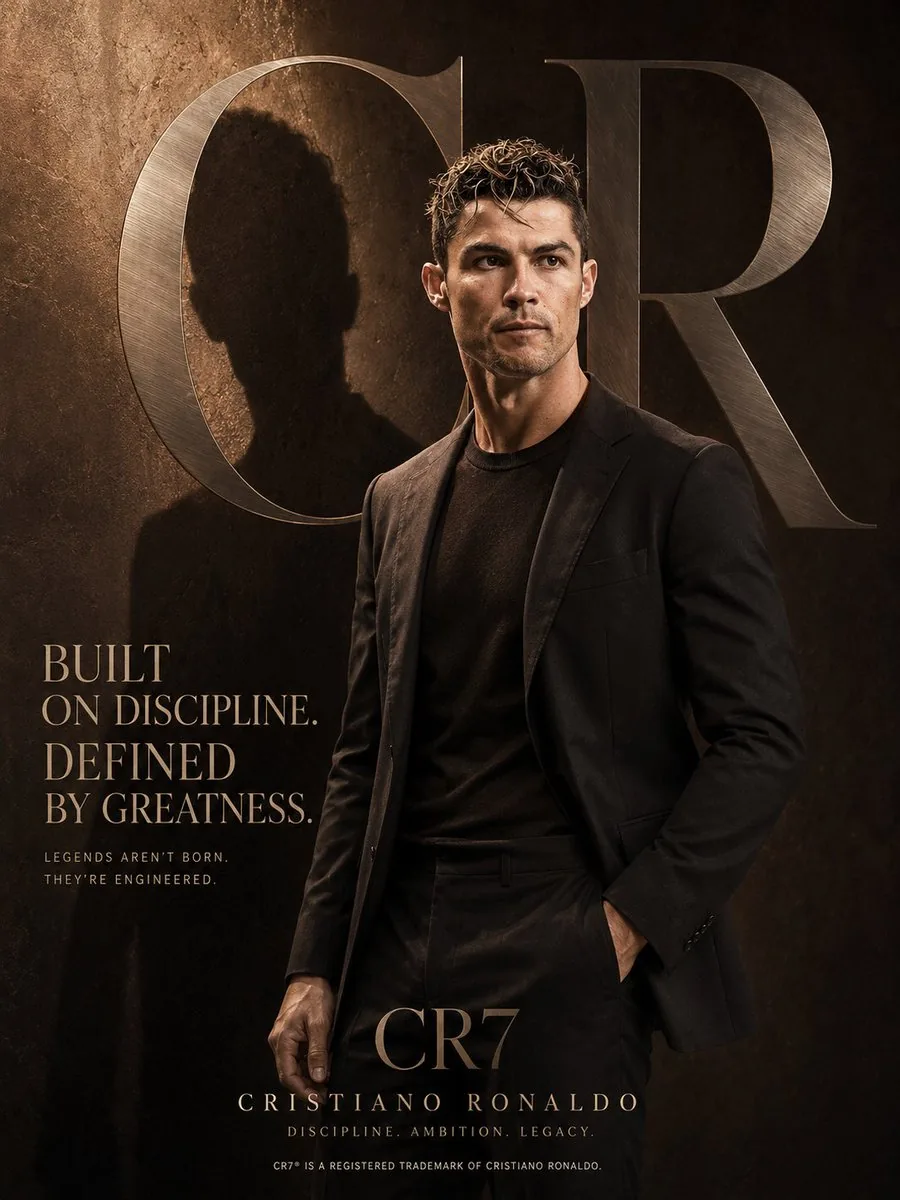
Luxury fashion advertisement poster, vertical composition, a confident {argument name="subject" default="model"} standing with one hand in pocket and the other relaxed by their side, facing slightly sideways and looking away from the camera, wearing {argument name="top garment" default="silk shirt"} and {argument name="bottom garment" default="tailored trousers"}.
Face: based on the reference image(s), preserve the subject’s facial structure, defining features, expression style, and natural identity.
Background: deep rich {argument name="background color" default="navy blue"} textured wall with dramatic sunlight casting a soft shadow of the subject on the side. Large oversized metallic silver serif letters in the background, subtle brushed-metal texture, slightly blurred and blended into the environment for a premium editorial feel.
Lighting: warm cinematic lighting with soft reflections, soft highlights on the face and clothing, high-end editorial shadows, dramatic yet clean atmosphere.
Typography (premium editorial style, elegant serif font such as Didot):
Headline: “[HEADLINE]”
Subtext: “[SUBTEXT]”
Brand name at bottom: “[BRAND NAME]”
Tagline: “[TAGLINE]”
Small footer line: “[FOOTER TEXT]”
Color grading: cinematic and warm neutral tones, high contrast, luxury magazine aesthetic with glossy editorial finish.
Style: ultra-realistic, high-detail, fashion campaign aesthetic, premium branding, minimal clutter, perfect composition, editorial photography quality.
Aspect ratio: 3:43c:T5f3,Luxury fashion参照画像
このAI画像プロンプトテンプレートの使い方
 1
1プロンプトをコピー — テンプレートのプロンプトとネガティブプロンプトを取得。  2
2モデルを選ぶ — 最適な推奨AIモデルを選択。  3
3生成 — ワンクリックでスタジオを開いて作成。
関連テンプレート
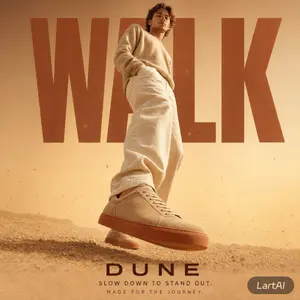
Warm Editorial Sneaker Poster
Create a social-media image of Warm Editorial Sneaker Poster. Style: photorealistic. Composition: balanced and well-framed. Lighting: natural with cinematic mood. Category: poster. Reference: warm-editorial-sneaker-poster-22851.
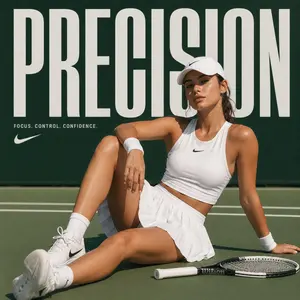
High-Fashion Sports Editorial Campaign
Create a fashion image of High Fashion Sports Editorial Campaign. Style: photorealistic. Composition: balanced and well-framed. Lighting: natural with cinematic mood. Category: photography. Reference: high-fashion-sports-editorial-campaign-16215.
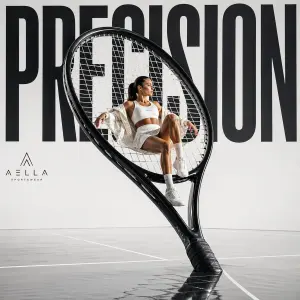
Avant-garde Sports Fashion Advertisement
Create a fashion image of Avant Garde Sports Fashion Advertisement. Style: photorealistic. Composition: balanced and well-framed. Lighting: natural with cinematic mood. Category: photography. Reference: avant-garde-sports-fashion-advertisement-16205.
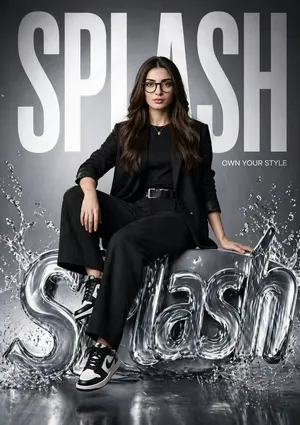
Hyper-realistic Fashion Poster
Create a social-media image of Hyper Realistic Fashion Poster. Style: photorealistic. Composition: balanced and well-framed. Lighting: natural with cinematic mood. Category: poster. Reference: hyper-realistic-fashion-poster-15523.
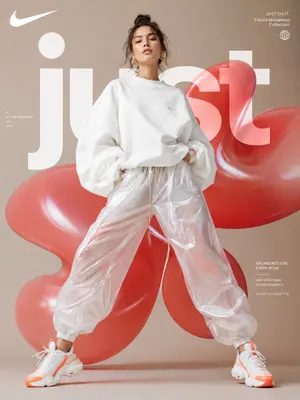
Futuristic Sportswear Fashion Poster
Create a social-media image of Futuristic Sportswear Fashion Poster. Style: photorealistic. Composition: balanced and well-framed. Lighting: natural with cinematic mood. Category: poster. Reference: futuristic-sportswear-fashion-poster-23603.
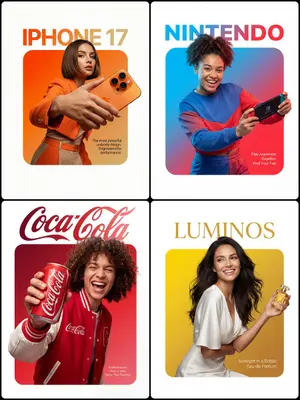
3D Breakout Effect Editorial Ad
A premium editorial-style ad layout set on a clean pure-white background. At the center sits a perfectly symmetrical solid rounded square (filled, not an outline) with a smooth vibrant gradient inside fading from Top-Left Color through to Bottom-Right Color (gradient colors). A Description of Character (subject) is placed so that the lower edge of their torso lines up flush with the bottom edge of the square, no leftover colored strip beneath them. The figure and outfit stay in true-to-life colors and textures, lit by professional studio lighting that is fully separate from the background gradient, so no color tint bleeds onto skin or clothing. They grip Product Description (product) in a confident, realistic hold. Importantly, the crown of the head and hair push past the top edge of the square and overlap into the white space, while the hands and the product cross the side edges as well, creating a strong 3D breakout effect spilling onto the canvas. Typography: Above the square, set on the white space with a deliberate gap, place the [Font Style] brand wordmark '[Brand Name]' in [Top Text Color]. Inside the square, layered over the gradient in the bottom-right corner, drop a small block of thin clean [Bottom Text Color] body text reading '[Slogan/Tagline]'. Lighting is [Lighting Type: e.g., Sharp/Soft], crisp, and commercial, bringing out the texture of both the person and the product.
他のプロンプトを探す
カテゴリ別にAI画像・動画プロンプトをもっと見る。