
テキストから画像
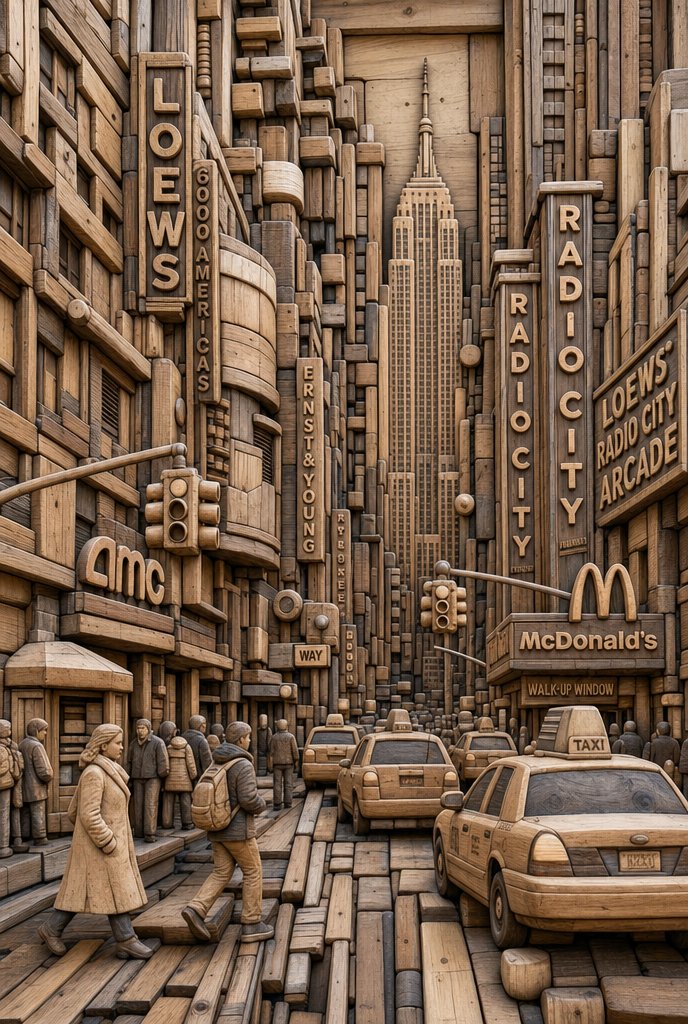
Carved Wood Block Relief — AI 画像プロンプト
A technical prompt for transforming any portrait into a densely packed, realistic carved wood relief sculpture with visible grain. - AIPinMaker
プロンプト
UNIVERSAL “MODULAR WOOD BLOCK RELIEF SYSTEM” PROMPT (IDENTITY LOCK – STRICT)
Use the uploaded image as the subject and the only identity reference.
IDENTITY LOCK – STRICT (NON-NEGOTIABLE)
Preserve exact facial structure, proportions, and feature placement. Do not alter eyes, nose, mouth, or silhouette. Maintain expression and recognizability.
POSE & COMPOSITION – LOCKED
Keep original angle, framing, and perspective. No rotation, mirroring, or camera changes.
STYLE TRANSFORMATION – WOOD BLOCK RELIEF (HARD)
Transform the entire image into a densely packed carved wood construction:
Rebuild all forms (face, hair, clothing, background) using interlocking wooden blocks, rods, and carved segments.
Use a mix of rectangular beams, rounded dowels, sliced cross-sections, and stacked planks.
Maintain tight packing density with minimal gaps (no empty flat areas).
MATERIAL SYSTEM – WOOD (CRITICAL)
All elements must be realistic wood with visible grain, rings, and natural variation.
Grain direction must follow the form of each piece (no random textures).
Include cut ends, knots, and subtle imperfections.
Finish: matte to semi-matte natural wood (no plastic, no gloss).
DEPTH & STRUCTURE – HARD RELIEF
Build multi-layer depth stacking (foreground, mid, background blocks).
Pieces must overlap, interlock, and step in/out like a carved wall.
Preserve facial topology using depth transitions, not smooth shading.
FACE & HAIR INTEGRATION – UNIFIED SYSTEM (CRITICAL)
Face and hair must be constructed from the same wood block system.
Hair flows as elongated carved segments following natural direction.
Facial features are defined by precision placement of smaller blocks and contours.
No separation between materials – everything is wood.
LIGHTING – FORM REVEAL
Use directional lighting to emphasize depth, edges, and grain texture.
Shadows must reinforce layer separation and structure clarity.
NEGATIVE PROMPT (STRICT)
No smooth skin, no paint overlay, no flat shading. No metal, plastic, or non-wood materials. No loose abstract shapes or soft blending. No distortion of facial structure or perspective. No gaps or empty areas – maintain dense construction.38:T887,UNIVERSAL “MODUL
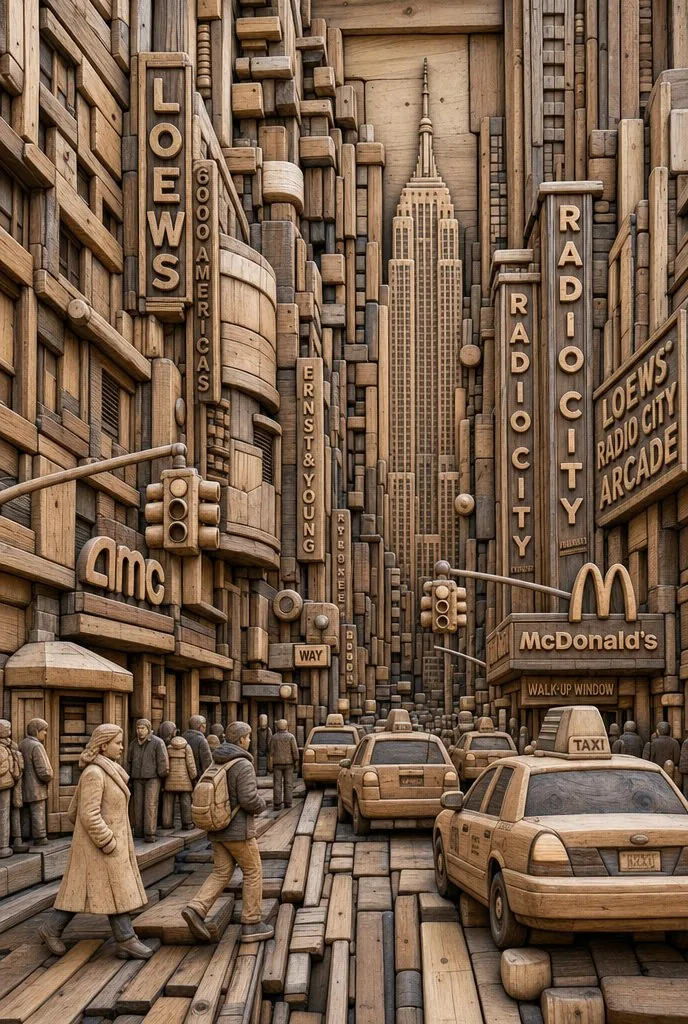
参照画像
このAI画像プロンプトテンプレートの使い方
 1
1プロンプトをコピー — テンプレートのプロンプトとネガティブプロンプトを取得。  2
2モデルを選ぶ — 最適な推奨AIモデルを選択。  3
3生成 — ワンクリックでスタジオを開いて作成。
関連テンプレート

Handcrafted Paper-Cut Illustration Transformation
Convert this image into a soft, handcrafted paper-cut layered illustration style (illustration style), inspired by papercraft diorama aesthetics. Use smooth rounded shapes, simplified cute character proportions, and minimal facial details (dot eyes, blush cheeks) to create a warm, charming look. Apply stacked paper layers with visible depth, subtle shadows between layers, and clean cut edges that resemble laser-cut cardstock ++Add a distinct white outer outline layer surrounding each main character, resembling a thick sticker border or white cut-paper backing, clearly separating the characters from the background. This white layer should feel like an intentional paper layer, not a glow. Use a pastel color palette with muted blues, greens, and warm neutrals (color palette), balanced and calming. Lighting should feel soft, diffused, and even, enhancing the dimensional paper layers without harsh contrast. ++++ Textures should appear matte and tactile, like thick art paper or craft foam. Overall mood: cozy, wholesome, gentle, and storybook-like (mood), with a playful yet polished handcrafted feel suitable for modern illustration, children’s books, or decorative art.3c

Professional Image Redesign
Create a creative image of Professional Image Redesign. Style: photorealistic. Composition: balanced and well-framed. Lighting: natural with cinematic mood. Category: photography. Reference: professional-image-redesign-18366.

Graffiti Street Art Transformation
Create a cinematic image of Graffiti Street Art Transformation. Style: photorealistic. Composition: balanced and well-framed. Lighting: natural with cinematic mood. Category: cinematic-video. Reference: graffiti-street-art-transformation-5199.

Paper-cut Layered Illustration Style
Create a creative image of Paper Cut Layered Illustration Style. Style: photorealistic. Composition: balanced and well-framed. Lighting: natural with cinematic mood. Category: photography. Reference: paper-cut-layered-illustration-style-22845.

Image-to-SD Papercraft Conversion Prompt
Create a creative image of Image To Sd Papercraft Conversion Prompt. Style: photorealistic. Composition: balanced and well-framed. Lighting: natural with cinematic mood. Category: photography. Reference: image-to-sd-papercraft-conversion-prompt-7978.

Premium Sticker Illustration Generator
Transform the uploaded image into a premium die-cut sticker illustration while keeping the main subject fully recognizable. Remove or simplify the original background and cleanly isolate the primary subject. Add a thick soft cream or beige (border style) sticker border around the entire silhouette with a subtle realistic drop shadow to create a floating sticker effect. Preserve important textures and details while slightly stylizing the image with enhanced colors, cinematic contrast, and a polished editorial look (visual style). Refine the edges to create smooth, crisp sticker contours while maintaining realistic proportions and perspective. Place the final sticker composition centered on a clean pastel background (background) with generous negative space, making it feel like a high-quality collectible vinyl sticker. The final image should feel minimal, modern, slightly nostalgic, and professionally designed, with no added text or extra objects.
他のプロンプトを探す
カテゴリ別にAI画像・動画プロンプトをもっと見る。