
テキストから画像
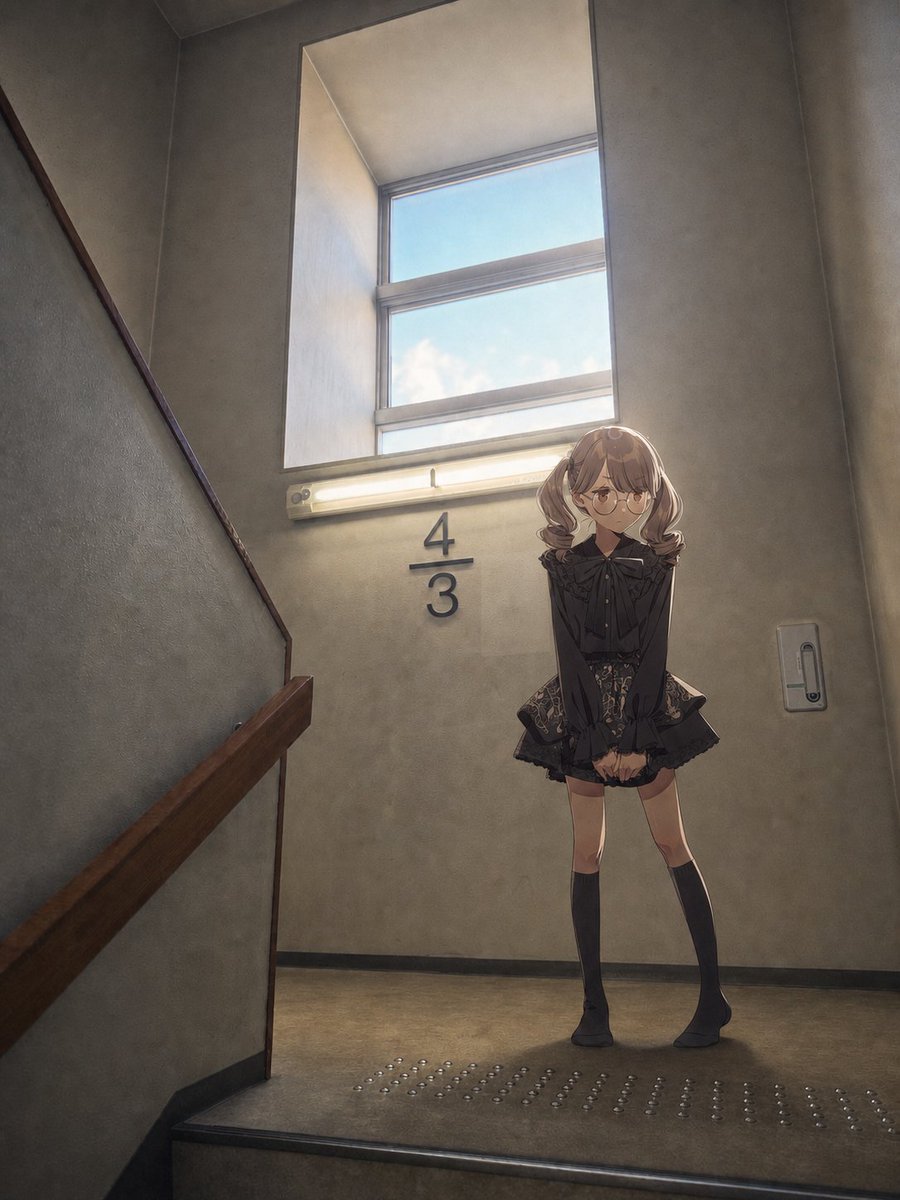
Anime Girl Stairwell Composite — AI 画像プロンプト
Adds a single anime-style girl into the provided stairwell photo while preserving the original environment and lighting. - AIPinMaker
プロンプト
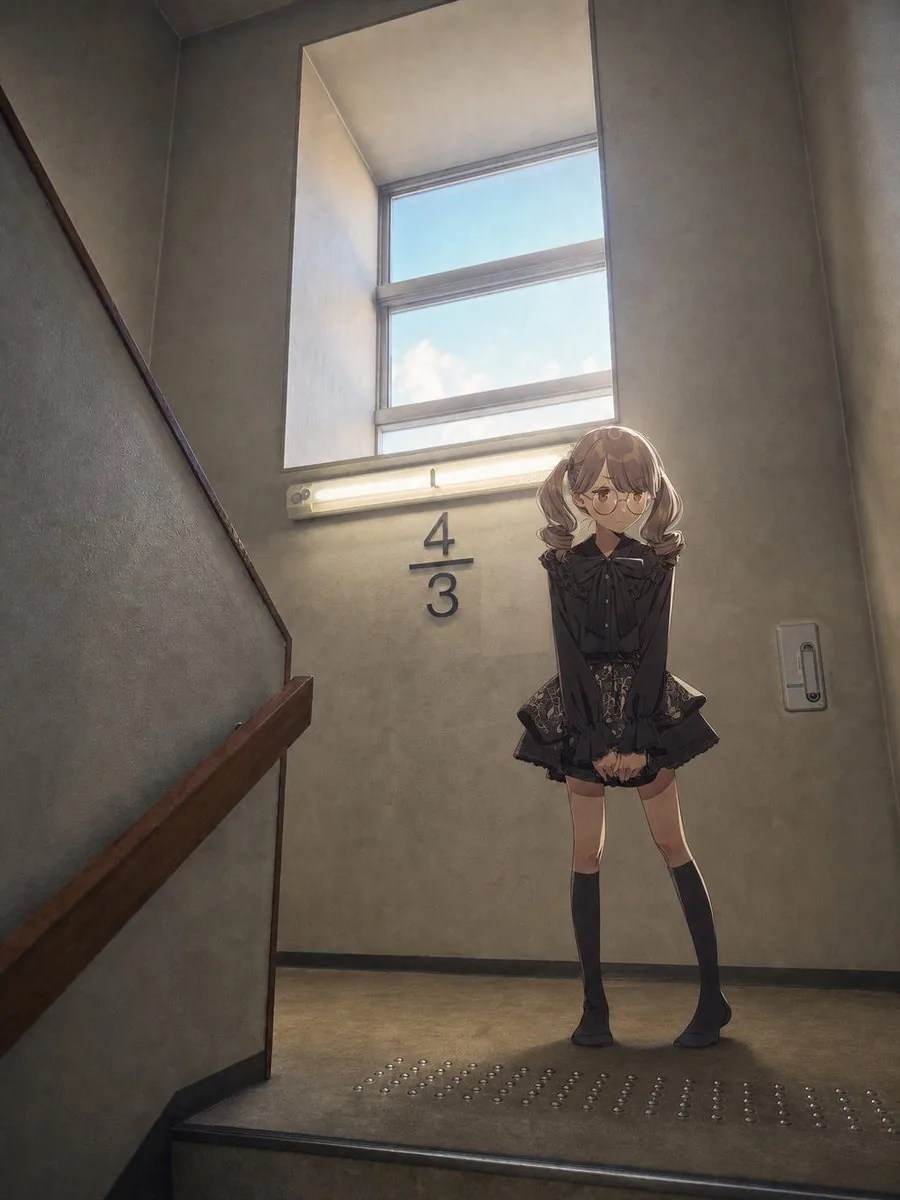
Using the provided reference image as the unchanged background, composite 1 full-body anime-style girl into the stairwell landing. Place her standing on the right side beneath the window and fluorescent light, in front of the wall near the existing “4/3” marking. She should be {argument name="character type" default="a shy school-age girl"} with {argument name="hair style" default="short wavy light-brown twin-tail hair"}, wearing {argument name="outfit" default="a dark gothic-lolita blouse and patterned skirt with knee-high black socks"} and {argument name="accessory" default="round glasses"}. Pose her with feet together, hands clasped in front, slightly bashful expression, looking toward the viewer. Match the perspective, scale, shadows, and warm backlighting from the window and fluorescent lamp so she feels naturally photographed in the space. Keep the stairwell architecture, handrail, window, wall switch, tactile paving, and “4/3” wall text intact, but give the final image a soft cinematic anime-composite look with gentle haze and muted contrast.38:T431,参照画像
このAI画像プロンプトテンプレートの使い方
 1
1プロンプトをコピー — テンプレートのプロンプトとネガティブプロンプトを取得。  2
2モデルを選ぶ — 最適な推奨AIモデルを選択。  3
3生成 — ワンクリックでスタジオを開いて作成。
関連テンプレート

Anime Character in Real Rooftop Scene
Using the provided reference image as the character base, place the same anime character into a photorealistic outdoor rooftop/parking-deck environment. Keep the character’s pose, outfit, hairstyle, accessories, colors, and cel-shaded anime rendering intact, but integrate them naturally into a real-world scene with realistic daylight, perspective, and atmospheric lighting. Add a real human hand in the foreground, reaching toward the character from the lower left, slightly motion-blurred and out of focus, as if someone is about to touch or stop her. The hand should visibly overlap the scene in front of the character without changing her design. Background: replace the plain background with a realistic rooftop concrete surface, railings, distant city skyline, and blue sky with scattered clouds. Use shallow depth of field so the hand is foreground-blurred and the distant buildings are softly blurred, while the anime character remains the main sharp subject. Style constraints: preserve the 2D anime character look against a live-action photographic background, creating a convincing anime-plus-real-photo image-to-image composite. Do not redesign the character, do not add extra characters, and do not add text or watermarks.39

Character Replacement Edit Prompt
Create a anime image of Character Replacement Edit Prompt. Style: photorealistic. Composition: balanced and well-framed. Lighting: natural with cinematic mood. Category: anime. Reference: character-replacement-edit-prompt-1806.

Family Photo Generation from Single Character Image
Create a anime image of Family Photo Generation From Single Character Image. Style: photorealistic. Composition: balanced and well-framed. Lighting: natural with cinematic mood. Category: anime. Reference: family-photo-generation-from-single-character-image-1170.

Nano Banana Pro Prompt for Character and Background Change
Create a anime image of Nano Banana Pro Prompt For Character And Background Change. Style: photorealistic. Composition: balanced and well-framed. Lighting: natural with cinematic mood. Category: anime. Reference: nano-banana-pro-prompt-for-character-and-background-change-4464.
Character Visual Update while Preserving Original Atmosphere
Create a anime image of Character Visual Update While Preserving Original Atmosphere. Style: photorealistic. Composition: balanced and well-framed. Lighting: natural with cinematic mood. Category: anime. Reference: character-visual-update-while-preserving-original-atmosphere-2561.
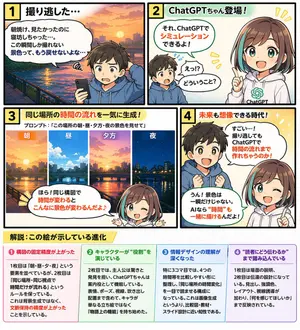
Educational 4-Panel Manga with Infographic
{ "type": "4-panel educational manga with infographic footer", "theme": "{argument name=\"comic theme\" default=\"ChatGPT image generation capabilities\"}", "characters": { "boy": "{argument name=\"boy character\" default=\"young boy with brown hair wearing a blue hoodie\"}", "girl": "anime girl with brown hair and teal streaks, wearing a white hoodie with a green logo, representing {argument name=\"girl character name\" default=\"ChatGPTちゃん\"}" }, "layout": { "panels": [ { "number": 1, "title": "1 撮り逃した…", "scene": "Boy looking disappointed at his smartphone. Background is a sunrise over a city river.", "dialogue": ["朝焼け、見たかったのに寝坊しちゃった…。この瞬間しか撮れない景色って、もう戻せないよな…"] }, { "number": 2, "title": "2 ChatGPTちゃん登場!", "scene": "Girl appears smiling confidently. Boy looks surprised.", "dialogue": ["それ、ChatGPTでシミュレーションできるよ!", "えっ!?どういうこと?"] }, { "number": 3, "title": "3 同じ場所の時間の流れを一気に生成!", "subtitle": "プロンプト:「{argument name=\"example prompt\" default=\"この場所の朝・昼・夕方・夜の景色を見せて\"}」", "visuals": { "count": 4, "labels": ["朝", "昼", "夕方", "夜"], "description": "Four vertical slices showing the exact same city river scene transitioning from morning to noon, evening, and night." }, "scene": "Girl winking and pointing at the images.", "dialogue": ["ほら!同じ構図で時間が変わるとこんなに景色が変わるんだよ♪"] }, { "number": 4, "title": "4 未来も想像できる時代!", "scene": "Boy looks amazed with sparkling eyes. Girl winks and points upwards.", "dialogue": ["すごい…!撮り逃してもChatGPTで時間の流れまで作れちゃうのか!", "うん!景色は一瞬だけじゃない。AIなら“時間”も一緒に描けるんだよ!"] } ], "footer": { "title": "{argument name=\"footer title\" default=\"解説:この絵が示している進化\"}", "columns": { "count": 4, "items": [ { "title": "❶ 構図の固定精度が上がった", "content": "Text explaining improved composition consistency." }, { "title": "❷ キャラクターが“役割”を演じている", "content": "Text explaining characters playing specific roles." }, { "title": "❸ 情報デザインの理解が深くなった", "content": "Text explaining deeper understanding of information design." }, { "title": "❹ “読者にどう伝わるか”まで踏み込んでいる", "content": "Text explaining focus on reader comprehension." } ] } } } }3d:Tc4c,{ "type": "4-panel educational manga with infographic footer", "theme": "{argument name=\"comic theme\" default=\"ChatGPT image generation capabilities\"}", "characters": { "boy": "{argument name=\"boy character\" default=\"young boy with brown hair wearing a blue hoodie\"}", "girl": "anime girl with brown hair and teal streaks, wearing a white hoodie with a green logo, representing {argument name=\"girl character name\" default=\"ChatGPTちゃん\"}" }, "layout": { "panels": [ { "number": 1, "title": "1 撮り逃した…", "scene": "Boy looking disappointed at his smartphone. Backgroun
他のプロンプトを探す
カテゴリ別にAI画像・動画プロンプトをもっと見る。