AI Pin Maker
お問い合わせ
動画エフェクトすべての動画ツール

Pro にアップグレード

高度な機能とより速い生成速度を解放します。

今すぐアップグレード

© 2026 AI Pin Maker
創造をもっと身近に

テンプレート画像生成画像リミックス動画生成画像アニメ化万能リファレンス動画編集音楽生成生成履歴画像エフェクトフォーマット変換すべての画像ツール動画エフェクトすべての動画ツール新規 Pinテンプレートマイピン作品ショーケース思い出ギャラリーベビーアルバムペットアルバムカップルアルバム成長アルバムAI スタンプクレジット料金設定
AI動画ツール/ヘリ動画

AI動画エフェクト

AIヘリコプター動画生成

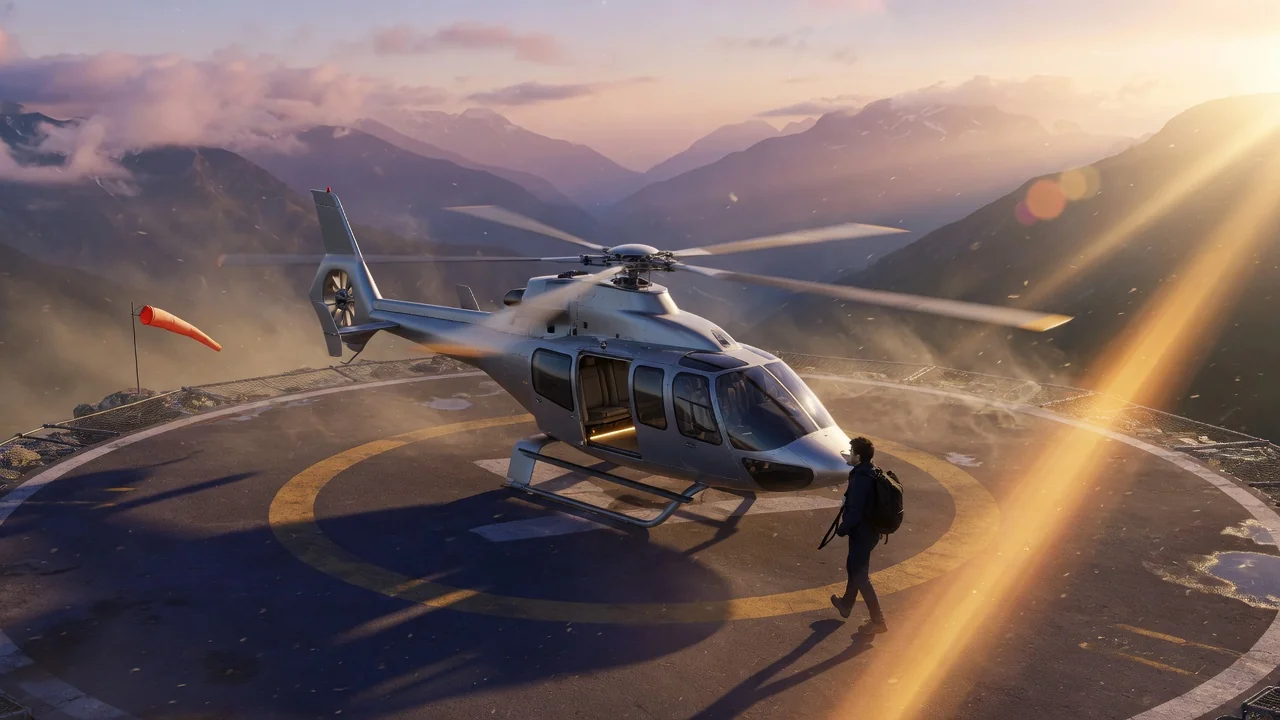
用意済みの高級トラベルプロンプトで、写真をバズるプライベートヘリのAI動画に。映画的な空撮の雰囲気で目立つSNS投稿を。
プレビューvideo

Helicopter Video

Create private helicopter AI videos from a photo using a ready-made luxury travel prompt.

画像をアップロード

PNG、JPG、WebP、最大10MB

使い方

ヘリ動画の使い方

1

Upload a portrait photo

Upload a portrait photo of the person you want to place into the luxury travel scene. Head-and-shoulders or three-quarter framing works well for the tarmac or rooftop helipad setting.

2

Use the pre-loaded helicopter prompt

The tool uses a ready-made private helicopter prompt — boarding a helicopter with a luxury travel atmosphere, professional travel attire, and realistic handheld camera shake. Customize the prompt to specify the setting (rooftop, beach, mountain landing pad).

3

Generate and post aspirational content

Submit the job. Seedance 2.0 or Runway renders the subject into the helicopter scene. Download and share as aspirational "wealthy lifestyle" content on LinkedIn, Instagram, or travel-themed social channels.

選ぶ理由

AI Pin Maker動画ツールを使う理由

ワークフロー優先

各ページは1つのユーザー目的を必要な動画入力とモデル群に対応させます。

モデル適合

ライブエンドポイントのタグで検証済みの画像から動画の標準ルートで、短いバイラル効果向けに調整されています。

実行可能なツール

利用可能なツールはAI Pin Makerの動画生成ワークスペースに接続します。

接続されたルート

関連動画ツールでエフェクトから編集、音楽、制作ワークフローへ続けられます。

FAQ

動画ツールFAQ

What does the private helicopter video look like?
The output shows the subject boarding or stepping out of a private helicopter with luxury travel atmosphere — tarmac or rooftop helipad setting, professional travel attire, slight handheld camera shake, and warm natural or sunset lighting.
Do I need to be near a helicopter to use this tool?
No — a portrait photo is the only input. The AI generates the helicopter setting, ambient environment, and motion around the uploaded portrait. No real helicopter, location, or costume is needed.
What makes this tool different from the World Cup or baseball broadcast generators?
All three tools use the broadcast/scene simulation technique but with different pre-tuned prompts. This tool defaults to luxury private travel scenes (helicopter, executive setting) rather than sports broadcast atmospheres.
Are there other luxury scene presets available?
The helicopter is the default pre-loaded scene. For other luxury travel aesthetics — private jet, superyacht, penthouse terrace — write a custom prompt override in the prompt field with your desired setting.

関連ツール

他の動画ツールを見る

Original AI-generated cover art for the ai baseball broadcast tool, cinematic horizontal scene
Image to Videovideo
動画エフェクト利用可能

AI野球中継ジェネレーター

用意済みのスタジアムプロンプトで、人物写真をAI野球中継クリップに変換。映画のような照明と観客の熱気で応援動画を作成。
baseballbroadcastsports
画像ツールを開く
Original AI-generated cover art for the ai world cup 2026 tool, cinematic horizontal scene
Image to Videovideo
動画エフェクト利用可能

ワールドカップ2026 AI動画

話題のワールドカップ2026トレンドに参加。人物写真をリアルな中継風の応援映像に変換し、スタジアムの熱気をTikTokやReelsへ。
world-cupsportsviral
画像ツールを開く
Original AI-generated cover art for the ai video generator tool, cinematic horizontal scene
Image to Videovideo
制作ツール利用可能

AI動画ジェネレーター

画像やテキストから高品質なAI動画を生成。映画的な動きと一貫した仕上がりを実現する、画像→動画ワークフローの多用途な入口。

ai-videogeneratorimage-to-video
画像ツールを開く