AI Pin Maker
お問い合わせ
動画エフェクトすべての動画ツール

Pro にアップグレード

高度な機能とより速い生成速度を解放します。

今すぐアップグレード

© 2026 AI Pin Maker
創造をもっと身近に

テンプレート画像生成画像リミックス動画生成画像アニメ化万能リファレンス動画編集音楽生成生成履歴画像エフェクトフォーマット変換すべての画像ツール動画エフェクトすべての動画ツール新規 Pinテンプレートマイピン作品ショーケース思い出ギャラリーベビーアルバムペットアルバムカップルアルバム成長アルバムAI スタンプクレジット料金設定
AI動画ツール/AI筋肉

AI動画エフェクト

AI筋肉動画生成

人物写真を短いAI筋肉トランスフォーメーション動画に。ビフォーアフターの体の変化を見せて、バズる筋トレSNS投稿に。
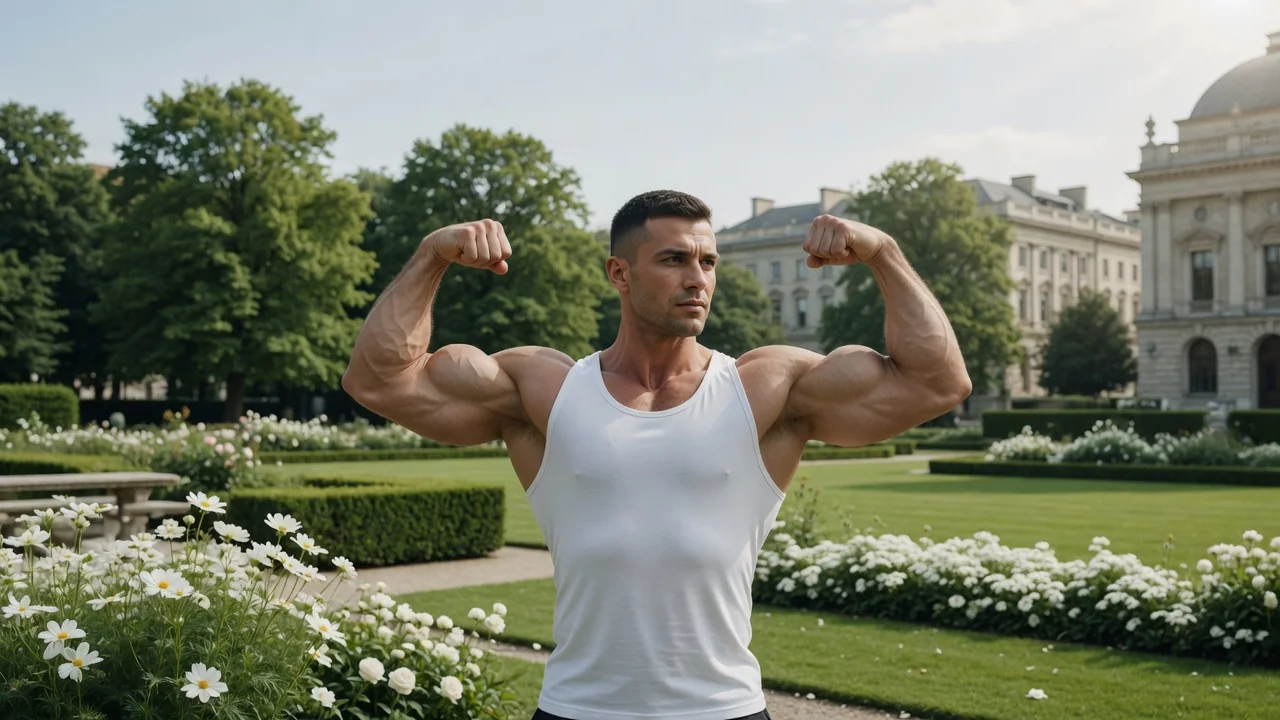
プレビューvideo

AI Muscle

Turn a portrait into a short AI muscle transformation video for viral social posts.

画像をアップロード

PNG、JPG、WebP、最大10MB

使い方

AI筋肉の使い方

1

Upload an upper-body or three-quarter portrait

Upload a photo of the person for the transformation video. An upper-body or three-quarter frontal shot wearing a fitted T-shirt or thin fabric top gives the model the best base for the rip-reveal sequence.

2

Customize the transformation intensity

Leave the default prompt for a dramatic viral reveal, or write a custom prompt to guide the intensity — "extreme bodybuilder reveal" versus "natural athletic build" produces noticeably different results.

3

Generate and post the viral transformation clip

Submit the job. Seedance 2.0 or Runway renders the shirt motion, body expansion, and cinematic lighting. Download the 4–6 second clip and post it to TikTok, Reels, or YouTube Shorts.

選ぶ理由

AI Pin Maker動画ツールを使う理由

ワークフロー優先

各ページは1つのユーザー目的を必要な動画入力とモデル群に対応させます。

モデル適合

ライブエンドポイントのタグで検証済みの画像から動画の標準ルートで、短いバイラル効果向けに調整されています。

実行可能なツール

利用可能なツールはAI Pin Makerの動画生成ワークスペースに接続します。

接続されたルート

関連動画ツールでエフェクトから編集、音楽、制作ワークフローへ続けられます。

FAQ

動画ツールFAQ

Does the muscle reveal video look realistic?
Yes — Seedance 2.0 renders the shirt motion and body movement with physically based fabric simulation and consistent skin lighting, making the transformation read as a genuine before/after clip rather than a CGI effect.
Can I choose the muscle type or transformation intensity?
Add a descriptive prompt to guide the output — "extreme bodybuilder reveal" versus "natural athletic build" produces different results. The default prompt targets a dramatic viral-style transformation for maximum social media engagement.
What shot type produces the best transformation video?
An upper-body or three-quarter frontal photo with the subject wearing a fitted T-shirt or thin fabric top gives the model the best base for the rip-reveal sequence. Heavily layered or patterned clothing can reduce the clarity of the transformation motion.
How long is the generated muscle reveal clip?
Typical output is 4–6 seconds — long enough for the reveal sequence but short enough to loop as a Reels or TikTok clip without dead time at the end.

関連ツール

他の動画ツールを見る

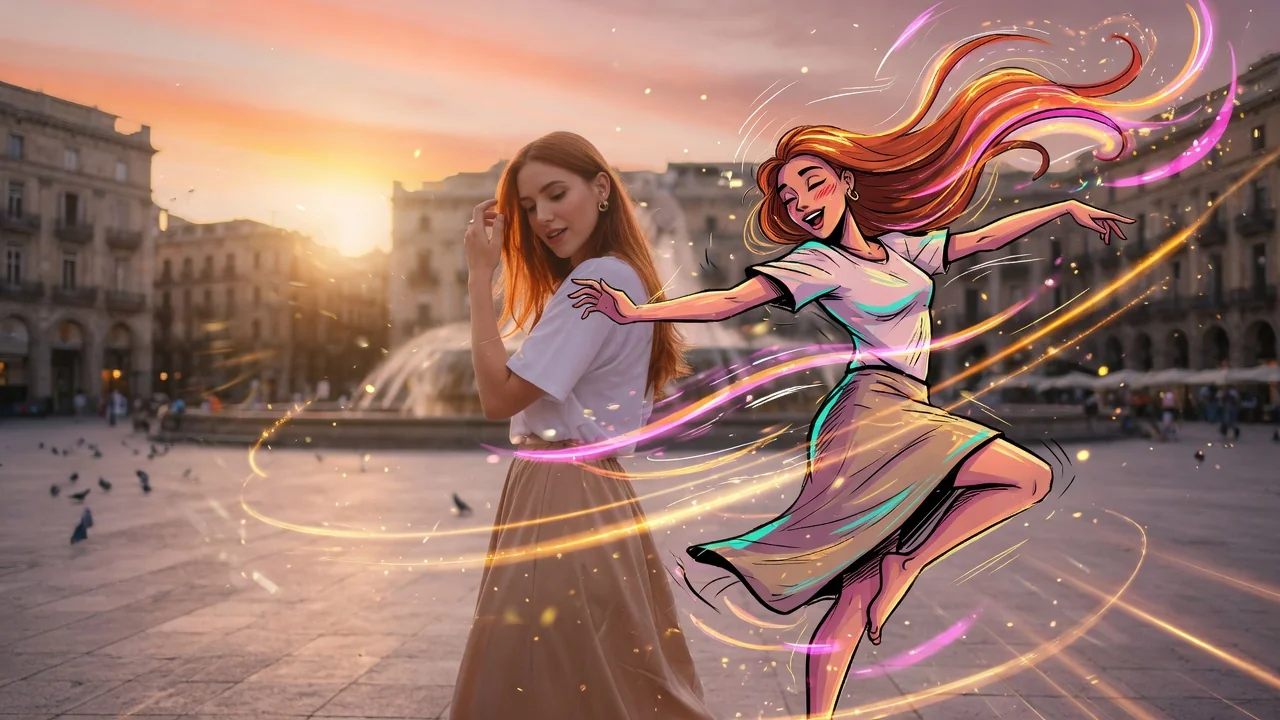
Original AI-generated cover art for the ai dance generator tool, cinematic horizontal scene
Image to Videovideo
動画エフェクト利用可能

AIダンス動画生成

1枚の写真から楽しいAIダンス動画を作成。自然な動きとリズムを加えて、編集スキルなしでTikTokやReels、Shortsに投稿できます。
dancephoto-animationtiktok
画像ツールを開く
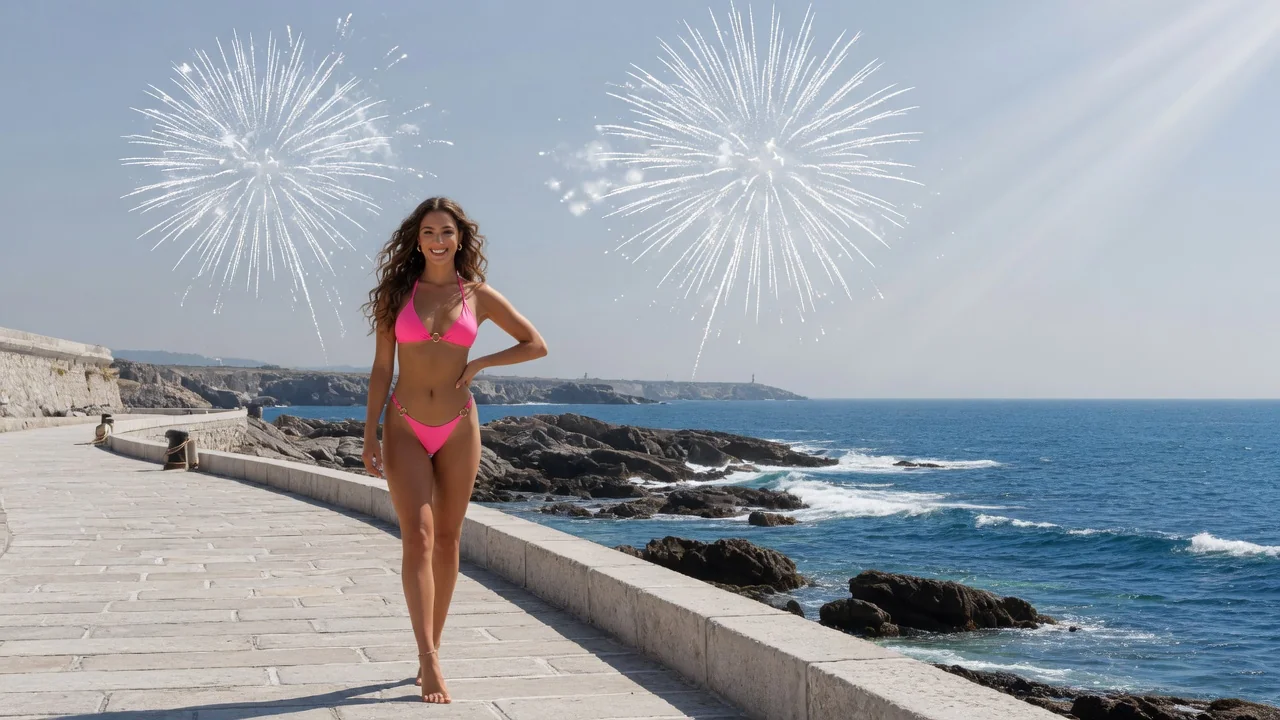
Original AI-generated cover art for the ai bikini generator tool, cinematic horizontal scene
Image to Videovideo
動画エフェクト利用可能

AIビキニ動画生成

写真からAIビキニのファッション動画を作成。ログインと18歳以上の確認が必要で、ビーチや夏スタイルのなめらかな動きを再現。

fashion18-plusimage-to-video
画像ツールを開く
Original AI-generated cover art for the ai hug video generator tool, cinematic horizontal scene
Image to Videovideo
動画エフェクト利用可能

AIハグ動画生成

参照写真から心温まるAIハグ動画を作成。自然な動きと温かく感情的な構図で、家族やカップルの感動的なクリップに。

hugemotioncouple
画像ツールを開く