AI Pin Maker
お問い合わせ
動画エフェクトすべての動画ツール

Pro にアップグレード

高度な機能とより速い生成速度を解放します。

今すぐアップグレード

© 2026 AI Pin Maker
創造をもっと身近に

テンプレート画像生成画像リミックス動画生成画像アニメ化万能リファレンス動画編集音楽生成生成履歴画像エフェクトフォーマット変換すべての画像ツール動画エフェクトすべての動画ツール新規 Pinテンプレートマイピン作品ショーケース思い出ギャラリーベビーアルバムペットアルバムカップルアルバム成長アルバムAI スタンプクレジット料金設定
AI動画ツール/AIダンス

AI動画エフェクト

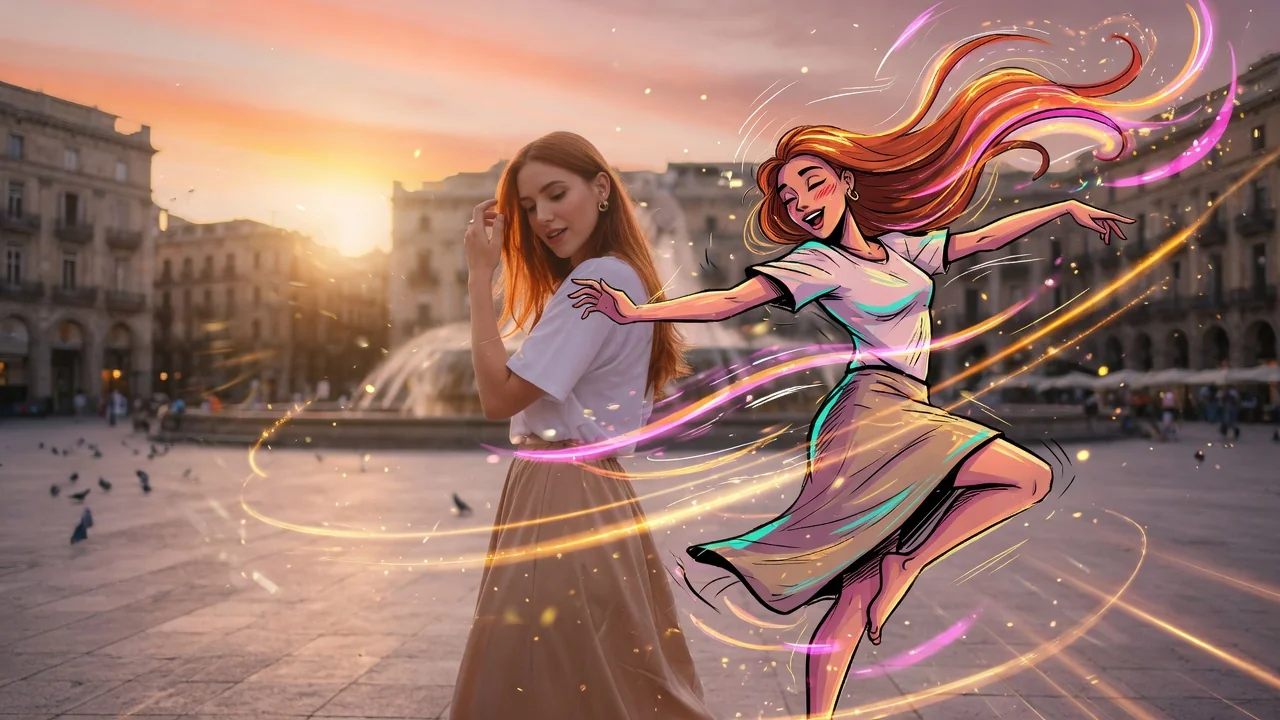
AIダンス動画生成

1枚の写真から楽しいAIダンス動画を作成。自然な動きとリズムを加えて、編集スキルなしでTikTokやReels、Shortsに投稿できます。
プレビューvideo

AI Dance

Turn a still photo into a dance video without pretending to support motion-transfer video references.

画像をアップロード

PNG、JPG、WebP、最大10MB

使い方

AIダンスの使い方

1

Upload a photo of the person to animate

Upload a photo of the person you want to see dancing. Standing or three-quarter body shots facing forward work best — they give the model the most limb geometry for natural movement.

2

Describe the dance style or leave it to the AI

Add a prompt for a specific style — "hip-hop bounce step," "slow waltz," "K-pop idol stage energy." Leave it blank and the model generates a natural confident dance matched to social media pacing.

3

Download and share to TikTok or Reels

Submit the job. Seedance 2.0, Runway, or PixVerse generates a 4–6 second vertical dance clip ready for direct upload to TikTok, Instagram Reels, or YouTube Shorts.

選ぶ理由

AI Pin Maker動画ツールを使う理由

ワークフロー優先

各ページは1つのユーザー目的を必要な動画入力とモデル群に対応させます。

モデル適合

ライブエンドポイントのタグで検証済みの画像から動画の標準ルートで、短いバイラル効果向けに調整されています。

実行可能なツール

利用可能なツールはAI Pin Makerの動画生成ワークスペースに接続します。

接続されたルート

関連動画ツールでエフェクトから編集、音楽、制作ワークフローへ続けられます。

FAQ

動画ツールFAQ

Do I need to provide a reference dance video to define the moves?
No. The AI generates dance motion directly from the still photo, producing natural body movement without requiring a motion-transfer source clip. For specific choreography, describe the style in the prompt (e.g., "hip-hop bounce step" or "slow waltz").
What types of photos produce the best dance animations?
Standing or three-quarter body shots with the subject facing forward and arms at sides give the model the most room to generate natural limb motion. Seated, heavily layered, or tightly cropped images limit the range of movement.
Is the dance clip output sized for TikTok and Reels?
Yes — the output is generated in 9:16 vertical format optimized for TikTok, Reels, and Shorts. Clip length is typically 4–6 seconds, matching the standard loop length for viral short-form dance content.
Can I animate a cartoon or illustrated character instead of a real photo?
Yes. The model handles illustrated and stylized subjects alongside photographic portraits. PixVerse tends to preserve illustration art style better than photo-tuned models for character animations.

関連ツール

他の動画ツールを見る

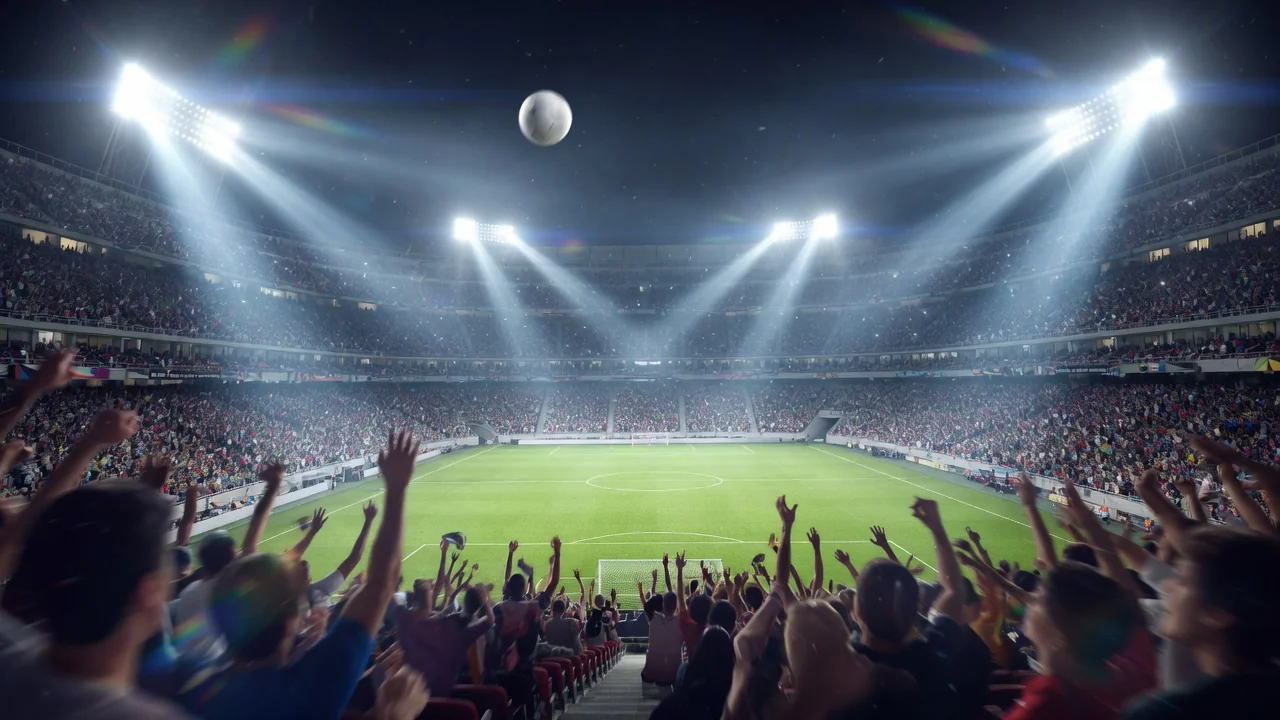
Original AI-generated cover art for the ai world cup 2026 tool, cinematic horizontal scene
Image to Videovideo
動画エフェクト利用可能

ワールドカップ2026 AI動画

話題のワールドカップ2026トレンドに参加。人物写真をリアルな中継風の応援映像に変換し、スタジアムの熱気をTikTokやReelsへ。
world-cupsportsviral
画像ツールを開く
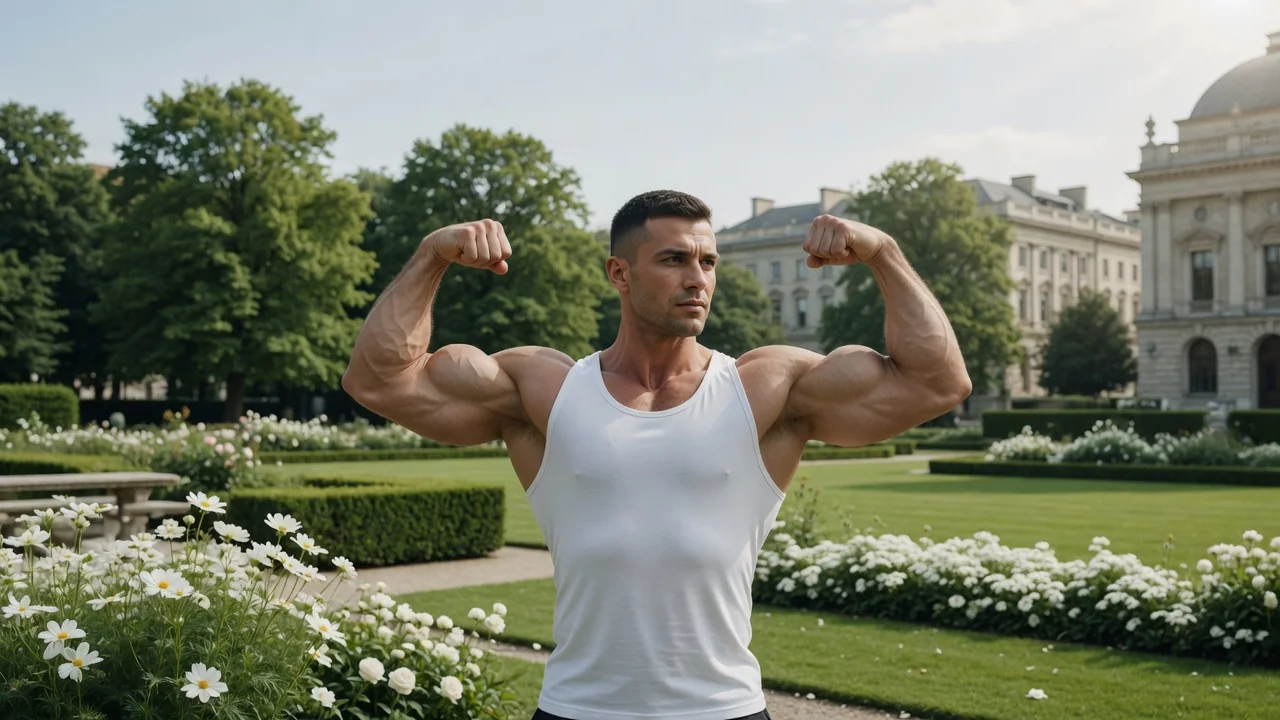
Original AI-generated cover art for the ai muscle generator tool, cinematic horizontal scene
Image to Videovideo
動画エフェクト利用可能

AI筋肉動画生成

人物写真を短いAI筋肉トランスフォーメーション動画に。ビフォーアフターの体の変化を見せて、バズる筋トレSNS投稿に。
muscletransformationviral
画像ツールを開く
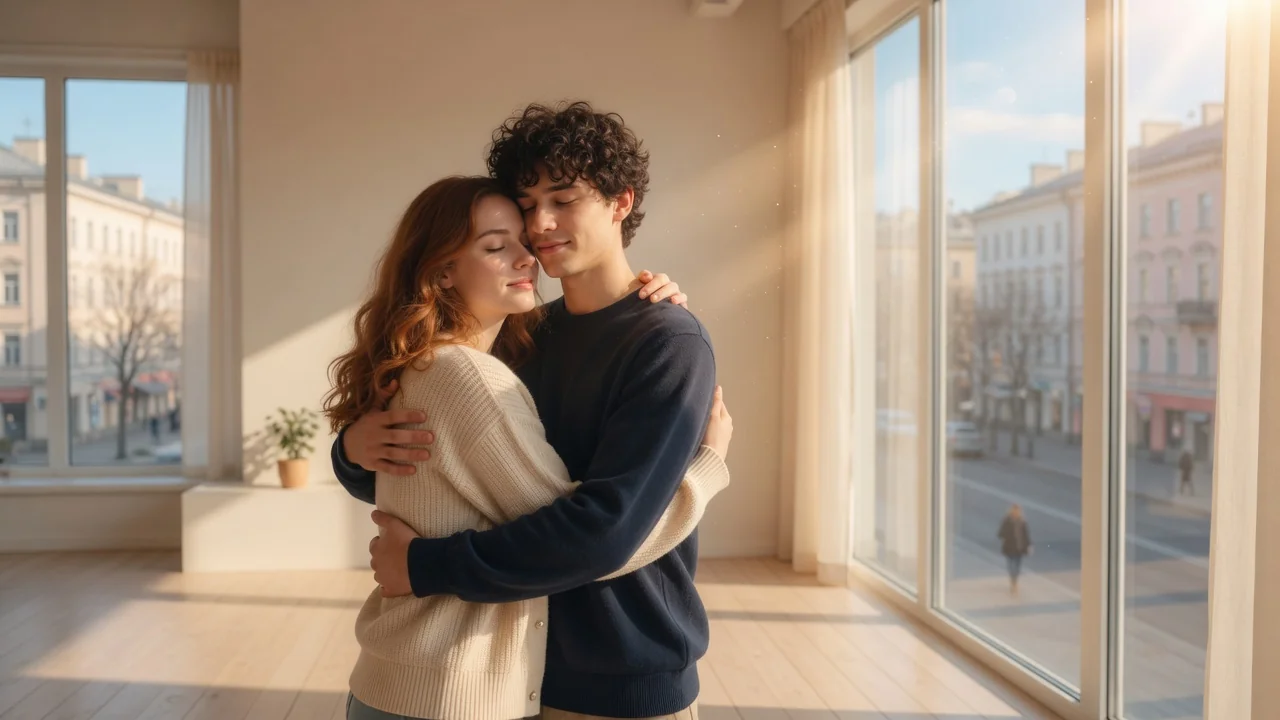
Original AI-generated cover art for the ai hug video generator tool, cinematic horizontal scene
Image to Videovideo
動画エフェクト利用可能

AIハグ動画生成

参照写真から心温まるAIハグ動画を作成。自然な動きと温かく感情的な構図で、家族やカップルの感動的なクリップに。

hugemotioncouple
画像ツールを開く