
SEEDANCE PHOTO TO VIDEO
Seedance Photo to Video: Turn a Couple Photo Into Cats
By the AI Pin Maker Editorial Team · Published 2026-07-19
Summarize With AI
You upload a photo of you and your partner, type one prompt, and get back a video where you are both cats - same pose, same background, same golden-hour light. That is the whole trend. Comment threads under the viral posts pass around the recipe in one line: swap in your own photo or PFP, then generate on Seedance 2.0. AI cat videos have been flooding feeds broadly enough that Tom's Guide ran a piece on why they are suddenly everywhere, and cat corners of the internet keep the format alive every single Caturday.
Here is the fastest honest version of the recipe: a couple photo where both faces are clearly visible, one prompt that names what must stay the same, and about two minutes of generation time. We ran it three times below - a couple selfie, a profile picture, and a pet photo - and every prompt, timing and drift is from those real runs. To follow along, open the Seedance 2.0 generator and work through the steps with us.
The couple-photo-into-cats trend, in 30 seconds
The format works because it is a transformation, not a generation. You are not asking the model to invent a cute cat video - the internet has millions. You are asking it to remake your photo with cats standing in for you, which is why the results feel personal enough to post. The image-to-video mode of Seedance 2.0 takes your photo as the reference and your prompt as the instruction for what changes and what must not.
One note before you use a real photo: everything you see in this guide was run on AI-generated stand-in photos - a synthetic couple, an illustrated profile picture, a synthetic dog - so the tutorial ships with rights-clean material. Your own couple selfie will work the same way; just use photos you have the rights to, which for most people means your own.
What you need before you start
Three things, none of them technical:
- One photo where the subjects read clearly. For the couple version: both faces visible, roughly facing the camera, decent light. The model maps each person to a cat, so if one of you is a silhouette, expect a silhouette cat. Selfies work great - the arm-extended framing survives the transformation and is half the joke.
- An account with credits. Video generation costs credits; the exact number for your settings shows in the composer before you commit, so you will never be surprised. More on real numbers in the costs section.
- The prompt below. Copy it as-is for your first run. Do not improvise on run one - change things only after you have seen what the default does.
That is the whole checklist. No API, no code, no separate app - the generator runs in the browser.
Step by step: your couple photo into two cats
Our input was this AI-generated stand-in for a couple selfie - use your own photo here:
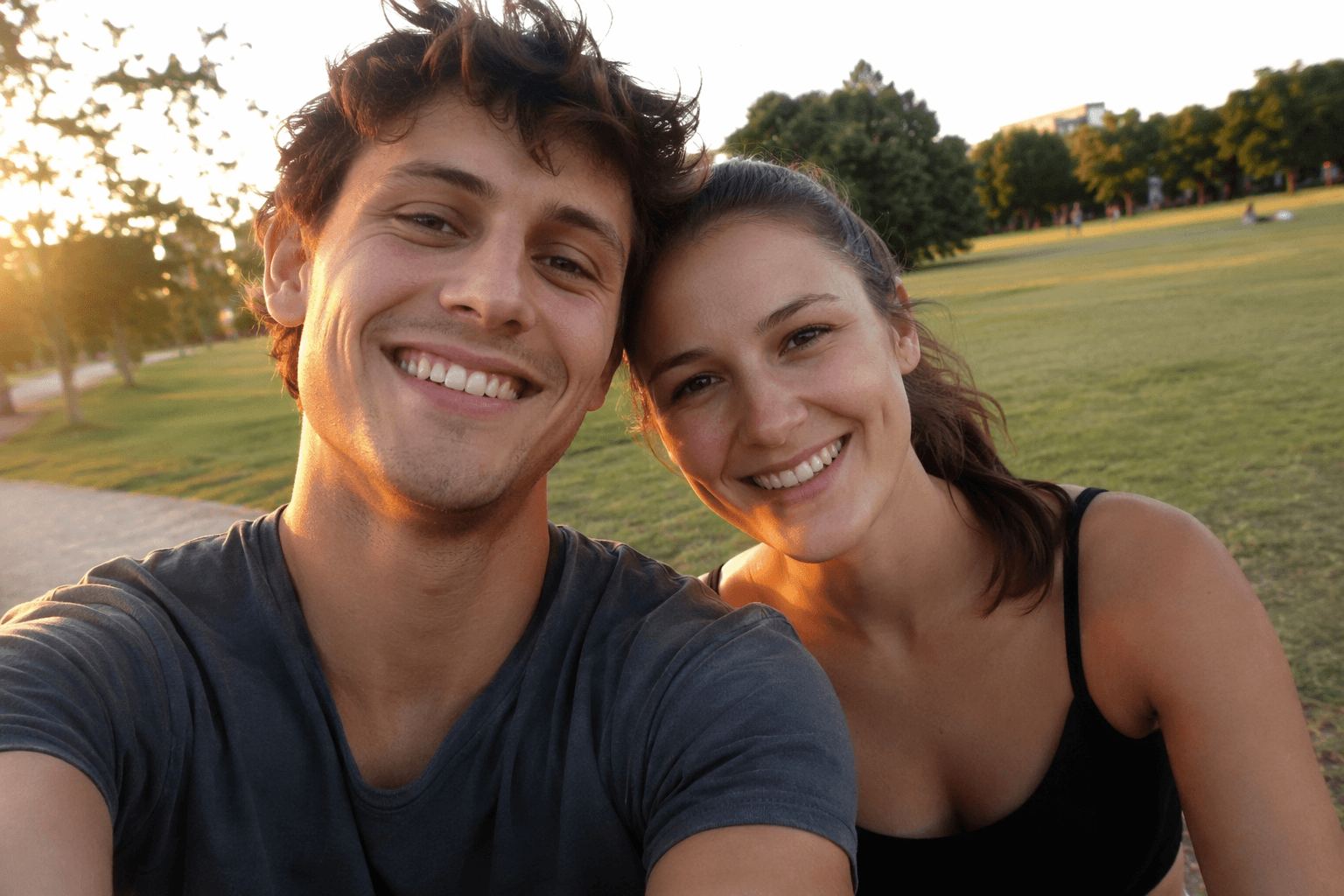
Open the Seedance 2.0 generator, add the photo as a reference image, and paste this prompt - the exact one from our run, unedited:
Replace the two people in this photo with two tabby cats taking the same selfie - keep the sunny park background, golden-hour light and selfie framing identical. The two cats look at the camera, one playfully paws at the other, both blink and tilt their heads. Photorealistic, natural cat motion, no text, no captions.Then generate. Ours came back in 138 seconds:
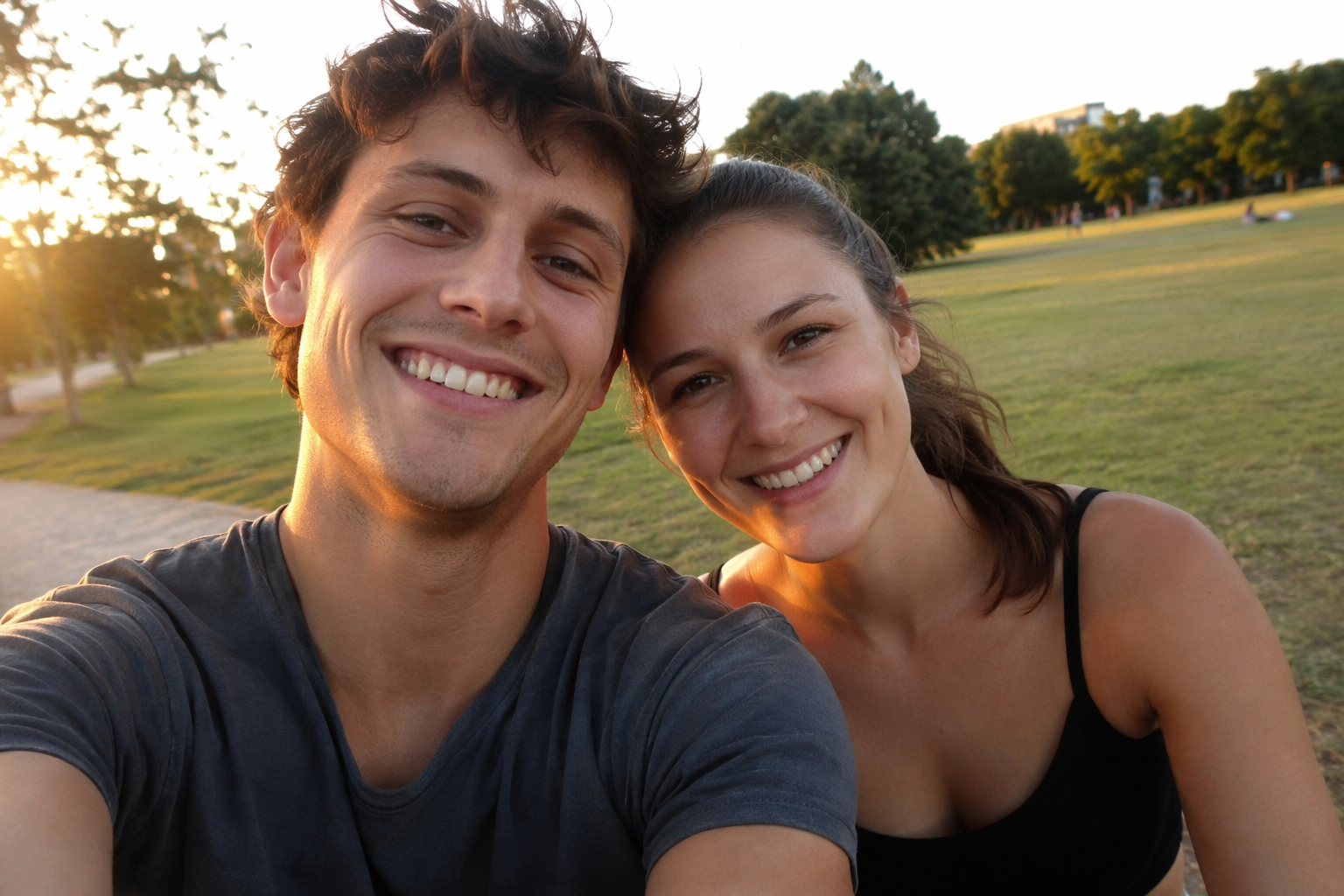
Compare it to the input: the park, the low sun flaring from the left, the blurred treeline, even the selfie arm reaching out of frame - all held. The two people became two tabby cats mid-selfie, and the small motions (the blink, the head tilt, one cat pawing at the other) are what make it read as a video instead of a filter. That is the trend, reproduced in one prompt.
One honest miss, and it matters if you post this as "us as cats": our two cats came out nearly identical. The prompt said "two tabby cats" and the model took that literally. If you want each cat to map to a person, describe them separately - "the taller person becomes a dark brown tabby, the other becomes a cream tabby" - so your video reads as the two of you, not twins. We cover the other drift we hit further down.
The prompt formula: copy, swap, reuse
All three of our runs used the same skeleton with different slots filled in. Here it is with the slots marked:
Replace [who is in the photo - "the two people", "the person", "the dog"]
with [what they become - "two tabby cats", "a black cat in the same outfit"]
- keep [2-3 things that must not change - background, lighting, framing,
a signature clothing detail] identical.
The cat(s) [2-3 simple actions - look at the camera, paw at each other,
blink, tilt their heads].
[Style - "photorealistic" for photos, "same illustration style as the
reference" for drawings], no text, no captions.
The structure earns its keep in the second slot: naming what must not change is more important than describing the cats. The model is happy to invent; your job is to pin down the background, the lighting, the framing, and any signature detail (glasses, a hoodie, a rope of drawstrings) so the output is recognizably your photo. Our profile-picture run held the round glasses, the orange hoodie and the teal background because the prompt named all three - the same trick the character-lock line does in our storyboard workflow breakdown.
The action slot stays small on purpose. Two or three simple beats - blink, tilt, paw - fit a 5-second clip. Stuffing in a story ("then they hug, then they dance, then confetti") is how you get none of it.
What a run like this actually costs
Numbers from our three runs, all 5 seconds at 720p on the fast tier: they finished in 138, 112 and 104 seconds from submit to downloadable file. So from "found the trend" to "posted the video" is realistically under ten minutes, including one retry.
On credits: the composer shows a live estimate for your exact settings before you generate, and that number is the one to trust. For scale, across 15 fast-tier runs previously archived on this site, per-run cost ranged from 94 to 303 credits (averaging about 170) depending on duration and settings. Copying the prompts on this page costs nothing - the credits are spent only when you hit generate.
When it goes wrong: what drifted in our runs
Two of our three runs came back with a deviation. Both are fixable in the prompt, and both are worth knowing before you spend credits:
- Twin cats instead of "you two" as cats. Run 1 produced two nearly identical tabbies. The fix: describe each cat separately, anchored to each person - fur color, size, one accessory. "Two tabby cats" is a spec for twins.
- Background drift. Run 3 kept the living room and the window light but redrew the details - the grey patterned rug came back as a plain cream one and the furniture shifted. If a background detail is part of the joke (your dorm poster, your ugly rug), name it in the keep-list explicitly: "keep the grey patterned rug exactly as in the photo."
- Cats going missing. We did not hit this one, but the twin-cat result shows how literally the model reads counts. Say "two cats, both in frame for the whole clip" if you never want a solo shot - cheap insurance against the model editing your cast.
One more from the submit side: if a generation fails instantly rather than after a couple of minutes, it is almost always a missing setting, not your prompt. Pick duration and resolution explicitly and resubmit before touching anything else.
Remix it: PFPs, pets, dogs and capybaras
The formula does not care that the input was a couple selfie. Our second run fed it an illustrated profile picture - the swap-slot version of the meme people run on their PFP:
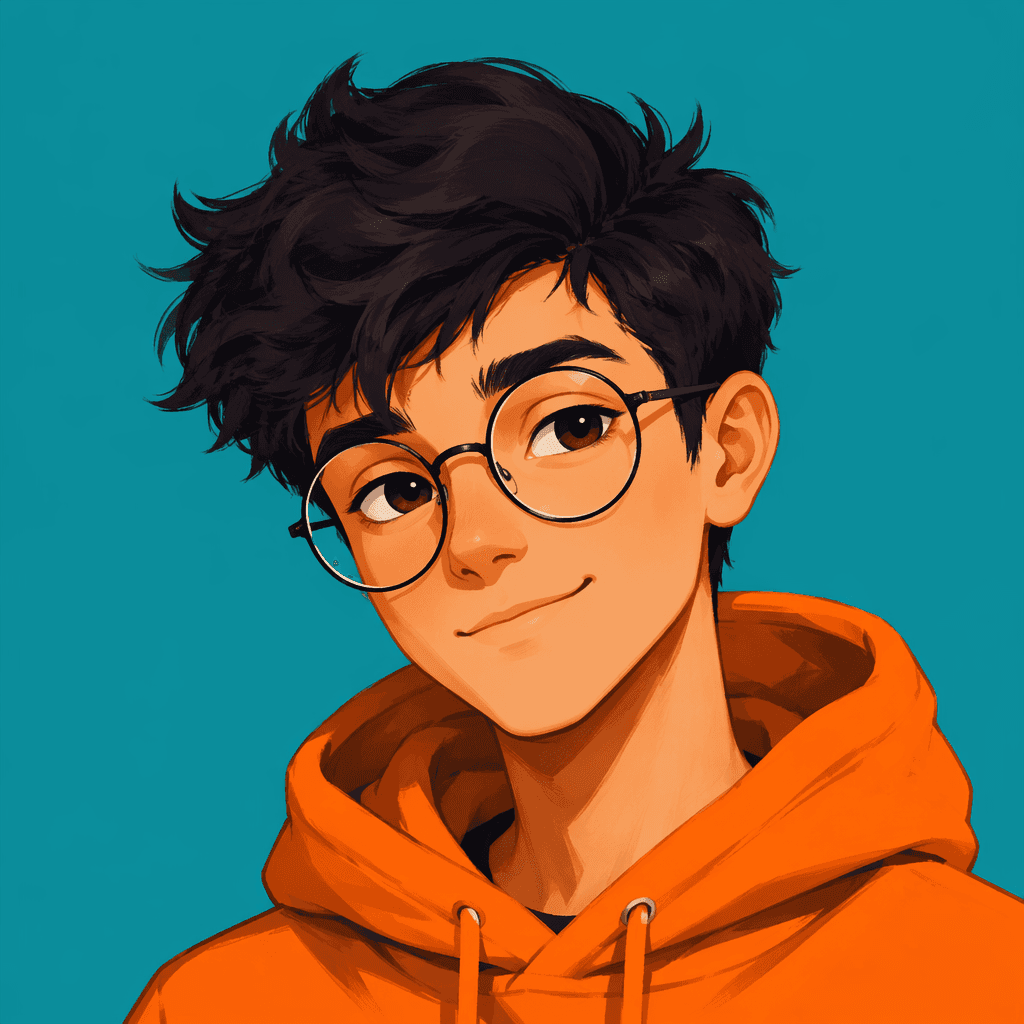
Turn the person in this profile picture into a cat version of the same character - keep the round glasses, the orange hoodie and the plain teal background identical. The cat adjusts its glasses with one paw, then gives a small satisfied nod. Same clean illustration style as the reference, no text.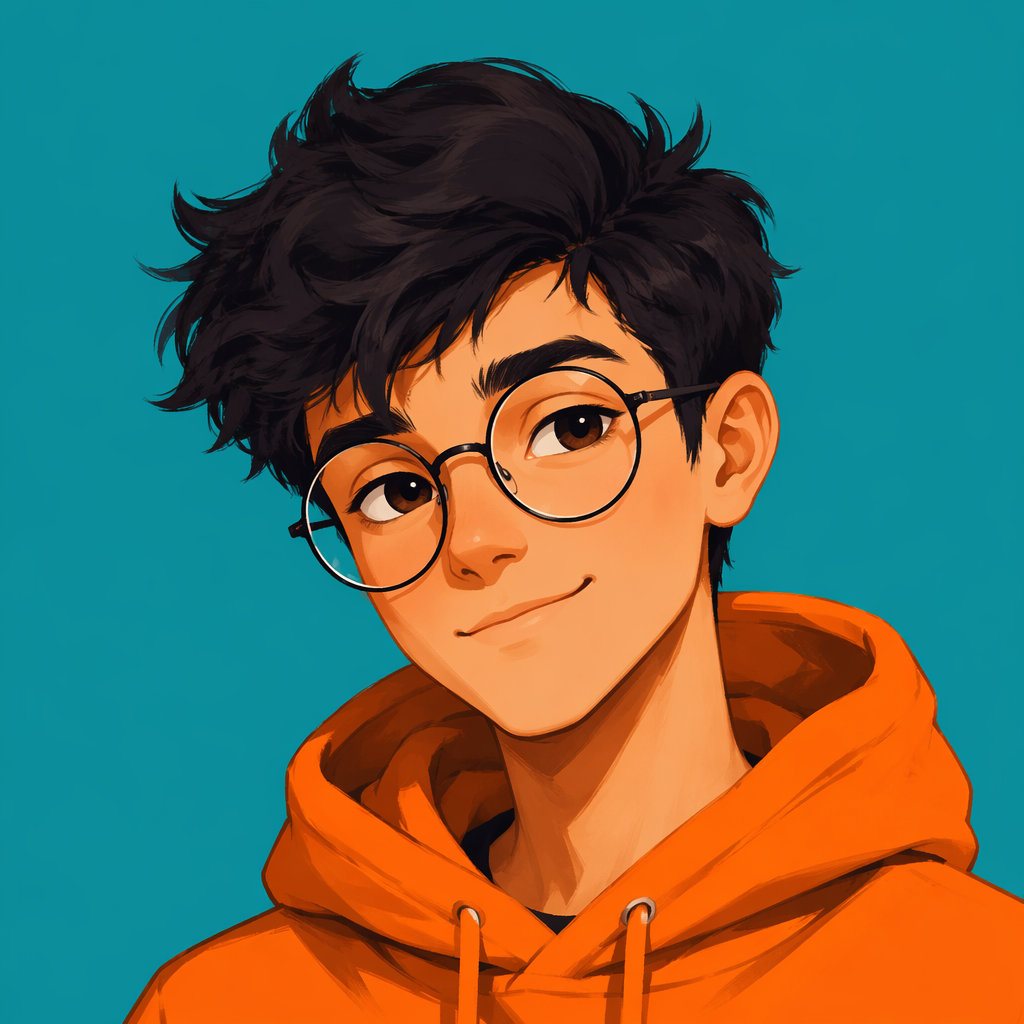
Note the style slot change: for a drawing, ask for "same illustration style as the reference" instead of "photorealistic", and the output stays in-universe with your avatar. This was our cleanest run - every named detail held.
Third run, a pet photo - the dog-becomes-cat version that dog owners run as a gentle betrayal:
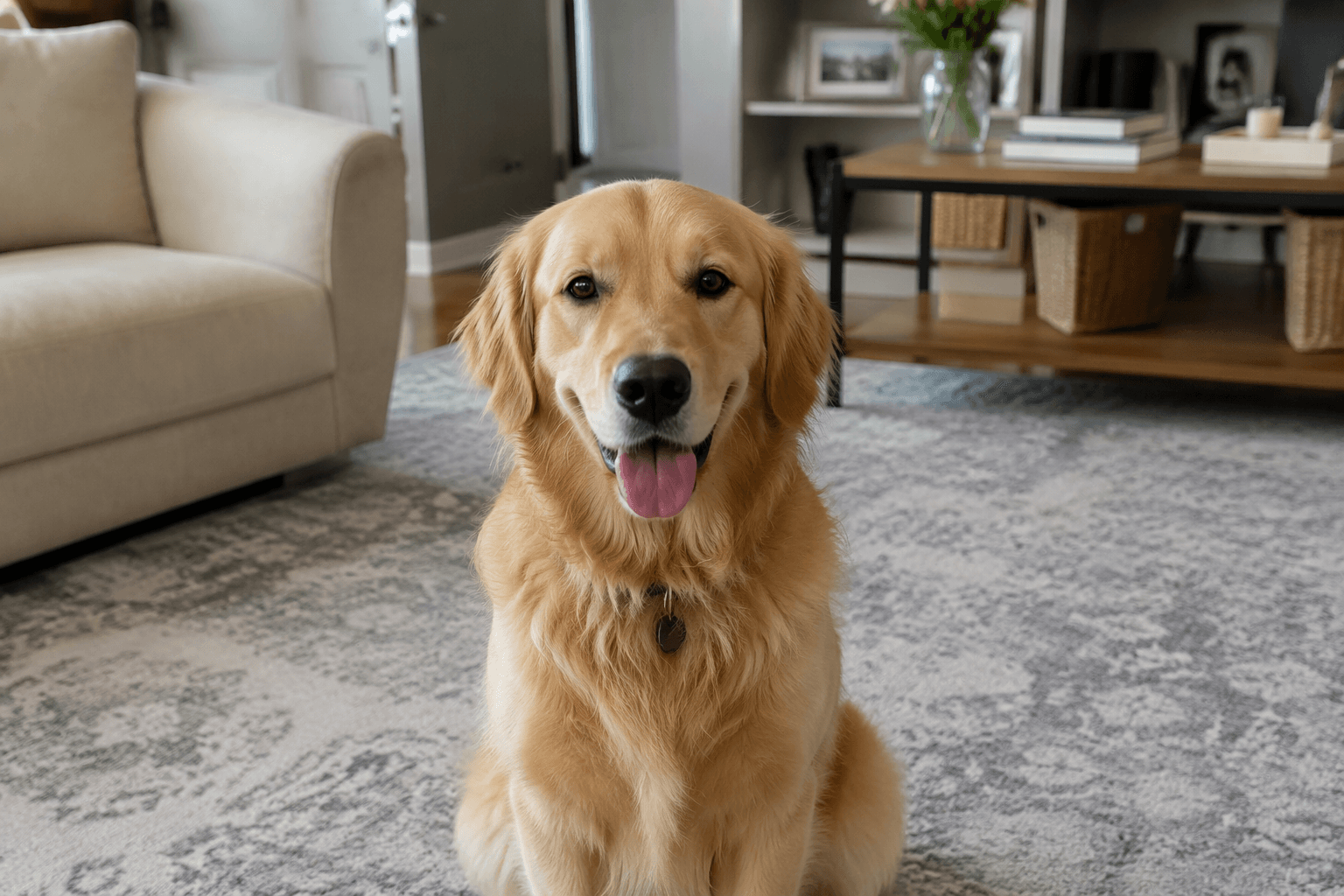
Replace the golden retriever in this photo with an orange tabby cat sitting in the same spot on the rug - keep the living room, the soft window light and the camera angle identical. The cat sits up, flicks its tail, and does a slow blink at the camera. Photorealistic, natural cat motion, no text.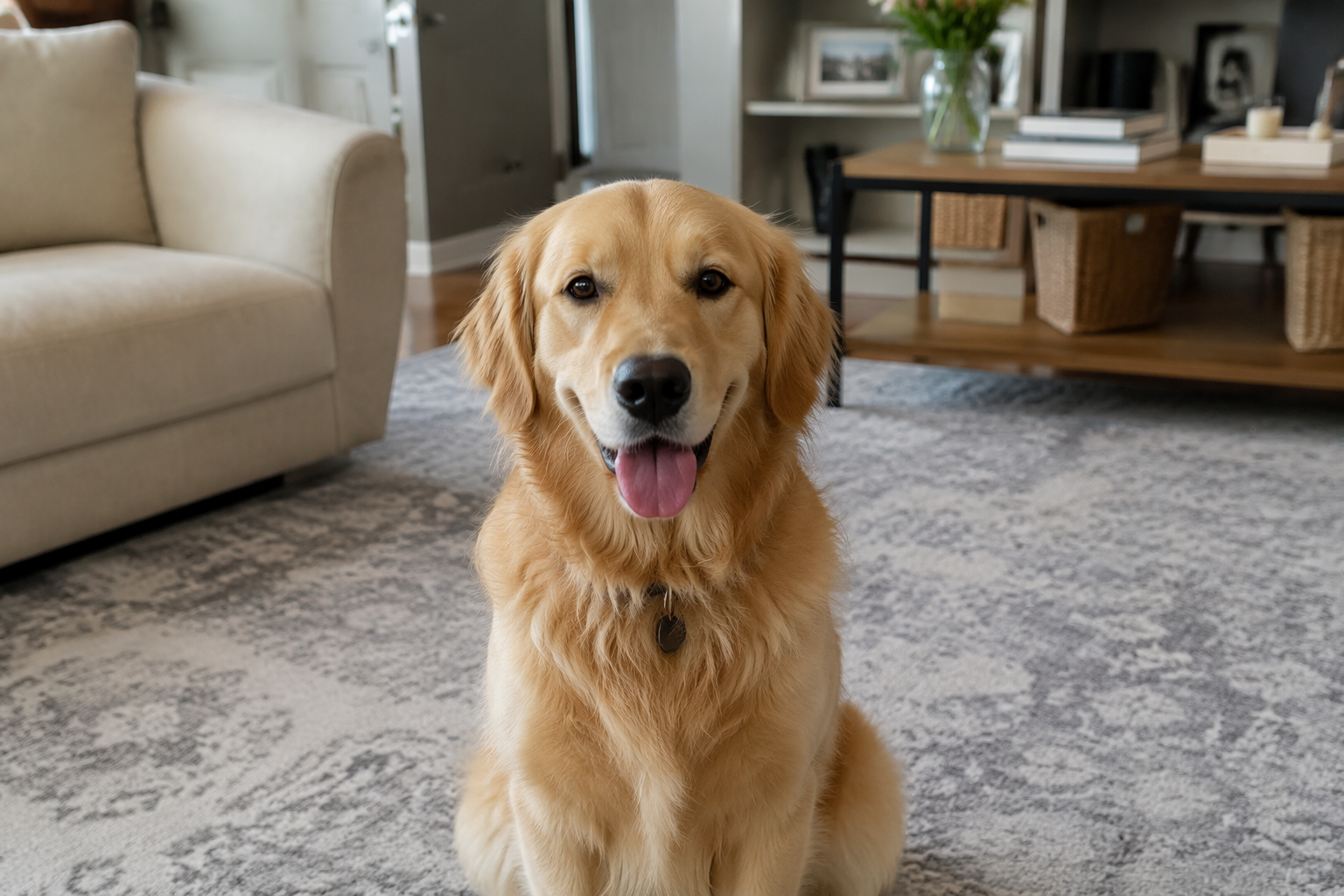
From here the slots are yours: cats to dogs, dogs to capybaras, a group photo where everyone becomes a different animal - the keep-list and the small-actions rule carry over unchanged. If you want a starting point instead of a blank prompt box, the prompt gallery has a deep bench of seedance cat prompts you can open pre-filled and edit.
FAQ
What app makes those AI cat videos?
The wave you are seeing is largely Seedance 2.0, an image-to-video model. You do not need a separate app for it - the generator on this site runs in the browser: upload the photo, paste a prompt, generate.
How do I turn a couple photo into two cats?
Upload one photo where both faces are clearly visible, then use the prompt from the step-by-step section above: tell the model to replace the two people with two cats and to keep the background, lighting and framing identical. Describe each cat separately if you want them to map to each person.
What prompt should I use for the cat video?
Start with the copy-paste prompt in the step-by-step section, or the fill-in-the-slots template in the formula section. The one rule: spend your words on what must stay the same, not on describing the cats.
Is it free? How much does one video cost?
Reading and copying every prompt on this page is free. Generating a video costs credits: the composer shows a live estimate for your exact settings before you commit, and across 15 fast-tier runs archived on this site the range was 94 to 303 credits per run. Trust the estimate over any article, including this one.
Can I combine two people from different photos into one cat video?
We have not tested that scenario, so we will not pretend we have. All three runs on this page used a single input photo. If your couple shot lives in two separate photos, the low-risk path is to make one combined image first, then run the single-photo workflow above.
Related reading
Seedance Storyboard: Copy the Viral 182-Bookmark Workflow
The viral kung fu storyboard workflow, reproduced end to end: a character sheet, a six-panel storyboard, one @Image1/@Image2 prompt, two real Seedance 2.0 runs with costs and timings, and fixes for what drifted.
Seedance 2.0 Fast: A Real 5-Second Video and Pre-Publish Check
Follow one real AI Pin Maker text-to-video run: copy the prompt, watch the 5-second 720p Seedance 2.0 Fast output, and check it before you publish or rerun.