AI Pin Maker
Contact us
Video EffectsAll Video Tools

Upgrade to Pro

Unlock advanced features and faster generation speed.

Upgrade now

© 2026 AI Pin Maker
Bring creativity within reach

TemplatesGenerate ImageRemix ImageGenerate VideoAnimate ImageAll-purpose ReferenceVideo EditGenerate MusicGeneration historyImage EffectsFormat ConverterAll Image ToolsVideo EffectsAll Video ToolsNew PinTemplatesMy PinsShowcaseMy MemoriesBaby albumPet albumCouple albumGrowth albumAI StickersCreditsPricingSettings
AI video tools/Helicopter Video

AI video effects

AI Helicopter Video Generator

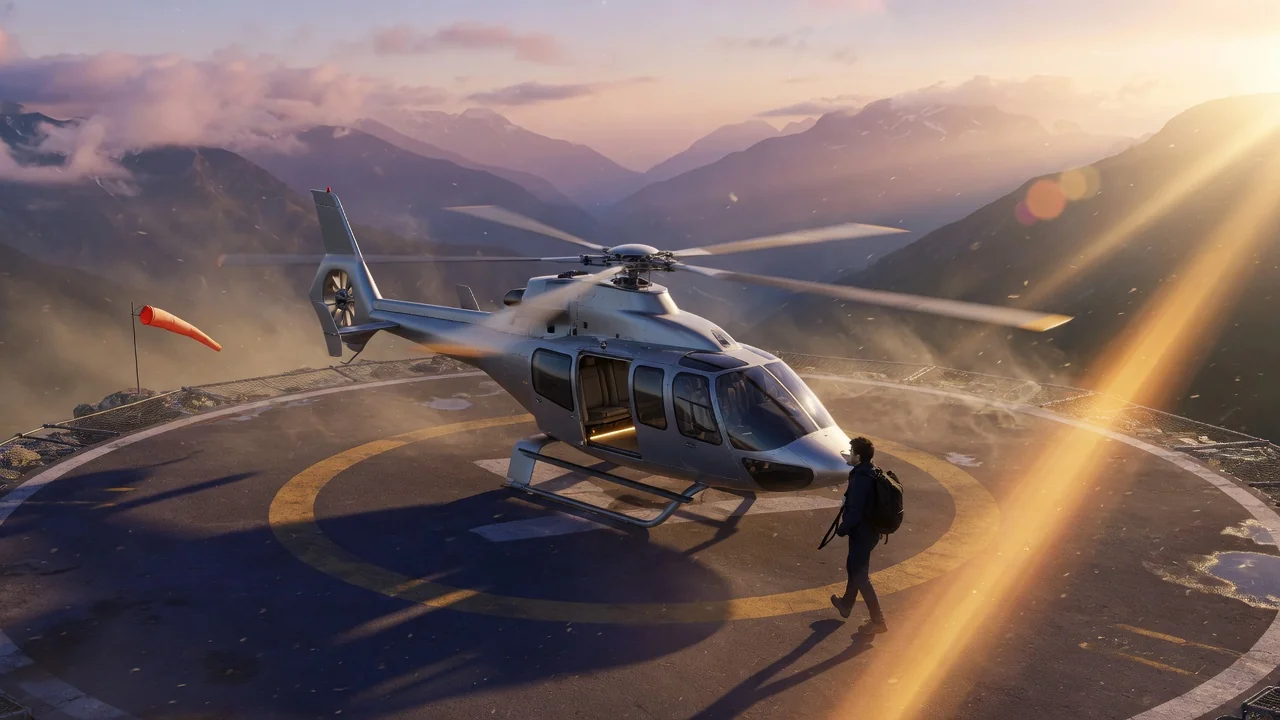
Create a viral private helicopter AI video from a photo with a ready-made luxury travel prompt. Cinematic aerial vibes for standout social posts.
Previewvideo

Helicopter Video

Create private helicopter AI videos from a photo using a ready-made luxury travel prompt.

Upload photo

PNG, JPG, WebP up to 10MB

How it works

How to use Helicopter Video

1

Upload a portrait photo

Upload a portrait photo of the person you want to place into the luxury travel scene. Head-and-shoulders or three-quarter framing works well for the tarmac or rooftop helipad setting.

2

Use the pre-loaded helicopter prompt

The tool uses a ready-made private helicopter prompt — boarding a helicopter with a luxury travel atmosphere, professional travel attire, and realistic handheld camera shake. Customize the prompt to specify the setting (rooftop, beach, mountain landing pad).

3

Generate and post aspirational content

Submit the job. Seedance 2.0 or Runway renders the subject into the helicopter scene. Download and share as aspirational "wealthy lifestyle" content on LinkedIn, Instagram, or travel-themed social channels.

Why use it

Why use AI Pin Maker video tools

Workflow-first setup

Each page maps one user job to the required video inputs and model family.

Model fit

Default image-to-video route verified against live endpoint tags and tuned for short viral effects.

Runnable tools

Ready tools connect to the AI Pin Maker video generation workspace.

Connected routes

Related video tools help continue from effects into editing, music, and production workflows.

FAQ

Video tool FAQ

What does the private helicopter video look like?
The output shows the subject boarding or stepping out of a private helicopter with luxury travel atmosphere — tarmac or rooftop helipad setting, professional travel attire, slight handheld camera shake, and warm natural or sunset lighting.
Do I need to be near a helicopter to use this tool?
No — a portrait photo is the only input. The AI generates the helicopter setting, ambient environment, and motion around the uploaded portrait. No real helicopter, location, or costume is needed.
What makes this tool different from the World Cup or baseball broadcast generators?
All three tools use the broadcast/scene simulation technique but with different pre-tuned prompts. This tool defaults to luxury private travel scenes (helicopter, executive setting) rather than sports broadcast atmospheres.
Are there other luxury scene presets available?
The helicopter is the default pre-loaded scene. For other luxury travel aesthetics — private jet, superyacht, penthouse terrace — write a custom prompt override in the prompt field with your desired setting.

Related tools

Explore more video tools

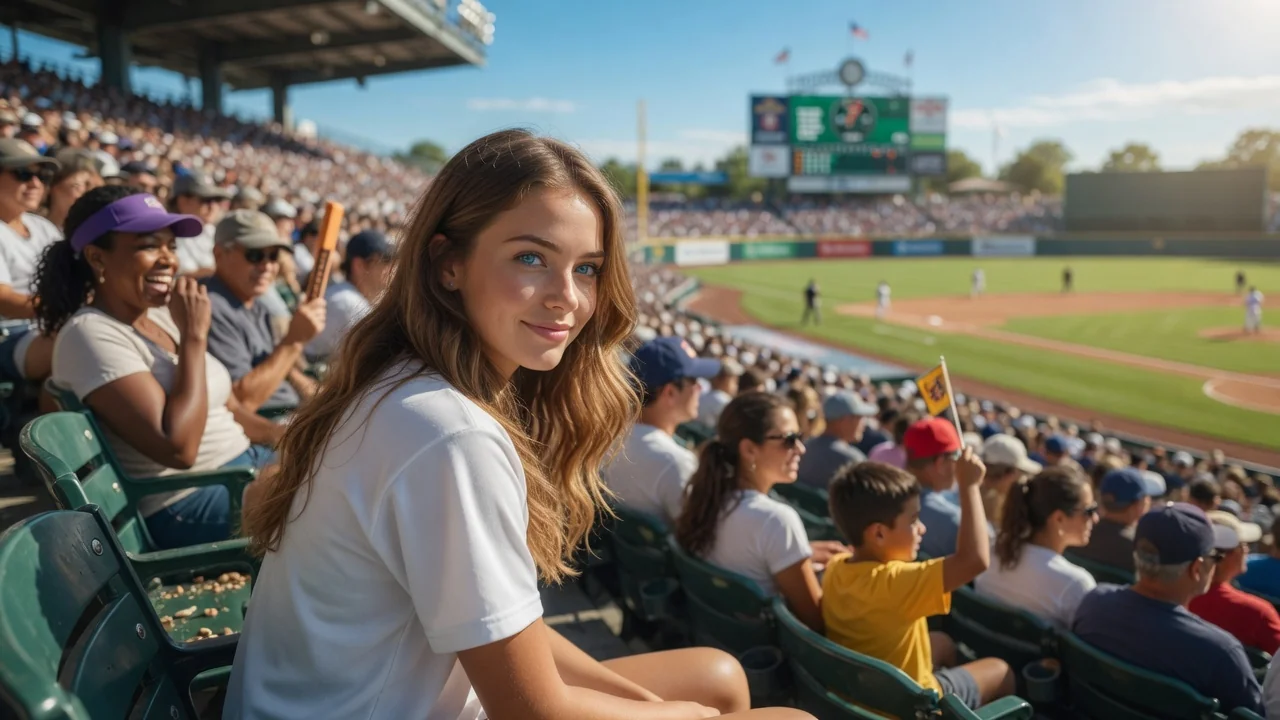
Original AI-generated cover art for the ai baseball broadcast tool, cinematic horizontal scene
Image to Videovideo
Video effectsReady

AI Baseball Broadcast Generator

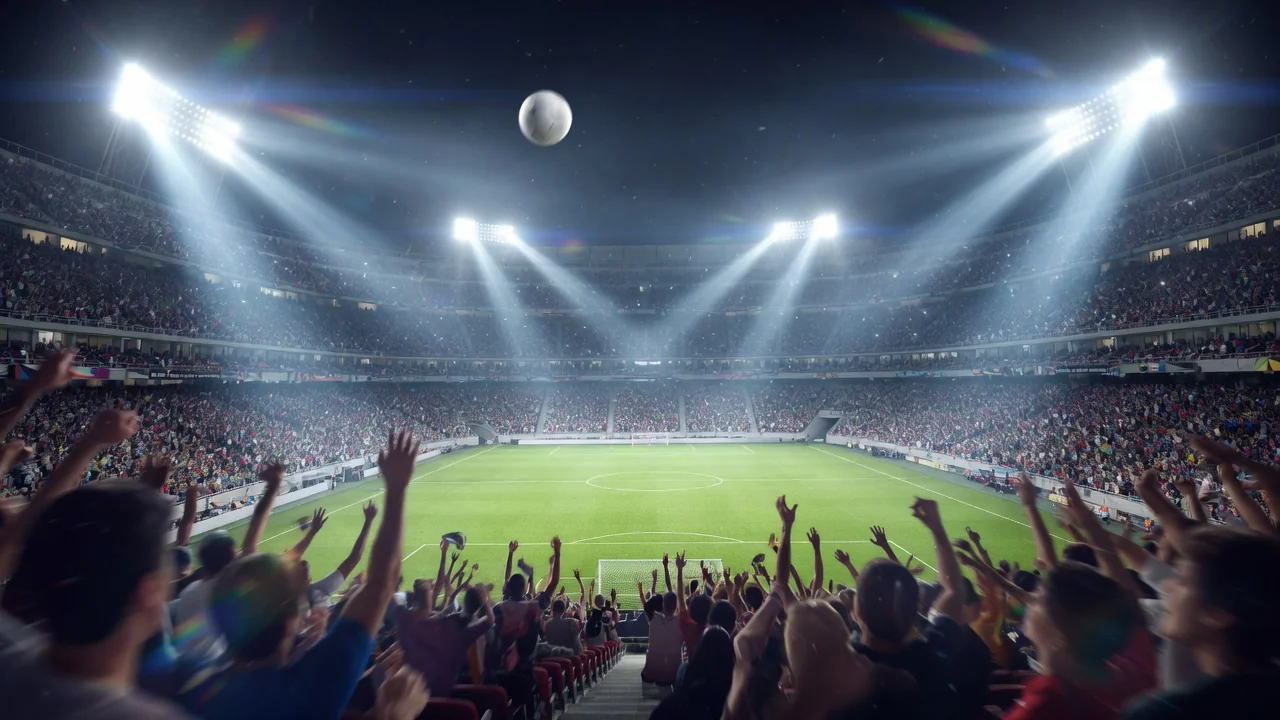
Turn a portrait into an AI baseball broadcast clip with a ready-made stadium prompt. Cinematic field lighting and crowd energy for fan videos.
baseballbroadcastsports
ImageOpen tool
Original AI-generated cover art for the ai world cup 2026 tool, cinematic horizontal scene
Image to Videovideo
Video effectsReady

World Cup 2026 AI Video

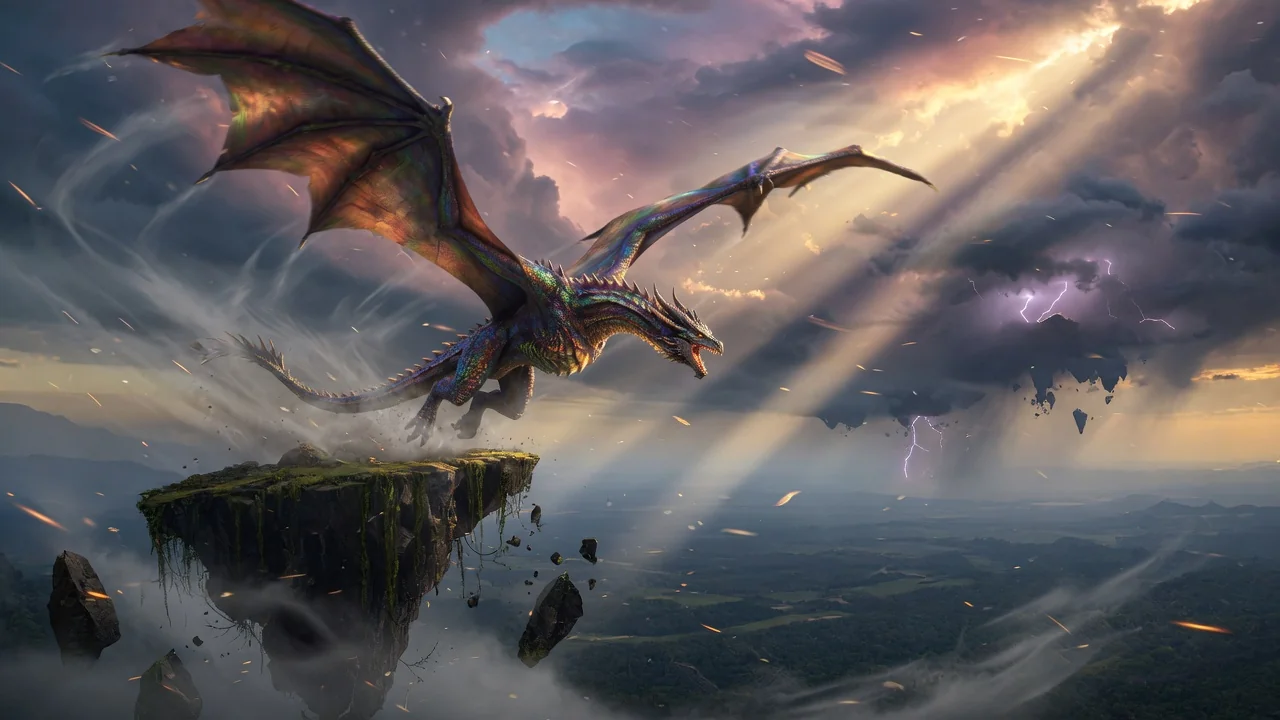
Join the viral World Cup 2026 trend. Turn a portrait into realistic broadcast-style fan footage with stadium energy, ready for TikTok and Reels.
world-cupsportsviral
ImageOpen tool
Original AI-generated cover art for the ai video generator tool, cinematic horizontal scene
Image to Videovideo
Creation toolsReady

AI Video Generator

Generate high-quality AI videos from images or text. A versatile entry point for image-to-video workflows with cinematic motion and coherent results.

ai-videogeneratorimage-to-video
ImageOpen tool