
Step 1
Upload Your Subject
One photo of a person or pet. Distinctive features — hair color, outfit, accessories — are what get translated into the doll's design, so pick a characterful shot.
AI effects
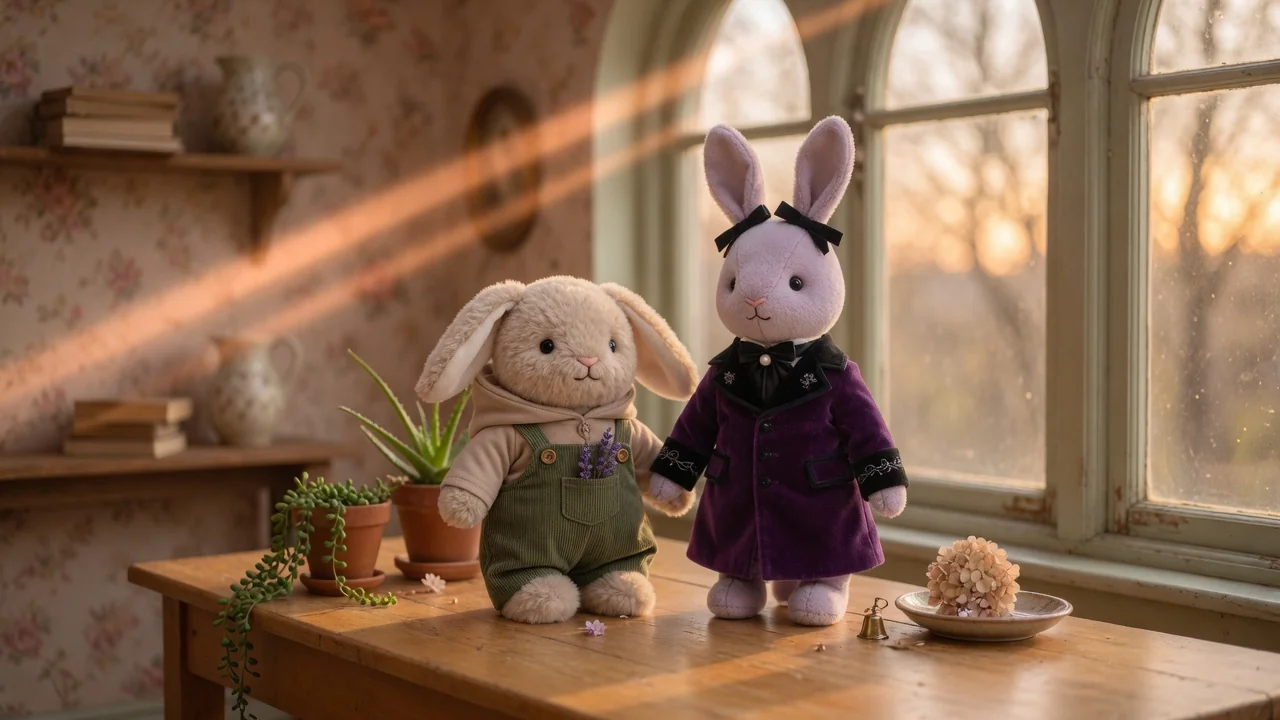
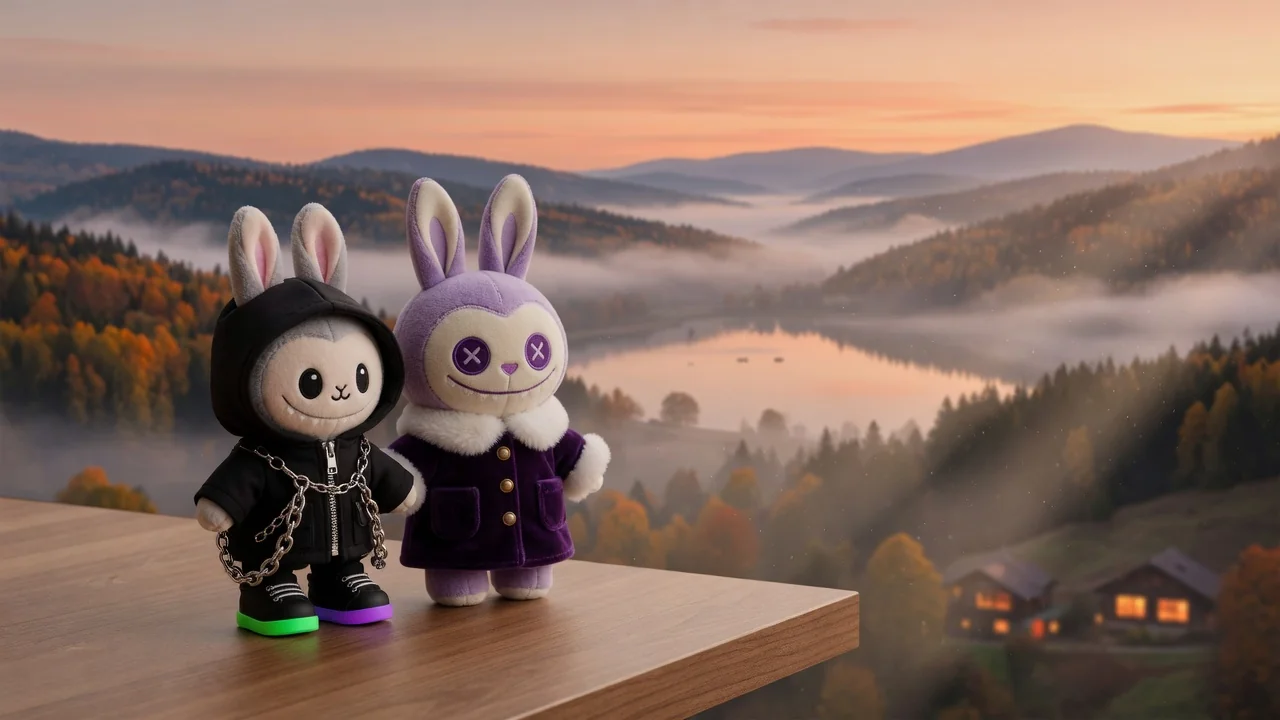
Turn photos into a collectible Labubu-style doll with plush textures, cute toy proportions, and studio product lighting, ready to share or showcase.
Input
1 image upload
Output
Image
Convert an uploaded image
Default model
Upload photo
PNG, JPG, WebP up to 10MB
Aspect ratio
How it works
Step 1
One photo of a person or pet. Distinctive features — hair color, outfit, accessories — are what get translated into the doll's design, so pick a characterful shot.
Step 2
Adjust the prompt for plush texture, a pastel palette, or a packaging display. The default renders toy proportions with studio product lighting, like a real designer-toy listing.
Step 3
You get a plush-textured collectible render with soft fur detail and clean product lighting. Export 1:1 or 4:5 for posts, or 16:9 for a shelf-scene banner.
Why use it
Each tool uses a known model route instead of asking users to guess IDs.
Default for 3D objects, figurines, and clay-like renders that need clean geometry and toy-grade lighting.
Ready tools connect directly to the AI Pin Maker generation workspace.
Related tools help continue from generation into cleanup, conversion, and publishing assets.
FAQ
A designer-toy aesthetic inspired by the viral collectible: big-eyed cute-creepy charm, plush fuzzy textures, and compact toy proportions, presented with the studio lighting of real vinyl-toy product photography.
The figurine tool renders glossy vinyl-style collectibles in desk scenes; this one goes plush — soft fabric texture, rounder doll proportions, cuddly styling. Both run Seedream 5.0 Lite for clean toy geometry.
Yes — pets translate especially well because their fur maps naturally onto plush texture. Real markings and colors carry into the doll design, keeping it recognizably your animal.
Seedream 5.0 Lite is selected for toy-grade lighting and clean geometry, so renders come out with soft studio shadows and product-listing polish rather than a flat cartoon look.
Related tools
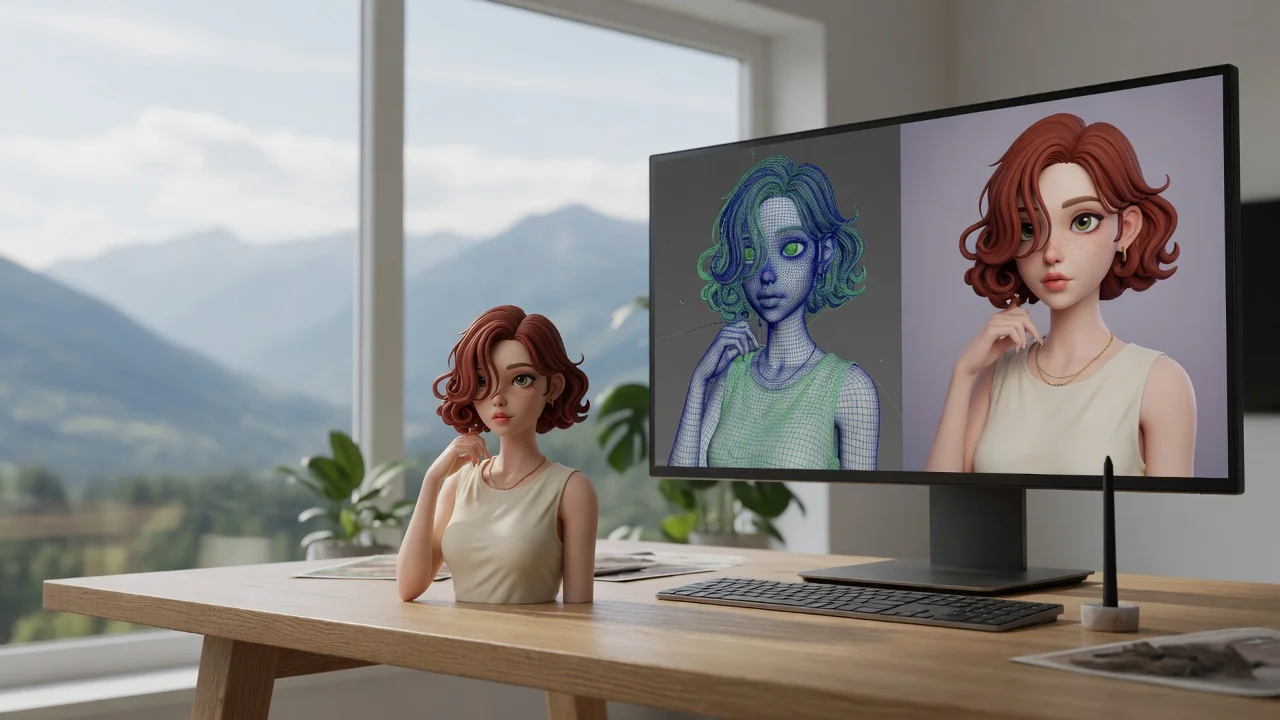
Turn any photo into the viral Nano Banana 3D figurine look. Collectible toy-style rendering with glossy detail, ready to share or print as a custom figure.

Turn yourself or anyone into a boxed action figure with AI. Collectible toy styling, blister packaging, and clean product lighting for the viral figure meme.
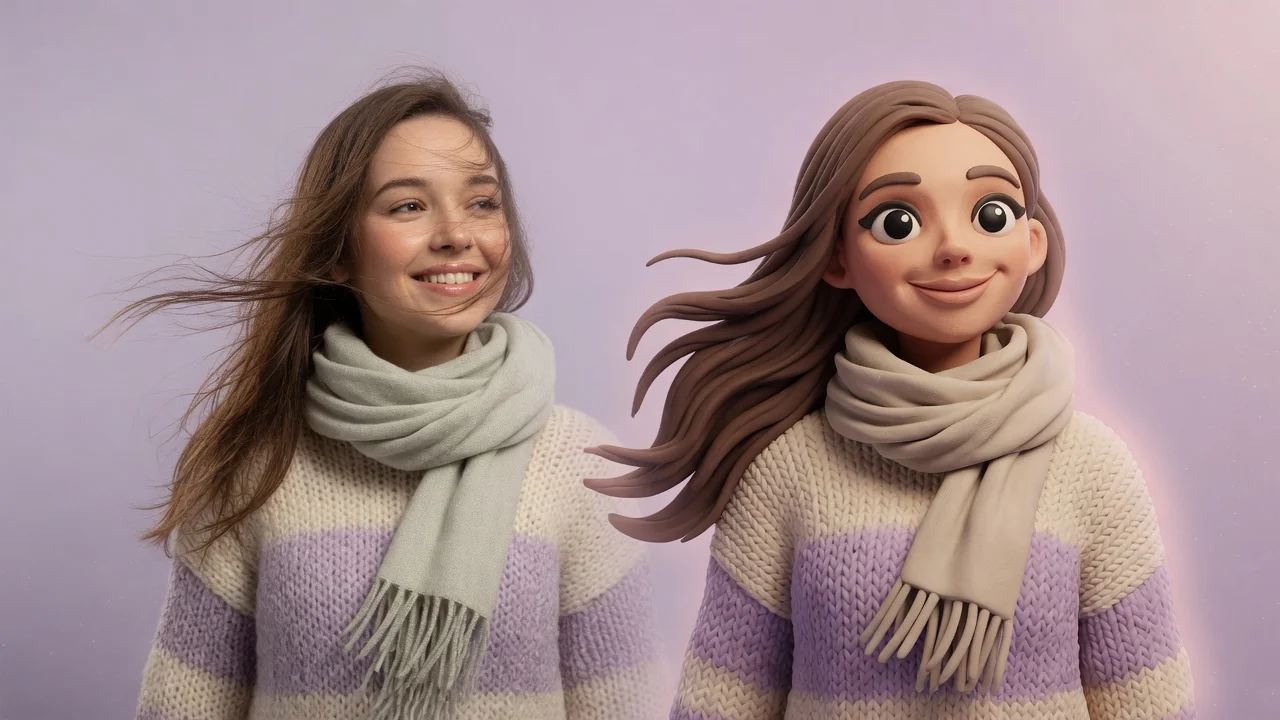
Turn photos into cute clay-style miniatures with AI. Rounded shapes, soft handmade texture, and stop-motion charm for adorable avatars and figurine art.