
Step 1
Upload the person to figurize
A full-body or waist-up photo works best so the toy version gets accurate outfit and proportions. Solo subjects on plain backgrounds convert most cleanly into collectible styling.
Image converters
Turn yourself or anyone into a boxed action figure with AI. Collectible toy styling, blister packaging, and clean product lighting for the viral figure meme.


Input
1 image upload
Output
Image
Convert an uploaded image
Default model
Upload photo
PNG, JPG, WebP up to 10MB
Aspect ratio
How it works
Step 1
A full-body or waist-up photo works best so the toy version gets accurate outfit and proportions. Solo subjects on plain backgrounds convert most cleanly into collectible styling.
Step 2
Seedream 5.0 renders plastic materials, blister packaging, and studio product lighting by default. Prompt the figure's name, accessories like a laptop or skateboard, and packaging colors to personalize the box.
Step 3
Render the product shot, check the packaging text and accessories, then download at 1:1, 4:5, or 16:9. Rerun with different accessory lists until the collectible feels right.
Why use it
Each tool uses a known model route instead of asking users to guess IDs.
Default for 3D objects, figurines, and clay-like renders that need clean geometry and toy-grade lighting.
Ready tools connect directly to the AI Pin Maker generation workspace.
Related tools help continue from generation into cleanup, conversion, and publishing assets.
FAQ
Seedream 5.0 re-renders your subject as a molded plastic figure inside blister packaging, complete with product lighting and card art. The model was chosen for figurine-grade geometry and toy-like material rendering.
Yes — list them in the prompt. Coffee mugs, guitars, tool belts, and pets are popular add-ons, rendered as miniature molded props inside the packaging next to the figure.
Boxed-figure portraits turn everyday people into collectibles, which is inherently funny and personal. The packaging framing also leaves room for a name and tagline, making results instantly shareable as profile jokes and gifts.
Short names and simple taglines usually render accurately, but AI-generated text can wobble on longer phrases. Keep box text brief, and regenerate if a label comes out garbled.
Related tools
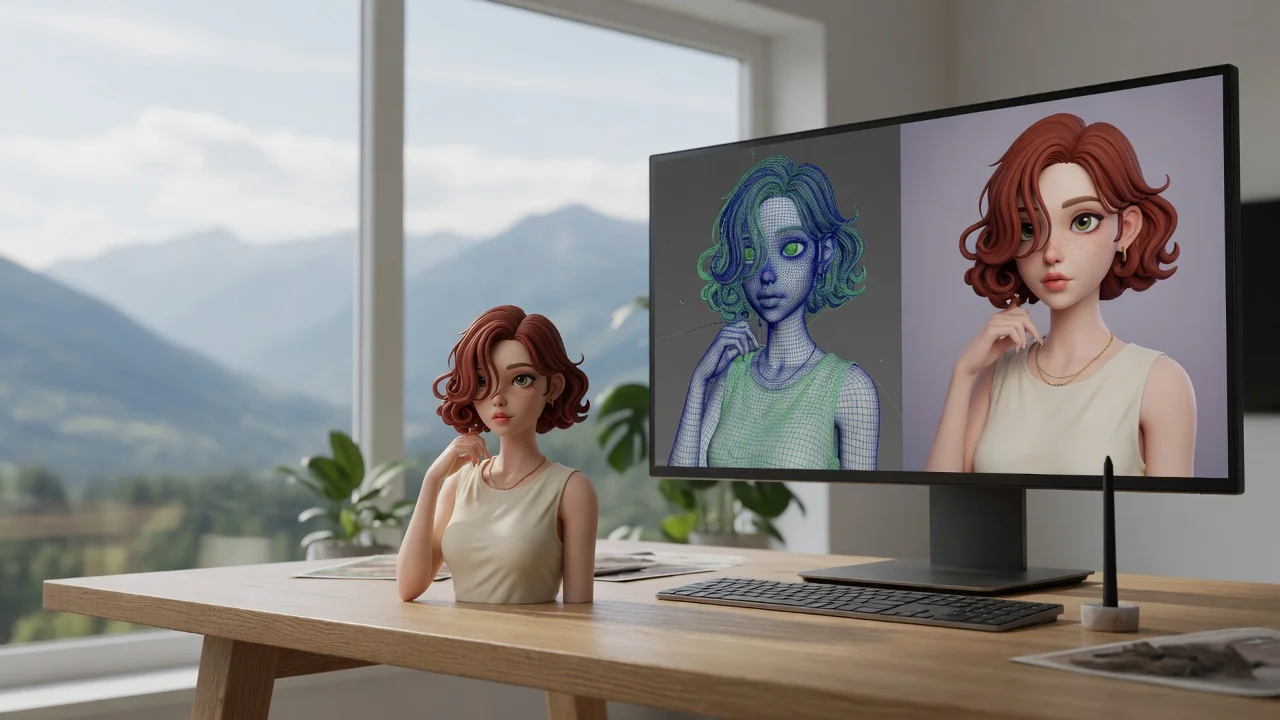
Turn any photo into the viral Nano Banana 3D figurine look. Collectible toy-style rendering with glossy detail, ready to share or print as a custom figure.
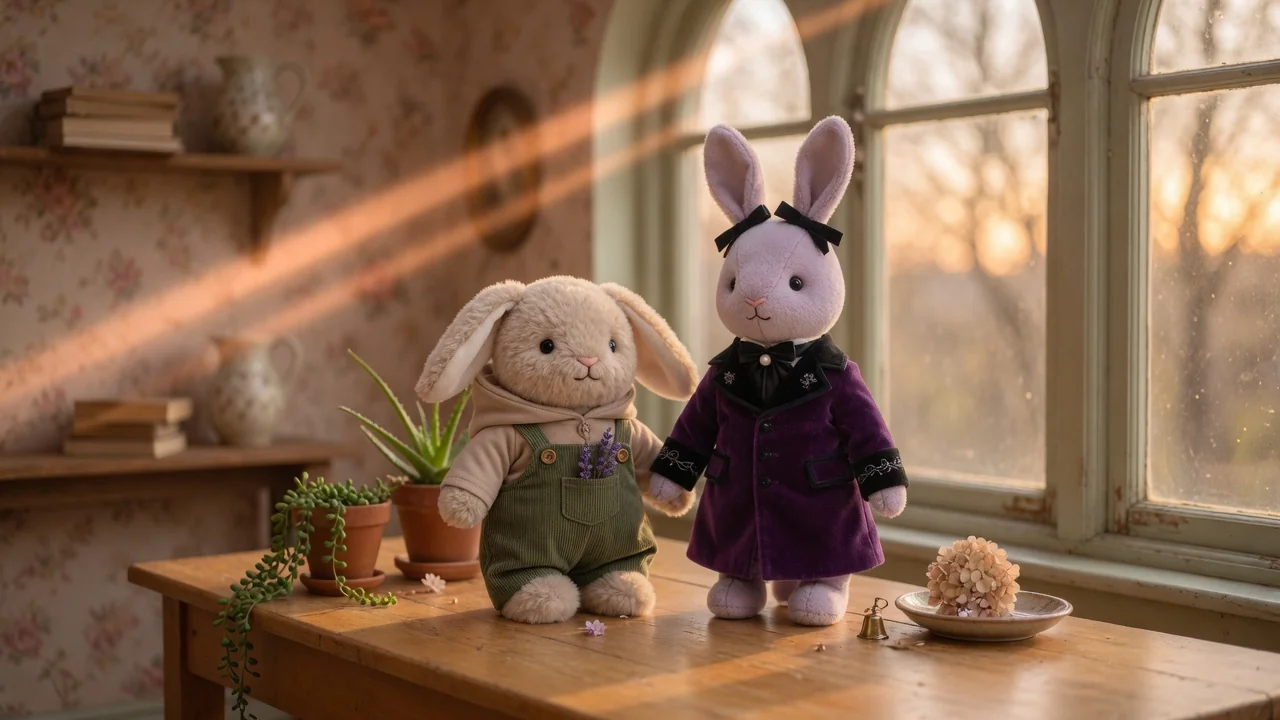
Turn photos into a collectible Labubu-style doll with plush textures, cute toy proportions, and studio product lighting, ready to share or showcase.

Turn a flat photo into a clean 3D render with AI. Add depth, realistic materials, and studio composition for products, characters, and creative mockups.