
Step 1
Upload the source photo
Portraits and product shots convert cleanly. Because editorial illustration reduces detail into deliberate shapes, choose a photo where the subject is clearly separated from the background.
Image converters
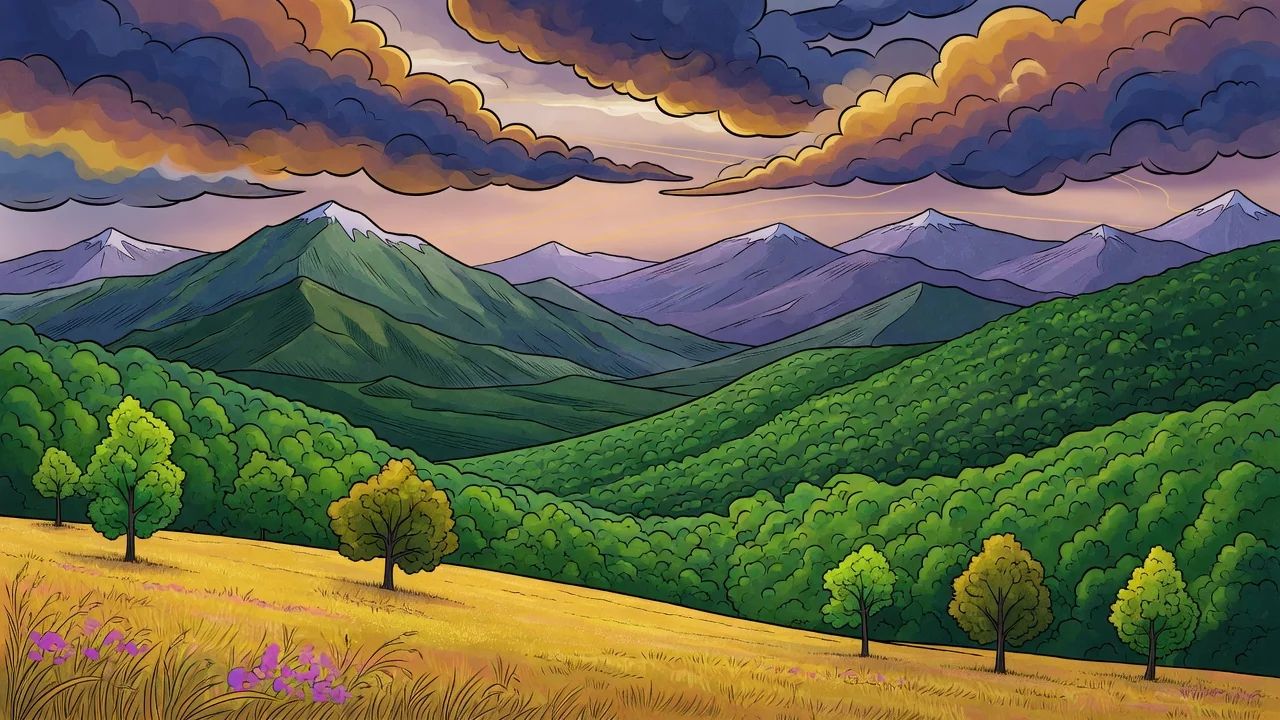
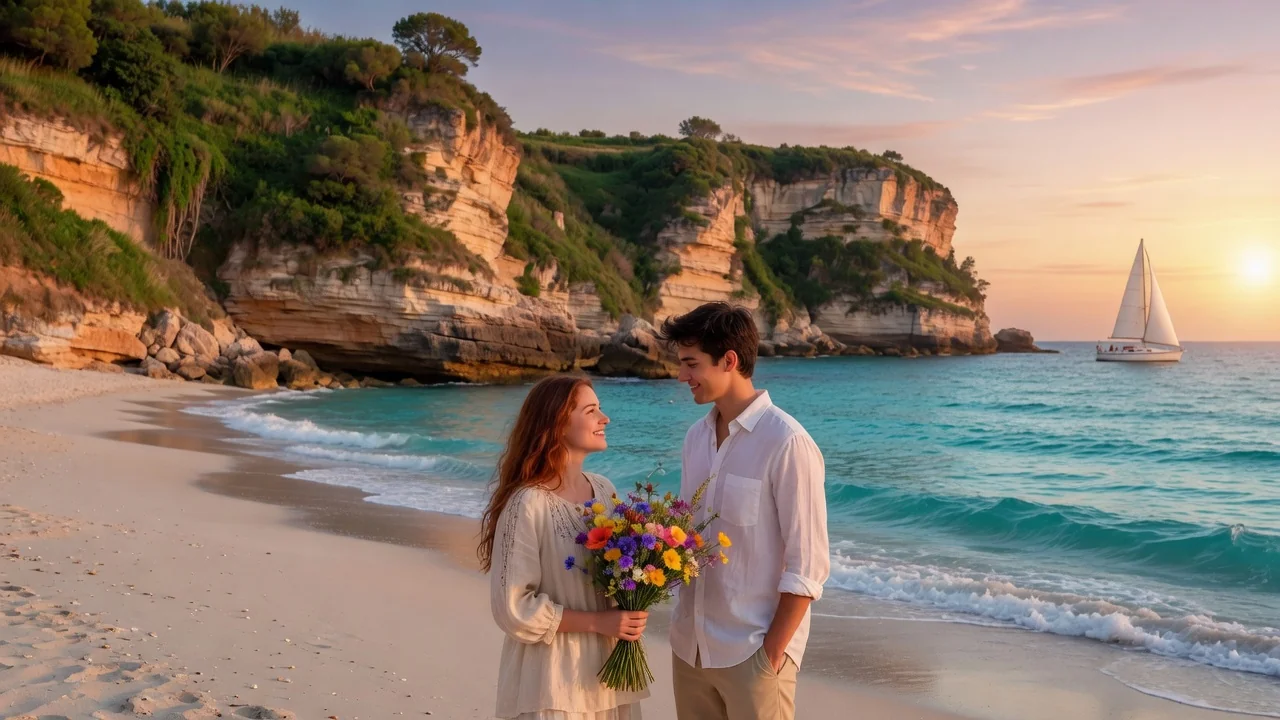
Turn photos into a refined illustration with AI. Editorial linework and stylish color make standout avatars, campaign visuals, and social graphics.
Input
1 image upload
Output
Image
Convert an uploaded image
Default model
Upload photo
PNG, JPG, WebP up to 10MB
Aspect ratio
How it works
Step 1
Portraits and product shots convert cleanly. Because editorial illustration reduces detail into deliberate shapes, choose a photo where the subject is clearly separated from the background.
Step 2
Wan 2.6 defaults to clean shapes, controlled color, and clear subject hierarchy. Prompt a limited two-tone palette, magazine-cover framing, or flat vector-like fills to match your publication or campaign.
Step 3
Render the illustration, confirm the shapes read clearly at thumbnail size, then download in square or wide formats for articles, avatars, and campaign assets.
Why use it
Each tool uses a known model route instead of asking users to guess IDs.
Default for painterly, watercolor, illustration, and hand-made looks with controllable image sizing.
Ready tools connect directly to the AI Pin Maker generation workspace.
Related tools help continue from generation into cleanup, conversion, and publishing assets.
FAQ
It is the polished, intentional look used in magazines and brand campaigns: simplified shapes, a controlled palette, and a clear visual hierarchy. The converter rebuilds your photo with those rules instead of applying a texture filter.
Those tools simulate physical paint media on Wan 2.6. This one uses the same model for graphic, design-led output — flatter color, crisper edges, and stronger composition — better suited to articles, decks, and brand visuals.
Yes. Name your palette in the prompt — for example, navy and coral with a cream background — and the illustration's color fields will be built around it, which is the fastest way to get on-brand campaign imagery.
Simplification is the point: editorial style keeps only shapes that support the subject. If a detail matters, mention it explicitly in the prompt and the model will preserve it as a deliberate design element.
Related tools
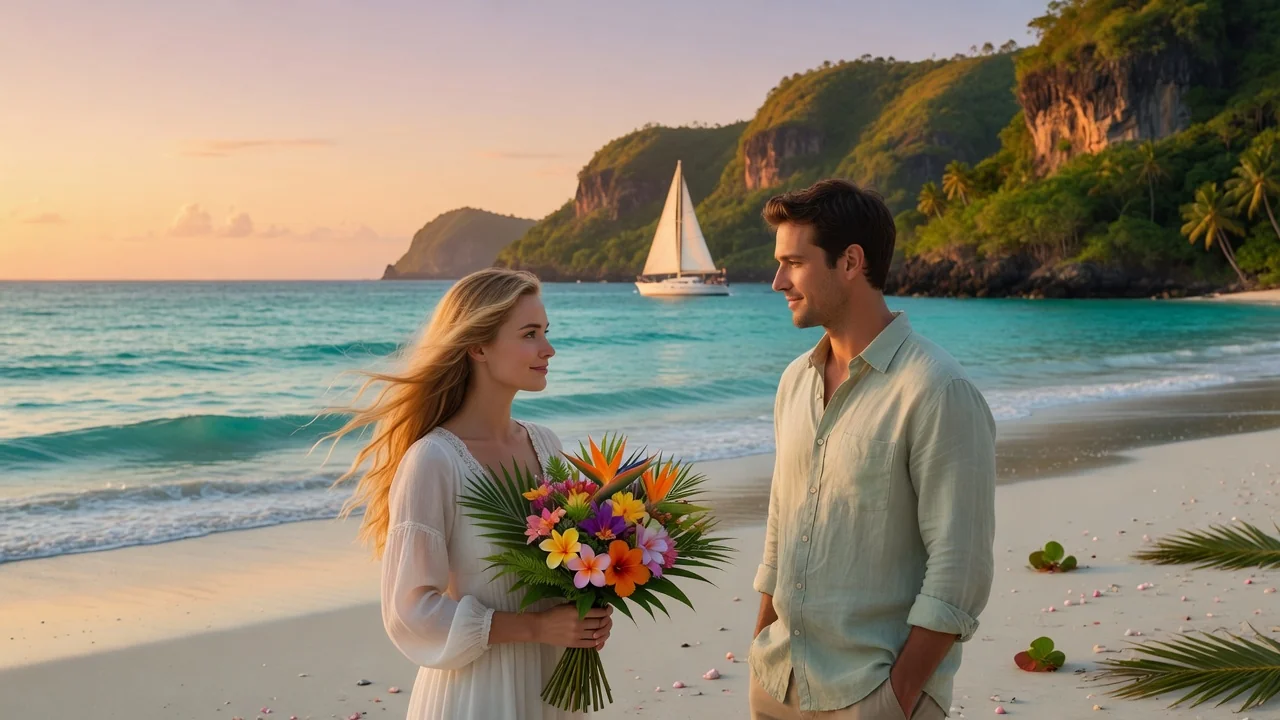
Turn photos into soft watercolor art with AI. Hand-painted paper texture and gentle color washes create dreamy portraits, cards, and wall art.
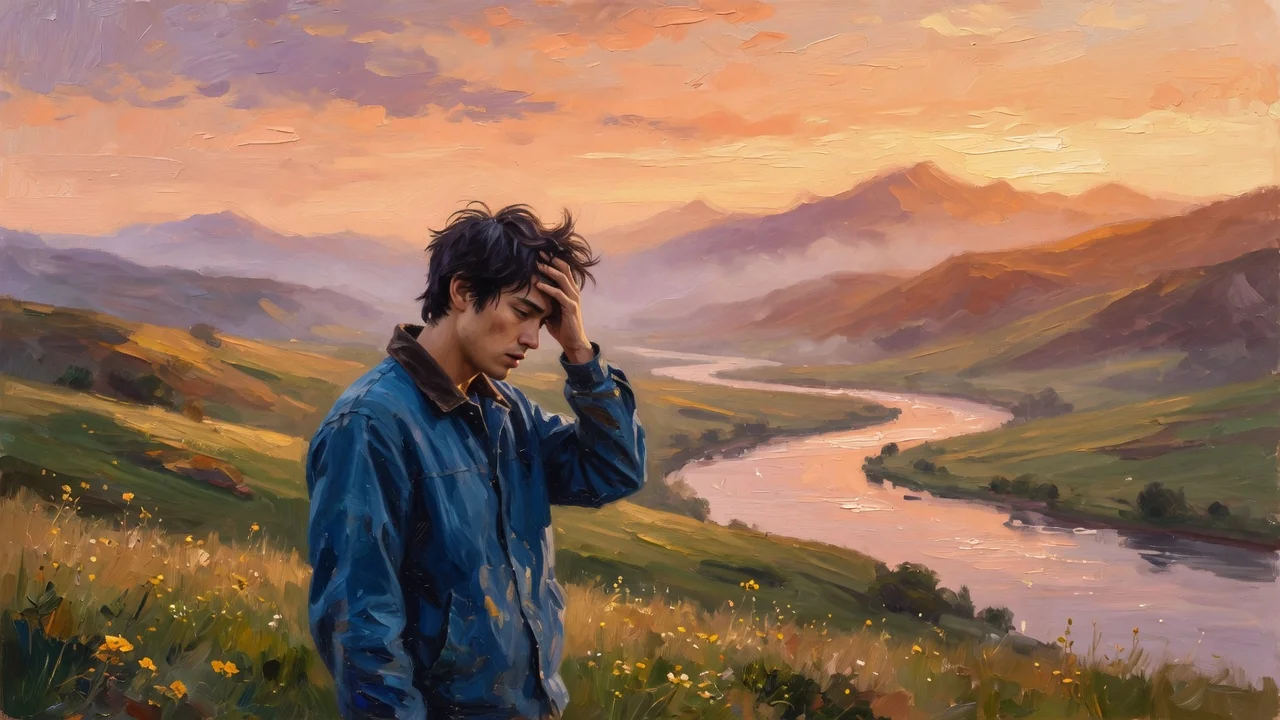
Turn photos into rich oil painting art with AI. Expressive brushstroke texture and warm color depth create gallery-style portraits and wall-ready prints.
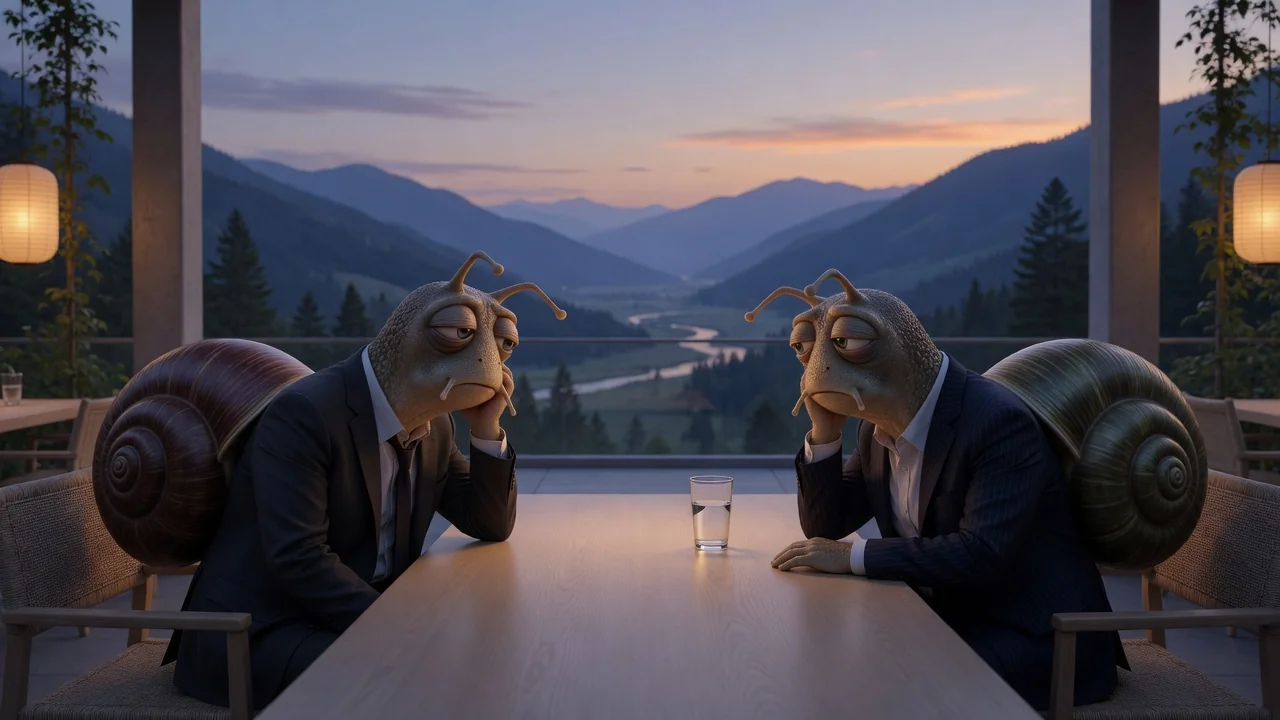
Turn photos into a witty New Yorker-style cartoon with refined ink linework and subtle watercolor texture, perfect for editorial avatars and clever captions.