AI Pin Maker
加入 Discord 社区
视频特效全部视频工具

升级到专业版

解锁更多高级功能和更快的生成速度。

立即升级

© 2026 AI Pin Maker
让创意触手可及

模板广场凭空作画照图重画凭空成片静图成片全能参考视频编辑凭空作乐生成历史图像特效格式转换全部图像工具视频特效全部视频工具新建 Pin模板广场我的徽章作品橱窗我的回忆馆宝贝相册宠物相册情侣相册成长相册AI 表情包积分订阅设置
AI 视频工具/文字转视频

视频工具

文字转视频生成器

用文字提示生成 AI 视频,可自由设置模型、画面比例、时长与运镜方向,仅凭文字即可创作电影级短片。

预览video

Text to Video

Turn prompts into AI videos with model selection, aspect ratio, duration, and camera direction.

使用方式

如何使用 文字转视频

1

Write your scene description

Type a prompt describing subject, environment, camera movement, and mood. "A cherry blossom tree swaying in wind, slow tilt-up, golden hour" produces better results than vague descriptions.

2

Choose model, aspect ratio, and duration

Select Wan 2.6, Seedance 2.0, Kling v3, or Sora 2. Pick aspect ratio — 9:16 for Shorts/Reels, 16:9 for YouTube, 1:1 for feed posts — and clip duration (4–10 seconds depending on model).

3

Submit and iterate

Submit the generation job. Your clip appears in the history page. Download or refine the prompt and re-submit to iterate — no source footage is ever needed.

为什么使用

为什么使用 AI Pin Maker 视频工具

按工作流组织

每个页面都把一个用户任务映射到所需视频输入和模型族。

模型匹配

默认文生视频路线已按线上端点标签验证,并支持较宽的比例和时长范围。

可运行工具

可用工具会连接到 AI Pin Maker 视频生成工作台。

路线衔接

相关视频工具帮助从特效继续到编辑、音乐和生产流程。

使用场景

这些视频适合哪里使用

营销短片

为产品、节日和活动上线生成短视频视觉。

社媒内容

制作竖屏开头、反应短片和适合传播的特效。

教学内容

把示例和步骤说明变成简短视觉教学片段。

常见问题

视频工具常见问题

How is text-to-video different from a video editor?
This is a fully generative tool — you start from a text description rather than existing footage. No camera, no actor, no footage library required. The AI renders every frame from scratch based on your prompt alone.
What aspect ratios and clip lengths are supported?
Available options depend on the selected model. Most routes cover 9:16 (vertical), 16:9 (horizontal), and 1:1 (square) formats, with clip lengths from 4 to 10 seconds. The model selector shows exact options before you submit.
Which model should I choose for social media content?
Seedance 2.0 and Wan 2.6 are popular for social-first content — Seedance for photorealistic motion, Wan for prompt fidelity and stylized scenes. For premium cinematic quality at longer lengths, Sora 2 produces the most coherent 10-second cuts.
Can I use a negative prompt to remove unwanted elements?
Yes — most model routes accept a negative prompt field that reduces unwanted artifacts, blurriness, or specific scene elements. Enter terms like "watermark, blurry, distorted" to steer the output toward cleaner results.

相关工具

继续探索视频工具

Original AI-generated cover art for the image to video generator tool, cinematic horizontal scene
Image to Videovideo
创作工具可用

图片转视频生成器

把静态图片转成带自然运镜的 AI 短视频,用经过验证的图生视频模型让照片动起来,轻松制作社交短片。
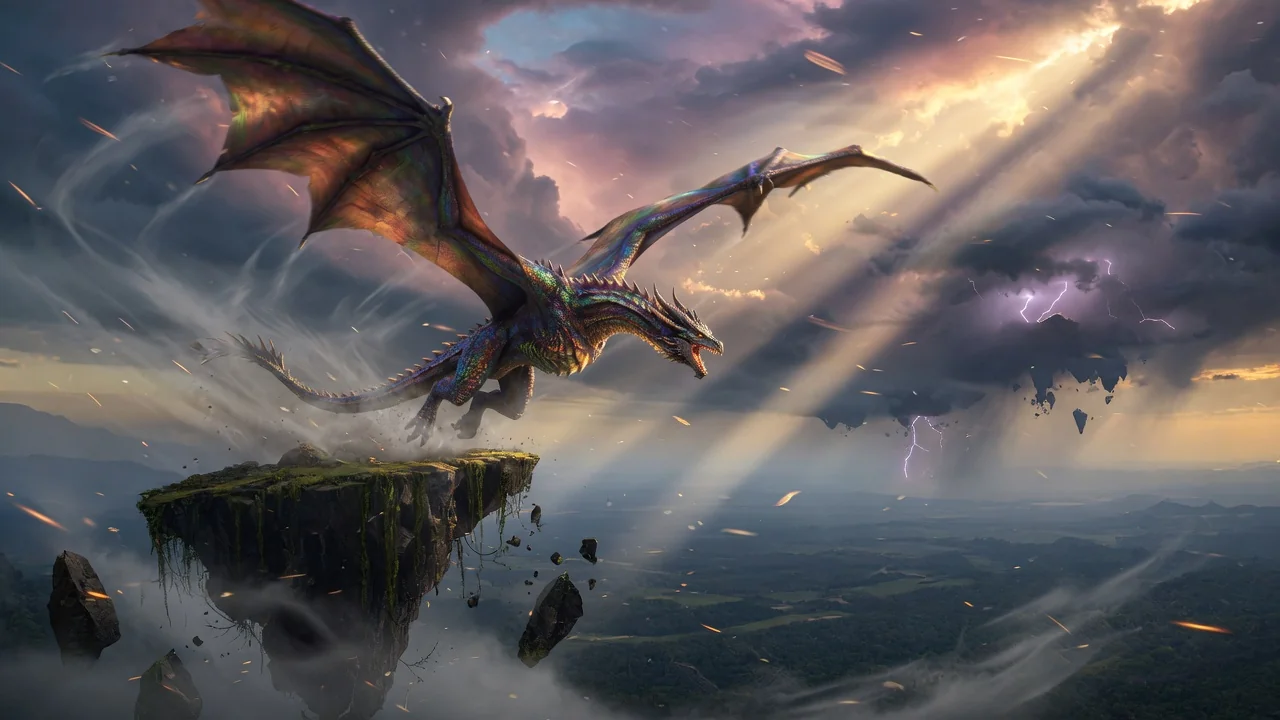
image-to-videoanimationsocial-video
图片打开工具
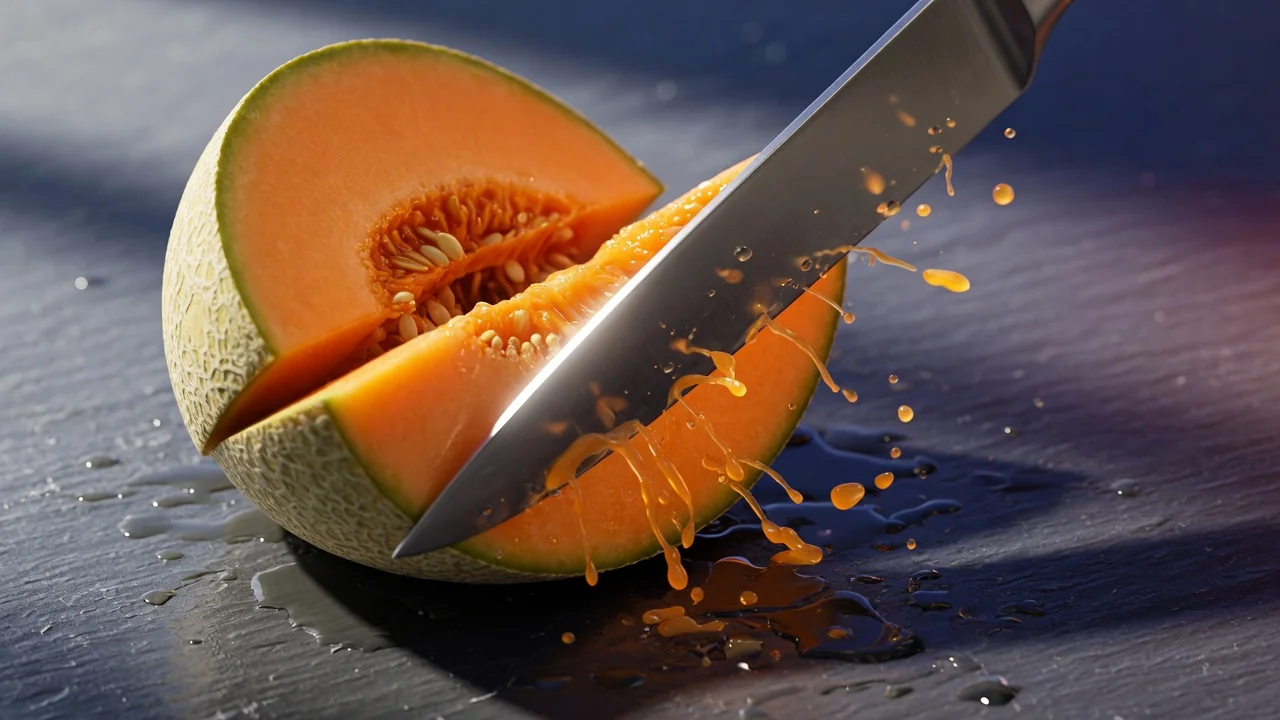
Original AI-generated cover art for the ai video generator tool, cinematic horizontal scene
Image to Videovideo
创作工具可用

AI 视频生成器

用图片或文字生成高质量 AI 视频,作为图生视频工作流的多功能入口,呈现电影级运镜与连贯一致的画面效果。
ai-videogeneratorimage-to-video
图片打开工具
Original AI-generated cover art for the ai asmr generator tool, cinematic horizontal scene
Text to Videovideo
视频特效可用

AI ASMR 视频生成器

用文字提示生成舒缓的 AI ASMR 视频,以音频为核心的创意方向,打造平静、解压的放松类短视频内容。

asmrtext-to-videoaudio
提示词打开工具