
Step 1
Step 1
Define the badge role, event type, audience, pin object, readable name area, icon style, and privacy boundary
Turn name tag maker intent into event badge concepts, staff pin badges, ribbon pins, lanyard cards, printable-style stickers, product stills, and reveal-ready assets.
Create a Name Badge Pin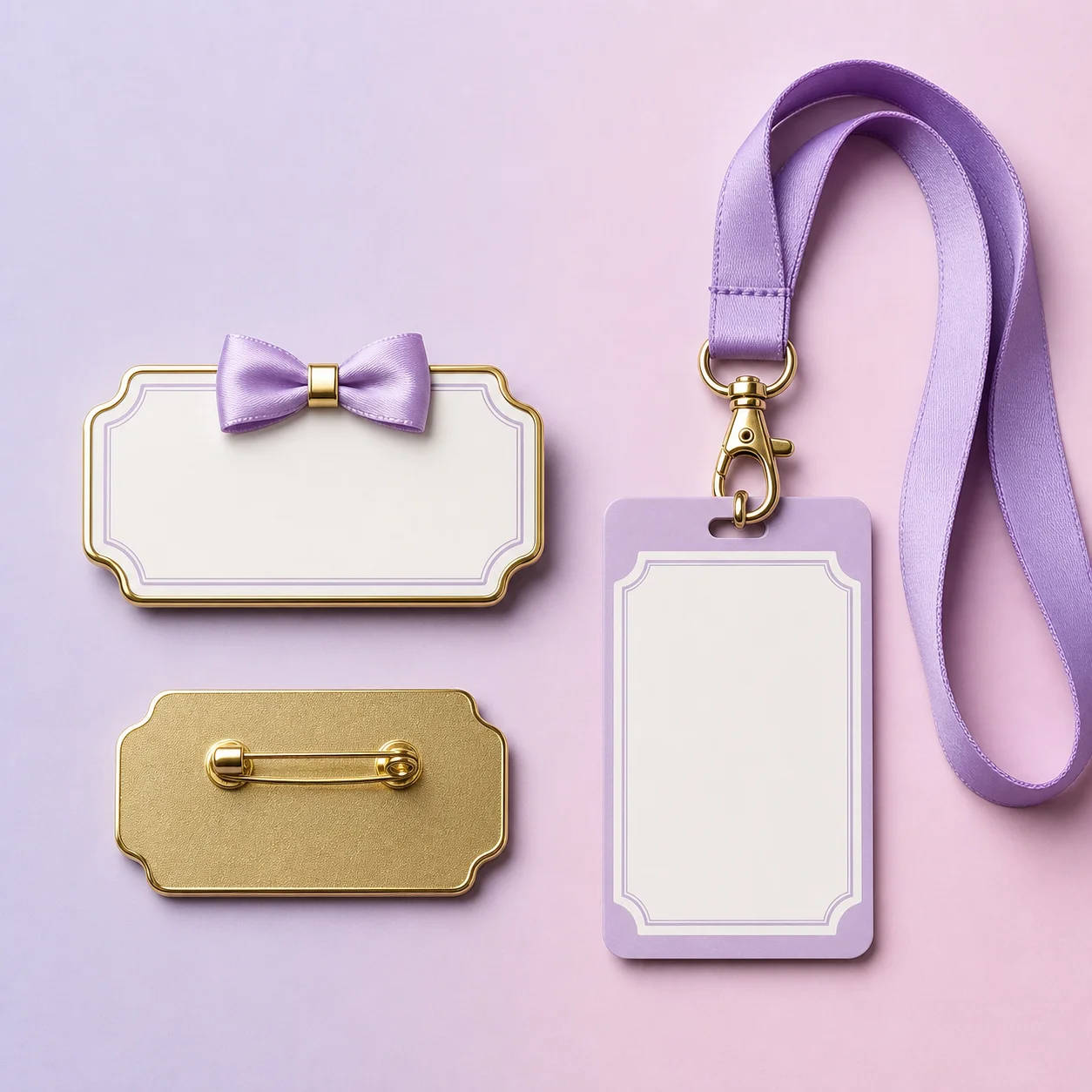
How it works
Step 1
Define the badge role, event type, audience, pin object, readable name area, icon style, and privacy boundary
Step 2
Generate a name-tag frame with clear hierarchy, editable identity space, role cue, and badge or pin placement
Step 3
Compare staff badges, ribbon pins, lanyard cards, printable sticker concepts, enamel pin faces, backing-card inserts, product stills, and reveal source images
Step 4
Keep real names, titles, company names, attendee IDs, QR codes, venue details, access levels, and legal copy editable outside the generated image
Step 5
Use image-to-video only after the still badge asset is approved for a reveal or campaign clip
Why use it
FAQ
It is a visual planning workflow for event badges, staff pin badges, ribbon pins, lanyard cards, printable-style name tag stickers, backing-card inserts, product stills, and reveal source images.
No. AI Pin Maker creates visual assets for badge and pin workflows. It does not verify identity, issue access badges, manage attendee lists, validate employment, or replace an event registration system.
Review names, titles, company names, attendee IDs, QR codes, access levels, venue details, product claims, privacy boundaries, and legal copy in a human-reviewed system before final use.
Start with AI Pin Maker when the name tag visual needs a badge, ribbon pin, or enamel pin. Use text to image for lanyard cards and product stills, then image to video only after the still asset is approved.