
AI Pin Maker
문의하기
동영상 효과전체 동영상 도구

Pro로 업그레이드

고급 기능과 더 빠른 생성 속도를 잠금 해제하세요.

지금 업그레이드

© 2026 AI Pin Maker
창작을 더 가까이

템플릿이미지 생성이미지 리믹스동영상 생성이미지 애니메이션만능 참조동영상 편집음악 생성생성 기록이미지 효과형식 변환전체 이미지 도구동영상 효과전체 동영상 도구새 Pin템플릿내 핀쇼케이스나의 추억관베이비 앨범펫 앨범커플 앨범성장 앨범AI 이모티콘크레딧가격설정
AI 비디오 도구/토킹 아바타

비디오 도구

AI 토킹 아바타 제작

인물 사진과 음성 클립으로 말하는 아바타 영상을 제작. AI가 자연스러운 표정과 정확한 립싱크를 생성해 발표·광고에 활용하기 좋습니다.

미리보기video

Talking Avatar

Upload a portrait photo and a voice clip to generate a talking avatar video with natural facial animation and lip sync.

참고 업로드

PNG, JPG, WebP 최대 10MB

오디오 업로드

MP3, WAV, M4A 최대 50MB

사용 방법

토킹 아바타 사용 방법

1

Upload a clear forward-facing portrait

Upload a frontal or near-frontal portrait of the avatar you want to animate. The subject's face should be well-lit and visible — side profiles reduce lip-sync accuracy.

2

Attach the voice audio file

Upload a voice recording (MP3 or WAV, up to 60 seconds). Runway or HeyGen maps phoneme timing from the audio to facial expression and lip shape on the portrait.

3

Download the synced talking avatar video

Submit the job. The output is a synchronized talking-head video delivered as a single MP4 with audio embedded — ready for presentations, YouTube, or social media.

선택 이유

AI Pin Maker 비디오 도구를 사용하는 이유

워크플로 우선 구성

각 페이지는 하나의 사용자 작업을 필요한 비디오 입력과 모델군에 연결합니다.

모델 적합도

Seedance는 참고 오디오 메타데이터로 음성 기반 캐릭터 애니메이션을 지원해 말하는 아바타에 적합합니다.

실행 가능한 도구

사용 가능 도구는 AI Pin Maker 비디오 생성 워크스페이스에 연결됩니다.

연결된 경로

관련 비디오 도구로 효과에서 편집, 음악, 제작 워크플로까지 이어갈 수 있습니다.

FAQ

비디오 도구 FAQ

What portrait photo works best for a talking avatar?
A frontal or near-frontal portrait with the subject's face visible and well-lit gives the best lip-sync and expression results. Side profiles or heavily tilted faces reduce phoneme-to-shape accuracy.
Can I use a real person's photo to create a talking avatar?
You must have rights to the portrait you upload. The tool is intended for original characters, custom illustrations, personal portraits, and business personas — not for impersonating other people without consent.
What voice audio formats are supported?
MP3 and WAV are accepted. For clearest lip sync, use a recording with minimal background noise and distinct speech phonemes. Audio with heavy music or effects reduces mouth-shape accuracy.
How is the talking avatar creator different from the audio-to-video converter?
The talking avatar creator is specifically tuned for portrait-plus-voice lip-sync use cases, using a dedicated mouth-shape model layer (Runway / HeyGen). The audio-to-video converter handles general audio-driven scene animation for any image type — not just portrait close-ups.

관련 도구

다른 비디오 도구 보기

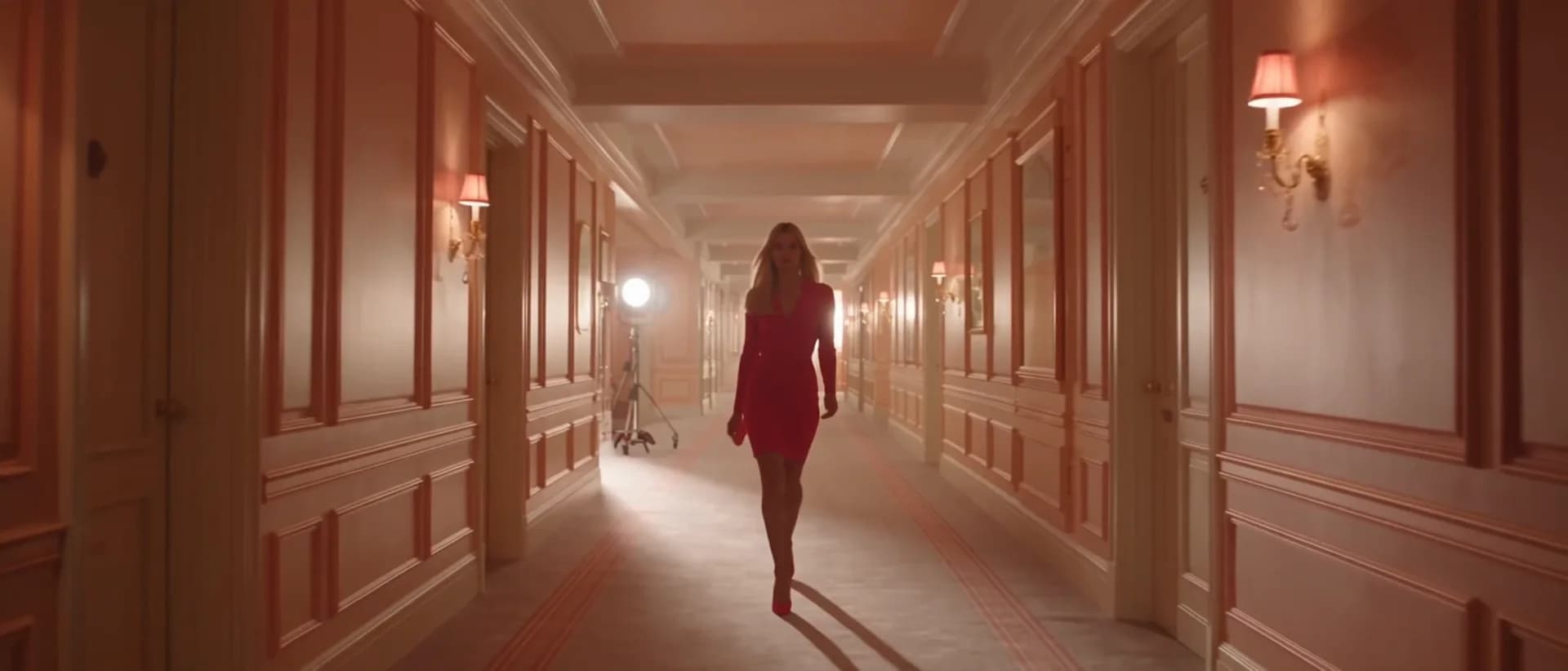
Original AI-generated cover art for the audio to video converter tool, cinematic horizontal scene
Image to Videovideo
제작 도구사용 가능

오디오 영상 변환기

AI로 오디오를 영상으로 변환. 업로드한 음원에 맞춰 인물이나 장면 이미지를 움직여 뮤직 클립·팟캐스트·가사 영상을 만드세요.

audio-to-videoavatarseedance
오디오도구 열기
Original AI-generated cover art for the ai music video generator tool, cinematic horizontal scene
Videovideo
제작 도구출시 예정

AI 뮤직비디오 생성기

오디오·이미지·장면 프롬프트를 결합해 리듬감 있는 영상으로 만드는 AI 뮤직비디오. 오디오 싱크 정식 지원 전 미리 볼 수 있습니다.

music-videoaudiopreview
오디오도구 열기
Original AI-generated cover art for the text to video generator tool, cinematic horizontal scene
Text to Videovideo
제작 도구사용 가능

텍스트 영상 변환기

텍스트 프롬프트로 AI 영상을 생성. 모델·화면 비율·길이·카메라 방향까지 제어해 글만으로 영화 같은 영상을 만들어 보세요.

text-to-videopromptcamera-motion
프롬프트도구 열기