
Step 1
Define scope before prompting
Define the keychain role, audience, rights boundary, charm shape, material assumption, and merch-set context before prompting
Turn keychain maker intent into custom keychain concepts, pin companions, sticker accents, backing-card inserts, product stills, and reveal-ready merch assets.
Create a Keychain Pin Set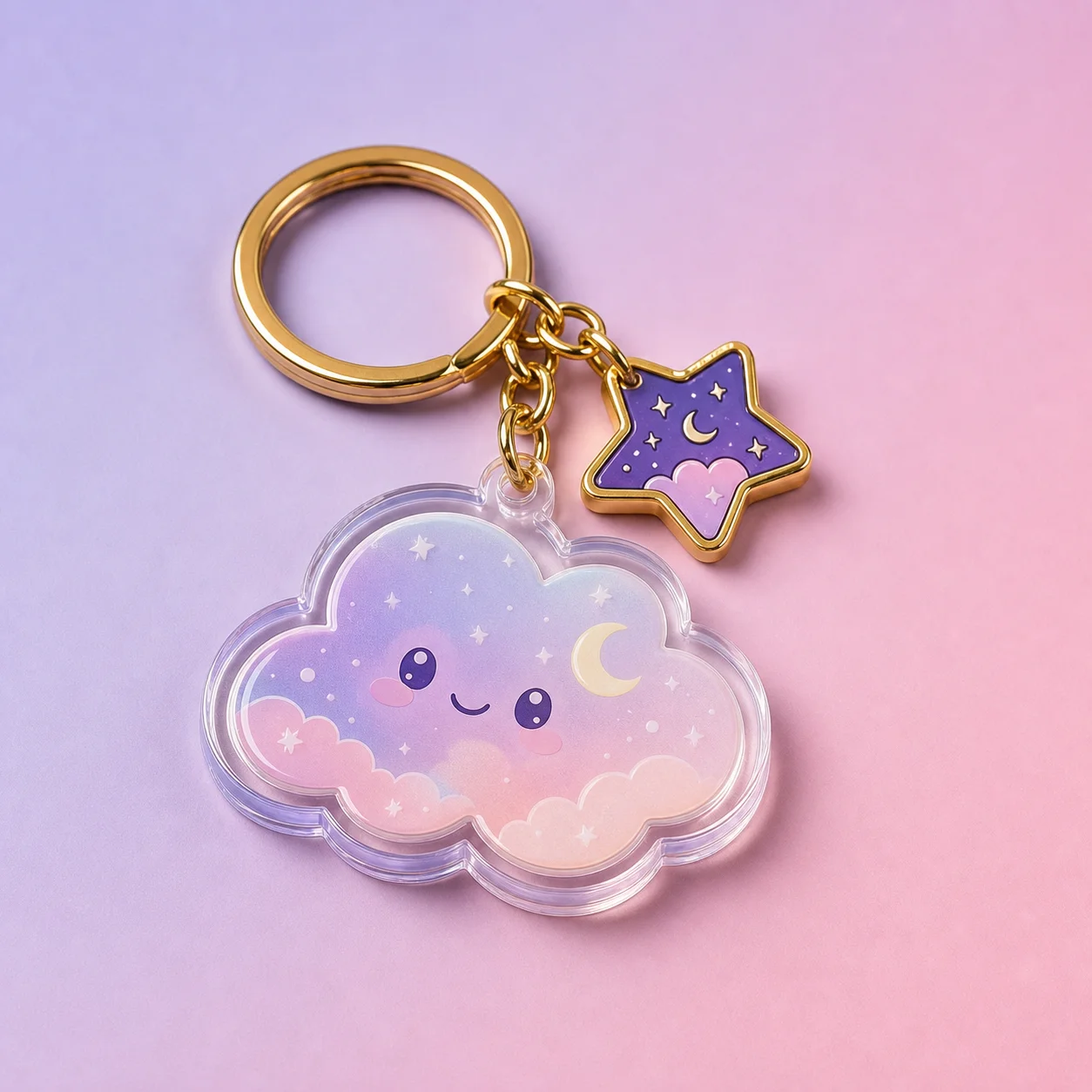
How it works
Step 1
Define the keychain role, audience, rights boundary, charm shape, material assumption, and merch-set context before prompting
Step 2
Generate one focal motif, clear outline, limited color palette, and enough empty space for later editable copy
Step 3
Compare the keychain concept with an enamel pin companion, sticker accent, backing-card insert, product still, and reveal source frame
Step 4
Keep size, clasp type, print method, double-sided status, supplier notes, rights status, and launch copy editable outside the generated image
Step 5
Move to image to video only after the still keychain board and pin companion are approved for a reveal or product-card loop
Why use it
FAQ
It is a process for turning keychain search intent into compact merch assets: custom keychain concepts, enamel pin companions, sticker accents, backing-card inserts, product stills, and optional reveal source frames.
No. AI Pin Maker supports visual generation and pin concept planning. Use dedicated suppliers, rights review, cut-line proofing, pricing tools, and shipping systems for physical keychain, sticker, badge, or pin production.
Check whether the charm silhouette is clear, the pin companion works at small size, colors are simple, text remains readable, and all production facts remain editable. Do not copy published art, protected IP cues, third-party layouts, shop previews, or quoted product claims.
Use AI Pin Maker when the keychain motif should become a badge or enamel pin companion, text to image for keychain boards and product stills, and image to video after an approved still is ready for a reveal.