
元の動画をアップロード
最大 120 秒の動画クリップをアップロードします。モデルが前景の被写体を自動でセグメント化するため、グリーンスクリーンや手動マスクは不要です。
動画ツール
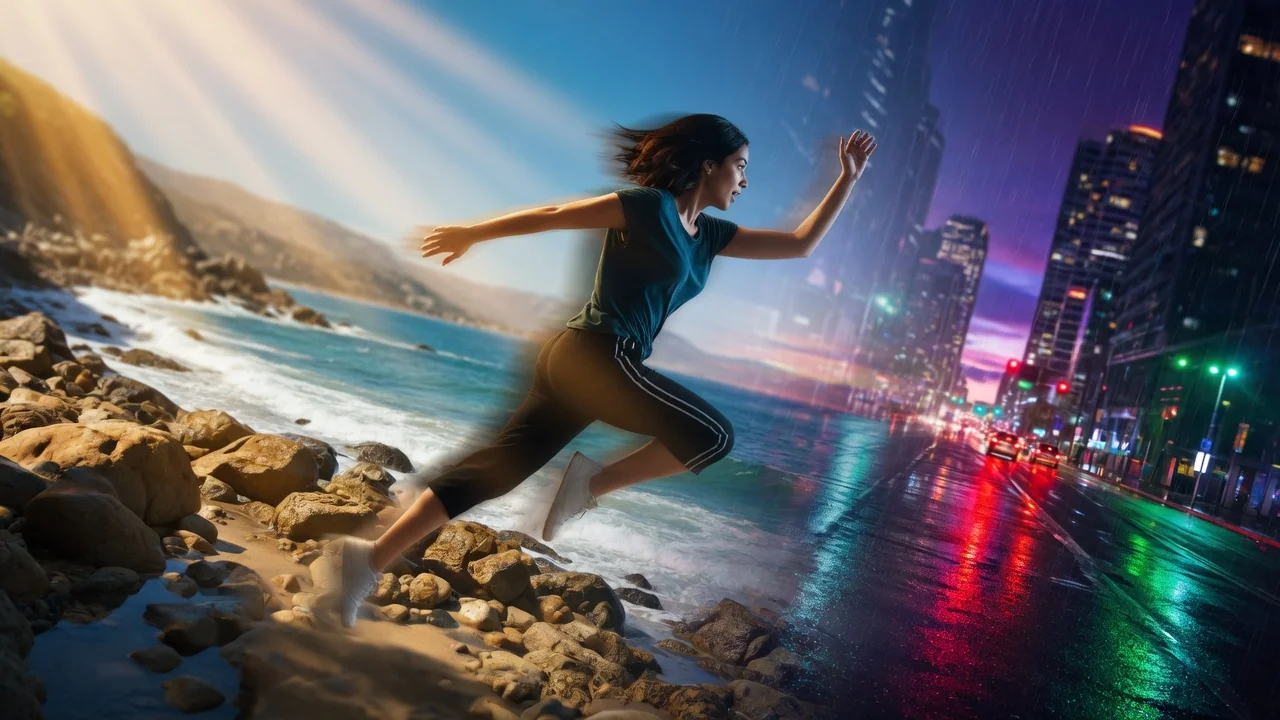
プロンプトベースのAI編集で動画の背景を変更。グリーンバックや手作業のマスクなしで、被写体の後ろのシーンをきれいに差し替え。
BG Changer
Change video backgrounds through prompt-based video editing.
動画をアップロード
MP4、MOV、WebM、最大100MB
使い方
最大 120 秒の動画クリップをアップロードします。モデルが前景の被写体を自動でセグメント化するため、グリーンスクリーンや手動マスクは不要です。
プロンプトに具体的な背景の説明を書きます。単に「都市」と書くより「ネオンが反射する雨の夜の東京の街並み」のほうが良い結果になります。写真を背景にしたい場合は、画像フィールドに参照画像を添付してください。
ジョブを送信します。HappyHorse 1.0 Video Edit が、被写体のエッジ、肌のトーン、モーションの連続性を全フレームで維持しながら背景ピクセルを置き換えます。
選ぶ理由
各ページは1つのユーザー目的を必要な動画入力とモデル群に対応させます。
ライブモデル一覧で現在検証済みの動画編集エンドポイントを使用します。
利用可能なツールはAI Pin Makerの動画生成ワークスペースに接続します。
関連動画ツールでエフェクトから編集、音楽、制作ワークフローへ続けられます。
FAQ
関連ツール
プロンプトと参照画像でAIが短い動画を編集。検証済みの動画編集ルートでリスタイルや調整、仕上げを行い、タイムライン操作は不要。
アップロードした動画をAIで変換・リスタイル。検証済みの編集エンドポイントで、動きやシーンの連続性を保ちつつ新しい見た目を適用。
プロンプトガイドでAIが動画の長さを延長。検証済みの編集エンドポイントでクリップをシームレスに続け、撮り直しなしで尺を追加。