
Step 1
Step 1
Define the button size, audience, pin object, border style, text limit, rights boundary, and production boundary
Turn button maker intent into custom button badges, fan pins, event freebies, badge press proof visuals, backing-card inserts, product stills, and reveal-ready assets.
Create a Button Badge Pin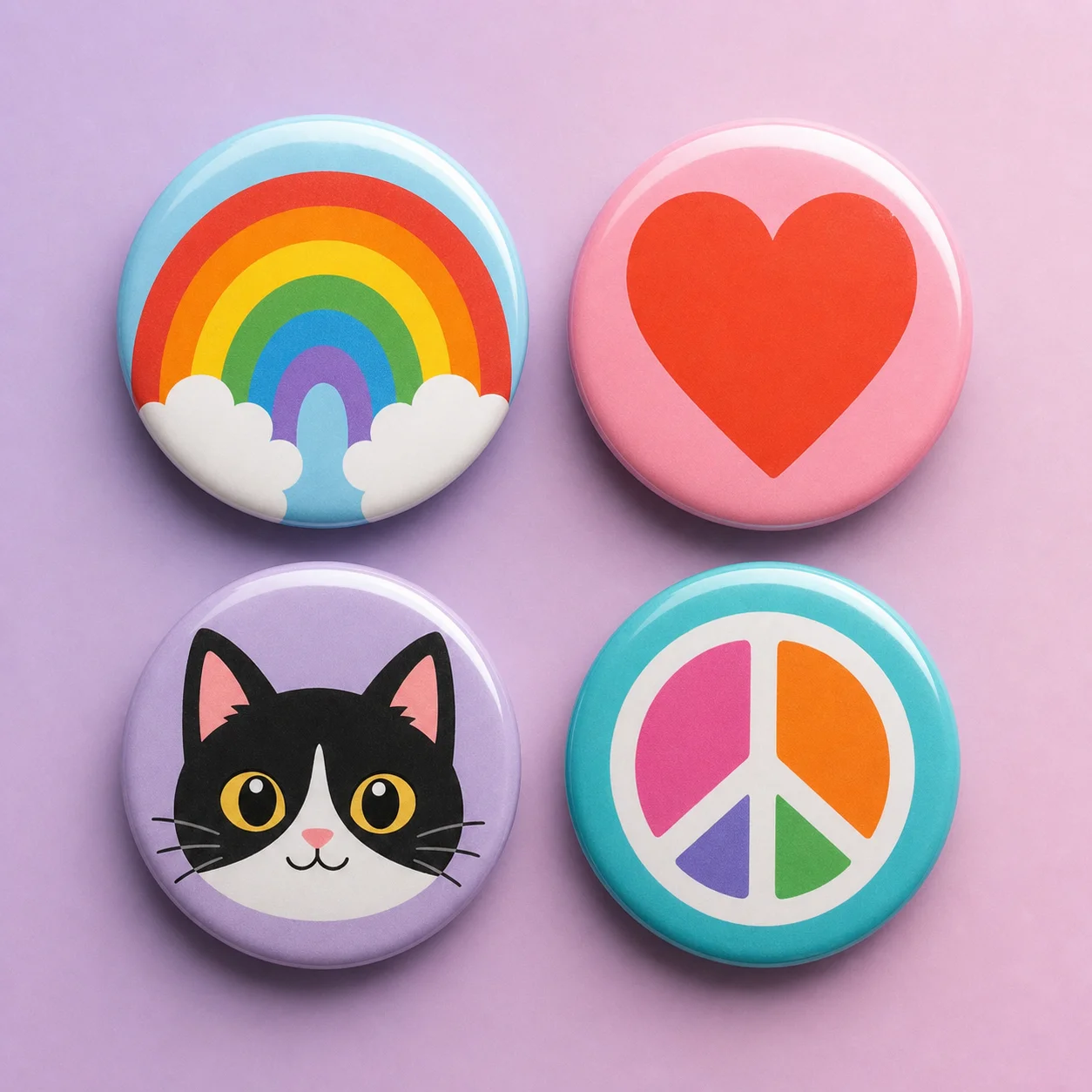
How it works
Step 1
Define the button size, audience, pin object, border style, text limit, rights boundary, and production boundary
Step 2
Generate a round badge face with readable hierarchy, centered subject, simple icon, and editable copy area
Step 3
Compare custom button badges, fan pin concepts, enamel pin faces, backing-card inserts, product stills, and reveal source images
Step 4
Keep logos, slogans, production claims, print specs, quantities, prices, and fulfillment details editable outside the generated image
Step 5
Use image-to-video only after the still button badge asset is approved for a reveal or campaign clip
Why use it
FAQ
It is a visual planning workflow for custom button badges, fan pins, event freebies, enamel pin concepts, badge press proof visuals, backing-card inserts, product stills, and reveal source images.
No. AI Pin Maker creates visual assets for badge and pin workflows. It does not sell hardware, source supplies, verify badge backs, price production, manage orders, or replace a print vendor.
Review logos, slogans, fandom references, production claims, material specs, quantities, prices, fulfillment details, rights boundaries, and legal copy in a human-reviewed system before final use.
Start with AI Pin Maker when the button visual needs a badge or enamel pin. Use text to image for button art and product stills, then image to video only after the still asset is approved.