AI Pin Maker
Contact us
Video EffectsAll Video Tools

Upgrade to Pro

Unlock advanced features and faster generation speed.

Upgrade now

© 2026 AI Pin Maker
Bring creativity within reach

TemplatesGenerate ImageRemix ImageGenerate VideoAnimate ImageAll-purpose ReferenceVideo EditGenerate MusicGeneration historyImage EffectsFormat ConverterAll Image ToolsVideo EffectsAll Video ToolsNew PinTemplatesMy PinsShowcaseMy MemoriesBaby albumPet albumCouple albumGrowth albumAI StickersCreditsPricingSettings
AI video tools/AI Dance

AI video effects

AI Dance Video Generator

Turn a single photo into a fun AI dance video. Add natural movement and rhythm for TikTok, Reels, and Shorts without any editing skills.
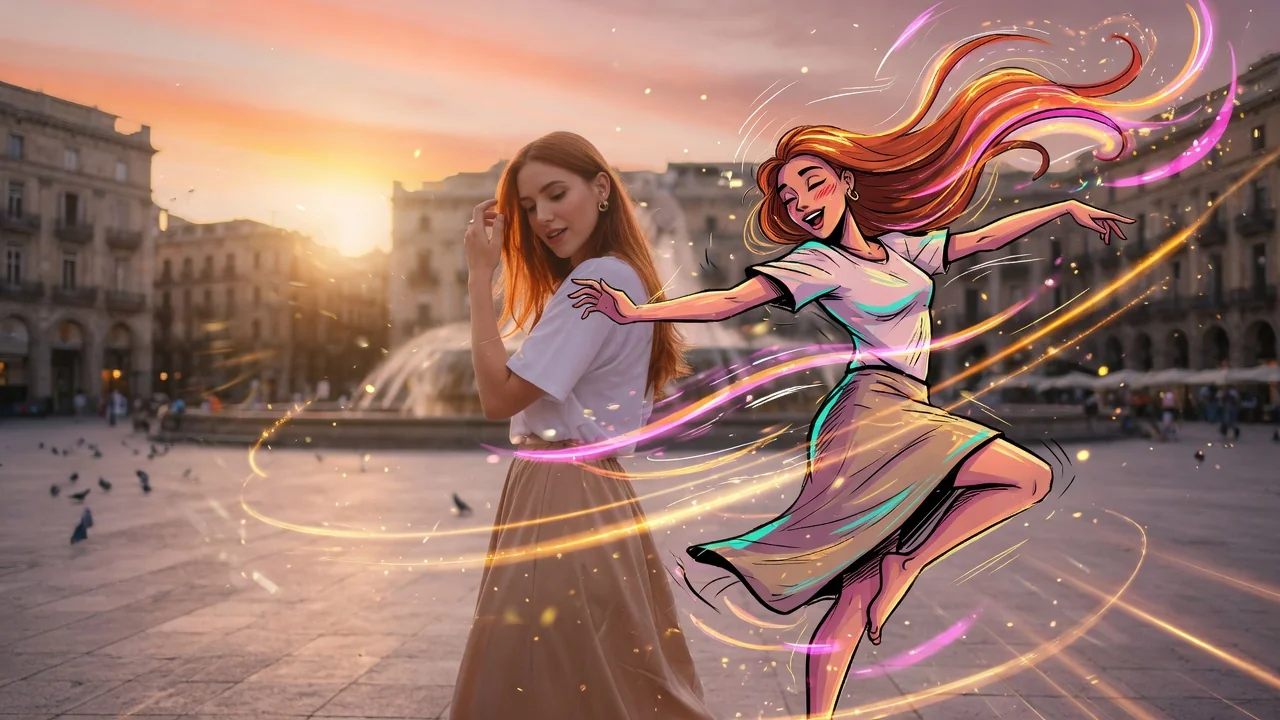
Previewvideo

AI Dance

Turn a still photo into a dance video without pretending to support motion-transfer video references.

Upload photo

PNG, JPG, WebP up to 10MB

How it works

How to use AI Dance

1

Upload a photo of the person to animate

Upload a photo of the person you want to see dancing. Standing or three-quarter body shots facing forward work best — they give the model the most limb geometry for natural movement.

2

Describe the dance style or leave it to the AI

Add a prompt for a specific style — "hip-hop bounce step," "slow waltz," "K-pop idol stage energy." Leave it blank and the model generates a natural confident dance matched to social media pacing.

3

Download and share to TikTok or Reels

Submit the job. Seedance 2.0, Runway, or PixVerse generates a 4–6 second vertical dance clip ready for direct upload to TikTok, Instagram Reels, or YouTube Shorts.

Why use it

Why use AI Pin Maker video tools

Workflow-first setup

Each page maps one user job to the required video inputs and model family.

Model fit

Default image-to-video route verified against live endpoint tags and tuned for short viral effects.

Runnable tools

Ready tools connect to the AI Pin Maker video generation workspace.

Connected routes

Related video tools help continue from effects into editing, music, and production workflows.

FAQ

Video tool FAQ

Do I need to provide a reference dance video to define the moves?
No. The AI generates dance motion directly from the still photo, producing natural body movement without requiring a motion-transfer source clip. For specific choreography, describe the style in the prompt (e.g., "hip-hop bounce step" or "slow waltz").
What types of photos produce the best dance animations?
Standing or three-quarter body shots with the subject facing forward and arms at sides give the model the most room to generate natural limb motion. Seated, heavily layered, or tightly cropped images limit the range of movement.
Is the dance clip output sized for TikTok and Reels?
Yes — the output is generated in 9:16 vertical format optimized for TikTok, Reels, and Shorts. Clip length is typically 4–6 seconds, matching the standard loop length for viral short-form dance content.
Can I animate a cartoon or illustrated character instead of a real photo?
Yes. The model handles illustrated and stylized subjects alongside photographic portraits. PixVerse tends to preserve illustration art style better than photo-tuned models for character animations.

Related tools

Explore more video tools

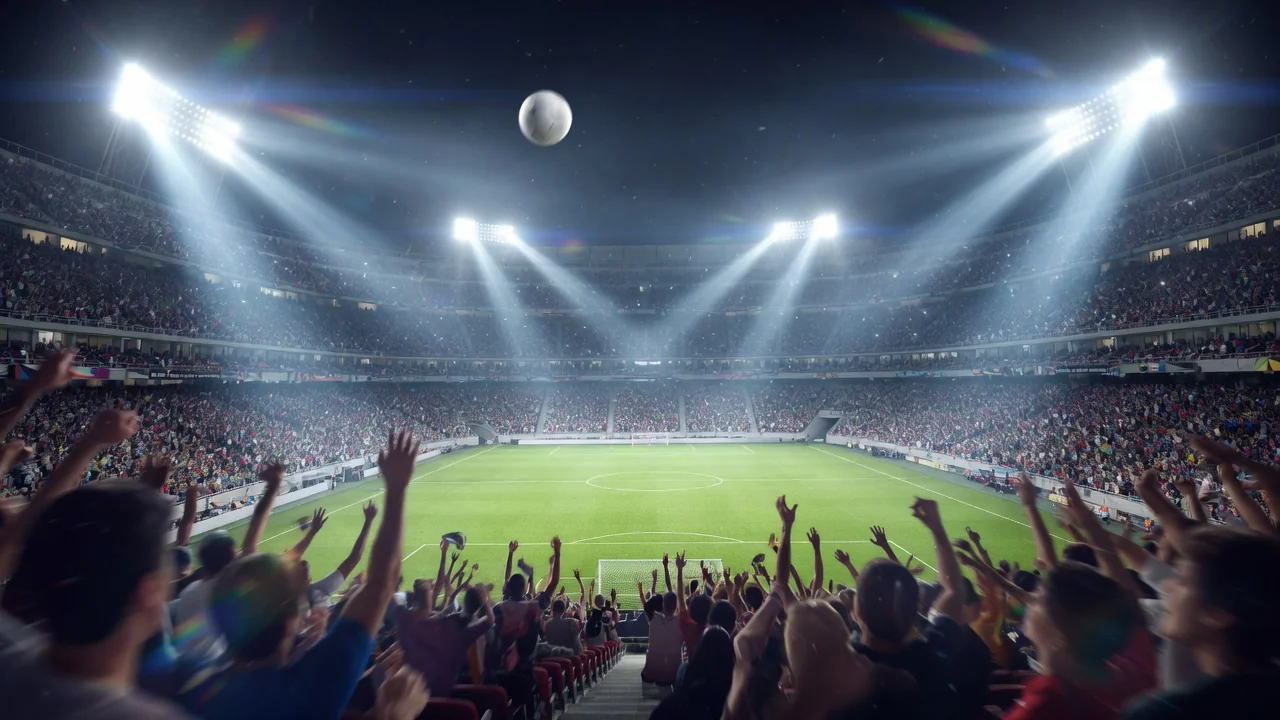
Original AI-generated cover art for the ai world cup 2026 tool, cinematic horizontal scene
Image to Videovideo
Video effectsReady

World Cup 2026 AI Video

Join the viral World Cup 2026 trend. Turn a portrait into realistic broadcast-style fan footage with stadium energy, ready for TikTok and Reels.
world-cupsportsviral
ImageOpen tool
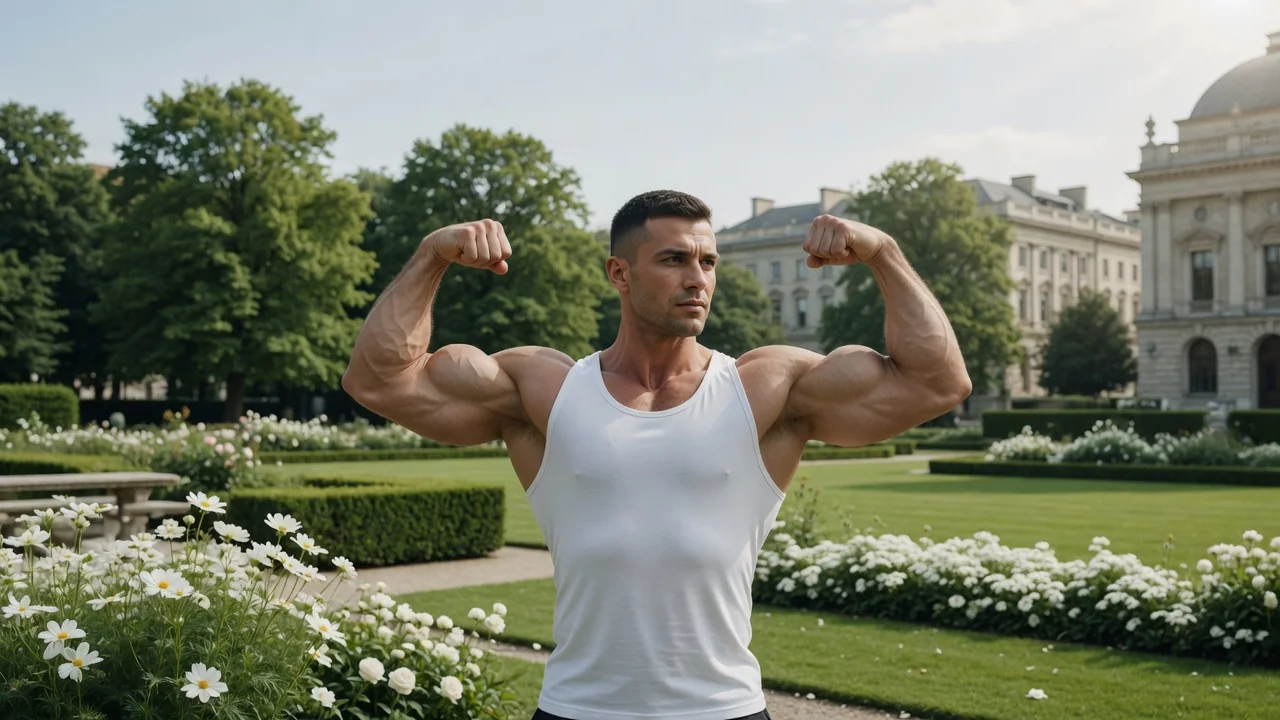
Original AI-generated cover art for the ai muscle generator tool, cinematic horizontal scene
Image to Videovideo
Video effectsReady

AI Muscle Video Generator

Turn a portrait into a short AI muscle transformation video. Watch a before-and-after body change unfold for fun, viral fitness social posts.
muscletransformationviral
ImageOpen tool
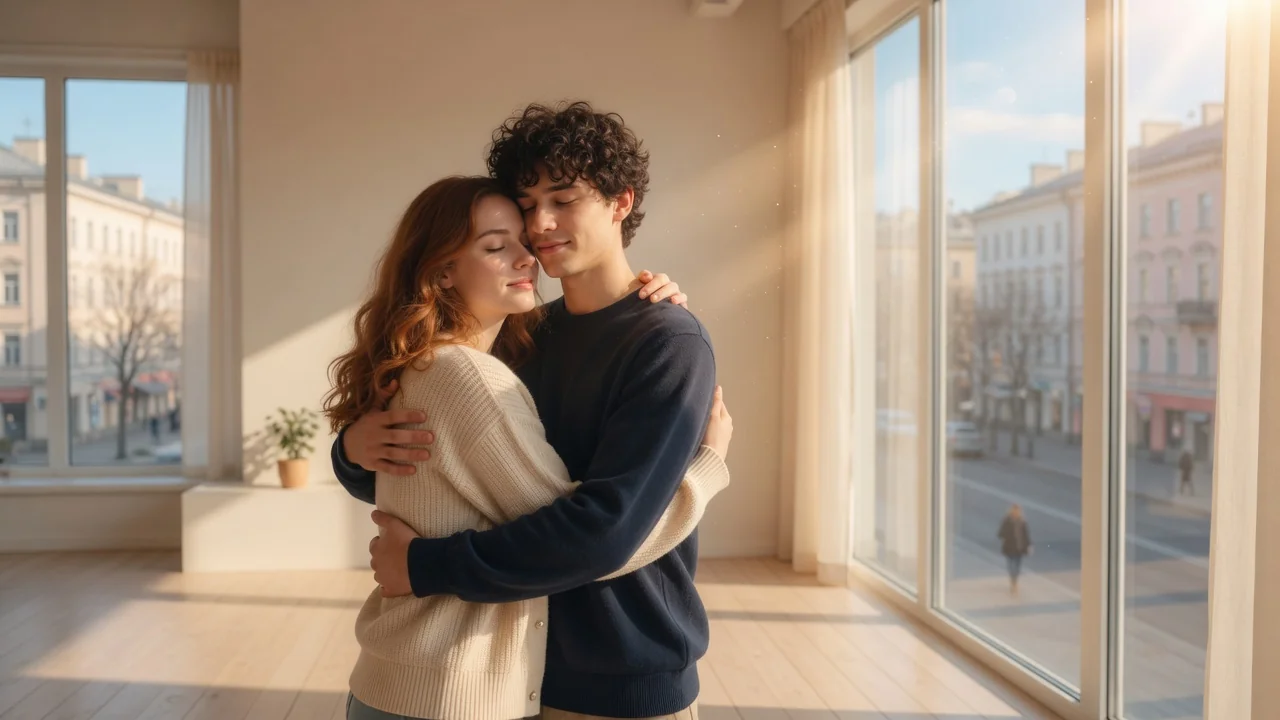
Original AI-generated cover art for the ai hug video generator tool, cinematic horizontal scene
Image to Videovideo
Video effectsReady

AI Hug Video Generator

Create heartfelt AI hug videos from a reference photo. Natural motion and warm, emotional framing make touching clips for family and couples.

hugemotioncouple
ImageOpen tool