
Step 1
Define format and audience
Define badge format and audience first: collector pin, event giveaway, brand merch, or community badge
Move from a loose badge idea to a focused visual direction with prompt structure, style comparison, and production review cues.
Design a Badge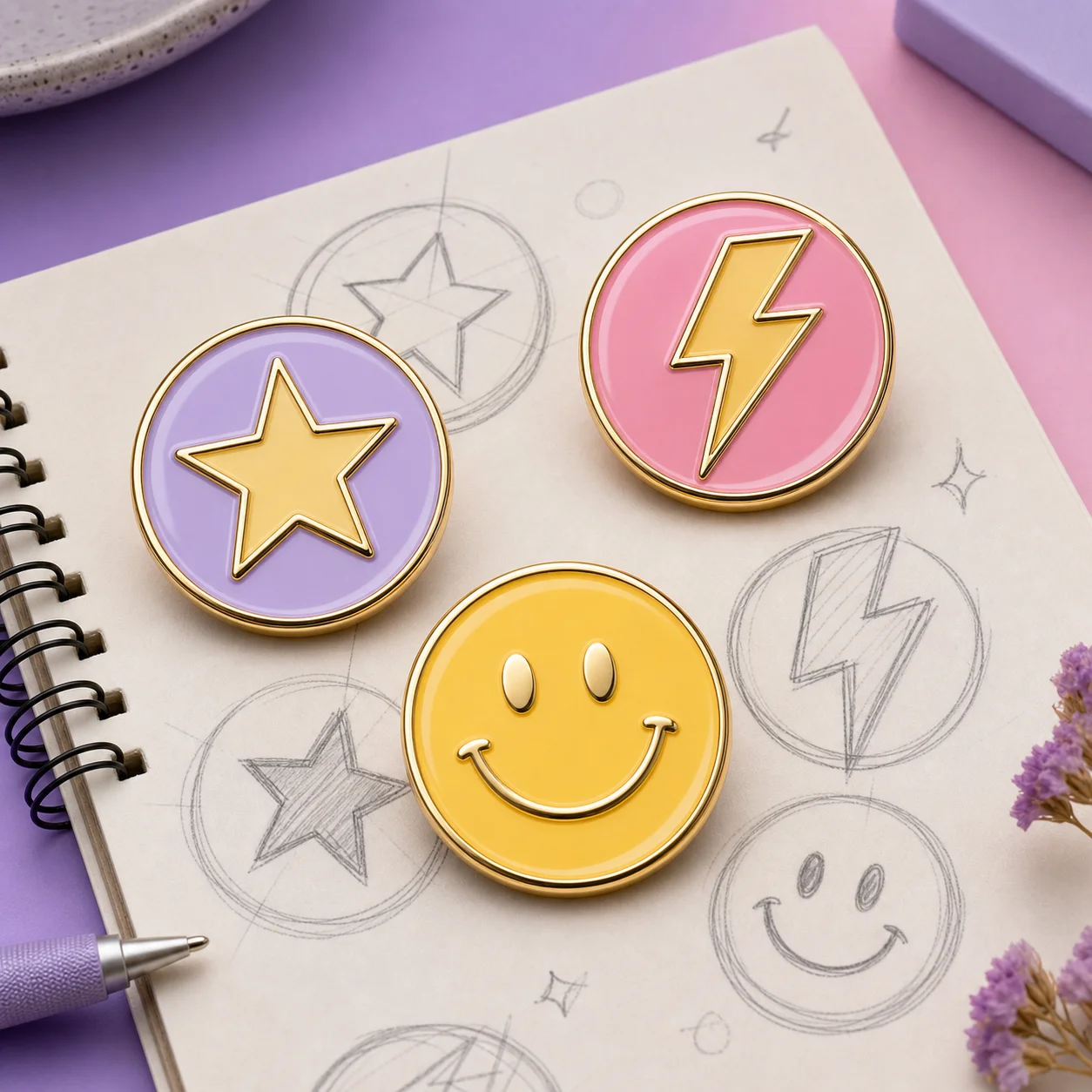
How it works
Step 1
Define badge format and audience first: collector pin, event giveaway, brand merch, or community badge
Step 2
Generate two or three style families from the same subject brief — flat vector, bold cartoon, and detailed illustration read very differently at pin scale
Step 3
Reduce tiny lines and gradients early; enamel production needs metal-line separation between colors
Step 4
Cap the palette at 4-6 solid colors for soft enamel, slightly more for hard enamel
Step 5
Test the design at actual size (30-50mm) — details that look fine on screen vanish at pin scale
Step 6
Use the production checklist before handoff: line weight, color count, text legibility, plating choice
Why use it
A badge is not a small illustration — it is a manufactured object with metal lines separating enamel colors. AI Badge Design briefs that ignore production physics generate beautiful images that no factory can make: gradients need stepped color bands, hairline details need consolidation, and text under 2mm becomes unreadable metal smudge. AI Pin Maker's badge workflow bakes these constraints into the prompt structure, so first drafts start closer to manufacturable instead of needing a redraw.
The handoff path runs: generate style candidates, pick one family, simplify to production rules, then export the reference set a manufacturer needs — front view, color callouts, and plating notes. Keep the original AI render alongside the simplified version; factories quote faster when they can see both the intent and the constrained spec. For small runs, the same design works for soft enamel at lower cost; hard enamel rewards designs with larger color fields.
FAQ
Generating badge style candidates and previewing directions works on the free tier — no design software, no sign-up needed to preview. Production-resolution exports use credits; details are on the AI Pin Maker pricing page.
Name the subject, badge shape, line weight, color count, enamel style, and any text that must remain readable. Subject first, production constraints second, style adjectives last — that order keeps the model anchored.
AI Pin Maker routes badge briefs through image models tuned for flat shape discipline, including GPT Image 2 and the Seedream family, then through the pin layout workflow for production simplification. Switch routes from the studio without rewriting the brief.
Simple silhouettes, bold outlines, limited colors, and strong character poses are easier to refine into custom pins. Mascots and emblem-style marks survive the jump to 40mm far better than detailed scenes.
Soft enamel suits designs with raised metal-line texture and lower budgets; hard enamel gives a flat polished face and richer color fields. Designs with large solid areas lean hard enamel; line-art heavy designs lean soft.
Yes — upload it through image to image and prompt for badge adaptation. The route preserves your mark's identity while applying pin-scale production rules, which beats describing the logo from scratch in words.